
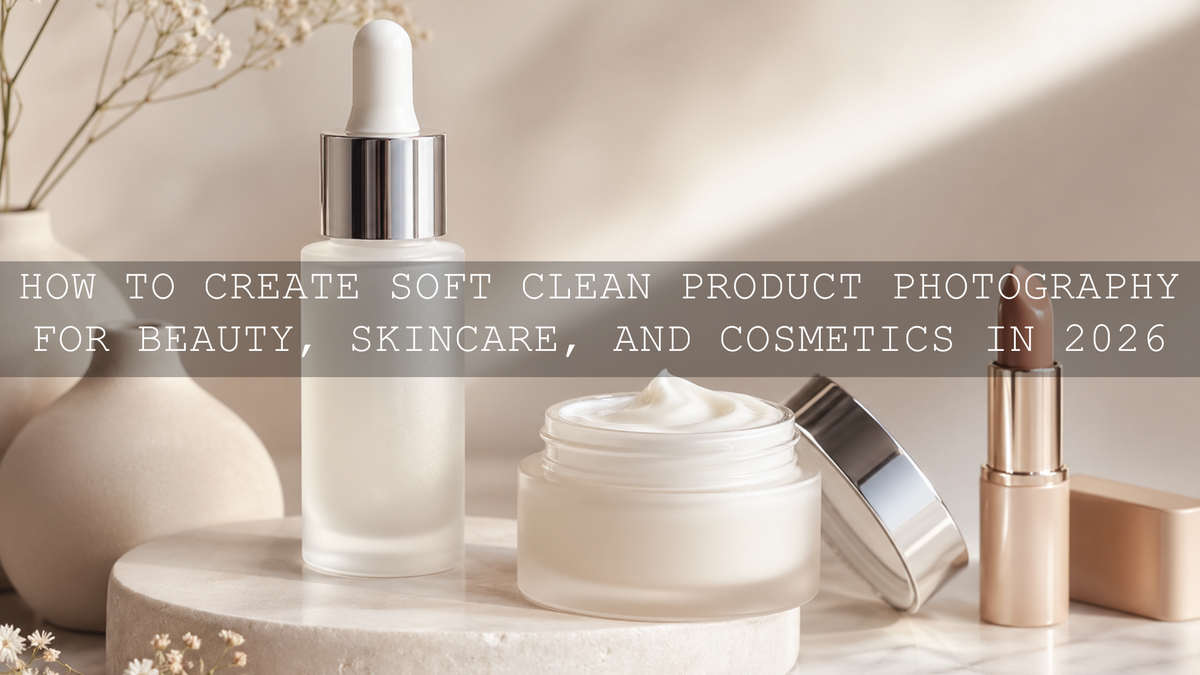
How to Create Soft Clean Product Photography for Beauty, Skincare, and Cosmetics in 2026
Soft clean product photography is one of the strongest visual styles for beauty brands, skincare content, cosmetic flat lays, and premium e-commerce images in 2026. The goal is simple: make the product look fresh, smooth, luminous, and trustworthy without making it look fake. For creators using Lightroom presets, beauty LUTs, and clean product edits, the best results come from balancing soft contrast, accurate color, controlled highlights, and natural texture.
Here’s why this matters: beauty and skincare visuals need to feel polished, but customers still want to see the real finish of a serum bottle, moisturizer texture, lipstick shade, or highlighter glow. A clean edit should make the product more attractive while keeping the color believable. I tested this approach on indoor product shots with white packaging, reflective caps, and soft window light, and the biggest improvement came from correcting white balance first, then applying a gentle preset or LUT as the creative finish.
If you want a faster starting point, explore the AI-Optimized Aesthetic Home Studio Clean Lightroom Presets for indoor product photos and browse the AI-Optimized Lightroom Presets for Mobile and Desktop collection for more clean editing styles. Try these presets today — Buy 3, Get 9 FREE — and use them as a polished base before making small exposure, color, and detail adjustments for each image.
What Makes a Product Photo Look Soft, Clean, and Premium?
A soft clean edit is not a blurry edit. It is also not an overexposed image with all the details removed. The secret is controlled softness: smooth tonal transitions, gentle contrast, clean whites, natural shadows, and product details that stay sharp only where they need to be sharp.
For example, a skincare jar should keep the label readable, the cap edge crisp, and the cream texture visible. At the same time, the background, shadows, and highlights should feel calm and smooth. This is what gives the photo a premium beauty-brand look.
A clean product image usually includes:
- Accurate white balance so whites, creams, and skin tones do not turn too yellow, blue, green, or magenta.
- Soft contrast that adds shape without making shadows harsh.
- Controlled highlights so glass bottles, metallic caps, and glossy packaging do not look blown out.
- Natural texture so creams, powders, and makeup finishes still look real.
- Minimal distractions so the viewer focuses on the product first.
Adobe’s official guide to image tone and color in Lightroom Classic is useful here because product editing depends heavily on exposure, contrast, highlights, shadows, whites, blacks, and white balance. Once those basics are balanced, presets and LUTs become much more effective.
Presets vs Manual Editing: Which Is Better for Product Photography?
Both presets and manual editing have a place in a professional product workflow. The mistake is thinking you must choose only one. The best workflow is usually preset first, manual refinement second.
When presets are better
Presets are ideal when you need speed, consistency, and a clear brand look. If you are posting daily beauty content, editing a Shopify product gallery, creating Pinterest pins, or building an Instagram feed, presets help every image feel connected. Adobe explains that Lightroom presets apply predefined editing adjustments, which can include exposure, contrast, saturation, and color grading changes.
For beauty and skincare photography, presets are especially helpful when you want clean whites, soft contrast, and gentle color harmony across multiple images shot in the same location.
When manual editing is better
Manual editing is better when the image has a specific problem: a green color cast from indoor lights, blown-out highlights on glass packaging, overly dark shadows, or a label that needs extra clarity. A preset can create the look, but manual edits fix the photo.
Here’s a simple comparison:
- Use presets for consistent style, faster workflow, and brand identity.
- Use manual editing for exposure correction, color accuracy, highlight recovery, and product-specific fixes.
- Use both together when you want professional results without spending too much time on every photo.
For a deeper product-focused workflow, read the best Lightroom presets for e-commerce and product photography, especially if you create product photos for online stores, beauty brands, or social media campaigns.
Step-by-Step Soft Clean Product Edit in Lightroom
Let’s break it down into a simple editing workflow you can repeat for skincare, cosmetics, perfume, jewelry, packaging, and beauty flat lays.
Step 1: Start with white balance
Before applying a strong style, fix the color temperature and tint. If a white product box looks yellow, the whole image will feel less clean. If a skincare bottle looks blue, the photo may feel cold and clinical instead of soft and premium.
Pro tip: Use a neutral white, gray, or cream area in the image as your visual reference. Do not force every image to pure white; some beauty brands look better with warm ivory, beige, or soft cream tones.
Step 2: Correct exposure before adding style
Product photos often need a brighter base, but avoid pushing exposure too far. Overexposure removes texture from creams, labels, and reflective surfaces. Increase exposure gently, then pull highlights down if glass, plastic, or metallic details are too strong.
Pro tip: If the background is too dark but the product already looks bright, do not raise the whole exposure. Use local adjustments or masking instead, especially for bright packaging and reflective caps.
Step 3: Apply a clean Lightroom preset
Once the image is balanced, apply a clean product-friendly preset. The AI-Optimized Aesthetic Home Studio Clean Lightroom Presets are a strong match for indoor beauty setups, desk product photos, flat lays, and clean brand content because the style is designed for bright scenes, controlled whites, and a polished studio feel.
If you shoot close-ups of creams, lipstick texture, jewelry details, or packaging edges, the Lightroom Presets for Macro Photos can help bring out fine details while still keeping the edit clean and refined.
Step 4: Reduce harsh contrast
For soft clean product photography, contrast should shape the product, not overpower it. If shadows look too deep or edges feel too aggressive, reduce contrast slightly. You can also lift shadows a little and lower highlights to create smoother tonal transitions.
Pro tip: Do not remove all contrast. A flat product image can look cheap because the shape disappears. Keep enough depth to show the bottle curve, cap edge, label, and texture.
Step 5: Keep colors natural and brand-safe
Beauty and skincare edits should not shift product colors too far from reality. A lipstick shade, serum color, foundation tone, or packaging color should remain believable. If your preset adds too much warmth or saturation, reduce vibrance slightly and fine-tune individual color sliders.
For styling your color palette before editing, Adobe Color’s color wheel and harmony tools can help you plan soft beige, cream, blush, rose, neutral, or pastel color combinations that feel premium without looking messy.
How to Edit Beauty Product Close-Ups Without Losing Texture
Close-ups are powerful because they show quality. But they can also expose every problem: dust, harsh reflections, label imperfections, uneven cream texture, or too much sharpening. The goal is to keep important details crisp while making the overall image feel smooth.
For a beauty product close-up, focus sharpness on:
- Label text and logo edges
- Packaging corners and cap lines
- Powder, cream, gloss, or serum texture
- Jewelry, metallic trim, or reflective accents
- The main product edge closest to the camera
Keep softness in:
- Background gradients
- Fabric folds
- Skin areas in lifestyle product shots
- Out-of-focus props
- Shadows around the product
In my own product edits, I usually sharpen less than expected and rely more on clarity, texture, and selective contrast. That keeps the product readable without making the image feel crunchy. If you want more detail-focused guidance, the guide on sharp beauty product close-ups in 2026 goes deeper into close-up editing, product texture, and clean presentation.
Soft Clean Video Looks: How LUTs Help Beauty and Skincare Content
For video, the same rules apply, but consistency becomes even more important. A skincare routine video, makeup tutorial, product reel, or beauty ad should keep skin tones natural, highlights smooth, and the overall color mood cohesive from clip to clip.
The Soft Contrast Beauty LUTs are a strong fit when you want clean skin tones, smooth highlights, and gentle cinematic contrast for beauty videos, product demonstrations, portraits, interviews, and lifestyle clips.
If your visual identity is more minimal, warm, and neutral, the Cinematic Minimal Beige Aesthetic LUTs Pack is better for calm skincare routines, beige studio setups, wellness content, home interiors, and soft lifestyle branding.
For more LUT options across Premiere Pro, DaVinci Resolve, Final Cut Pro, and other video workflows, browse the Cinematic LUTs Pack for Premiere Pro, DaVinci and Final Cut Pro collection.
Common Mistakes That Make Product Photos Look Harsh
Even a beautiful product can look less premium if the edit is too heavy. These are the most common mistakes to avoid when creating soft clean product photography.
Too much clarity
Clarity can make labels and texture pop, but too much clarity creates harsh edges, rough shadows, and an overprocessed look. Use it gently, especially on skincare, makeup, and beauty packaging.
Over-bright whites
Clean does not mean pure white everywhere. If whites are pushed too far, the photo loses detail and looks flat. Keep some soft shadow and tonal variation so the product still feels real.
Wrong white balance
A small color cast can ruin a beauty product image. Green indoor light can make skincare look dull. Too much yellow can make white packaging look old. Too much blue can make a warm beauty brand feel cold.
Over-saturation
Beauty content often looks more premium when colors are controlled. Instead of pushing saturation globally, adjust individual colors. Let hero colors stand out while keeping the background calm.
Ignoring mixed lighting
Indoor lighting plus window light can create two different color temperatures in one image. This is one of the biggest reasons product photos look uneven. For a practical fix, read how to master presets in mixed indoor and window lighting.
A Simple Soft Clean Editing Recipe You Can Reuse
Use this workflow as a repeatable recipe for skincare, cosmetics, beauty tools, perfume, jewelry, and premium lifestyle products:
- Clean the frame first: Remove distracting props and keep the product as the hero.
- Set white balance: Make whites, creams, and skin tones look natural before styling.
- Balance exposure: Brighten the image without losing highlight detail.
- Apply a preset: Choose a clean or soft cinematic preset as your base look.
- Lower harsh highlights: Protect glossy caps, glass bottles, and reflective packaging.
- Fine-tune contrast: Keep enough depth without heavy shadows.
- Adjust colors carefully: Keep brand colors accurate and reduce distracting tones.
- Sharpen selectively: Enhance label edges and product texture, not the entire image.
- Export consistently: Keep your crop, brightness, and color style aligned across platforms.
For creators who like a softer film-inspired finish, the article on film emulation, grain, fade, and soft highlights is a helpful next read. Even if you are editing product visuals, subtle highlight roll-off and soft fade can make beauty photos feel more editorial.
Best AAAPresets Tools for Soft Clean Product Visuals
The best tool depends on what you are creating. For still product images, start with Lightroom presets. For video, use LUTs. For a full content system, use both so your photos and videos share the same brand mood.
- For indoor product photos: Use AI-Optimized Aesthetic Home Studio Clean Lightroom Presets for bright, clean studio-style edits.
- For close-up product detail: Use Lightroom Presets for Macro Photos to enhance texture, sharpness, and small product details.
- For beauty and portrait videos: Use Soft Contrast Beauty LUTs for smooth highlights and flattering contrast.
- For minimal beige branding: Use Cinematic Minimal Beige Aesthetic LUTs Pack for warm neutral skincare, lifestyle, and product videos.
If you are building a complete beauty, skincare, or product brand feed, combine clean Lightroom presets with soft video LUTs so your photos, reels, product pages, and Pinterest pins all feel connected. You can start with the AI-Optimized Home Studio Clean presets, add the Soft Contrast Beauty LUTs for video, and explore more styles in the Lightroom Presets for Lightroom Mobile and Desktop collection. Buy 3, Get 9 FREE makes it easier to build a flexible editing toolkit for different product shoots, lighting setups, and campaign styles.
Related Reading
- Master the art of sharp beauty product close-ups in 2026
- Best Lightroom presets for e-commerce and product photography
- Master presets in tricky mixed indoor and window light
- Film emulation, grain, fade, and soft highlights
- How to stack Lightroom presets for unique results
FAQs
What is soft clean product photography?
Soft clean product photography is a polished editing style that uses smooth contrast, controlled highlights, accurate color, and minimal distractions to make beauty, skincare, cosmetic, and e-commerce products look premium without looking fake.
Are Lightroom presets good for product photography?
Yes. Lightroom presets are helpful for product photography because they create a consistent style faster. For the best result, apply the preset after correcting white balance and exposure, then fine-tune highlights, contrast, and color accuracy for each product.
Should product photos be sharp or soft?
Product photos should be sharp where details matter and soft where distractions appear. Keep labels, packaging edges, and product texture crisp, but allow backgrounds, shadows, and props to stay smooth for a premium clean look.
Can LUTs be used for beauty product videos?
Yes. LUTs are useful for beauty product videos, skincare reels, makeup tutorials, and brand films because they help create consistent color grading across multiple clips. Always adjust exposure and white balance before applying a LUT.
How do I avoid overediting skincare and cosmetic photos?
Keep color accurate, reduce harsh contrast, avoid extreme saturation, and do not remove all texture. A clean beauty edit should enhance the product while still showing realistic packaging, formula texture, and natural tones.
Written by Asanka — creator of AAAPresets (10,000+ customers).

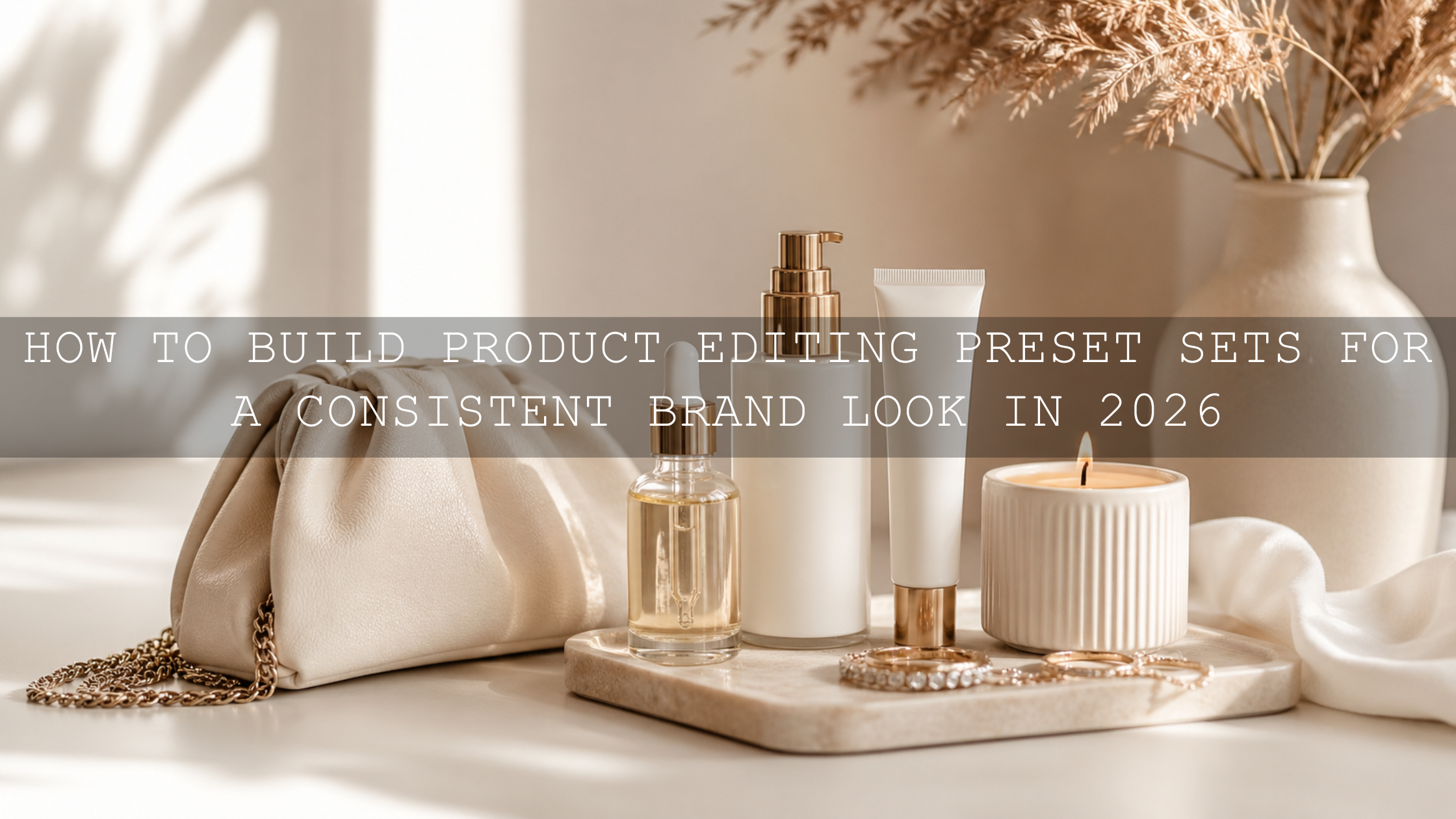

Leave a comment
This site is protected by hCaptcha and the hCaptcha Privacy Policy and Terms of Service apply.