
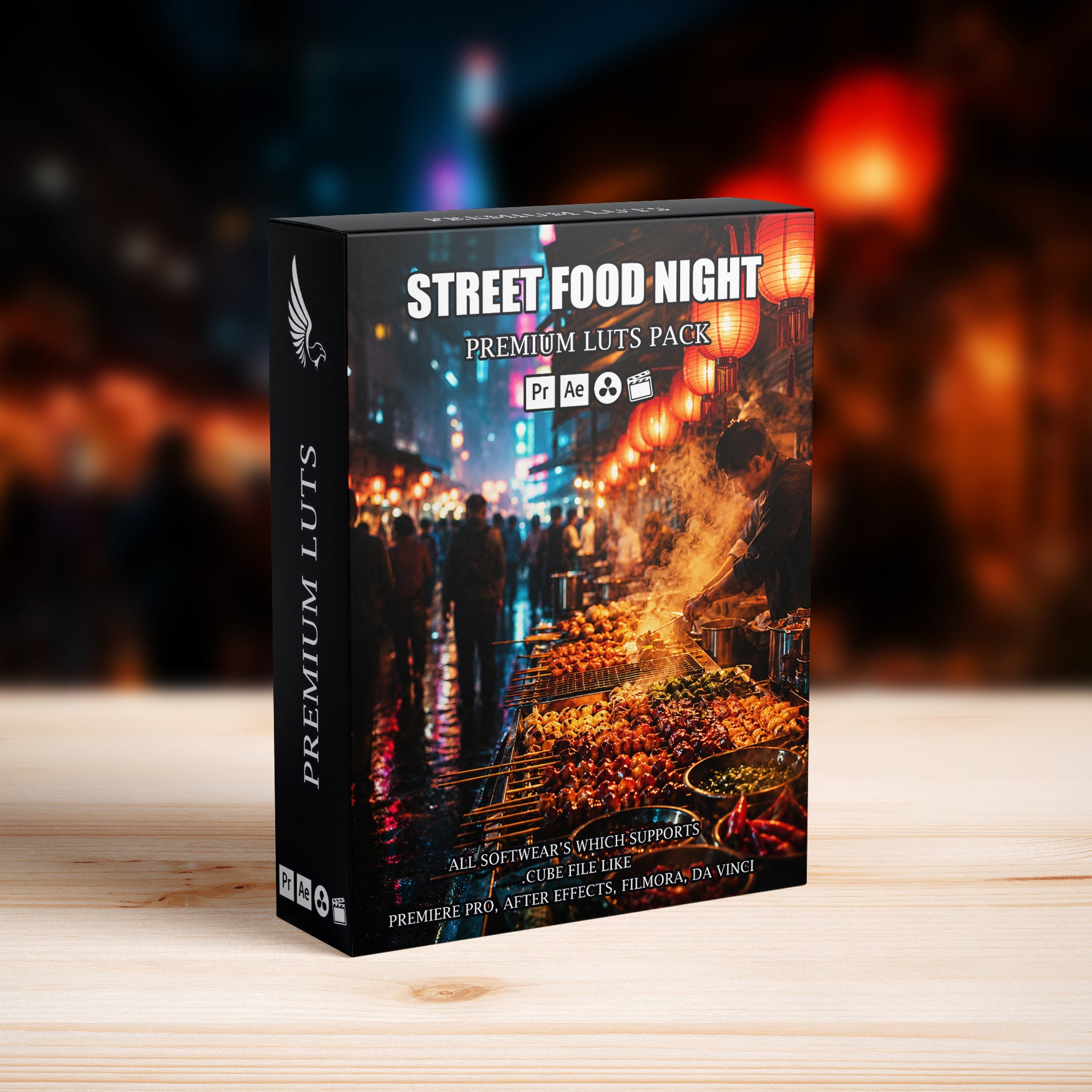
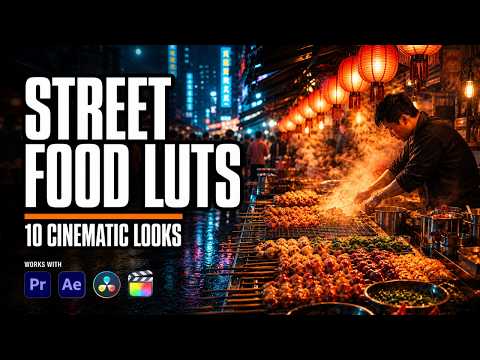
Street Food Night Market Neon Food Cinematic LUTs Pack
👇 Scroll down Learn more about License
🔥 Buy 3 Get 9 Free Save $135
🔥 .CUBE 1 Click Cinema Quality
🔥 107 items sold in last 14 days
Street Food Night Market Neon Food Cinematic LUTs Pack
Transform street-food stalls, neon signs, sizzling grills, chefs at work, crowded alleys, handheld food close-ups, and after-dark travel scenes with the Street Food Night Market Neon Food Cinematic LUTs Pack. Designed for street-food filmmakers, travel creators, food videographers, documentary editors, restaurant brands, and night-market storytellers, this pack creates rich neon reds, amber firelight, deep night blacks, appetizing food color, controlled highlights, and cinematic teal shadows for a professional, story-driven finish.
What Is the Street Food Night Market Neon Food Cinematic LUTs Pack?
The Street Food Night Market Neon Food Cinematic LUTs Pack is a collection of 10 ready-to-use .CUBE color-grading presets for video. The LUTs give related footage a consistent cinematic style while remaining fully adjustable for different cameras, lighting conditions, exposure levels, and creative preferences.
Cinematic Color Grading Designed for the Scene
Built for street-food stalls, neon signs, sizzling grills, chefs at work, crowded alleys, handheld food close-ups, and after-dark travel scenes, these LUTs balance color, contrast, highlights, shadows, and saturation without hiding important detail. Use them to speed up editing for food documentaries, travel films, restaurant promos, market reels, YouTube videos, short-form ads, and tourism content.
Key Features
- 10 professional cinematic .CUBE LUTs
- Creates rich neon reds, amber firelight, deep night blacks, appetizing food color, controlled highlights, and cinematic teal shadows
- Helps keep skin tones balanced and natural-looking
- Adds polished contrast and film-inspired depth while preserving important detail
- Easy to apply, mix, reduce, and fine-tune for individual clips
Perfect For
- street-food stalls, neon signs, sizzling grills, chefs at work, crowded alleys, handheld food close-ups, and after-dark travel scenes
- food documentaries, travel films, restaurant promos, market reels, YouTube videos, short-form ads, and tourism content
- Professional productions, client work, brand campaigns, and personal projects
- Landscape, portrait, handheld, mirrorless, DSLR, drone, and cinema-camera footage
What You Get
- Street Food Night Market Neon Food Cinematic LUTs Pack
- 10 destination- and subject-inspired cinematic color-grading styles
- Universal .CUBE LUT files for a faster editing workflow
- PDF installation and use guide
- Instant digital download after purchase
Compatibility
- Adobe Premiere Pro and After Effects
- DaVinci Resolve
- Final Cut Pro
- Filmora, CapCut desktop, VN, and other software that supports .CUBE LUT files
- Suitable for beginner and professional color-grading workflows
How to Use These Cinematic LUTs
- Import your footage into your editing or color-grading software.
- Correct exposure and white balance when needed.
- Apply a LUT from the Street Food Night Market Neon Food Cinematic LUTs Pack.
- Adjust LUT intensity, contrast, saturation, highlights, and skin tones to match the shot.
- Export your video with a consistent cinematic finish.
Why Choose This LUT Pack?
- Builds a recognizable subject-focused look in a few clicks
- Speeds up color grading across complete videos and social campaigns
- Helps different cameras and scenes feel visually consistent
- Remains flexible for subtle corrections or stronger creative grades
FAQ – Street Food Night Market Neon Food Cinematic LUTs Pack
Who is this LUT pack for?
This pack is ideal for street-food filmmakers, travel creators, food videographers, documentary editors, restaurant brands, and night-market storytellers who want a fast, consistent, and professional cinematic grade.
What footage works best with these LUTs?
They work especially well with street-food stalls, neon signs, sizzling grills, chefs at work, crowded alleys, handheld food close-ups, and after-dark travel scenes. Results vary with exposure, white balance, camera profile, and lighting, so basic correction before applying a LUT is recommended.
Will these LUTs work with Log and standard footage?
Yes. They can be used with Log or standard footage when the footage is first normalized or corrected as required by the camera profile. Always adjust intensity and exposure for each clip.
Can I adjust the LUTs after applying them?
Yes. You can reduce or increase LUT intensity and fine-tune exposure, white balance, contrast, saturation, highlights, shadows, and skin tones.
Create a polished film with the color, atmosphere, and cinematic character of the Street Food Night Market Neon Food Cinematic LUTs Pack.
Introducing Our Licensing Options
Discover the various licensing options available for our products at AAA Presets. We offer three main licenses: Personal, Commercial, and Extended, each tailored to different usage scenarios. To find the perfect fit for your needs, explore the detailed descriptions below.
Personal License
The Personal License is designed for individual users seeking to enhance their personal projects with our digital products and assets from AAAPresets. This license provides:
- An ongoing, non-exclusive, non-transferable, worldwide license for your purchased filter, preset, effect, template, or digital file.
- Installation on one personal computer or device, which can include mobile devices and smartphones.
Commercial License
If you're looking to incorporate our products into both personal and commercial endeavors, the Commercial License is the ideal choice. This license allows:
- Usage in both personal and commercial works.
- Installation on any of your computers or devices.
- Unlimited usage for web and digital advertisements, business social media accounts, and local market physical advertisements. For worldwide usage in physical formats, consider the Extended License.
- Creation of up to 100,000 combined total Physical or Digital End Products (edited photos, designs, graphics, videos, etc.).
- Selling of End Products created using our products to any number of people, provided the original filter, preset, effect, template, or digital file is not included in the sold product.
Extended License
For those with broader commercial needs, the Extended License offers extensive permissions, allowing you to use our digital products in a wide range of applications. This license provides:
- Usage in personal and commercial works, similar to the Commercial License.
- Installation on an unlimited number of your team's computers/devices.
- Unlimited usage for web and digital advertisements, business social media accounts, and worldwide physical advertisements.
- Usage in one browser tool, game, or mobile app with up to 1,000,000 end users.
- Creation of up to 1,000,000 combined total Physical or Digital End Products.
- Selling of End Products created using our products to any number of people, with the same restriction as mentioned in the Commercial License.
Please note that all licenses prohibit redistribution, incorporation, or distribution of the original files in End Products, but you are encouraged to direct users to our AAAPresets page for licensing. Keep in mind that failure to comply with the terms of the license may result in termination. If you have questions about our licensing and terms, don't hesitate to contact us at info@aaapresets.com.
In short, LUT’s are the quickest way to grade your video footage and get a cohesive and professional look!
It helps to edit your Instagram Story Videos, Tiktok Videos or Youtube Videos if you are a filmmaker, editor or social media influencer.
Once you purchase the LUT’s, you’ll receive a detailed guide on how to use them. It's super quick and easy!
1. Take a video with iPhone, Android or digital camera.
2. Use desktop video editing programs or free mobile app to apply LUT’s on your video.
3. All set! Share your video!
Check this article for more details Click
✓ 24/7 Quick Customer Support Team. Any question whatsoever, we will have you covered!
✓ Video tutorials & immediately answered questions
✓The #1 Best Selling Lightroom Presets store in the world
✓High-quality result.Easily editable effects.
✓Non-destructive Workflow.
✓Completely experimented with & tested.
Works with Your Favorite Editing Tools




1 Click
Transform Your Footage in 1 Click
Instantly apply professional-grade color grading to your videos with LUTs designed for effortless cinematic results.
500,000+
500,000+ Downloads Worldwide
Our products have been downloaded over 500,000 times, trusted by creators globally for stunning photo and video editing.
10,000+
Trusted by 10,000+ Creators
Join thousands of filmmakers and editors who rely on our LUTs to create stunning visuals for their projects.
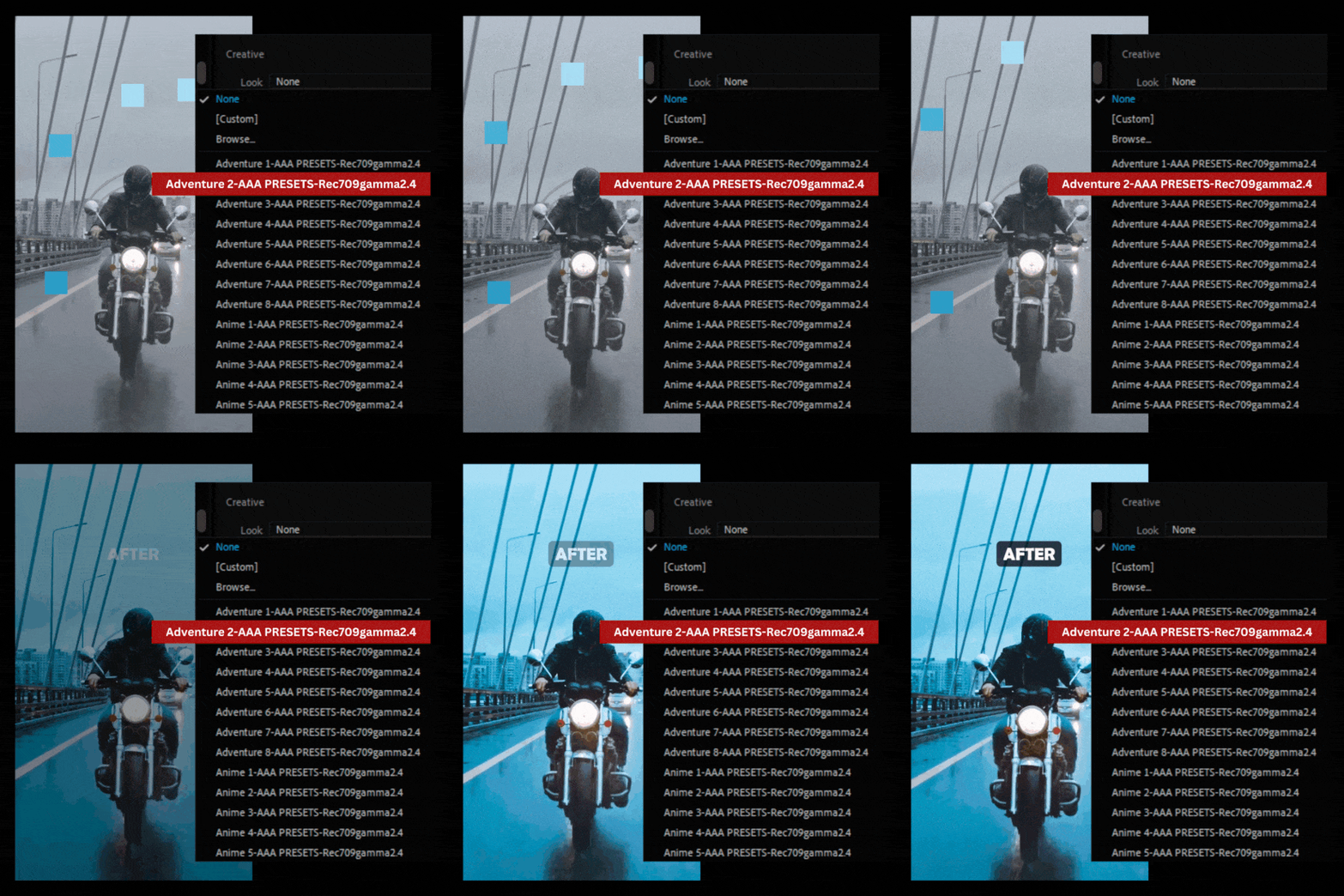
Instant Cinematic Color Grading
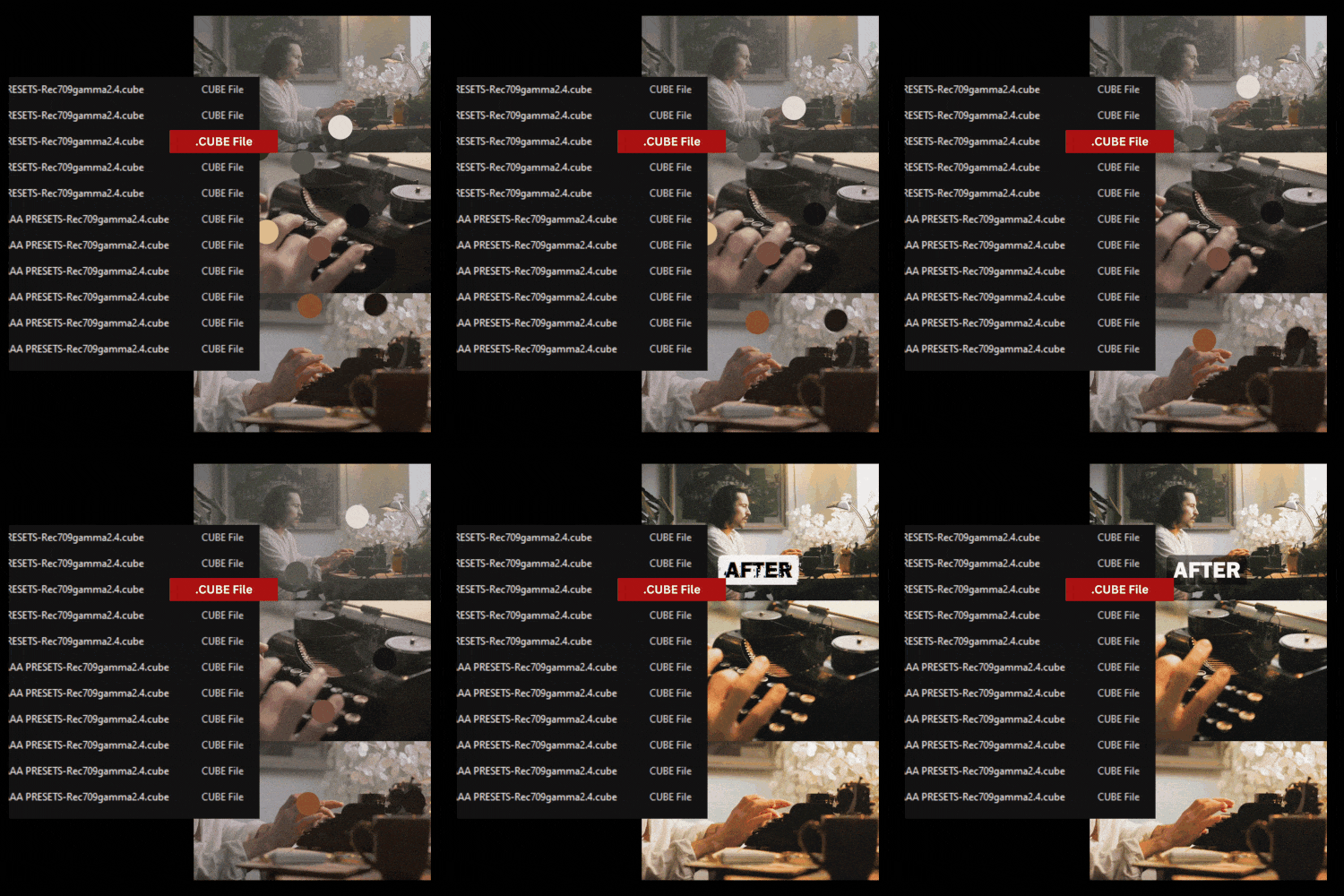
Achieve professional, Hollywood-style color grading with just one click. .cube LUTs allow you to transform your footage instantly, enhancing colors, tones, and mood to give your videos a polished, cinematic look.
Compatibility with Leading Software
.cube LUTs are designed to work across all major video and photo editing platforms, including Adobe Premiere Pro, DaVinci Resolve, Final Cut Pro, After Effects, and more. This flexibility ensures a seamless workflow no matter your preferred tool.
Save Time Without Sacrificing Quality
Streamline your color grading process and reduce editing time significantly. LUTs simplify complex adjustments, allowing you to focus on creativity while ensuring consistent, high-quality results for every project.
FAQ
Everything You Need to Know About Our Lightroom Presets
What are video LUTs?
Video LUTs (Look-Up Tables) are pre-designed color grading files that transform the colors and tones of your video footage. They help you achieve professional, cinematic looks quickly and consistently.
What file format do your LUTs come in?
Our video LUTs are provided in the .cube format, which is compatible with most professional video editing software.
Are these LUTs compatible with my editing software?
Yes! Our LUTs work seamlessly with:
- Adobe Premiere Pro
- Final Cut Pro
- DaVinci Resolve
- Adobe After Effects
- Avid Media Composer
- Other software that supports .cube files.
Can I customize the LUTs?
Absolutely! Once applied, you can adjust settings like brightness, contrast, and saturation in your editing software to fine-tune the look to your preference.
Are these LUTs beginner-friendly?
Yes! Our LUTs are easy to use and include a quick guide to help beginners apply them effortlessly. They’re also versatile enough for professionals.
How do I install and use the LUTs?
We provide a detailed installation guide with your purchase. Simply import the .cube files into your editing software, apply them to your footage, and adjust as needed.