
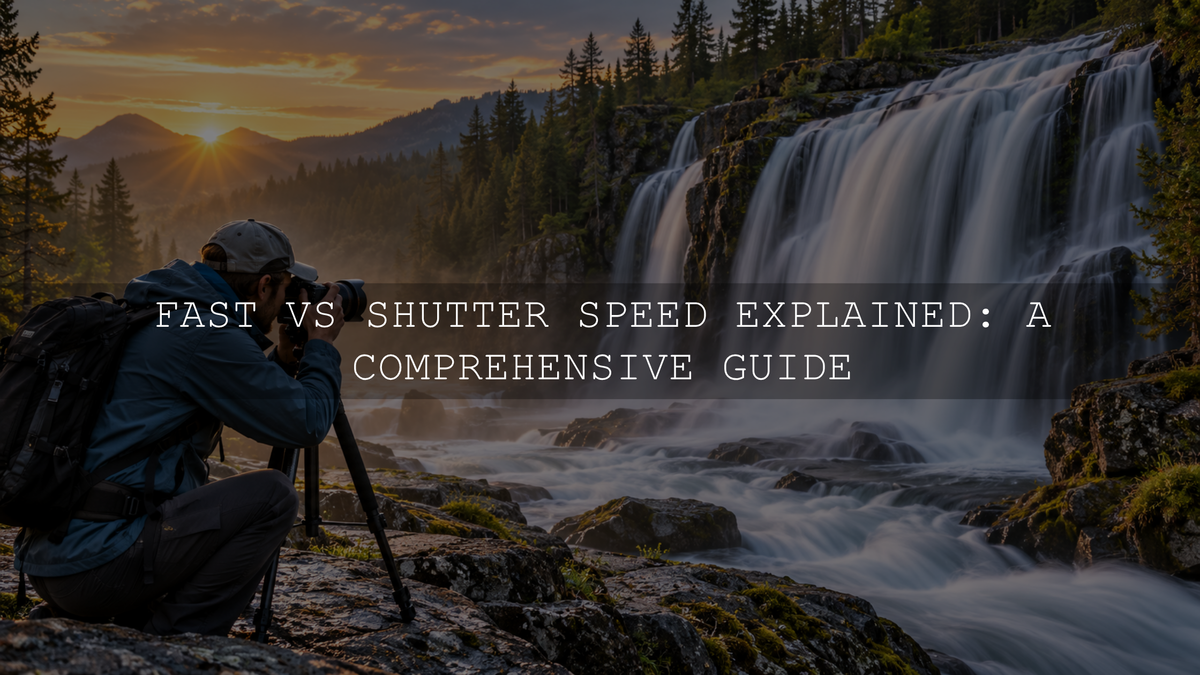
Fast shutter speed records a very short slice of time and can freeze movement, while slow shutter speed records movement for longer and can turn it into visible blur. Neither is automatically better. The right choice depends on whether you want movement to look frozen, natural, streaked or deliberately smooth.
Shutter speed also affects how long light is recorded. A faster shutter gives you less exposure time, while a slower shutter gives you more. That means every shutter-speed decision also affects the aperture, ISO or available light you may need.
If you are still learning the basic terminology, start with our guide to shutter speed in photography. This guide focuses specifically on choosing between fast and slow shutter speeds in real situations.
Fast vs Slow Shutter Speed: The Quick Difference
The easiest way to understand the difference is to think about how much movement the camera records during the exposure.
- Fast shutter speed: records a shorter moment, reduces visible subject movement and can freeze action, but provides less exposure time.
- Slow shutter speed: records a longer period, allows movement to become visible as blur and provides more exposure time.
A football player photographed at 1/1000 second may appear sharply frozen in mid-air. Photograph moving water for one second and the longer exposure records the water across many positions, creating a smoother appearance.
The most useful question is not simply, “Should I use a fast or slow shutter?” Ask, “How do I want movement to look in this photograph?”
What Counts as a Fast or Slow Shutter Speed?
There is no universal dividing line between fast and slow shutter speeds. The same shutter speed can behave differently depending on the subject and shooting conditions.
For example, 1/250 second may be fast enough to keep a casually walking person reasonably sharp, but it may be too slow to freeze a bird moving rapidly across the frame. Meanwhile, 1/30 second may feel slow for handheld photography but is still extremely short compared with a five-second long exposure.
Subject speed, direction of movement, distance from the camera, focal length, stabilization, camera resolution and how closely the final image is viewed can all affect how much blur becomes visible.
When to Use a Fast Shutter Speed
Choose a faster shutter speed when unwanted motion blur would damage the photograph. This becomes especially important when your subject moves quickly or unpredictably.
Useful starting points include:
- Around 1/250 second: walking people, casual street movement and relatively gentle action.
- Around 1/500 second: running children, active pets, cyclists and moderate action.
- Around 1/1000 to 1/2000 second: fast sports, birds in flight, energetic wildlife and faster vehicles.
- 1/2000 second or faster: very rapid movement, splashing water or situations where an extremely short exposure is needed.
These values are starting points rather than guaranteed settings. Take a test photograph, inspect the important moving detail and increase or decrease the shutter speed according to the result.
Fast Shutter Speeds Need More Light Support
A fast shutter does not record light for as long, so less light reaches the image sensor when the aperture and scene brightness remain unchanged. If the image becomes too dark, you may need to open the aperture, raise ISO or add light.
This is one reason using the fastest shutter speed your camera offers is rarely necessary. Choose a shutter speed that is fast enough for the subject rather than automatically using the maximum available setting.
When to Use a Slow Shutter Speed
A slower shutter is useful when you deliberately want to show movement rather than remove it. Motion blur can communicate speed, direction and the passage of time.
Useful starting areas include:
- Around 1/60 to 1/30 second: experimenting with panning or introducing moderate motion blur.
- Around 1/15 second to 1 second: moving water, blurred pedestrians, waves and more pronounced movement.
- Several seconds: traffic light trails, smoother water, night scenes and other long-exposure effects.
- Longer exposures: clouds, water and night movement can become increasingly abstract when the scene and available light support it.
The exact result depends on how quickly the subject moves. One second can make a fast waterfall appear very smooth while producing only subtle movement in a much slower subject.
How the Same Subject Changes at Different Shutter Speeds
Moving water is one of the clearest ways to compare fast and slow shutter speeds because you can photograph almost the same composition while changing the exposure time.
- 1/1000 second: individual droplets and splashes can appear sharply separated.
- 1/125 second: much of the water may remain textured while some movement becomes visible.
- 1/15 second: streaking becomes much more obvious.
- Around 1 second: flowing water can take on a smoother, softer appearance.
- Several seconds: continuously moving water can become increasingly smooth while stationary rocks remain sharp if the camera is stable.
This same principle works with people, vehicles, amusement rides, clouds and other moving subjects. The useful skill is learning to predict how much movement will be recorded before you press the shutter.
Shutter Speed Also Changes Exposure
Shutter speed controls exposure time as well as motion. If everything else stays unchanged, doubling the exposure time records approximately one stop more light, while halving it records approximately one stop less.
For example:
- 1/1000 to 1/500 second doubles the exposure time.
- 1/500 to 1/250 second doubles it again.
- 1/250 to 1/125 second doubles it again.
If these relationships are new to you, our guide to full stops, half stops and third stops explains how the increments work.
Changing shutter speed therefore usually creates a trade-off elsewhere. If you move from 1/250 to 1/1000 second to freeze action, you have shortened the exposure by approximately two stops. You may need a wider aperture, higher ISO or more light to maintain the brightness you want.
For the broader relationship between the three exposure controls, see how aperture, shutter speed and ISO work together.
Camera Shake and Subject Motion Are Different Problems
When a photograph looks blurry, identify what moved before changing settings.
Camera shake occurs when the camera moves during the exposure. Stationary details across the frame may become soft or smeared.
Subject-motion blur occurs when the subject changes position while the photograph is being recorded. The camera can remain stable while a moving person, animal or vehicle becomes blurred.
This distinction matters because the solutions are different. A tripod or image stabilization can help reduce camera movement, but they cannot stop a moving subject. If the subject itself must appear sharp, you normally need a shutter speed fast enough for that subject.
How Slow Can You Shoot Handheld?
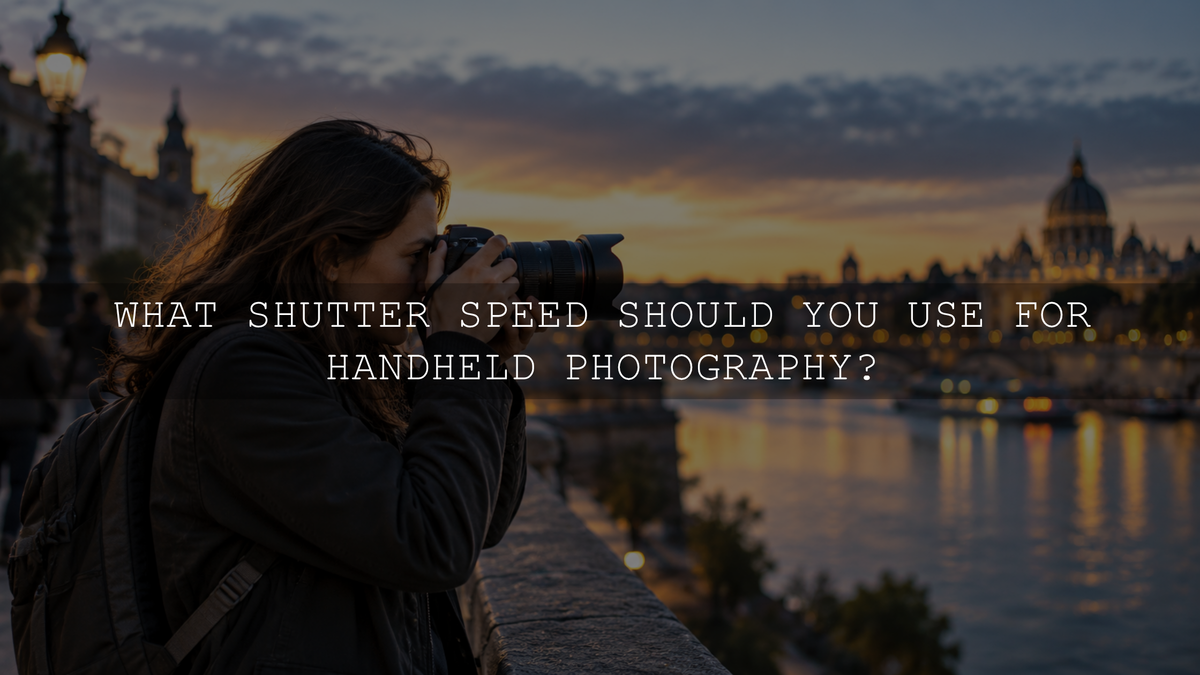
A traditional 35mm or full-frame starting guideline for stationary subjects is to use a shutter speed around the reciprocal of the focal length. With a 50mm lens, for example, approximately 1/50 second or faster has historically been used as a rough starting point.
Do not treat this as a rule. Camera format, modern image stabilization, sensor resolution, longer focal lengths, poor holding technique, wind and close inspection can all change the shutter speed you need.
Most importantly, the reciprocal guideline addresses camera movement. It does not account for subject movement. You might hold a building sharply at a relatively slow shutter speed and still blur a person walking through the scene.
Using Slow Shutter Speeds Without Accidental Blur
If you want stationary parts of a scene to remain sharp while moving elements become blurred, stabilize the camera.
- Use a sturdy tripod or another stable support.
- Use a self-timer or suitable remote-release method when pressing the shutter could disturb the camera.
- Keep an eye on wind, unstable ground and tripod vibration.
- Remember that stabilization helps control camera shake, not subject movement.
Using an ND Filter in Bright Light
Long exposures are easier to create when relatively little light is available. Bright daylight can be more difficult. Even at a low ISO and smaller aperture, the scene may still be too bright for the slow shutter speed you want.
A neutral-density filter reduces the amount of light reaching the sensor, allowing you to extend the exposure without relying on an unnecessarily small aperture. This can be useful for smoothing waterfalls, waves, moving clouds or pedestrians during brighter conditions.
Fast and Slow Shutters Can Both Be Used for Action
Action photography does not always mean freezing everything. A moving vehicle photographed at 1/1000 second can appear completely frozen, while a slower shutter combined with panning can preserve some sharpness in the vehicle while stretching the background into directional blur.
For panning, approximately 1/30 to 1/60 second can be a useful initial experiment for many subjects. Change the value according to the subject's speed, distance, focal length and the amount of background streaking you want.
- Begin tracking the subject before pressing the shutter.
- Move the camera smoothly with the subject.
- Take the photograph while continuing the movement.
- Keep following the subject after the exposure instead of stopping abruptly.
- Review the result and adjust the shutter speed.
Panning requires practice, and there is no single shutter speed that works for every moving subject.
Check Your Shutter Type for Very Fast Action
Modern mirrorless cameras may offer mechanical, electronic front-curtain and fully electronic shutter options, depending on the model. The selected shutter type can affect how certain fast-moving subjects or artificial lights are recorded.
On some cameras, a fully electronic shutter can produce rolling-shutter distortion with rapid movement or banding under flickering artificial lighting. The severity depends heavily on the sensor design, readout speed, subject movement and light source.
If an indoor photograph develops unexplained bands or a rapidly moving subject appears strangely distorted, check your camera's shutter type, anti-flicker or variable-shutter options if available, and the model-specific manual instead of assuming the selected shutter-speed number is the only cause.
How to Choose Fast or Slow Shutter Speed in the Real World
A simple decision process is more useful than memorizing dozens of supposedly perfect settings.
- Identify what is moving. Is the subject moving, the camera moving or both?
- Decide how the movement should look. Do you want it frozen, slightly blurred or strongly blurred?
- Choose a starting shutter speed. Use the subject and desired effect as your guide.
- Support the exposure. Adjust aperture, ISO, lighting or stabilization without destroying the visual result you want.
- Take a test photograph. Magnify the important area and inspect the actual movement.
- Adjust intentionally. Change shutter speed according to what you see rather than blindly following a chart.
If you are unsure which exposure control deserves priority, see our guide to which camera setting to change first.
Practice Fast and Slow Shutter Speeds Side by Side
One controlled exercise can teach more than memorizing a long chart.
- Choose a continuously moving subject such as flowing water, traffic from a safe location, a fan or someone walking.
- Set the camera to Shutter Priority mode, often marked S or Tv depending on the camera brand.
- Take the first photograph at approximately 1/1000 second.
- Repeat at 1/500, 1/250, 1/125, 1/60, 1/30 and 1/15 second where lighting permits.
- Keep the composition and subject movement as consistent as practical.
- Stabilize the camera once the shutter becomes too slow for reliable handheld shooting.
- Compare the photographs and notice how movement changes.
- Also check how the aperture changed and, if Auto ISO was enabled, whether ISO changed as the camera attempted to maintain the exposure.
Shutter Priority is particularly useful for this exercise because you choose the exposure time and the camera automatically selects an aperture according to its metering system. Depending on the camera and your settings, Auto ISO may also change automatically.
Common Fast and Slow Shutter Speed Mistakes
Using the Fastest Shutter Speed for Everything
A faster shutter is not automatically better. If 1/500 second already freezes the movement you need, changing to 1/4000 may simply reduce the available exposure and force a higher ISO or wider aperture without improving the photograph.
Keeping ISO Too Low at the Expense of Sharpness
Trying to preserve the lowest possible ISO can force an unsuitable shutter speed in limited light. When subject sharpness matters, a somewhat higher ISO may be preferable to a cleaner file with severe unwanted motion blur.
Expecting a Tripod to Freeze a Moving Subject
A tripod stabilizes the camera. It does not stop people, animals or vehicles from moving during the exposure.
Treating Slow-Shutter Blur as a Mistake
Blur can be intentional. Water, clouds, crowds, vehicles and panning subjects can all become more expressive when movement remains visible.
Expecting Editing to Repair Severe Motion Blur
Editing can refine exposure, white balance, contrast, color and the appearance of detail, but severe unintended motion blur means important image information was never recorded sharply. Getting the movement right during capture remains the more reliable approach.
Capture the Motion First, Then Develop the Look
Shutter speed determines how movement is recorded at the moment of capture. Editing comes afterward. A preset can help establish color, contrast and tone, but it cannot replace the shutter-speed decision that created the original motion rendering.
If you want a broader set of creative editing starting points after capturing the photograph correctly, the 1000+ Master Lightroom Presets Bundle provides 1000+ presets in DNG format for Lightroom Mobile and XMP format for Lightroom Desktop. Treat each preset as a starting point and refine exposure, white balance and other settings for the individual photograph.
The Main Difference to Remember
Fast shutter speed reduces how much movement is recorded and is useful when you want action to appear frozen. Slow shutter speed records movement for longer and can deliberately turn motion into blur.
Do not search for one universally correct number. Identify what is moving, decide how that movement should look, choose an appropriate starting shutter speed and review the result. Once you begin thinking about movement first, choosing between fast and slow shutter speeds becomes much more intuitive.
Written by Asanka — creator of AAAPresets, serving 10,000+ customers.

Leave a comment
This site is protected by hCaptcha and the hCaptcha Privacy Policy and Terms of Service apply.