
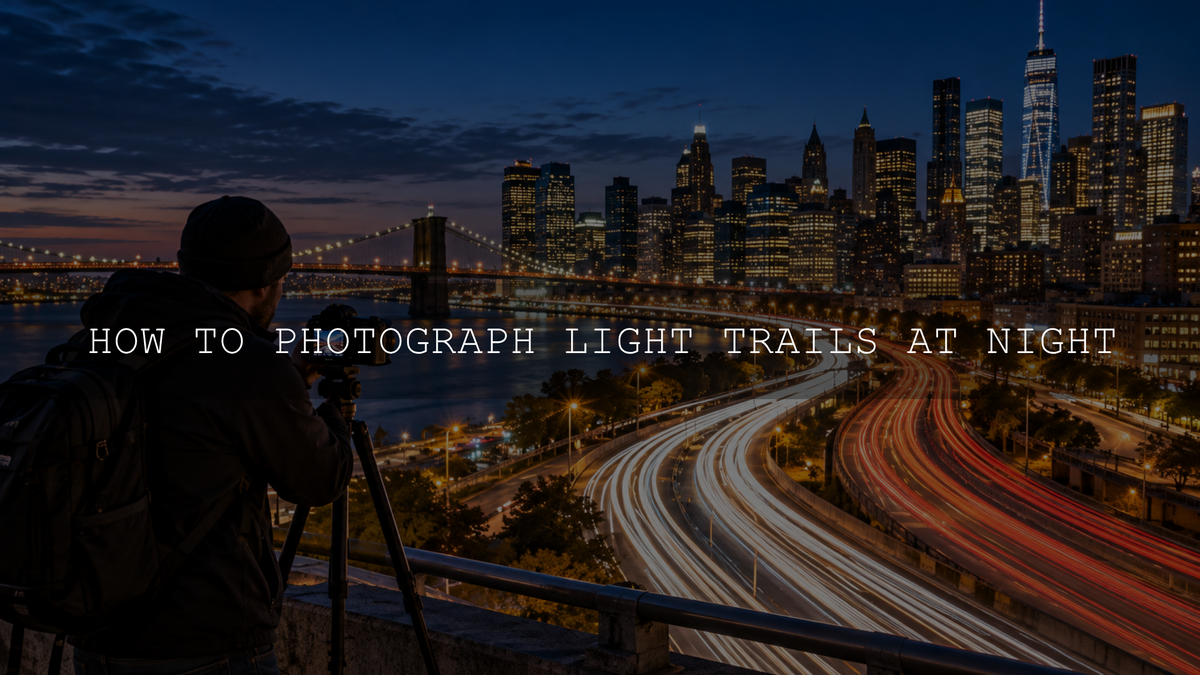
To photograph light trails at night, secure your camera on a tripod, start around ISO 100 and f/8, and try a shutter speed of 5 to 15 seconds as cars move through the frame. A longer exposure can record more of each car's path, but it also makes stationary streetlights brighter. Take a test photo, check the trails and highlights, then adjust for the traffic and available light.
The aim is to keep buildings and roads sharp while headlights and taillights form flowing lines. You do not need a specialized lens, but you do need a stable camera, a safe viewpoint, and some patience. If the exposure controls are unfamiliar, start with this guide to how shutter speed affects movement.
Best camera settings for light trails at night
- Shutter speed: Begin with 5 to 15 seconds. Try a shorter exposure when traffic is dense or streetlights are very bright; extend it when vehicles need more time to travel across the composition.
- Aperture: Start at f/8. Try f/11 if you need a little less light or more depth of field. Neither setting guarantees sharpness from the nearest curb to distant buildings; focus distance and focal length still matter.
- ISO: Use your camera's low native ISO, often ISO 100 or 200. Low ISO helps manage bright urban scenes, but it does not eliminate all noise.
- Focus: Focus on a stationary, well-lit object at a suitable distance. Magnify the live-view image if available, verify sharpness, and then lock or switch to manual focus so the camera does not refocus for every exposure.
- File format and white balance: Shoot RAW if available for greater white-balance and tonal editing flexibility. Auto White Balance is a reasonable starting point, though mixed LED, neon, and sodium-colored street lighting may still need correction later.
- Release: Use a two-second self-timer or remote shutter release so pressing the button does not shake the camera.
These are starting points rather than guaranteed settings. For more on the trade-offs, see how aperture, shutter speed, and ISO work together. Nikon School also recommends experimenting with multi-second exposures and adjusting the aperture to protect bright stationary lights in its guide to capturing light trails.
Gear you need, and what you can skip
- A camera with long-exposure control: A DSLR or mirrorless camera with Manual or Shutter Priority mode is suitable. Some phones have dedicated long-exposure modes, but the available controls vary by device.
- A stable tripod: Stability matters more than an expensive camera body. Position the legs firmly, and avoid surfaces that move when people or traffic pass.
- A timer or remote: Your camera's built-in timer is sufficient for most exposures within its normal shutter-speed range.
- A lens with the right view: A kit zoom or moderate wide-angle lens works well for including a bend in the road, buildings, and the moving traffic.
- A lens cloth and charged battery: Condensation, drizzle, and repeated long exposures can interrupt a night shoot.
An ND filter is usually unnecessary after dark. If the scene is still too bright for the shutter speed you want, shorten the exposure or close the aperture moderately before adding more equipment.
Choose a safe location and compose the shot
Look for a legally accessible sidewalk, viewing platform, or solid pedestrian bridge with a clear view of moving vehicles. Curving roads create sweeping lines; intersections can create crossing patterns. Approaching traffic often gives white headlight trails, while vehicles traveling away create red taillight trails. Check where each direction will sit in the frame.
Include a stationary subject such as a skyline, bridge structure, or recognizable building so the viewer has a reference point for the moving lights. Try shooting during blue hour, when there may still be color in the sky, and compare the result with a darker scene later in the evening.
Safety first: Never stand in a road, on a shoulder, or in a restricted area for a photograph. Do not obstruct a public walkway, lean equipment over a bridge edge, or set a tripod where it could trip pedestrians. If a bridge deck vibrates, find a firmer permitted viewpoint.
How to photograph car light trails step by step
- Frame the road: Secure your tripod and compose with enough visible road for cars to travel through the scene.
- Set the exposure: Select Manual mode, f/8, your camera's low native ISO (often 100 or 200), and a starting shutter speed around 8 seconds. Adjust for especially bright or dark scenes.
- Focus before the shot: Use a stationary detail rather than chasing moving headlights with autofocus, then confirm sharpness at magnification.
- Wait for useful traffic: Watch the direction of travel and anticipate a group of vehicles entering your composition.
- Release without touching the camera: Start the timer or use a remote and let the full exposure finish.
- Review the result: Inspect stationary details for shake, the road for trail length, and the brightest lights for clipping. Use your camera's highlight warning or histogram if available.
- Change one setting: Adjust the shutter duration to alter trail length. If static lights become too bright, try a smaller aperture or a shorter exposure and repeat.
Match exposure time to the traffic
- Busy multilane road: Try 2 to 5 seconds first. A long exposure can pile many overlapping trails into an indistinct bright band.
- Moderate, moving traffic: Try 5 to 15 seconds. This often records a useful stretch of road while leaving you room to manage streetlights.
- Sparse traffic or a long curve: Try 15 to 30 seconds if the surroundings are dark enough. Wait for a vehicle to enter before exposing, and watch for stationary lights becoming overexposed.
These ranges overlap intentionally. A car moving close to the camera crosses the frame differently from a distant car, and traffic may slow or stop. The best shutter speed depends on where the vehicles travel, not on a fixed formula.
Run a simple three-exposure test
For a practical comparison, keep the camera, focus, aperture, and ISO unchanged. Photograph the same composition at 5 seconds, 10 seconds, and 20 seconds. Compare how far the light streaks travel, whether the road becomes too crowded with trails, and whether fixed signs or lamps lose detail.
Do not assume every difference came from shutter speed: each photograph may contain a different number of cars. Repeat the test if the traffic flow changes markedly. Save your favorite result and its settings so you have a reference for the next location.
Fix common light-trail photography problems
- Trails stop too soon: Increase exposure time or start the shot earlier as vehicles enter the frame. A larger road section may also help.
- Streetlights become featureless white patches: Shorten the exposure or use a smaller aperture. Editing can recover some bright detail when it was recorded, but not information that was completely clipped during capture.
- Buildings look blurry: Check tripod movement and focus separately. Movement from pedestrians on a bridge can blur the entire frame even when the lens is focused correctly.
- The frame looks noisy: Review exposure and avoid unnecessarily lifting very dark areas during editing. Low ISO is useful, but underexposure and shadow brightening can still reveal noise.
- The road looks like a solid red or white stripe: Try a shorter exposure or wait for lighter traffic so individual streaks remain distinct.
- The night scene looks too orange or green: Mixed street lighting is common. Adjust white balance and tint from the RAW file before increasing saturation.
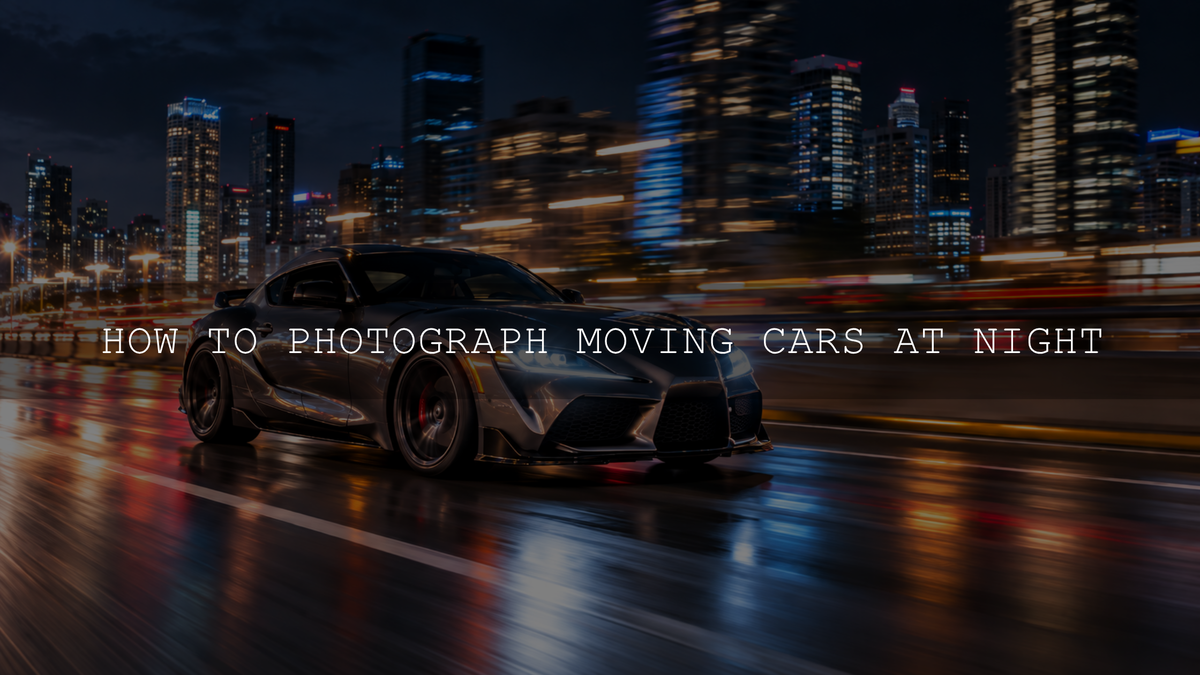
If you want to compare this technique with panning or intentional camera movement, see the guide to creating motion blur in photography. Those techniques produce different results from a fixed-camera light-trail exposure.
Can you capture light trails with a phone?
Sometimes. Some phones offer a Long Exposure or motion-effect mode that combines several frames, while others allow longer exposure control in a dedicated camera app. The resulting effect and the available shutter settings depend on the phone, app, and software version. Keep the phone stable and test with passing cars. Ordinary automatic Night mode is designed to brighten low-light scenes and may not create the same continuous trails as a deliberate long exposure.
Edit light-trail photos in Lightroom
- Set the overall brightness: Adjust Exposure until the road, buildings, and sky still look like a night scene rather than a daytime photograph.
- Check the brightest details: Use the histogram and Highlights or Whites controls to manage bright lamps and signs. Do not expect an editing slider to recover fully clipped data.
- Correct mixed lighting: Adjust White Balance and Tint before strengthening the color of red taillights or cool blue city lights.
- Protect the shadows: Lift Shadows only where details improve the composition. Opening every dark area can reveal noise and weaken the atmosphere.
- Refine locally where needed: If the surroundings need a small adjustment but the trails already look right, use a mask rather than changing the whole photograph. Apply sharpening and noise reduction conservatively.
- Compare before and after: Check that road markings and architecture stay believable and that individual trails have not turned into oversaturated blocks of color.
Adobe's Lightroom editing guide explains tonal, color, and detail controls. For selective adjustments, see Adobe's Lightroom masking guide.
Use a preset as a finishing starting point
For colorful urban scenes, AAAPresets' Night City Neon Light Presets offer eight night-city looks, with XMP files for Lightroom desktop and Adobe Camera Raw and DNG versions for Lightroom Mobile. The pack is intended for neon signs, cars, city streets, and reflections. Apply a look, then adjust exposure, white balance, and highlights for your particular image; no preset can replace trails that were never recorded or restore completely clipped lights. You can also browse the Lightroom presets collection for other editing styles. AAAPresets advertises a Buy 3, Get 9 FREE offer when 12 qualifying items are added to the cart.
The key to better light trails
Get the camera steady, frame a road that gives the streaks somewhere to travel, and use the first exposure to learn what the scene needs. Change shutter speed deliberately, protect important fixed lights, and edit with restraint. A few carefully compared frames are more useful than relying on one supposedly perfect night-photography setting.
Written by Asanka — creator of AAAPresets.

Leave a comment
This site is protected by hCaptcha and the hCaptcha Privacy Policy and Terms of Service apply.