
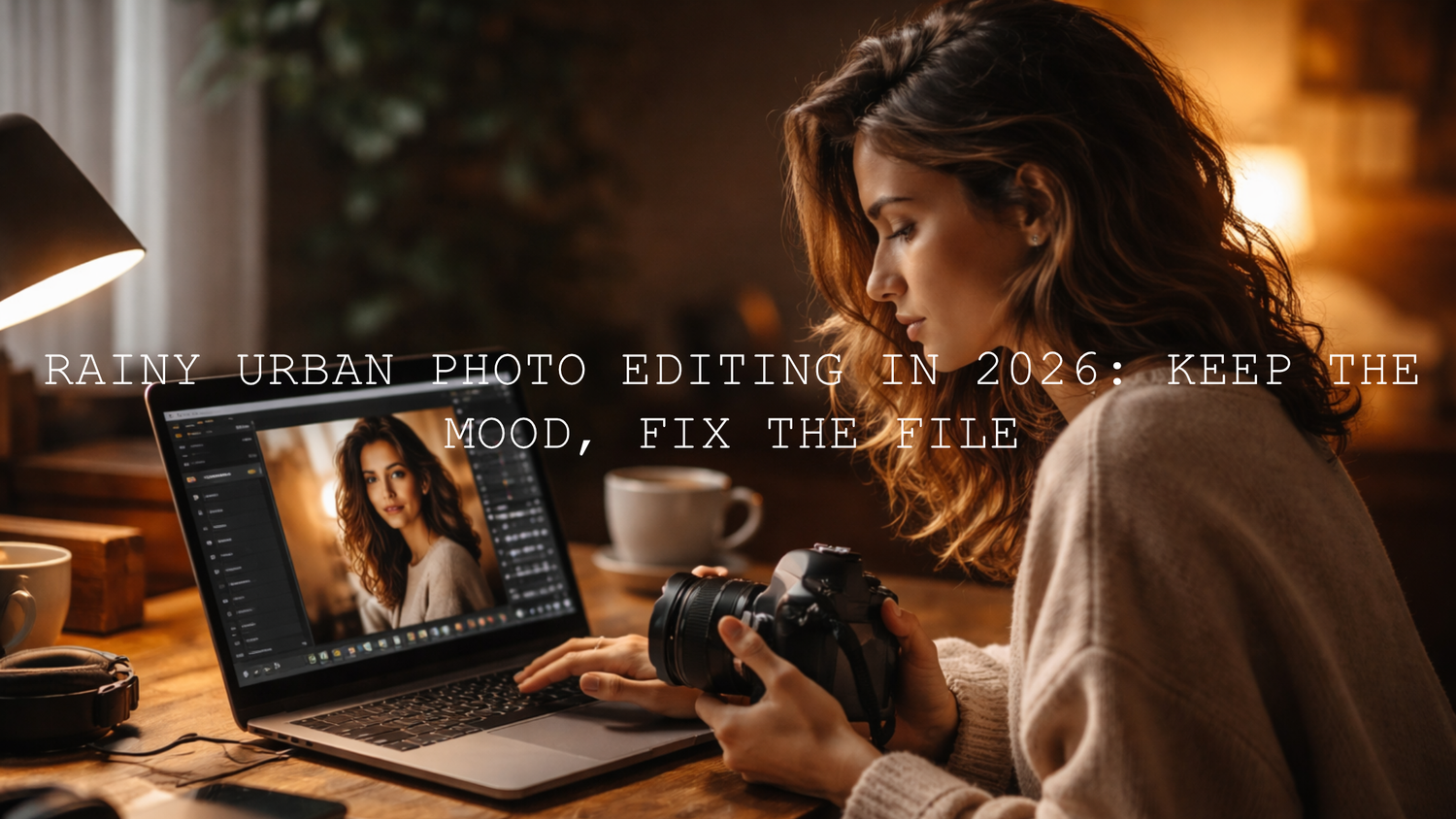
Rainy Urban Photo Editing in 2026: Keep the Mood, Fix the File
Rainy urban photo editing in 2026 is not about forcing every dark frame to look bright and clean. It is about shaping the mood that is already there. If you shoot low light street photography, neon reflections, wet roads, city portraits, or moody alley scenes, the best edits usually come from controlled exposure, protected highlights, selective shadow recovery, and a color palette that feels intentional. When rainy street photo editing is done well, the image still feels real, but it gains depth, atmosphere, and clarity.
If you want a faster starting point, try the AI-Optimized Rainy Street Film Lightroom Presets and browse the Street Photography Lightroom Presets collection. They give you a strong base for wet pavement, reflective streets, and darker city tones, and you can still fine-tune every frame around your own taste with Buy 3, Get 9 FREE.
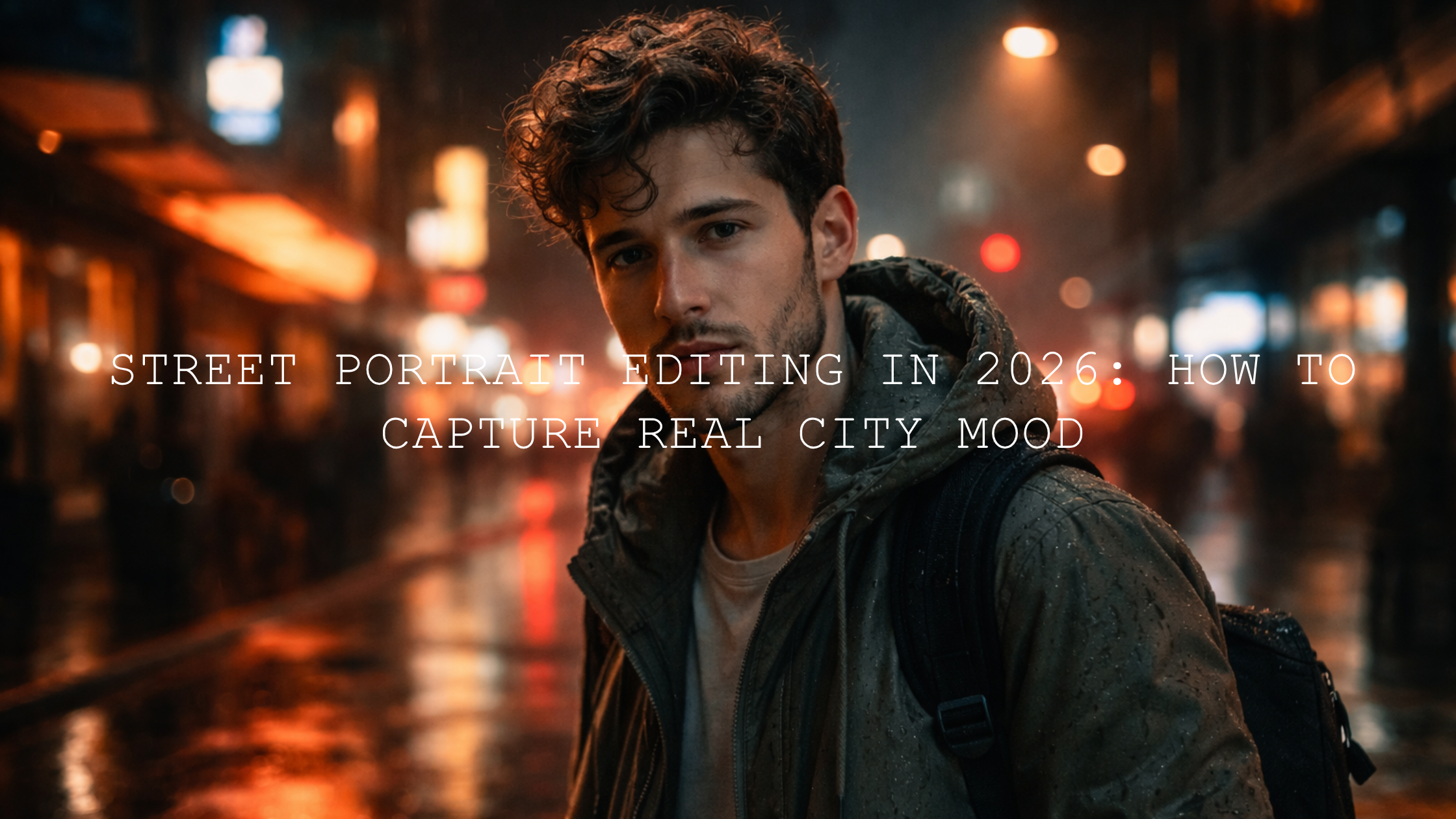
Here is why this matters: rainy and low-light city photos already carry emotion. The reflections, haze, headlights, signs, umbrellas, and dark corners do half the storytelling for you. Editing should not erase that. It should make the atmosphere easier to feel. I have tested this kind of look on neon storefront shots, crosswalk reflections, and late-night portraits, and the strongest files were rarely the brightest ones. They were the ones where the highlights stayed under control, the blacks kept their weight, and the color felt deliberate instead of accidental.
Why Rainy and Low-Light Urban Photos Often Fall Apart in Editing
Most weak edits in this style fail for one of three reasons. First, the exposure gets pushed too far and the frame loses its night mood. Second, noise reduction gets overused and the image turns soft and plastic. Third, color becomes chaotic because street scenes often mix neon, tungsten, LED, brake lights, and reflections in the same frame.
Before editing, a rainy city image may look flat, too blue, too green, or simply muddy. After a good edit, the same photo should have clearer tonal separation, cleaner highlight control, stronger subject focus, and richer reflections. That before-and-after difference is often not dramatic slider pushing. It is a series of smaller corrections made in the right order.
If your scene is heavy on signs, electric glow, and nightlife atmosphere, it also helps to read this night city neon editing guide for a more neon-focused workflow.
Presets vs Manual Editing for Rainy Street Photography
This comparison matters because many photographers assume presets remove control. In practice, the best workflow is usually a hybrid one.
- Use presets for speed and consistency. A good preset gives you a visual direction fast. That is useful when you are editing a full city walk, a travel set, or a client gallery with similar mood.
- Use manual editing for scene-specific fixes. Rain, reflections, mixed lighting, and deep shadow areas often need custom white balance, masking, and local tone work.
- Use both when you want the best result. Apply a preset to establish contrast and color mood, then refine exposure, highlights, masks, and HSL so the frame feels finished rather than filtered.
I usually start with a base look, then I correct only what the frame needs. On rainy night edits, that often means less global saturation, more local masking, and more restraint in the shadows. If you want a darker cinematic direction for city shots after sunset, the AI-Optimized Cinematic Dark Street Lightroom Presets are a strong fit. If the frame leans more electric and colorful, the AI-Optimized Neon Street Lightroom Presets usually make more sense.
A Step-by-Step Workflow for Rainy Urban Photo Editing
- Set white balance before anything else. Low-light city images often pick up ugly green, magenta, or orange casts. Start by deciding what kind of mood you want. Cooler tones can feel lonely and cinematic. Slightly warmer highlights can make the scene feel more human. Get this close before touching color sliders too much.
- Fix exposure with restraint. Lift exposure only until the subject and core details read clearly. Do not chase daylight brightness in a night image. A rainy street photo should still feel like night if it was shot at night.
- Pull back highlights and recover reflections. Wet roads, car lights, and shop signs clip fast. Lower highlights first, then check whites. This usually brings back shape in the glow and keeps reflections from turning into empty bright patches.
- Open shadows selectively, not everywhere. Global shadow lifting can flatten a dramatic city frame. Use selective corrections so faces, jackets, umbrellas, or storefront details come forward while the darker environment still feels deep.
- Clean noise before final sharpening. High ISO files need care. Remove distraction, not all texture. City photos often look better with a little grain-like character than with waxy skin and smeared detail.
- Refine color with purpose. Decide what the hero colors are. Maybe it is blue rain and red taillights. Maybe it is green neon against neutral concrete. Reduce competing colors so the eye knows where to go.
- Finish with texture and sharpening. Wet asphalt, brick, concrete, chrome, and raindrops benefit from a light touch of texture and sharpening. Push too far and you get halos and ugly edge contrast.
Pro tip: If the photo looks lifeless, do not immediately add more saturation. First check contrast, blacks, highlight control, and local masking. Many rainy street images feel stronger because of tonal structure, not because of louder color.
The Lightroom Tools That Matter Most
Rainy low-light edits respond especially well to local tools. Adobe’s guide to masking in Lightroom is useful if you want to separate a subject from the background, darken a sky, control bright signs, or shape reflections on the ground. In this style of editing, masking is often what turns a busy street shot into a photo with a clear focal point.
Noise is the other big issue. Adobe’s Enhance and Denoise workflow is worth reviewing when high ISO files need cleanup without losing fine detail. I like to denoise first, then judge whether texture and sharpening still need help rather than doing all three blindly.
For color, think in simple relationships. If your frame has blue rain tones, warm windows, and red brake lights, you do not need to make every color equally strong. Adobe Color’s harmony tools are a smart reference when you want to simplify a palette and keep the overall mood cohesive.
How to Make Reflections Look Better Instead of Messier
Reflections are one of the biggest reasons rainy urban photography looks special, but they are also easy to ruin. The mistake is treating them like ordinary bright areas. Reflections need detail, shape, and contrast. Lowering highlights is usually the first fix, but after that you often need a little extra clarity or texture on the pavement so the reflected color feels anchored to the street surface.
A good reflection edit should do two things at once. It should make the reflected light feel richer, and it should preserve the grit of the road, sidewalk, or stone. That contrast between polish and texture is what gives rainy city photos their character.
If your style leans more toward realism and story than heavy stylization, Street Photography: Editing for Real Life & Raw Moments is a useful follow-up read.
Best Preset Direction for This Type of Scene
Not every rainy image wants the same look. Matching the preset direction to the scene saves time and gives you better results.
- For wet roads, overcast city walks, and reflective street scenes: start with AI-Optimized Rainy Street Film Lightroom Presets.
- For nightlife, bold signage, and colorful reflections: use AI-Optimized Neon Street Lightroom Presets.
- For dark, story-driven edits with deeper shadow weight: go with AI-Optimized Cinematic Dark Street Lightroom Presets.
- For matching video clips to the same mood: the Night and Low Light Cinematic LUTs Pack is the natural companion.
If you want a broader toolkit for different weather, cities, and lighting situations, the AI-Optimized Lightroom Presets collection gives you more room to build a consistent editing workflow across multiple looks.
Common Mistakes That Make Rainy City Photos Look Cheap
- Over-brightening the whole image. Night atmosphere disappears fast when midtones and blacks are lifted too far.
- Maxing out dehaze or clarity. This can make rain scenes feel crunchy and unnatural.
- Letting every color shout. City frames usually look better when one or two color families lead and the rest support.
- Overusing noise reduction. Soft edges and plastic surfaces kill the realism of concrete, rain, skin, and fabric.
- Skipping local corrections. Rainy urban editing almost always benefits from targeted adjustments, especially around faces, signs, umbrellas, roads, and windows.
If you enjoy refining contrast and tonal depth, especially when color is not the hero, this black and white street photography guide is also worth reading. And if you want more general inspiration for cinematic city edits, this cinematic street preset guide is a solid next step.
Bringing It All Together
The best rainy urban photo editing keeps the city feeling wet, dark, reflective, and alive. You do not need to fight the gloom. You need to shape it. Start with white balance, control the brightest reflections, recover only the shadows that matter, clean noise carefully, and keep your palette intentional. That is the difference between an edit that feels muddy and one that feels cinematic.
If you are ready to build a stronger rainy and low-light editing workflow, start with the AI-Optimized Rainy Street Film Lightroom Presets, add the AI-Optimized Neon Street Lightroom Presets for brighter nightlife scenes, and browse the Street Photography Lightroom Presets collection for more city-focused looks. If you need setup help or product guidance, the FAQ page is a useful place to start, and Buy 3, Get 9 FREE makes it easier to test multiple styles without guessing one pack at a time.
Related Reading
- Mastering the Glow: Editing Night City Photos with Neon Lights
- Street Photography: Editing for Real Life & Raw Moments
- Elevate Your Street Photography with These Cinematic Lightroom Presets
- Top 5 Street Lightroom Presets for Captivating Cityscapes
- Mastering Urban Street Fashion Photography: Achieve Cinematic Vibes in 2026
FAQ
How do I edit rainy urban photos without losing the night mood?
Keep the exposure controlled, protect highlights, and avoid lifting every shadow. A strong rainy night edit should still feel like night, just cleaner and easier to read.
What is the best preset style for rainy street photography?
It depends on the frame. Rainy film-style presets work well for wet roads and moody overcast scenes, while neon-focused presets fit nightlife, signs, and stronger color reflections.
Should I use presets or edit everything manually?
The best workflow is usually both. Use a preset for fast direction and consistency, then refine white balance, masking, highlights, and HSL for the specific image.
How much noise reduction is too much in low-light editing?
If skin, pavement, fabric, or building detail starts looking smeared or plastic, you have gone too far. Reduce distraction, but keep natural texture.
Can I do this workflow in Lightroom Mobile?
Yes. You can get excellent rainy urban edits in Lightroom Mobile, especially if you start with a strong preset and then use selective edits carefully.
Written by Asanka — creator of AAAPresets (10,000+ customers).


Leave a comment
This site is protected by hCaptcha and the hCaptcha Privacy Policy and Terms of Service apply.