
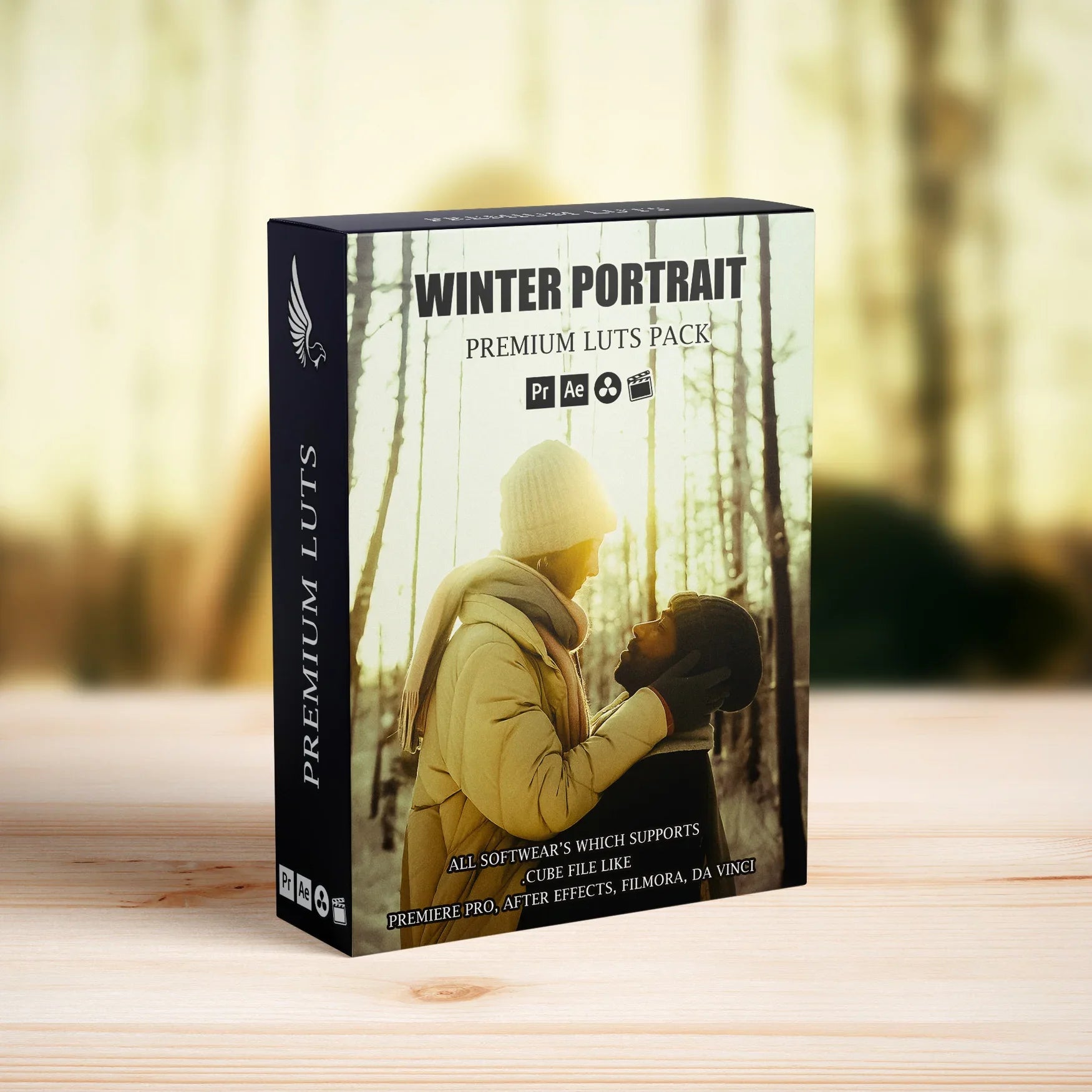
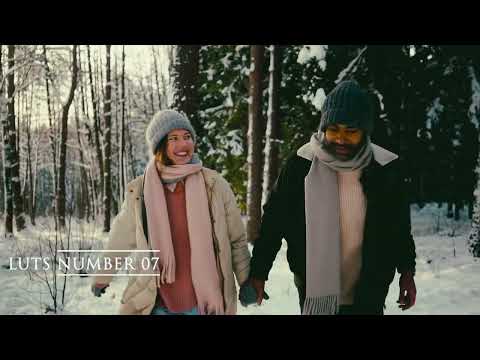
Winter Portrait Snow LUTs Pack
👇 Scroll down Learn more about License
🔥 Buy 3 Get 9 Free Save $135
🔥 .CUBE 1 Click Cinema Quality
🔥 107 items sold in last 14 days
Winter Portrait Snow LUTs Pack (8 .cube Files)
Make your winter portrait videos look clean, bright, and professional with the Winter Portrait Snow LUTs Pack. This collection is designed to keep snow crisp and white, reduce blue and grey color cast, and make skin tones look warm and natural in cold winter light.
Cinematic Winter Look for Portrait Videos
These LUTs are perfect for couple videos, family shoots, kids, lifestyle vlogs, fashion content, and influencer clips filmed in the snow. In just a few clicks, you can turn flat, blue-tinted winter footage into bright, modern portrait videos that stand out on YouTube, Instagram, TikTok, and client projects.
Key Features
- Brightens snow while preserving detail and texture
- Reduces harsh blue and grey color cast in snow and skin
- Keeps skin tones warm, soft, and natural, not overly orange or blue
- Adds clean contrast and clarity for a modern winter portrait look
- Works as a strong base grade you can still tweak to match your personal style
Perfect For
- Winter couple and engagement videos
- Family and kids portraits in the snow
- Fashion, lifestyle, and influencer content in winter outfits
- Outdoor vlogs in snowy parks, forests, and city streets
- YouTube, Reels, Shorts, TikToks, and client portrait projects
What You Get
- 8 cinematic LUTs in .cube format
- Compatible with HD, 4K, 6K and higher resolution footage
- Suitable for DSLR, mirrorless, cinema cameras, drones, and action cameras
- Looks great on log, flat, and standard profiles with simple exposure adjustments
Compatibility
- Adobe Premiere Pro
- DaVinci Resolve
- Final Cut Pro
- Adobe After Effects
- Other video editors that support .cube LUT files
- Selected mobile apps that allow LUT import
How to Use the Winter Portrait Snow LUTs
- Import your winter portrait footage into your video editing or color grading software.
- Apply one of the Winter Portrait Snow LUTs to an adjustment layer or directly to the clip.
- Adjust the LUT intensity or opacity to control how strong the look appears.
- Fine-tune exposure, contrast, highlights, whites, and white balance to protect snow detail and keep skin tones natural.
- Export and share your clean, bright winter portrait video on social media or with clients.
Why Choose These Winter Portrait LUTs?
- Quickly fix flat, blue, or dull winter portrait footage
- Help faces and outfits stand out without oversaturating colors
- Create a consistent, professional winter style across full sessions or channels
- Beginner-friendly but powerful enough for professional portrait and lifestyle work
Helpful Tips
- Correct exposure and white balance before applying the LUT for best results.
- If snow looks too bright, slightly lower highlights and whites.
- Use the HSL panel to refine reds and oranges if you want even more flattering skin tones.
FAQ – Winter Portrait Snow LUTs Pack
Do these LUTs work in my editor?
These LUTs are provided in .cube format, which is supported by most major editing and color grading software such as Premiere Pro, DaVinci Resolve, Final Cut Pro, and After Effects.
Can I use them on different types of footage?
Yes. They work with DSLR, mirrorless, cinema cameras, drones, and action cameras. You can use them on log, flat, or standard profiles with minor exposure and contrast adjustments.
Are the LUTs easy to adjust?
Yes. Apply a LUT as your starting point, then adjust intensity, exposure, contrast, highlights, and white balance until the look fits your footage and style.
Give your winter portrait videos a clean, bright cinematic upgrade with the Winter Portrait Snow LUTs Pack (8 .cube Files).
Introducing Our Licensing Options
Discover the various licensing options available for our products at AAA Presets. We offer three main licenses: Personal, Commercial, and Extended, each tailored to different usage scenarios. To find the perfect fit for your needs, explore the detailed descriptions below.
Personal License
The Personal License is designed for individual users seeking to enhance their personal projects with our digital products and assets from AAAPresets. This license provides:
- An ongoing, non-exclusive, non-transferable, worldwide license for your purchased filter, preset, effect, template, or digital file.
- Installation on one personal computer or device, which can include mobile devices and smartphones.
Commercial License
If you're looking to incorporate our products into both personal and commercial endeavors, the Commercial License is the ideal choice. This license allows:
- Usage in both personal and commercial works.
- Installation on any of your computers or devices.
- Unlimited usage for web and digital advertisements, business social media accounts, and local market physical advertisements. For worldwide usage in physical formats, consider the Extended License.
- Creation of up to 100,000 combined total Physical or Digital End Products (edited photos, designs, graphics, videos, etc.).
- Selling of End Products created using our products to any number of people, provided the original filter, preset, effect, template, or digital file is not included in the sold product.
Extended License
For those with broader commercial needs, the Extended License offers extensive permissions, allowing you to use our digital products in a wide range of applications. This license provides:
- Usage in personal and commercial works, similar to the Commercial License.
- Installation on an unlimited number of your team's computers/devices.
- Unlimited usage for web and digital advertisements, business social media accounts, and worldwide physical advertisements.
- Usage in one browser tool, game, or mobile app with up to 1,000,000 end users.
- Creation of up to 1,000,000 combined total Physical or Digital End Products.
- Selling of End Products created using our products to any number of people, with the same restriction as mentioned in the Commercial License.
Please note that all licenses prohibit redistribution, incorporation, or distribution of the original files in End Products, but you are encouraged to direct users to our AAAPresets page for licensing. Keep in mind that failure to comply with the terms of the license may result in termination. If you have questions about our licensing and terms, don't hesitate to contact us at info@aaapresets.com.
In short, LUT’s are the quickest way to grade your video footage and get a cohesive and professional look!
It helps to edit your Instagram Story Videos, Tiktok Videos or Youtube Videos if you are a filmmaker, editor or social media influencer.
Once you purchase the LUT’s, you’ll receive a detailed guide on how to use them. It's super quick and easy!
1. Take a video with iPhone, Android or digital camera.
2. Use desktop video editing programs or free mobile app to apply LUT’s on your video.
3. All set! Share your video!
Check this article for more details Click
✓ 24/7 Quick Customer Support Team. Any question whatsoever, we will have you covered!
✓ Video tutorials & immediately answered questions
✓The #1 Best Selling Lightroom Presets store in the world
✓High-quality result.Easily editable effects.
✓Non-destructive Workflow.
✓Completely experimented with & tested.
Works with Your Favorite Editing Tools




1 Click
Transform Your Footage in 1 Click
Instantly apply professional-grade color grading to your videos with LUTs designed for effortless cinematic results.
500,000+
500,000+ Downloads Worldwide
Our products have been downloaded over 500,000 times, trusted by creators globally for stunning photo and video editing.
10,000+
Trusted by 10,000+ Creators
Join thousands of filmmakers and editors who rely on our LUTs to create stunning visuals for their projects.
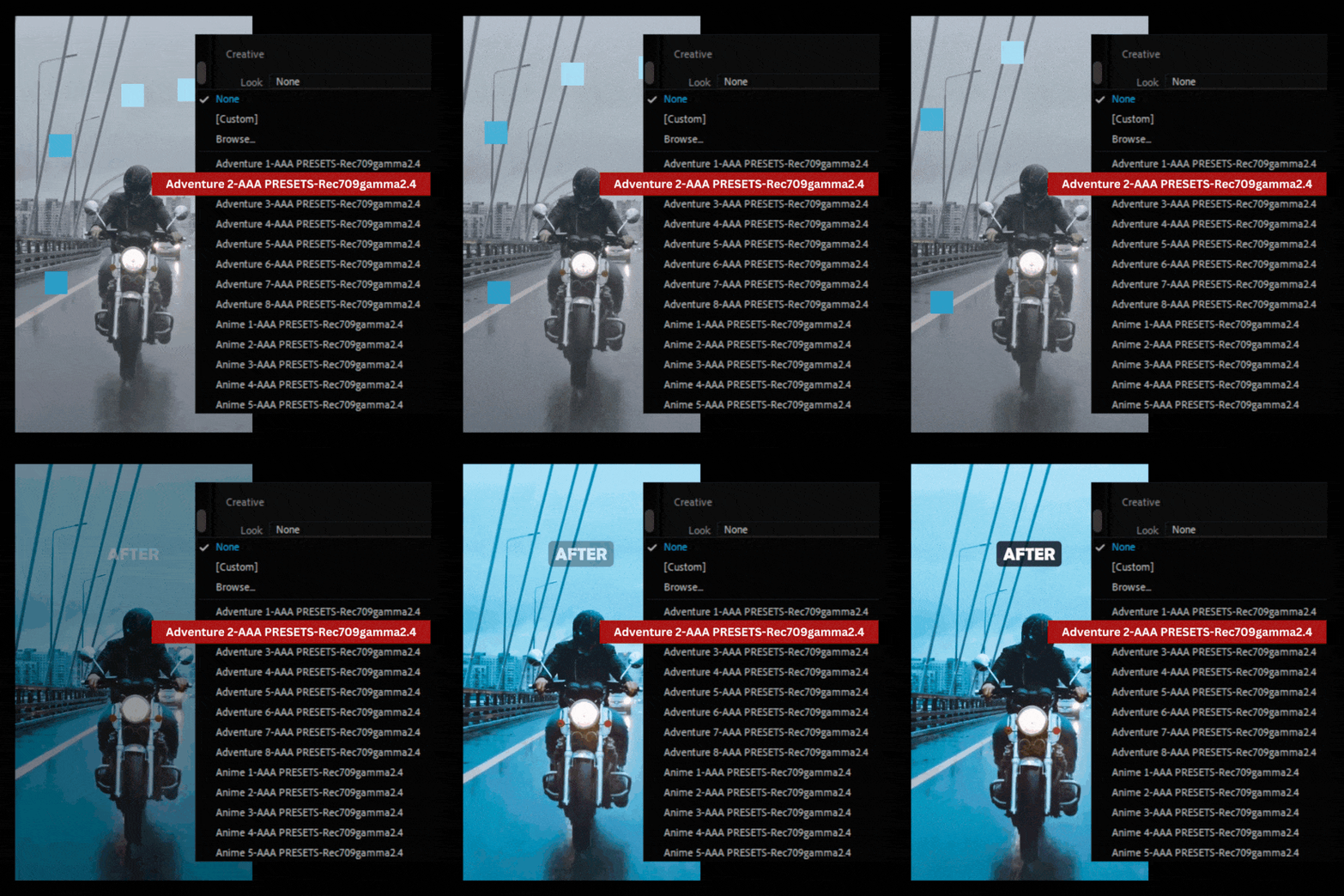
Instant Cinematic Color Grading
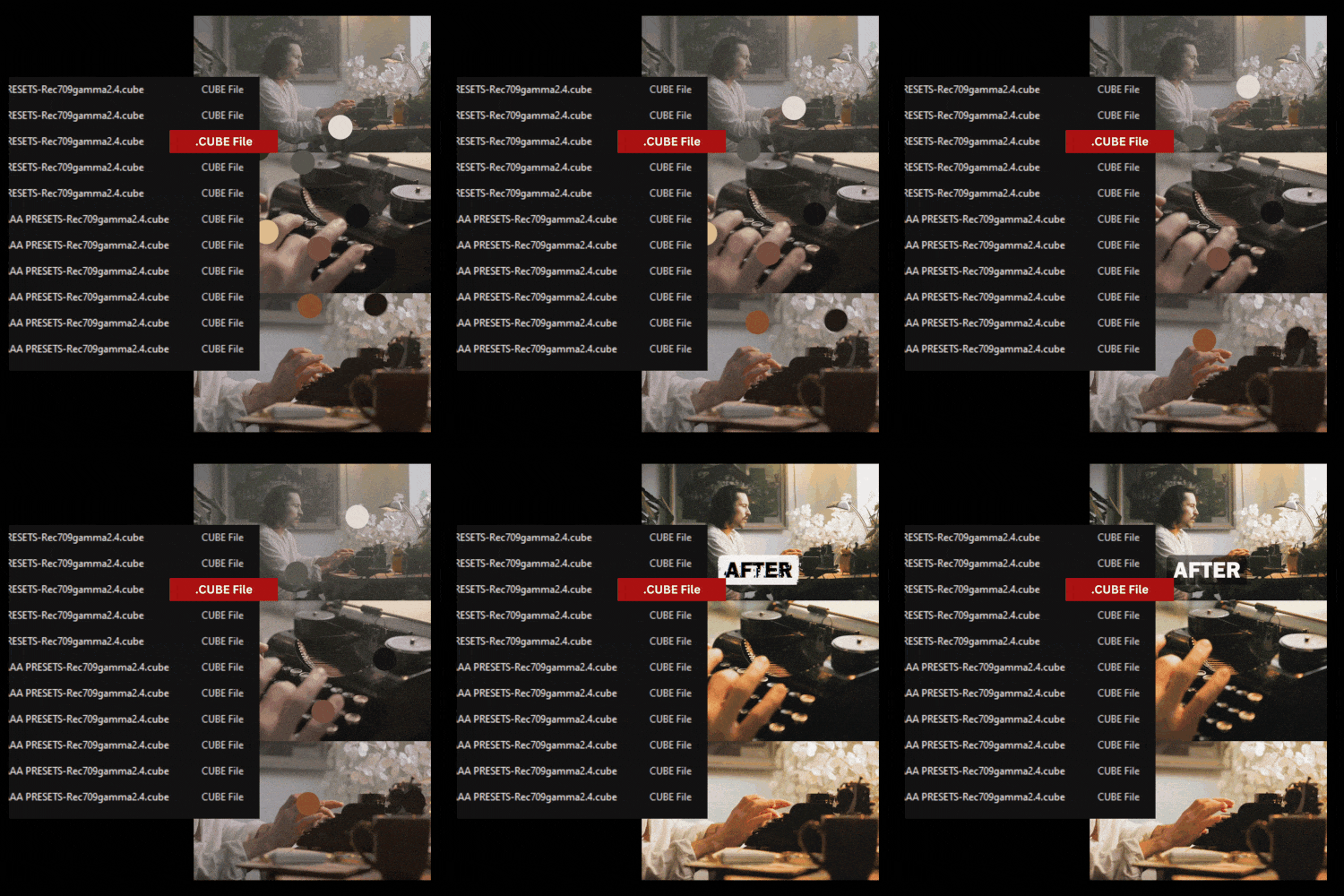
Achieve professional, Hollywood-style color grading with just one click. .cube LUTs allow you to transform your footage instantly, enhancing colors, tones, and mood to give your videos a polished, cinematic look.
Compatibility with Leading Software
.cube LUTs are designed to work across all major video and photo editing platforms, including Adobe Premiere Pro, DaVinci Resolve, Final Cut Pro, After Effects, and more. This flexibility ensures a seamless workflow no matter your preferred tool.
Save Time Without Sacrificing Quality
Streamline your color grading process and reduce editing time significantly. LUTs simplify complex adjustments, allowing you to focus on creativity while ensuring consistent, high-quality results for every project.
FAQ
Everything You Need to Know About Our Lightroom Presets
What are video LUTs?
Video LUTs (Look-Up Tables) are pre-designed color grading files that transform the colors and tones of your video footage. They help you achieve professional, cinematic looks quickly and consistently.
What file format do your LUTs come in?
Our video LUTs are provided in the .cube format, which is compatible with most professional video editing software.
Are these LUTs compatible with my editing software?
Yes! Our LUTs work seamlessly with:
- Adobe Premiere Pro
- Final Cut Pro
- DaVinci Resolve
- Adobe After Effects
- Avid Media Composer
- Other software that supports .cube files.
Can I customize the LUTs?
Absolutely! Once applied, you can adjust settings like brightness, contrast, and saturation in your editing software to fine-tune the look to your preference.
Are these LUTs beginner-friendly?
Yes! Our LUTs are easy to use and include a quick guide to help beginners apply them effortlessly. They’re also versatile enough for professionals.
How do I install and use the LUTs?
We provide a detailed installation guide with your purchase. Simply import the .cube files into your editing software, apply them to your footage, and adjust as needed.