


AI-Optimized Foggy Gothic Film Lightroom Presets for Moody Misty Photos
👇 Scroll down Learn more about License
🔥 Buy 3 Get 9 Free Save $135
🔥 107 items sold in last 14 days
Foggy Gothic Film Lightroom Presets is a collection of 8 editable photo looks for foggy forests, gothic architecture, misty travel scenes and dramatic landscapes. Shape your images with cool misty tones, deep forest shadows and atmospheric film color, and create a more consistent series across desktop and mobile.
A cinematic starting point for your photos
Use the looks with real fog or soft overcast light to emphasize existing depth and atmosphere. They help establish a connected visual story across forest paths, architectural details and distant scenery without adding fog or changing the scene. Each preset remains adjustable, so exposure, white balance and contrast can be adapted to the original photograph.
Benefits for your editing workflow
- Create a film-inspired direction for overcast and misty photographs.
- Give Gothic wardrobes, stone buildings and woodland scenes a cohesive palette.
- Start a full photo series from a coordinated set of looks.
- Fine-tune the color and contrast to keep your subject visible.
What is included?
- 8 preset looks in XMP format, supplied in separate Lightroom/Lightroom Classic and Photoshop Camera Raw folders.
- 8 matching DNG files for iPhone and 8 for Android, organized into mobile folders. These are the same looks supplied for different workflows.
- PDF installation guide in one downloadable ZIP.
Compatibility and editing
Use XMP files in current Adobe Lightroom, Lightroom Classic or Photoshop Camera Raw, and DNG files with Lightroom Mobile on iPhone or Android. The XMP presets include adaptive masking settings; supported AI features may need to be updated or recalculated for each photograph. Desktop adaptive behavior and the mobile DNG workflow can differ. Apply the looks to RAW or JPEG photos and refine the result for the camera, exposure and lighting.
How do I install and use these presets?
Download and unzip the package, then follow the included PDF to choose the right files. Import the XMP presets in your desktop application. For the DNG workflow, import a DNG photo into Lightroom Mobile and create a preset from its settings. Apply the chosen look, update supported masks if prompted, then adjust exposure and white balance.
Frequently asked questions
Do I get desktop and mobile files?
Yes. XMP files and iPhone/Android DNG folders are included.
Will every photo look exactly like the cover?
No. Results depend on the source image, camera profile, lighting and adjustments. The software box cover presents the preset pack; the gallery contains before-and-after examples of the edits.
Are photographs or Adobe software included?
No. This is a digital preset pack with an installation guide. Adobe software and example photographs are not included.
More questions before you download
How many different looks do I receive?
You receive 8 creative looks. The separate Lightroom/Lightroom Classic XMP, Photoshop Camera Raw XMP, iPhone DNG and Android DNG folders provide those same looks for different workflows. They are not 32 separate visual styles.
What does AI-Optimized mean in this pack?
The desktop XMP files include adaptive masking settings. Use a current compatible Adobe application, allow supported masks to update for your photograph, and check the finished result. The mobile DNG workflow transfers editing settings and can behave differently from desktop adaptive masks.
Will the presets work with my camera?
You can apply the settings to RAW and JPEG photographs in the listed Adobe applications. Camera profiles, skin tones, lighting and exposure affect the result, so start with a correctly exposed image and fine-tune white balance and important colors. Matching results across every camera are not guaranteed.
Can I customize the finished edit?
Yes. Refine the editable settings after applying a look. Check highlights, shadow detail, saturation and skin tones at your intended viewing size, then export the photograph using your normal workflow.
How is the product delivered?
This is a digital download, with no physical box or shipment. After payment is confirmed, BIG Digital Download provides access to the ZIP and a generated license key through the store's download delivery. Unzip the package and use the included installation PDF.
Which license should I choose?
Select Personal, Commercial or Extended under License Type before checkout. Review the store's license policy for the permitted uses of your chosen license. Each option includes the same preset files and installation guide.
Introducing Our Licensing Options
Discover the various licensing options available for our products at AAA Presets. We offer three main licenses: Personal, Commercial, and Extended, each tailored to different usage scenarios. To find the perfect fit for your needs, explore the detailed descriptions below.
Personal License
The Personal License is designed for individual users seeking to enhance their personal projects with our digital products and assets from AAAPresets. This license provides:
- An ongoing, non-exclusive, non-transferable, worldwide license for your purchased filter, preset, effect, template, or digital file.
- Installation on one personal computer or device, which can include mobile devices and smartphones.
Commercial License
If you're looking to incorporate our products into both personal and commercial endeavors, the Commercial License is the ideal choice. This license allows:
- Usage in both personal and commercial works.
- Installation on any of your computers or devices.
- Unlimited usage for web and digital advertisements, business social media accounts, and local market physical advertisements. For worldwide usage in physical formats, consider the Extended License.
- Creation of up to 100,000 combined total Physical or Digital End Products (edited photos, designs, graphics, videos, etc.).
- Selling of End Products created using our products to any number of people, provided the original filter, preset, effect, template, or digital file is not included in the sold product.
Extended License
For those with broader commercial needs, the Extended License offers extensive permissions, allowing you to use our digital products in a wide range of applications. This license provides:
- Usage in personal and commercial works, similar to the Commercial License.
- Installation on an unlimited number of your team's computers/devices.
- Unlimited usage for web and digital advertisements, business social media accounts, and worldwide physical advertisements.
- Usage in one browser tool, game, or mobile app with up to 1,000,000 end users.
- Creation of up to 1,000,000 combined total Physical or Digital End Products.
- Selling of End Products created using our products to any number of people, with the same restriction as mentioned in the Commercial License.
Please note that all licenses prohibit redistribution, incorporation, or distribution of the original files in End Products, but you are encouraged to direct users to our AAAPresets page for licensing. Keep in mind that failure to comply with the terms of the license may result in termination. If you have questions about our licensing and terms, don't hesitate to contact us at info@aaapresets.com.
In short, Lightroom presets are advanced Instagram filters that edit your photos effortlessly both on your phone & computer. Create PRO images with just one click!
Once you purchase the presets, you’ll receive a detailed guide on how to use them. It's super quick and easy!
1. Take a photo with iPhone, Android or digital camera.
2. Use Lightroom App to apply preset on your picture.
3. All set! Share your Picture!
Any question whatsoever, we will have you covered!
✓ 24/7 Quick Customer Support Team. Any question whatsoever, we will have you covered!
✓ Video tutorials & immediately answered questions
✓The #1 Best Selling Lightroom Presets store in the world
✓High-quality result.Easily editable effects.
✓Non-destructive Workflow.
✓Completely experimented with & tested.
Works with Your Favorite Editing Tools


500,000+
500K Downloads Worldwide
Trusted by creators globally, our tools have reached over 500,000 downloads on Envato, FilterGrade, and Creative Market.
#1
1 Trusted Brand Across the Globe
We’re proud to be the go-to choice for photographers and videographers worldwide, offering premium presets, LUTs, and transitions.
10,000+
10,000+ Happy Customers
Join a thriving community of 10,000+ photographers and videographers using our presets, LUTs, and transitions.
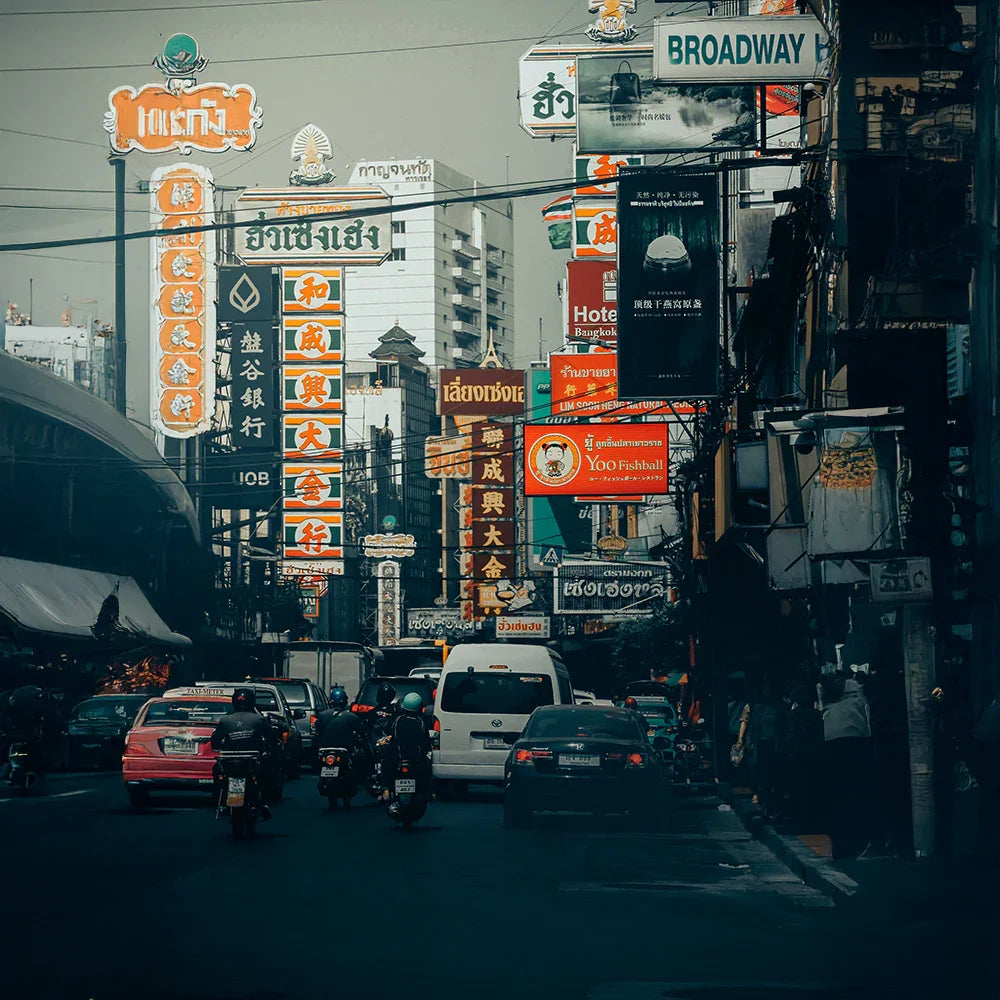
Instant Photo Transformation
Transform your photos effortlessly with presets that apply professional-quality adjustments in just one click. Enhance colors, tones, and lighting instantly, giving your images a polished and vibrant look without spending hours editing.
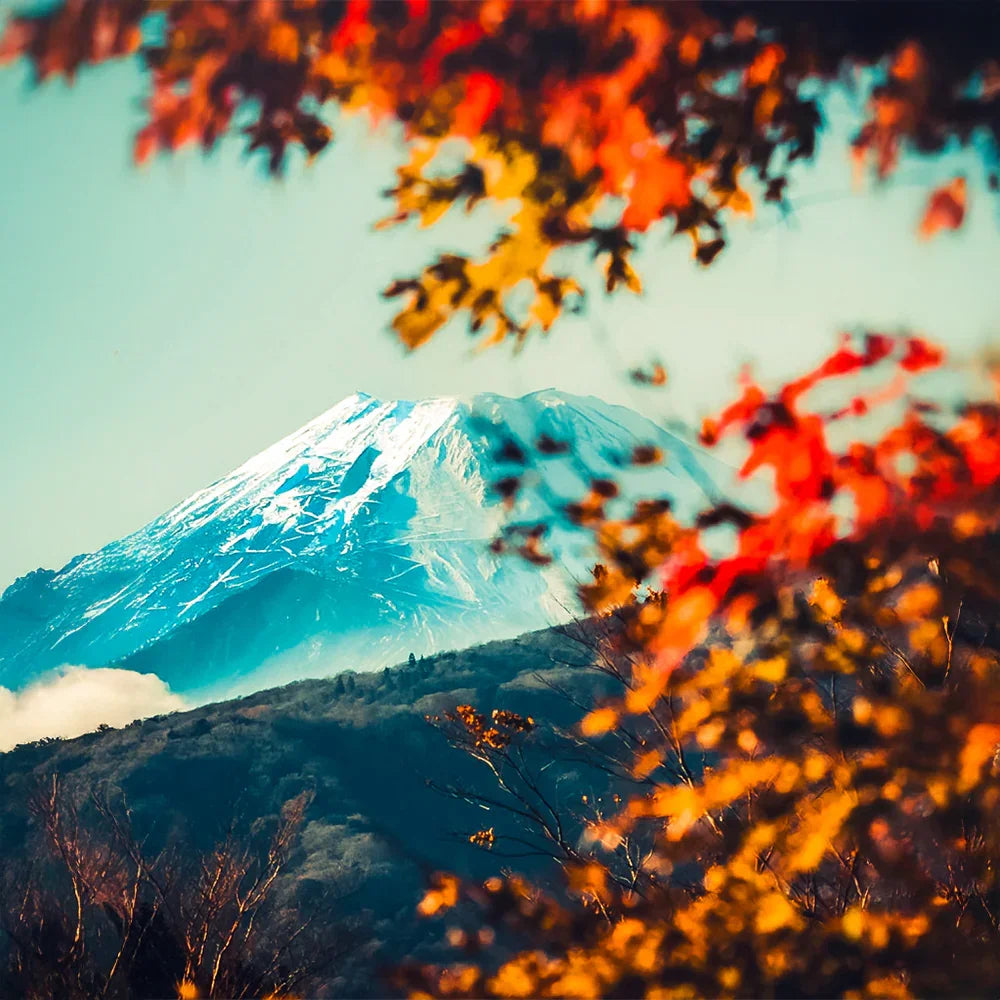
Save Time and Boost Efficiency
Lightroom presets significantly reduce your editing time by providing ready-made adjustments that fit various styles. Whether you’re editing for social media, clients, or personal projects, presets streamline your workflow while maintaining consistency and quality.

Fully Customizable for Your Style
Each preset is fully adjustable, allowing you to tweak settings like exposure, contrast, and saturation to suit your unique style and creative vision. Whether you prefer dramatic tones or subtle enhancements, these presets adapt to your needs.
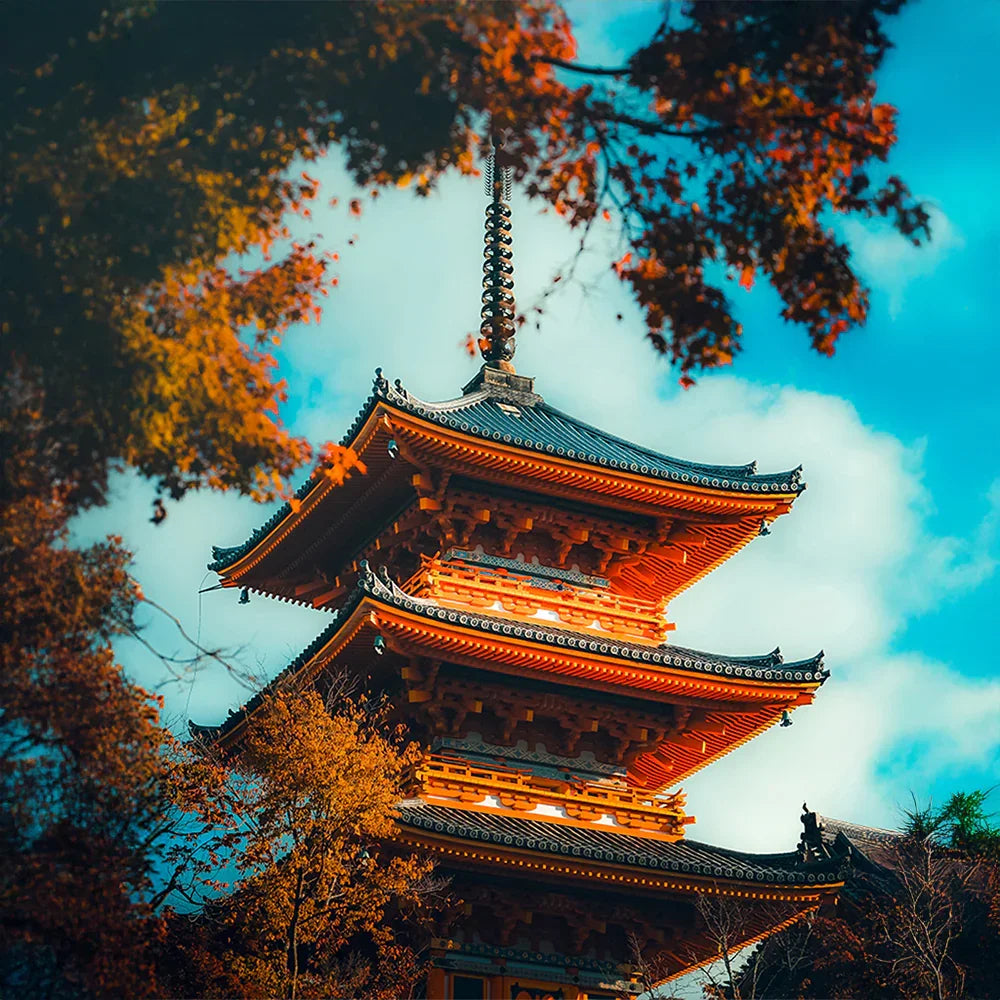
Perfect for Every Type of Photography
Our presets are versatile and crafted for various photography styles, including portraits, landscapes, travel, weddings, and more. No matter the occasion, these presets provide a tailored look that makes your photos stand out.
Before & After Magic
Transform your photos effortlessly with our premium Lightroom presets. See the magic of professional editing in action—enhance colors, tones, and lighting instantly. Take advantage of our exclusive offer: Buy 3 presets and get 9 absolutely free. Elevate your edits today!

Before

After
FAQ
Everything You Need to Know About Our Lightroom Presets
What are Lightroom presets?
Lightroom presets are pre-designed photo editing settings that allow you to apply specific looks, tones, and effects to your photos with one click.
Are these presets compatible with my device?
Yes! Our presets work with:
- Lightroom Mobile (iOS & Android)
- Lightroom Desktop (Windows & macOS)
- Adobe Photoshop (via Camera Raw)
- Other compatible software like Capture One (XMP presets may require manual adjustments).
Do I need an Adobe subscription to use these presets?
- Lightroom Mobile: No subscription is needed; you can use the free version to apply our DNG presets.
- Lightroom Desktop: Requires an active Adobe Creative Cloud subscription.
Can I customize the presets?
Absolutely! You can tweak settings like brightness, contrast, and saturation to suit your unique style and photos.
Are these presets beginner-friendly?
Yes, our presets are designed to be user-friendly and are perfect for both beginners and professionals looking to streamline their editing process.
What if I have issues using the presets?
No worries! Our 24/7 customer support team is here to help. Whether you need assistance with installation or editing, we’ve got you covered.