
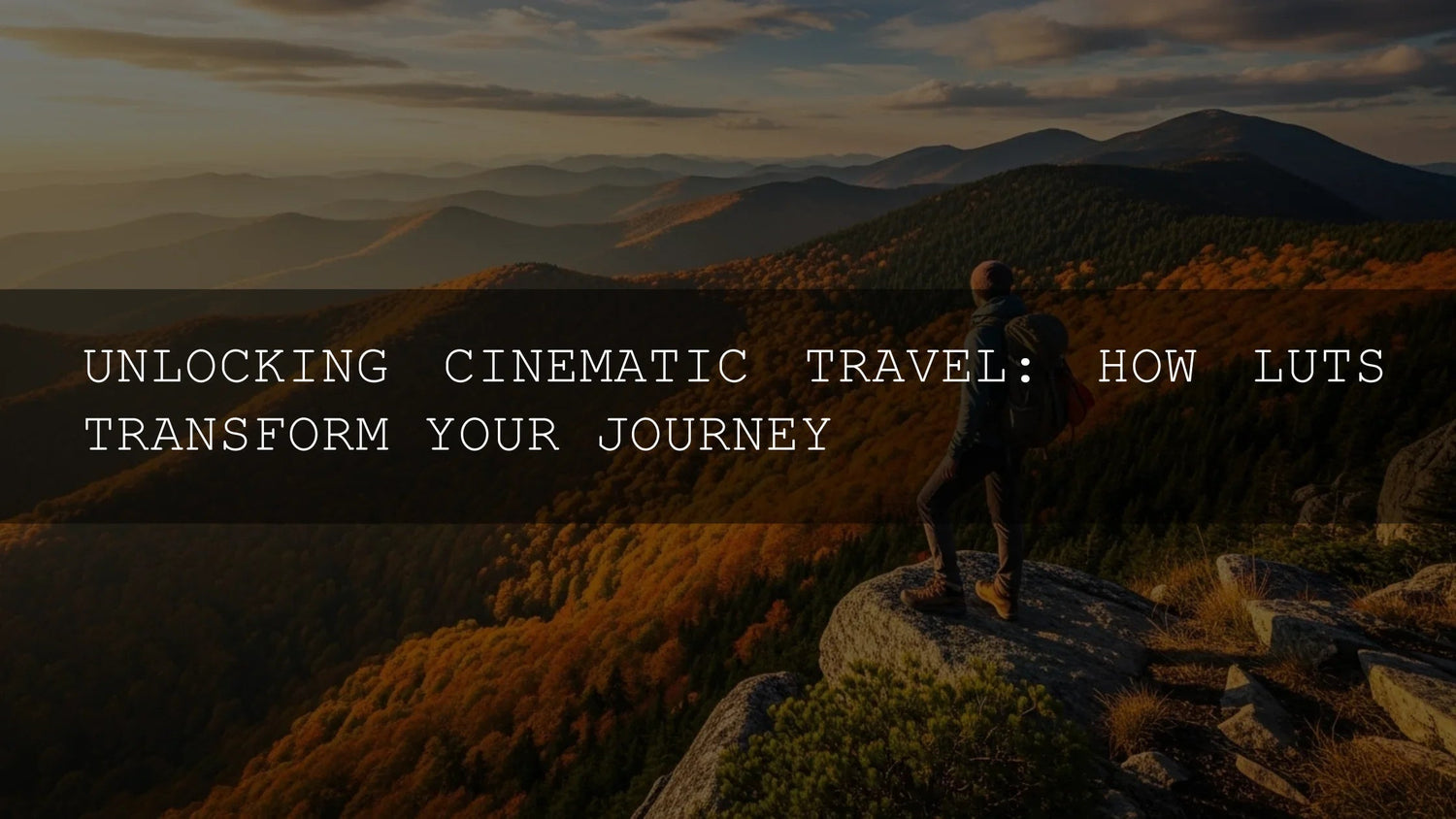
Cinematic Travel LUTs: A Practical Guide to Faster, Consistent, Emotional Color
If your travel videos feel flat compared to the moments you lived, cinematic travel LUTs can change that in minutes. A LUT (Look-Up Table) remaps color and tone so you can grade faster, stay consistent from sunrise to neon nights, and craft a mood your audience actually feels. In this guide, we’ll cover how to choose the right LUTs for drones, street scenes, and food stories, how to blend them with manual tweaks, and how to keep a signature look across a whole trip.
Want an instant upgrade for your next edit? Try our travel-friendly options and build a cohesive style across clips. You can start with focused packs like 70+ Cinematic Drone Video LUTs for aerials or go moody with Cinematic Moody Street Hollywood Film Look LUTs. If you prefer to browse by theme, explore the full AI-Optimized Lightroom Presets collection for photo edits that match your video grade. Try these looks today — Buy 3, Get 9 FREE.
What LUTs Actually Do (and Why They’re Perfect for Travel)
LUTs are predictable color “maps” that transform your footage’s hue, saturation, contrast, and gamma into a specific look — warm, nostalgic sunsets; crisp teal seas; gritty neon streets; appetizing market food. Instead of recreating the same adjustments for every clip, you apply one consistent baseline and then fine-tune. This is ideal for travel creators who jump between lighting conditions, cameras, and locations but still need a unified visual story.
- Speed: Build a cinematic baseline in seconds, then tweak.
- Consistency: Keep one “film” look across different cities and lighting.
- Emotion: Choose LUT families that signal mood — cozy, epic, urban, romantic.
- Branding: A repeatable tone palette becomes your signature look.
Field-Tested 5-Step Workflow
- Organize your timeline by lighting (sunrise, midday, blue hour, night) and by scene type (drone, street, food).
- Apply a base LUT that matches the intent (e.g., warm cinematic travel, moody street, teal-and-orange coastal).
- Dial back intensity to 40–70% if the look feels heavy; it’s easier to add than remove.
- Balance exposure and white balance after the LUT to refine highlights/skin/sky.
- Add secondaries for targeted fixes (skin tones, foliage, neon, skies) and match your “hero” shot across adjacent clips.
I tested this exact workflow on a two-week trip: dawn drone flights over beaches, rainy night streets, and crowded food markets. A single LUT family per film, with subtle WB and exposure tweaks, kept everything consistent without hours of micro-adjustments.
Drone Shots: Skies, Seas, and Epic Ridges
Aerials often start hazy or low-contrast. A travel LUT designed for drones can revive micro-contrast in land textures and restore believable sky color without banding.
- Start here: 70+ Cinematic Drone Video LUTs Pack — crafted for coastlines, skylines, forests, and mountain ridges.
- Tip: Correct exposure in log/flat profiles, then apply the LUT; add a gentle S-curve only if needed.
- Shot matching: Grade a “hero” aerial frame first, copy it to the sequence, then trim per scene.
Street Vibes: Day Grit and Night Neon
City footage shifts fast — sunlit glass, deep shadows, and neon signs. A street-cinema LUT family preserves contrast while protecting blacks from crushing.
- Day & urban B-roll: Cinematic Street Film Look LUTs Pack
- Rain & neon nights: Cinematic Moody Street Hollywood Film Look LUTs
- Blend: Lower LUT mix on skin or add a soft roll-off with curves to avoid “over-grade.”
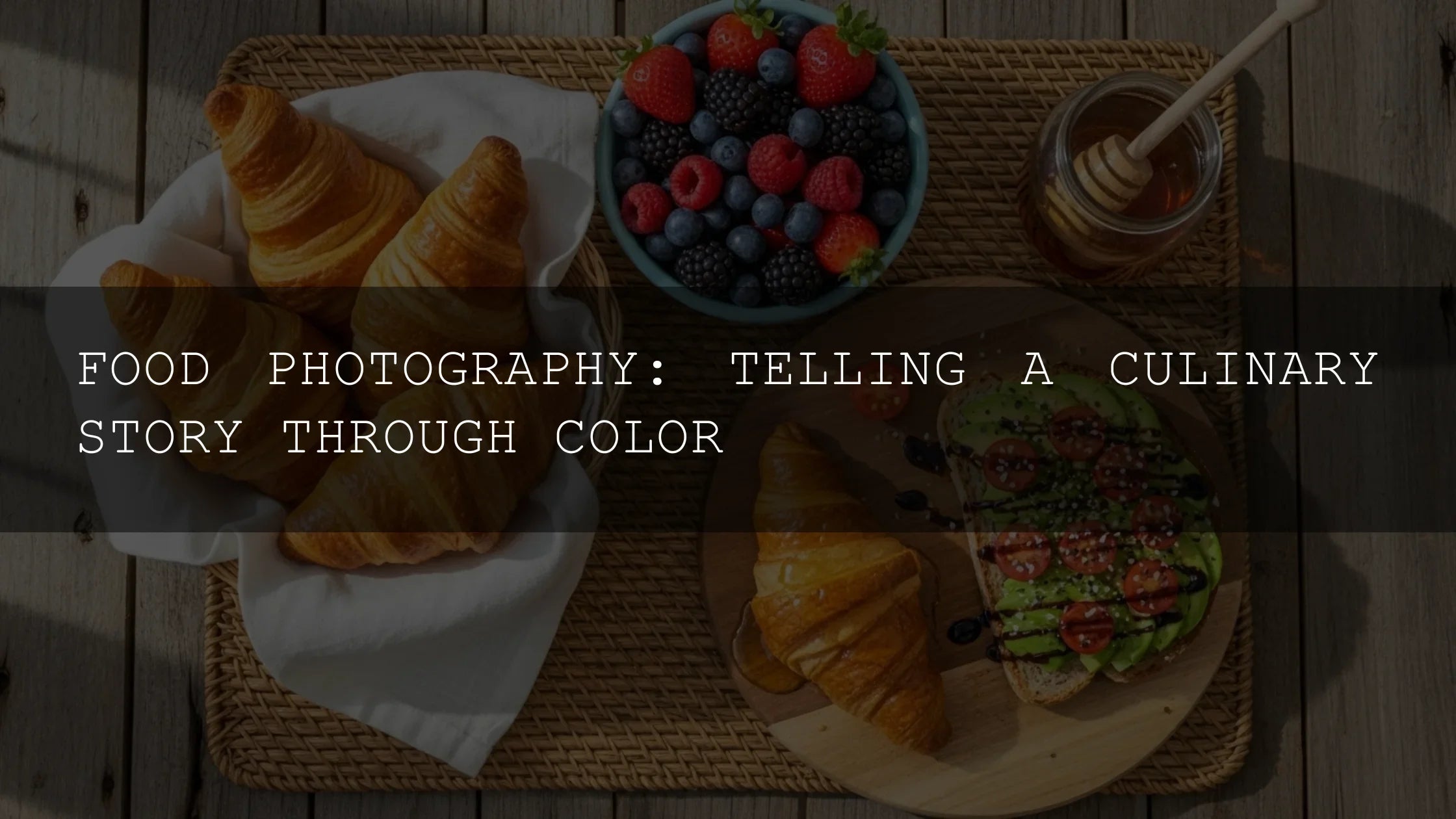
Food Stories: Warmth, Texture, Appetite
Food looks best with gentle contrast and warm color separation that respects skin tones around the scene.
- Best pick: Cinematic Street Food LUTs Pack — enhances spices, steam, and texture without oversaturation.
- Tip: Drop LUT intensity for close-ups, then add selective clarity and a small HSL push to reds/yellows.
Presets & LUTs vs. Manual Editing
Presets/LUTs (Speed & Consistency)
- Pros: One-click baseline, cohesive style, fast workflows.
- Cons: Still needs exposure/WB/skin refinement for perfection.
Manual Editing (Control & Craft)
- Pros: Precise control for tricky mixed light or creative experiments.
- Cons: Time-intensive; easy to drift across scenes.
Best practice: Use a LUT to set direction, then fine-tune manually — the fastest path to pro results.
Pro Tips That Save Hours
- Protect highlights first: Slight underexposure preserves sunset color and city lights once contrast is added.
- Balance white before judging color: A 200–400K WB nudge or tiny tint shift often “unlocks” the look.
- Respect skin tones: If faces go odd, lower LUT mix or use targeted HSL/secondary to steer hue.
- Match by scene: Grade one hero clip per location/light, paste to neighbors, then trim.
- Keep secondaries subtle: Skies, foliage, and neon benefit from precise, small moves.
Helpful Adobe Resources (Workflows & Color)
For deeper control as you blend LUTs with manual grading, explore:
- Adobe Premiere Pro: Looks and LUTs
- Basic color correction options (using LUTs as a starting point)
- Lightroom: Adjust color & Color Grading
Get the Look: Recommended Packs
- 70+ Cinematic Drone Video LUTs Pack — oceans, skylines, ridgelines.
- Cinematic Street Film Look LUTs Pack — day vlogs, urban B-roll.
- Cinematic Moody Street Hollywood Film Look LUTs — night, rain, neon.
- Cinematic Street Food LUTs Pack — food reels, market tours.
Related Reading
- Mastering Lightroom Mobile in 2026: Avoiding Common Mistakes
- Guide to Syncing Lightroom Mobile with Desktop
- Lightroom Presets vs Photoshop Actions
- How to Use LUTs in Premiere Pro
- Using LUTs on Mobile Editing Apps (CapCut, VN)
Keep Photo & Video Looks Consistent
Want your Instagram grid and YouTube thumbnails to match your video grade? Build a parallel photo look with presets from the Lightroom Presets Collection so your stills carry the same color language as your films.
FAQ
Do cinematic travel LUTs work with any camera profile?
Yes. They work with DSLR, mirrorless, drone, and phones. If you shoot log/flat, set exposure and transform to a proper working color space, then apply the LUT and fine-tune.
Which apps support LUTs?
Premiere Pro, DaVinci Resolve, Final Cut Pro, and After Effects support LUT workflows; most mobile editors also allow LUT-style looks or import of .cube files via plugins or conversions.
How do I avoid an “over-graded” look?
Lower LUT mix to 40–70%, correct white balance, and add small HSL/secondary adjustments to keep skin tones natural.
What’s the best way to stay consistent across a whole trip?
Pick one LUT family per film, grade a hero shot per scene, paste to neighbors, then trim exposure/WB. Keep secondaries minimal and repeatable.
Can I match my photo edits to my video look?
Yes. Use related Lightroom presets from the same color family to align thumbnails, stills, and carousels with your film grade.
Try the Looks I Use on Real Shoots
Build your travel film’s identity with ready-to-use packs: Drone LUTs for epic aerials, Moody Street LUTs for neon and rain, and Street Food LUTs for warmth and texture. Prefer browsing? Explore the full Lightroom Presets collection. Add your favorites to cart and make the most of our Buy 3, Get 9 FREE offer.
Written by Asanka — creator of AAAPresets (10,000+ customers).

Leave a comment
This site is protected by hCaptcha and the hCaptcha Privacy Policy and Terms of Service apply.