

Earthy & Rustic Lightroom Presets for Autumn: A Practical, Proven Workflow
Autumn is when warm light, textured landscapes, and nostalgic color meet—perfect for earthy and rustic Lightroom presets that feel natural, cinematic, and true to the season. In this guide, we’ll break down how to choose the right looks, build a fast workflow, compare presets vs manual editing, and share real examples from field shoots. If you want a ready-made toolkit to try right now, explore AI-Optimized Rustic Romance and browse the Fall Lightroom Presets collection. Try a few today — Buy 3, Get 9 FREE.
Why Earthy & Rustic Tones Work So Well in Fall
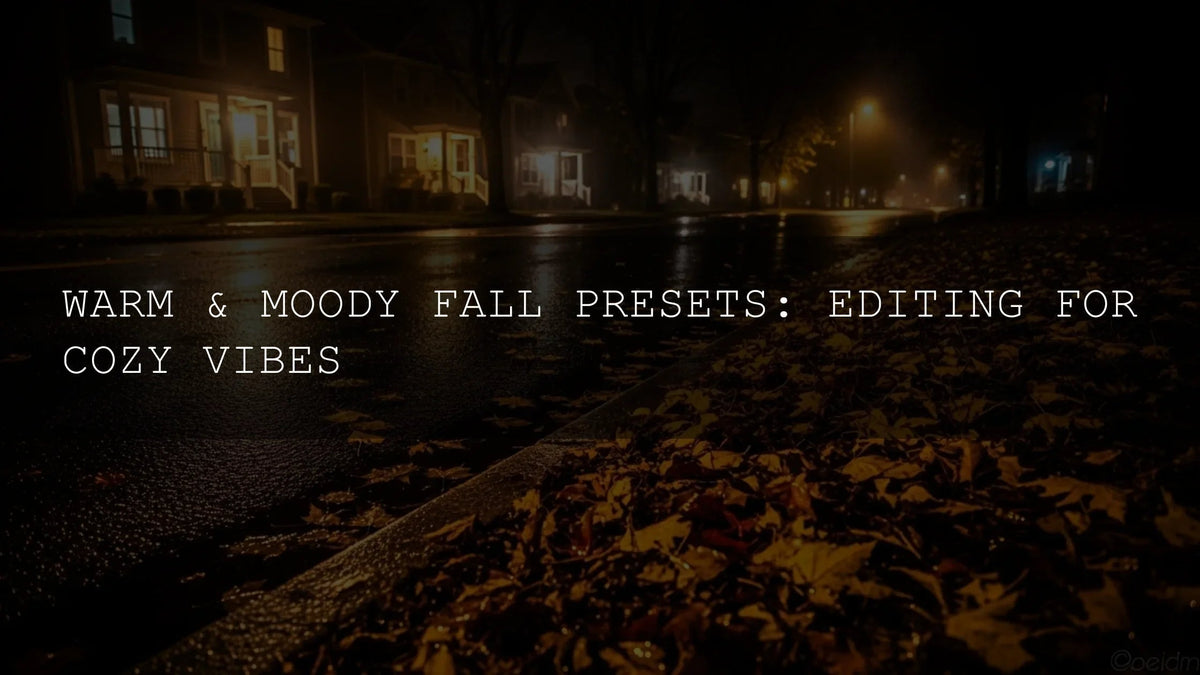
Autumn’s palette leans into ochres, deep browns, and muted greens. With the sun sitting lower, highlights roll off softly and shadows lengthen, which is ideal for subtle contrast curves and warm color grading. A well-crafted rustic preset amplifies authentic color without pushing skin tones too orange or clipping highlights. Think matte midtones, gentle grain, and balanced luminance in the oranges/reds that make leaves glow while keeping detail in bark, stone, and soil textures.
I regularly test presets on landscape and lifestyle assignments. On one dawn hike, a gentle rustic preset lifted the fog’s warmth and protected shadow detail in pine trunks; later that afternoon, the same pack kept skin tones neutral under amber foliage. Small tweaks to exposure and white balance were all it took to finish the look.
Curating Your Autumn Preset Set
Use a focused set that covers four needs: intimate romantic warmth, countryside textures, cinematic browns, and natural greens. Here are proven options:
AI-Optimized Rustic Romance Lightroom Presets
For cozy portraits and golden-hour storytelling, Rustic Romance adds gentle glow, soft highlights, and warm midtones without plastic skin. One-click AI adjustments give you a consistent baseline across mobile and desktop (DNG/XMP), so you can spend time on composition—not sliders.
Farm Rustic Lightroom Presets
Farm Rustic is built for barns, harvest fields, and weathered wood. It deepens browns, holds sky detail on bright days, and keeps grass and crops from going neon. I used it on a hay-bale portrait session—one stop down on exposure, a touch more warmth, and the entire set felt timeless.
Rustic Brown Cinematic Lightroom Presets
When you want a filmic finish with moody depth, Rustic Brown Cinematic brings rich browns and controlled contrast, ideal for forests and mountain vistas. It’s a fast path to cohesive, story-driven color across a full gallery.
Rustic Nature Look Lightroom Presets
For natural greens and grounded contrast, Rustic Nature Look preserves foliage detail, balances cyan/green shifts, and maintains neutral skies. It’s my pick for woodland trails and lakeside scenes where you want realism with gentle warmth.
Bonus Aesthetic: Desert Warmth
Autumn also flatters arid scenes. A desert-tuned look can bring warmth to dunes, sandstone, and roads at golden hour. (If you shoot travel this season, consider a dedicated desert pack for those trips.)
Step-by-Step: A Reliable Earthy/Rustic Workflow
- Start with exposure and white balance. Set a clean base before applying a preset. Slightly warm WB often suits fall light; keep tint neutral to avoid magenta skin.
- Apply the preset as your baseline. Use one consistent pack for each scene so your gallery matches. Adjust preset intensity (Amount slider on mobile/desktop) if needed.
- Tune global tones. Small moves to Exposure/Contrast, then refine via Curve for soft highlight roll-off and lifted shadows where appropriate. See Adobe’s guide to editing with presets and tone curve.
- Refine with masks. Brighten faces, deepen skies, or warm select trees using Lightroom’s Masking (Subject/Sky/Background/Objects). It’s the fastest way to add dimension. Learn more in Adobe’s masking guide for Lightroom.
- Balance HSL & color grading. Nudge orange luminance for skin, soften greens/cyans to avoid plastic grass, and add subtle warm midtone grade. For theory help, try the Adobe Color wheel.
- Add texture/grain tastefully. Rustic looks benefit from a hint of grain for tactile feel—keep it fine and consistent across the set.
- Unify the series. Sync settings or copy/paste edits across similar shots, then spot-check each frame for exposure/skin tones.
Presets vs Manual Editing (What to Use When)
- Speed & Consistency (use presets): For large fall galleries, one-click baselines save hours and maintain a coherent mood across changing light.
- Creative Control (manual touches): Local masks, HSL, and curves tailor the preset to each scene. This hybrid approach delivers both efficiency and nuance.
- Client Revisions: Preset-driven baselines make iteration faster—small WB or exposure tweaks keep the “look” while answering feedback.
Real-World Scenarios
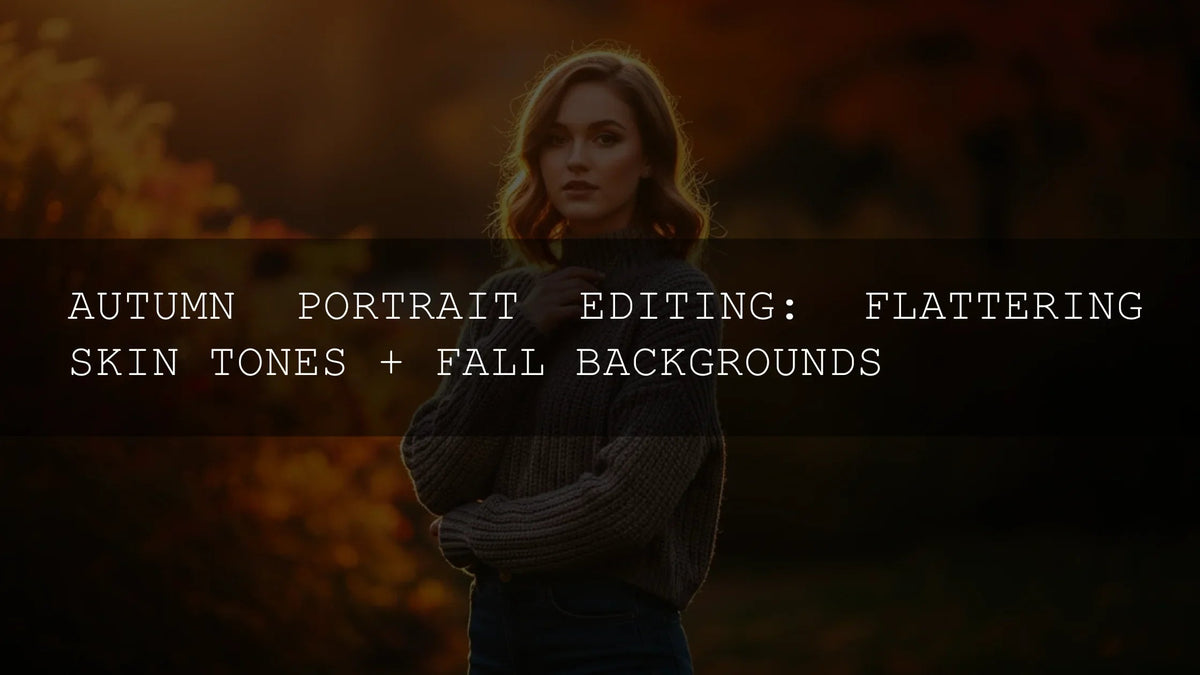
- Backlit forest portrait: Rustic Romance + Masking > Subject to lift faces; bring down highlights; slight orange luminance lift for healthy skin glow.
- Overcast farm morning: Farm Rustic + gentle midtone contrast; desaturate greens/cyans a touch; add grain for texture that matches the weathered wood.
- Mountain lookout at dusk: Rustic Brown Cinematic for cinematic depth; cool the WB slightly to retain blue hour feel while keeping warm browns in the foreground.
- Lakeside trail: Rustic Nature Look with green balance; selective warmth on reeds via color range mask; keep sky detail by taming highlights.
Gear-Agnostic Tips from the Field
- Shoot RAW. It gives presets more latitude for clean highlight roll-off and shadow recovery.
- Expose for highlights. Protect skies and bright leaves—then lift shadows with curve/masks.
- Use tone curve for shape. A soft S-curve creates gentle contrast that suits earthy scenes (see Adobe’s tone curve overview).
- Leverage AI masks. Subject, Sky, and Background quickly isolate areas so your rustic color stays targeted (see Adobe’s guide to masking in Lightroom).
- Keep greens believable. Slightly reduce saturation and lift luminance; avoid neon grass. Fine-tune with HSL and Color Mixer.
- Consistency beats intensity. Better to apply a lighter look uniformly than push a few frames too far.
Try These—Hand-Picked for Earthy & Rustic Fall
For this look, I recommend:
- AI-Optimized Rustic Romance — intimate warmth and soft highlights.
- Farm Rustic — authentic countryside texture and balanced skies.
- Rustic Brown Cinematic — filmic mood and rich browns for landscapes.
- Rustic Nature Look — realistic greens with gentle warmth.
Want to explore even more styles for the season? Browse the full Fall Lightroom Presets or the complete Lightroom Presets collection. Try them today — Buy 3, Get 9 FREE.
Related Reading
- How to Install Lightroom Presets (Step-by-Step)
- Mastering Lightroom Mobile Presets: Adapting to Any Lighting
- Quick Lightroom Hacks: 5-Minute Edits for Creators
- Using Lightroom Presets in Photomator: A Practical Guide
Helpful Resources
- Adobe’s guide to masking in Lightroom
- Edit photos using presets & tone curve in Lightroom
- Adobe Color harmony rules & color wheel
- ICC: Introduction to color profiles (neutral authority)
FAQ
What’s the best starting point for earthy/rustic fall color?
Begin with exposure and white balance, then apply a rustic preset for your baseline. Use tone curve for soft highlight roll-off and AI masks to shape faces, skies, and trees.
How do I keep skin tones natural with warm autumn palettes?
Reduce orange saturation slightly and lift orange luminance. If skin goes too red, cool the WB a touch and adjust the red HSL channel.
Should I use grain for a rustic look?
Yes—subtle grain adds tactile character. Keep it fine and consistent across the gallery; avoid heavy grain on high-ISO images.
Which presets should I try first?
For portraits, start with Rustic Romance. For farms and fields, choose Farm Rustic. For dramatic landscapes, use Rustic Brown Cinematic or Rustic Nature Look.
Where can I get help with installing presets?
Follow our step-by-step guide: How to Install Lightroom Presets, or check the FAQ page.
Written by Asanka — creator of AAAPresets (10,000+ customers).

Leave a comment
This site is protected by hCaptcha and the hCaptcha Privacy Policy and Terms of Service apply.