


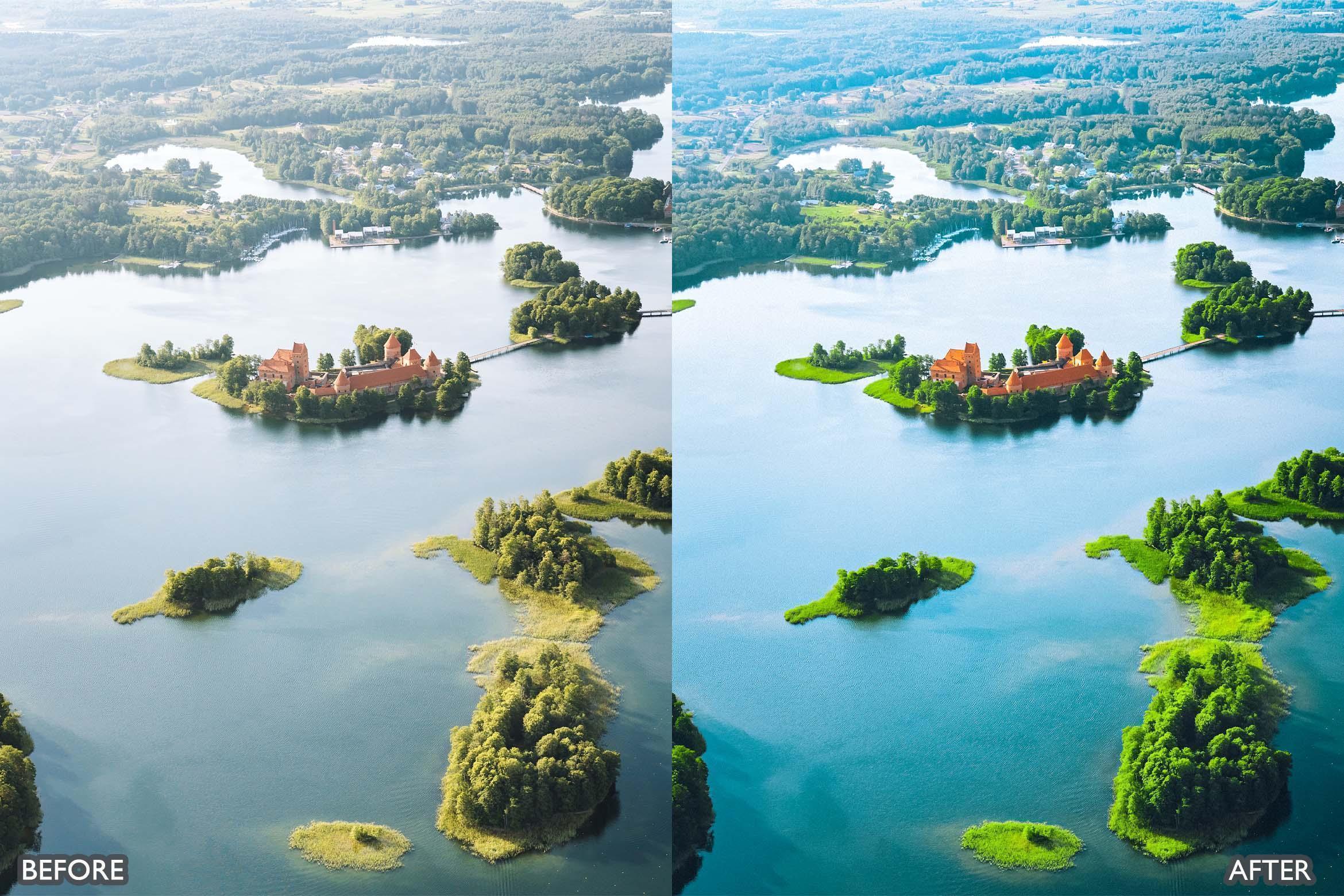
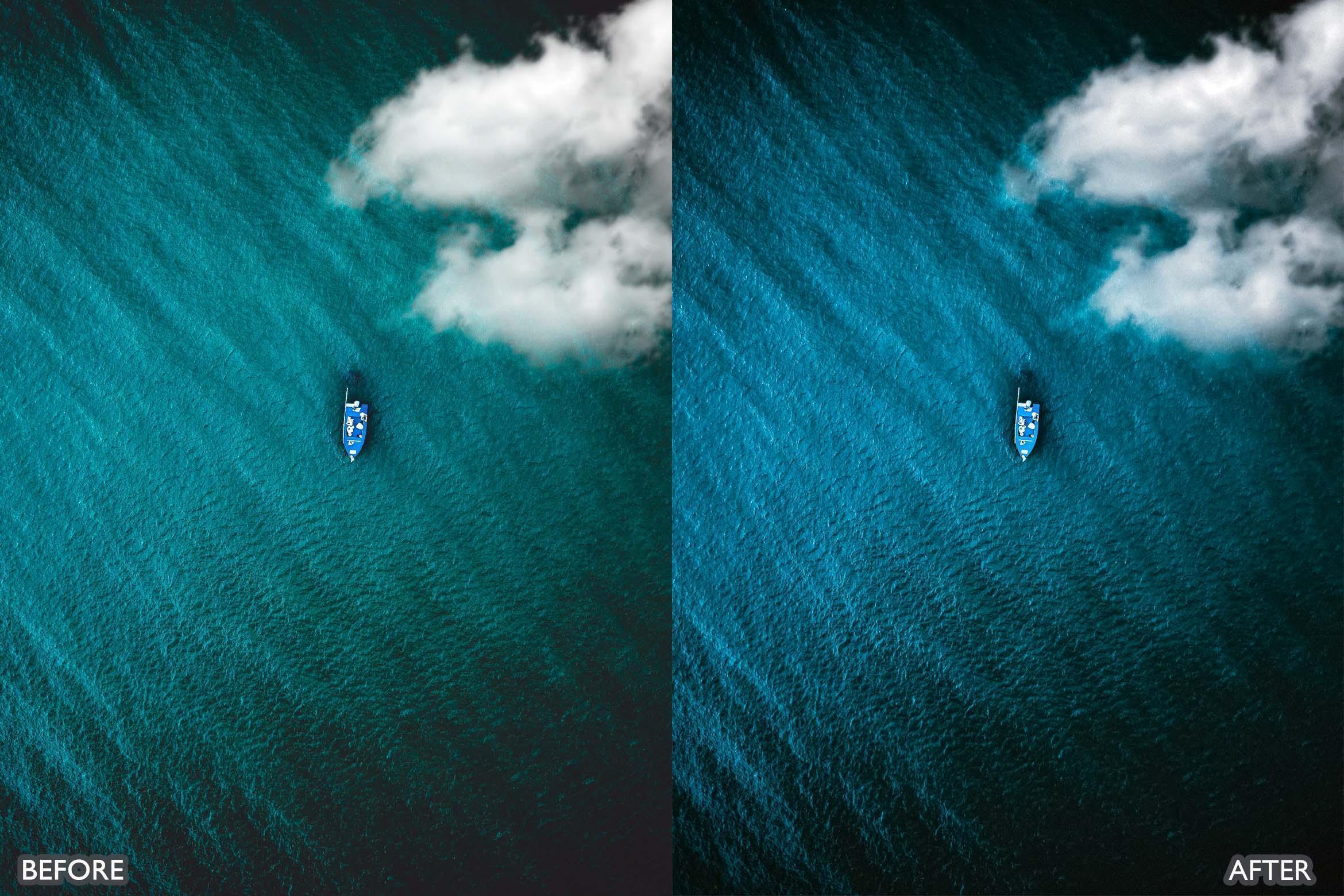
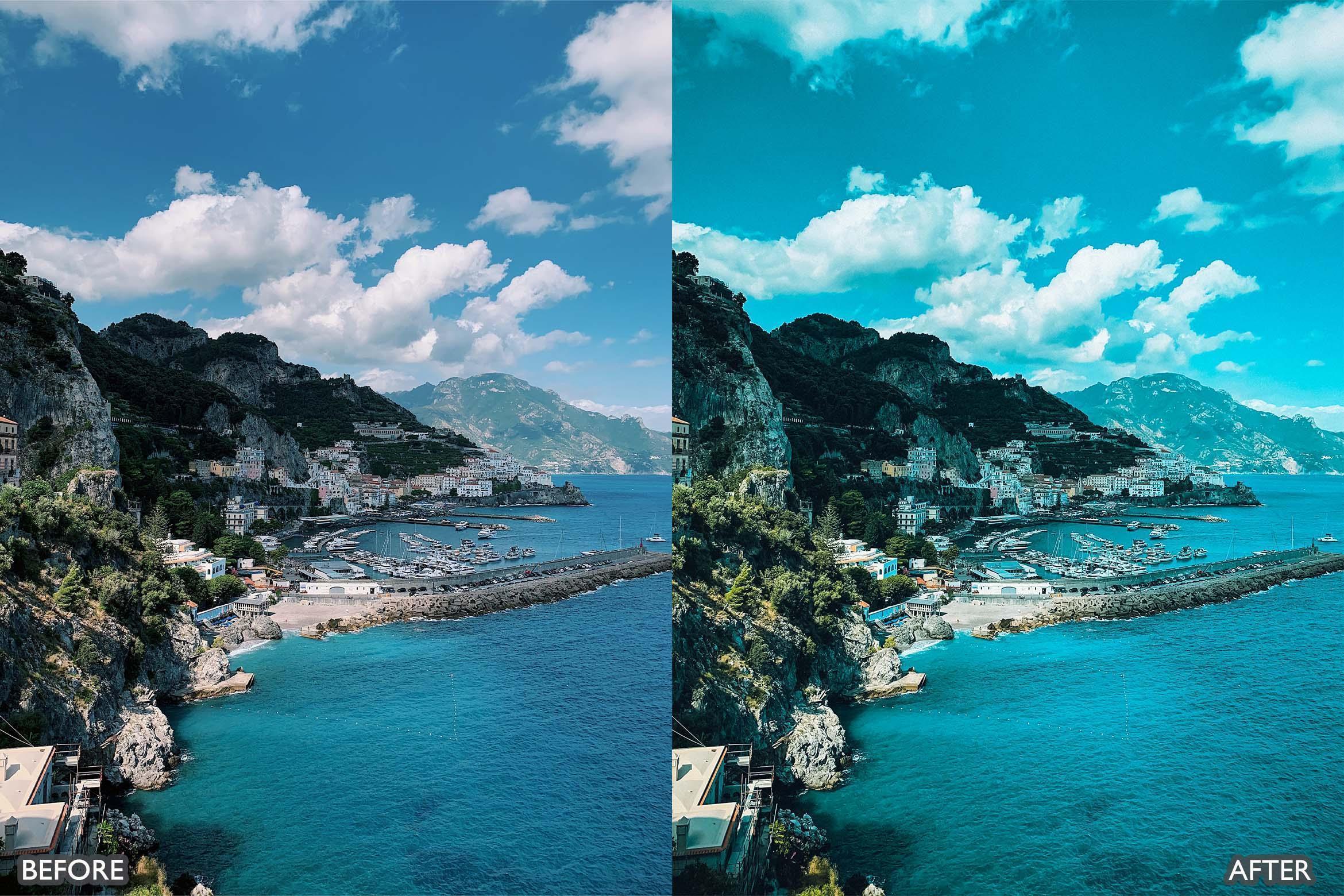
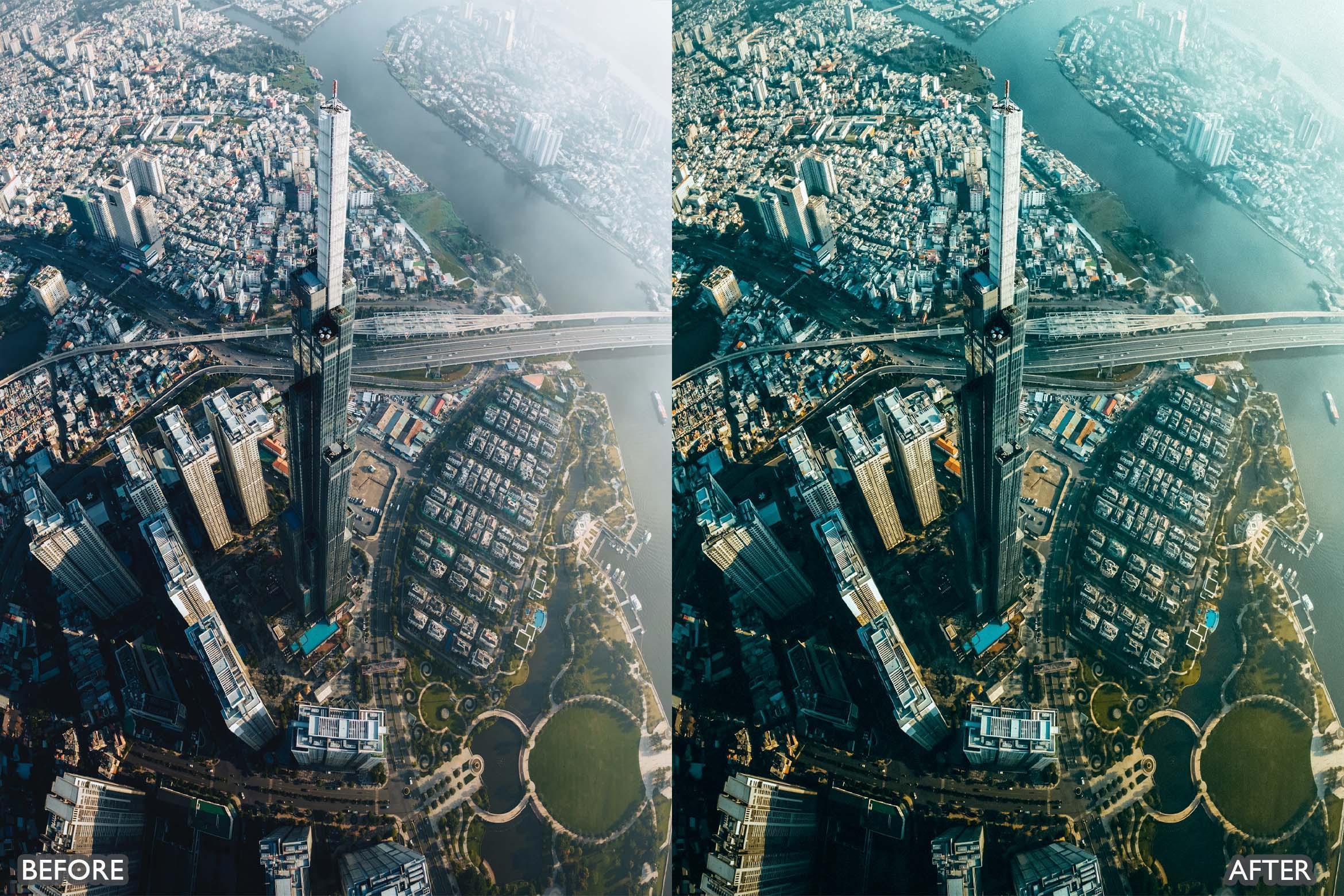
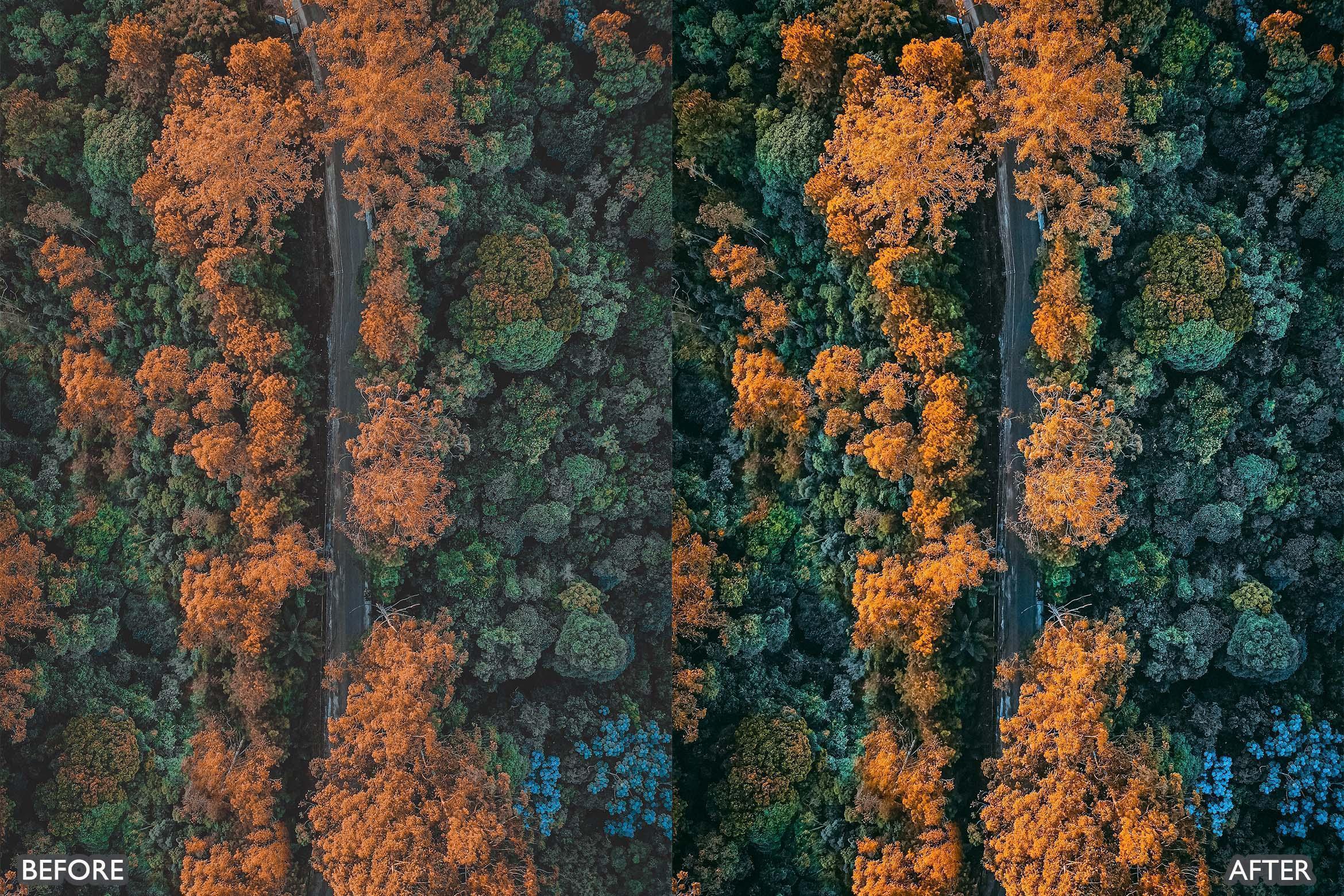
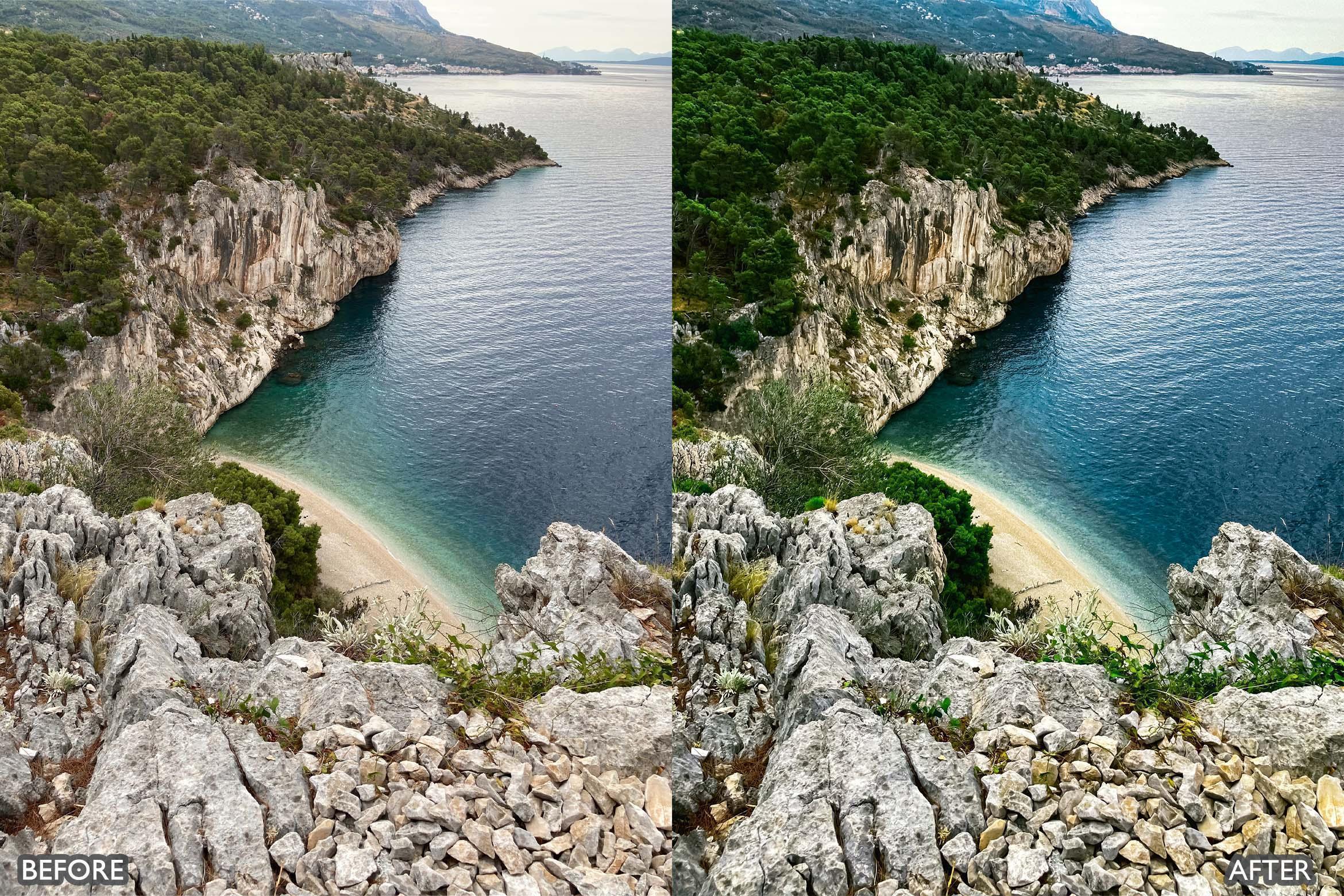
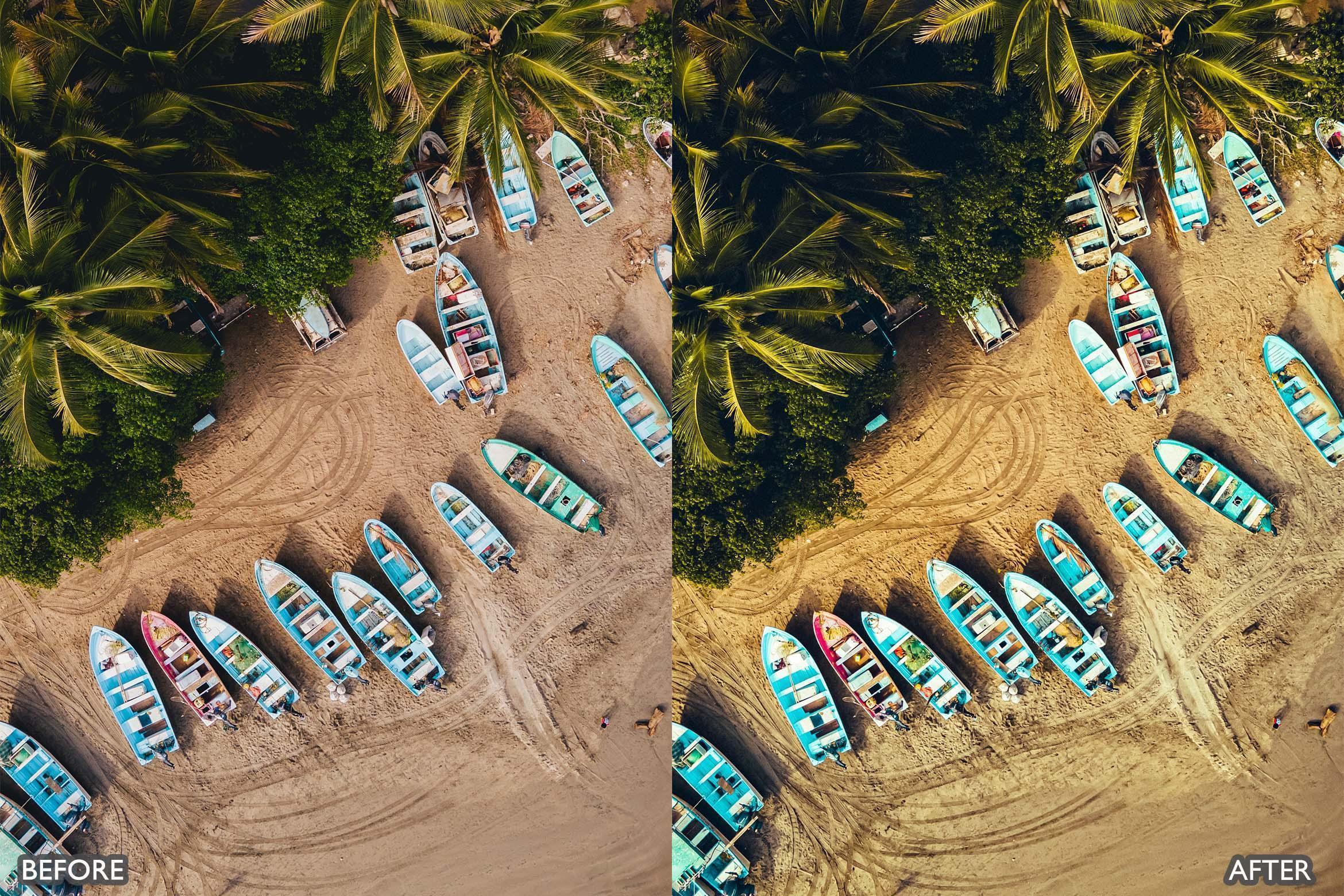
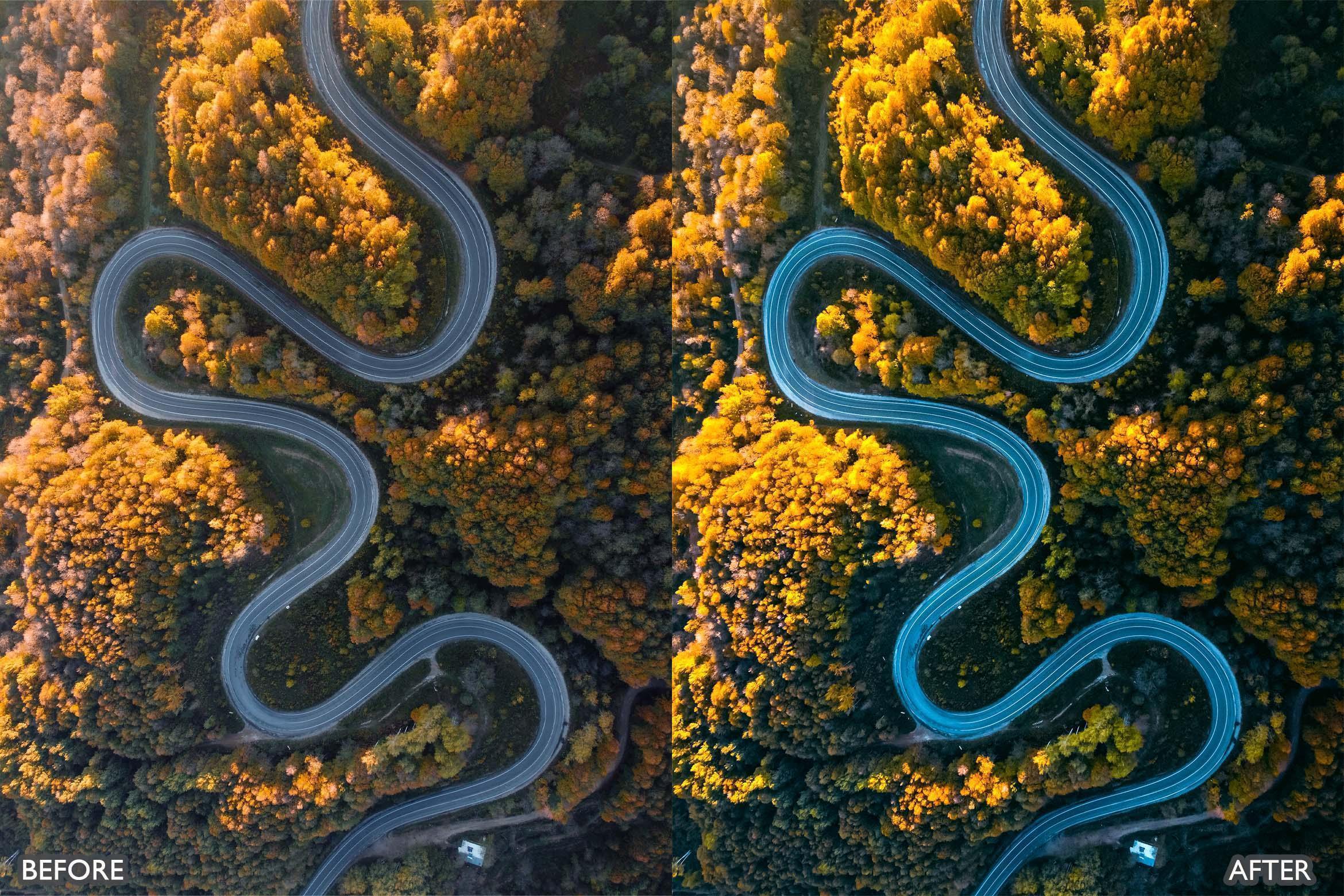
DJI Drone Lightroom Presets Pack
👇 Scroll down Learn more about License
🔥 Buy 3 Get 9 Free Save $135
🔥 107 items sold in last 14 days
DJI Drone Lightroom Presets Pack (8 Presets: XMP + DNG)
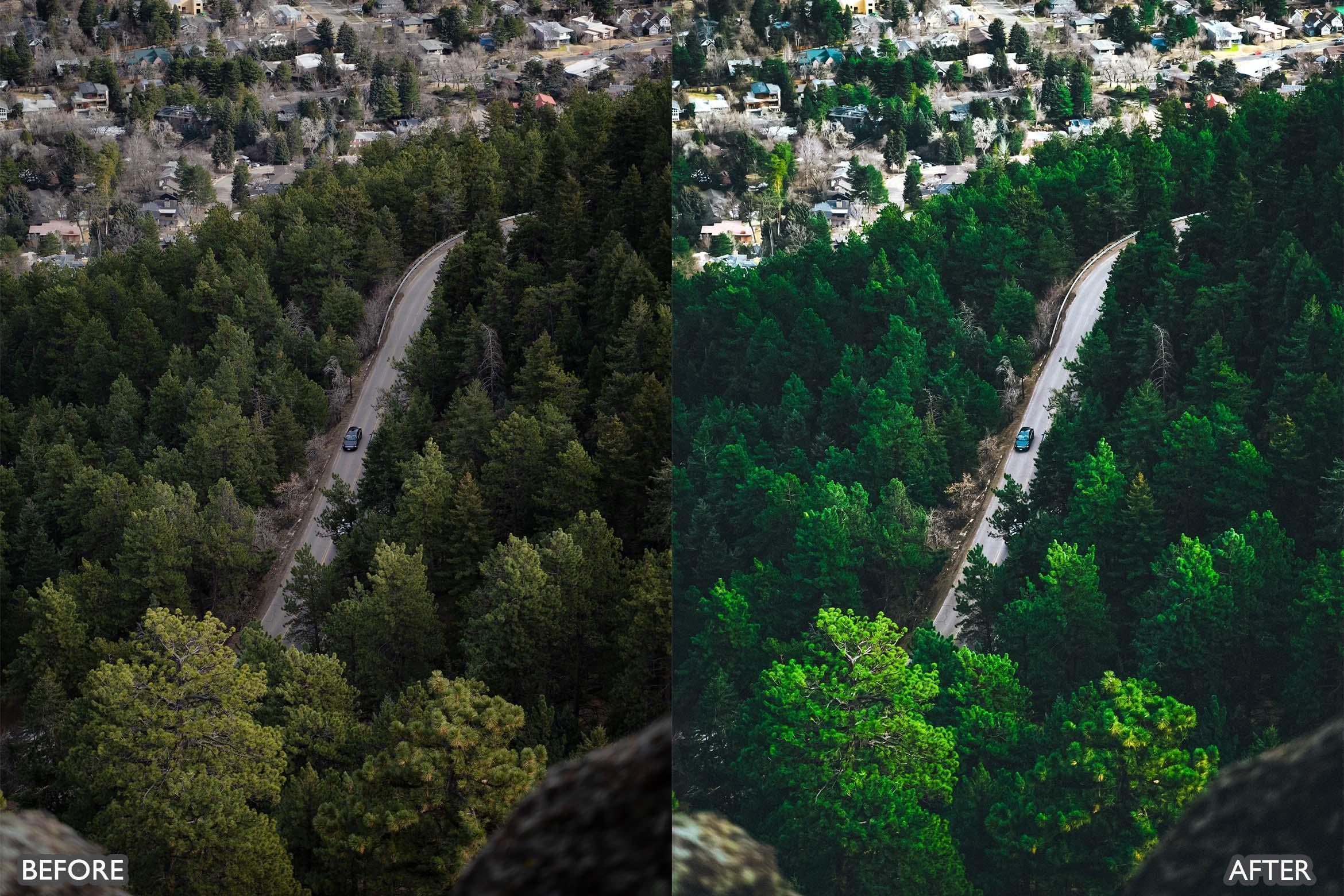
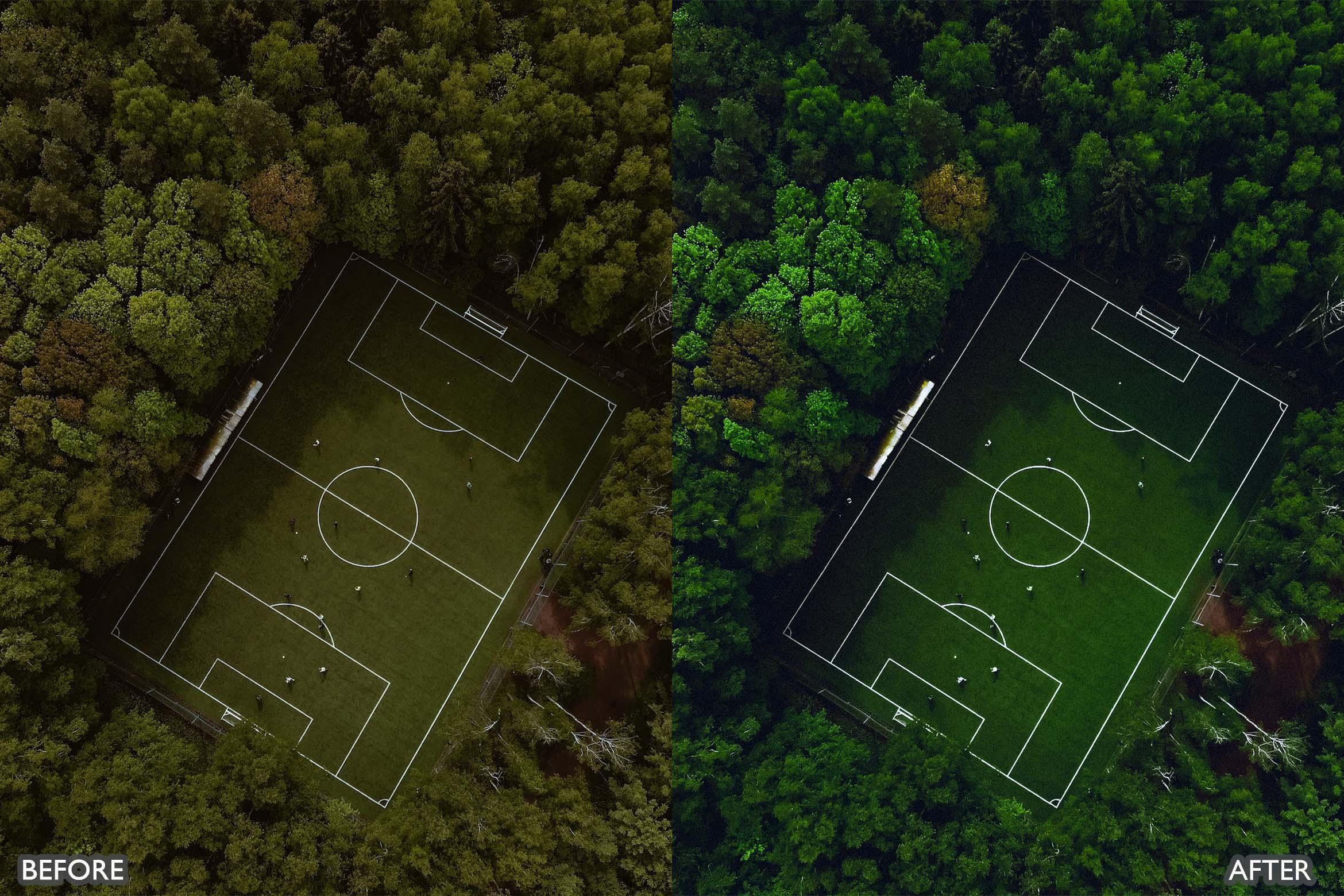
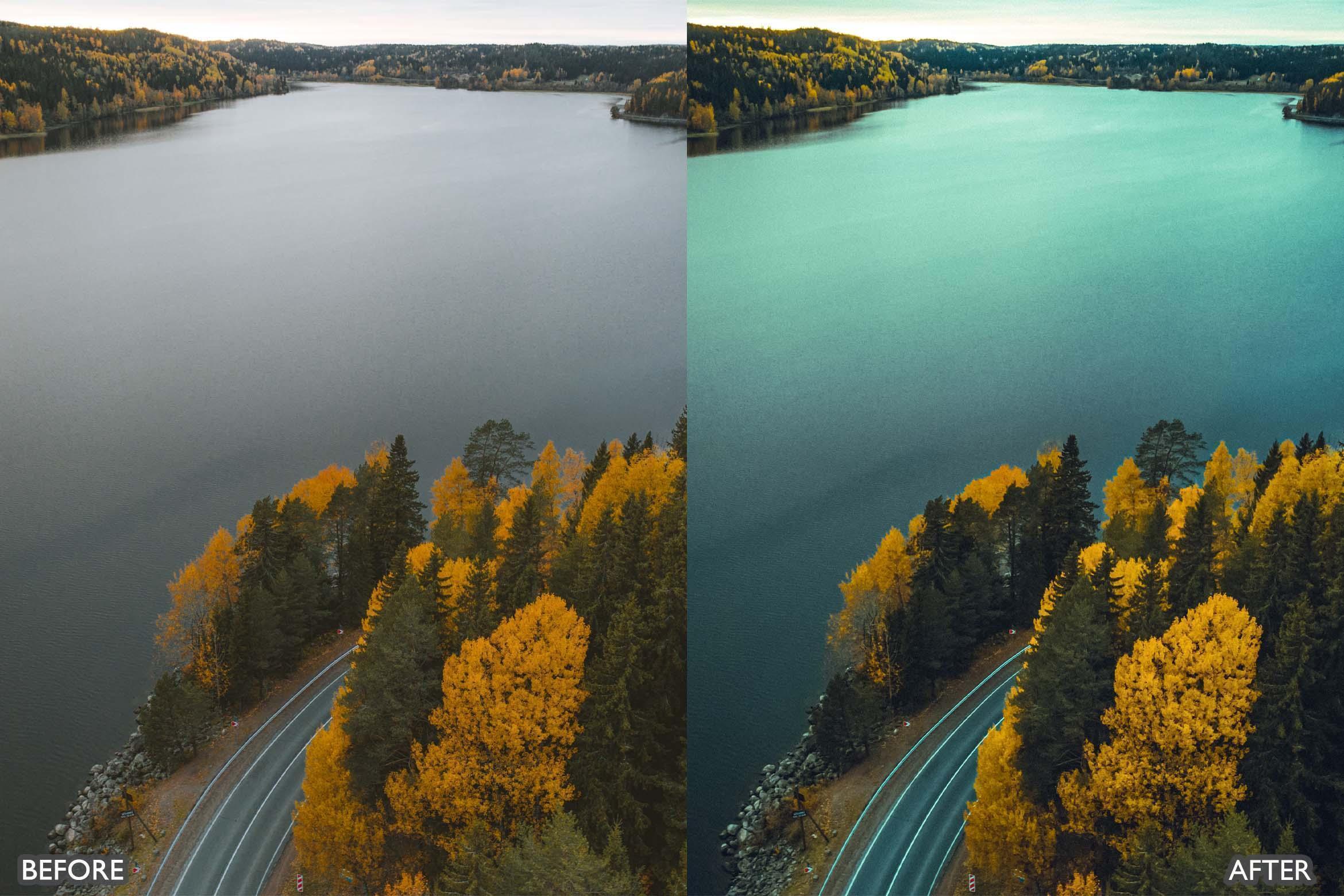
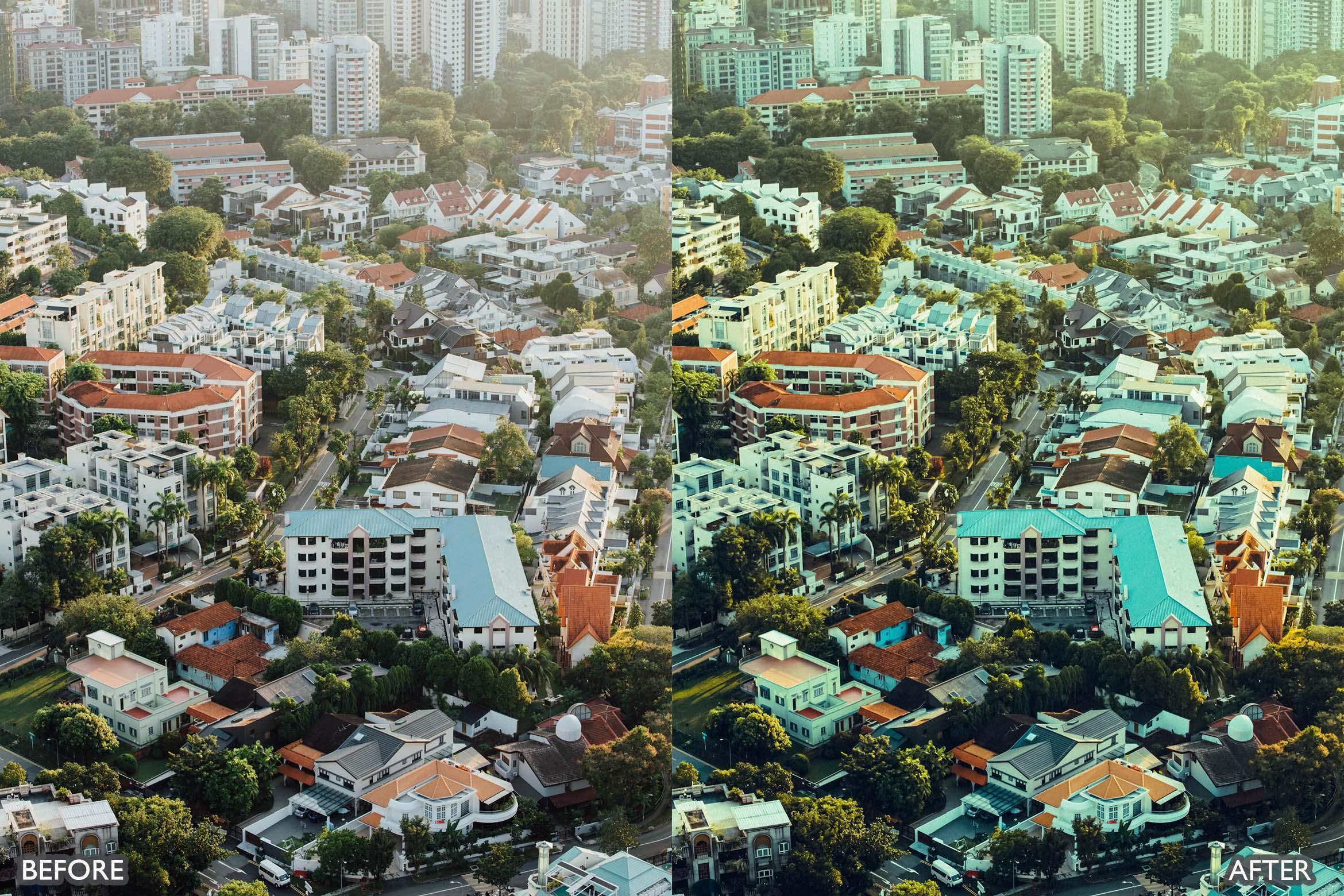
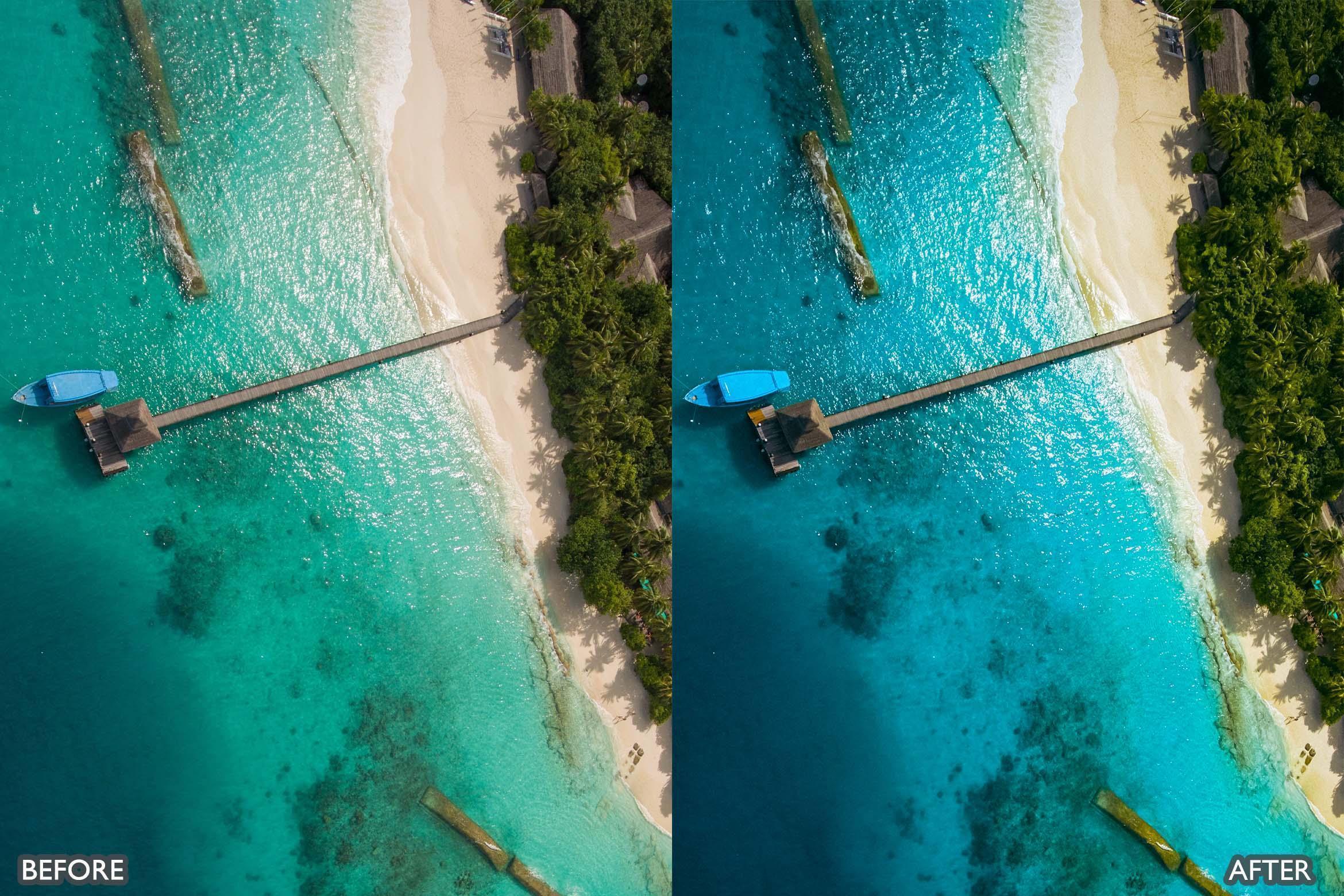
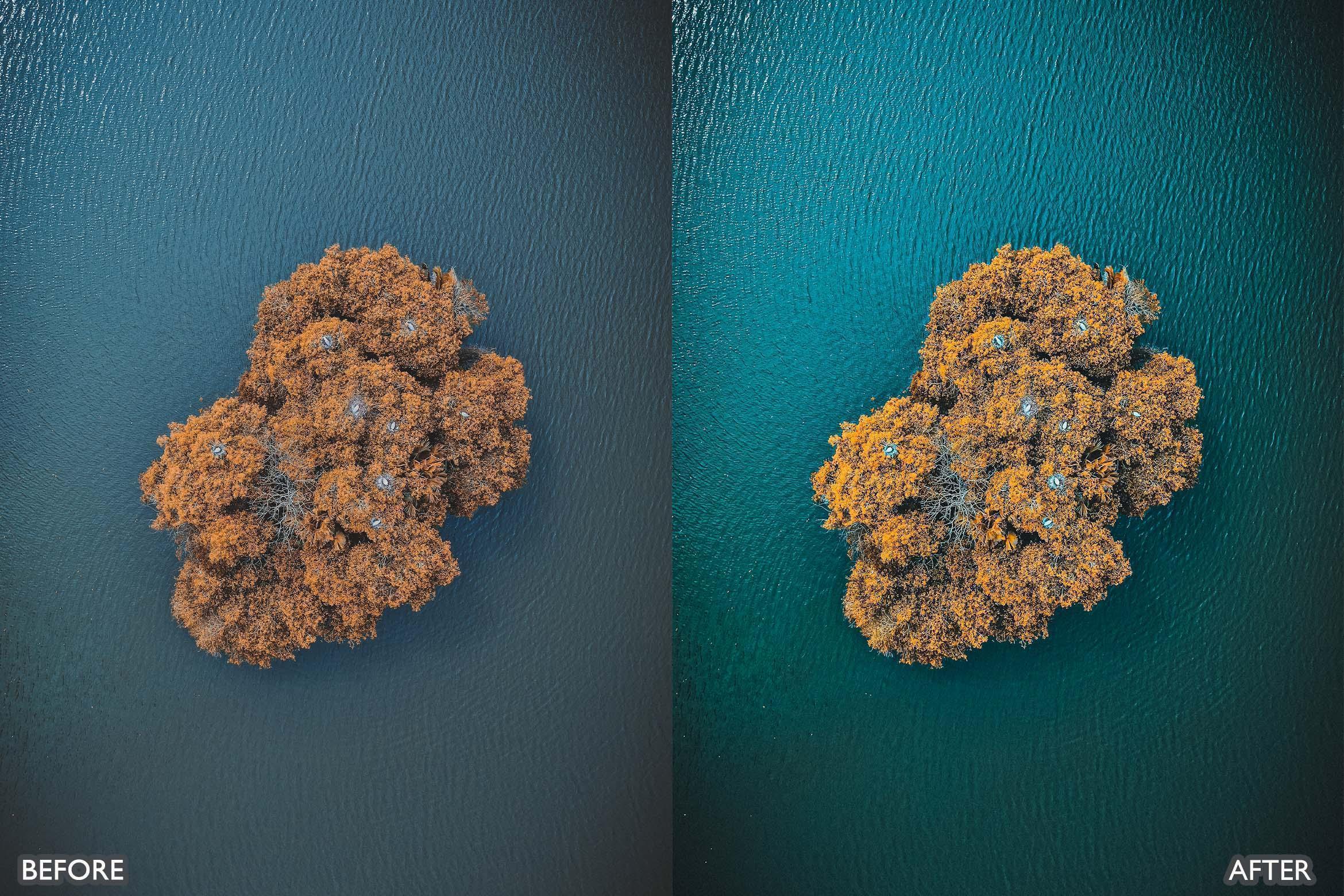
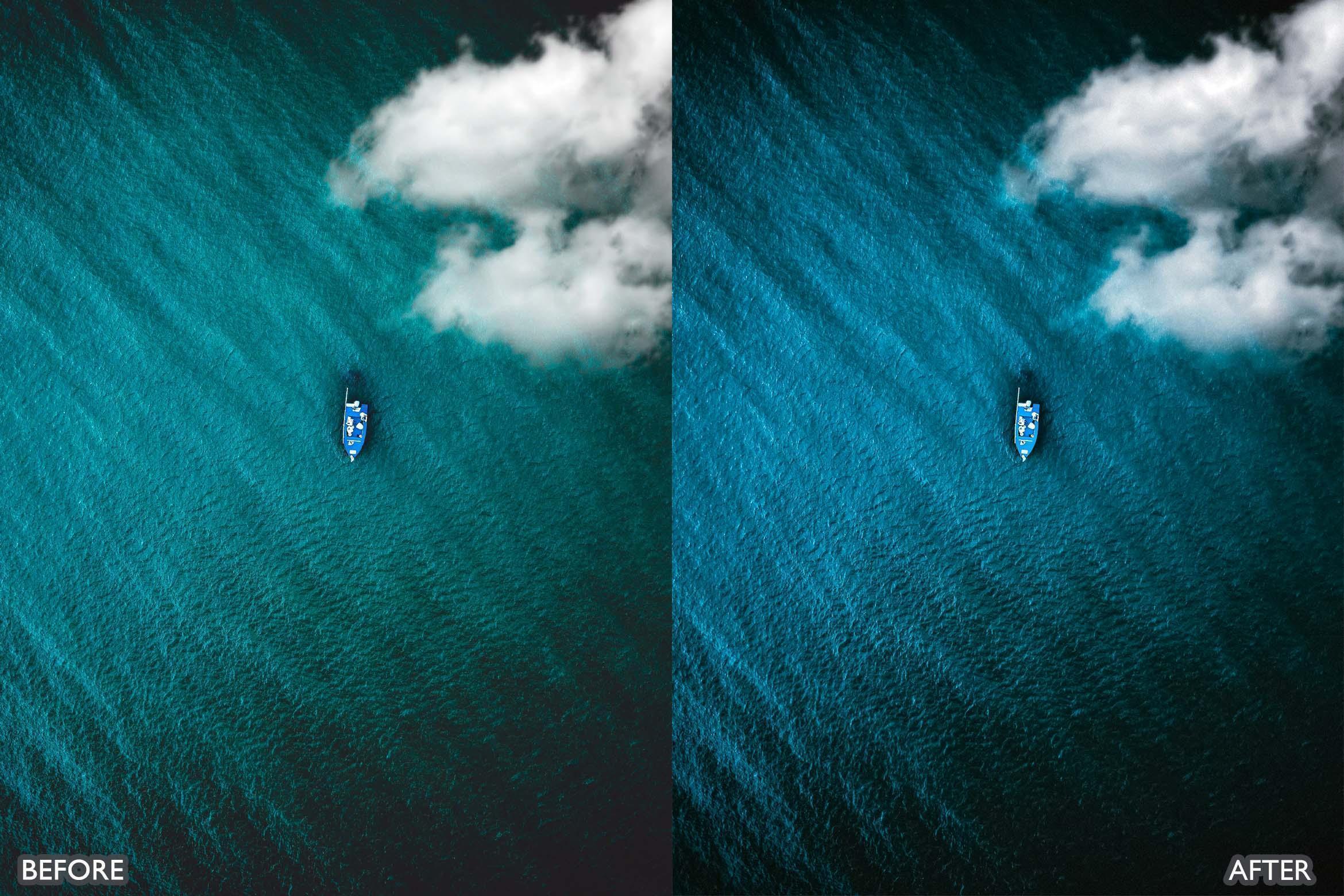
DJI drone Lightroom presets designed for aerial photography with clean skies, detailed landscapes, and cinematic contrast that keeps highlights under control. This pack is ideal for DJI drone shots of beaches, mountains, cities, forests, and travel locations when you want sharp detail, rich color depth, and a consistent look across your full flight set.
DJI Drone look
- Crisp aerial contrast with clean shadow detail
- Controlled highlights for clouds, water reflections, and bright sand
- Natural blues and greens for skies, oceans, and landscapes
- Improved clarity for textures like roads, buildings, and terrain
Key features
- 8 preset looks in XMP + 8 preset looks in DNG
- Built for aerial landscapes, coastlines, cityscapes, and travel content
- Fast one-click starting point with flexible fine-tuning
- Helps keep a consistent aerial style across a full photo set
- Non-destructive editing approach (your original photo stays unchanged)
- Works with Lightroom Mobile, Lightroom Classic, Lightroom (CC), and Adobe Camera Raw
What’s included
- 8 DJI Drone preset items (XMP) for Lightroom Desktop and Adobe Camera Raw
- 8 DJI Drone preset items (DNG) for Lightroom Mobile
- Simple setup and use guide
Compatibility
- Adobe Lightroom (Desktop and Mobile)
- Adobe Lightroom Classic
- Adobe Camera Raw (version 10.3 or later)
- Mac and Windows supported
- Works with RAW and JPEG images
Best for
- DJI aerial photography: beaches, mountains, lakes, and forests
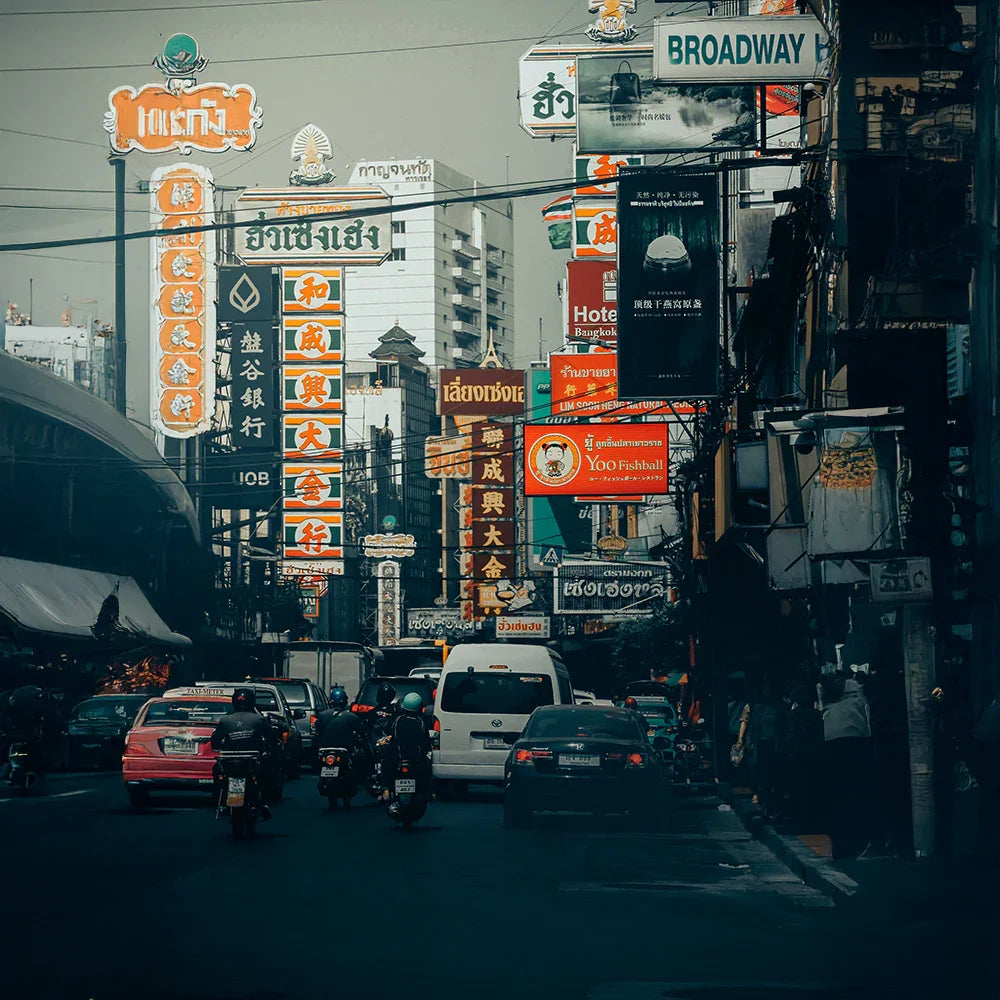
- City drone shots, architecture patterns, and rooftop views
- Travel photography and cinematic landscape edits
- Creators who want consistent drone color across a full trip
How to get the best results
- Step 1: Protect highlights first (lower Highlights if clouds or water look too bright).
- Step 2: Apply a preset, then adjust Exposure slightly per image.
- Step 3: Fine-tune White Balance to match the scene (cooler for midday, warmer for sunset).
- Step 4: If haze is strong, increase Dehaze a little and reduce Saturation slightly for a cleaner look.
FAQ (quick answers)
Does this work on Lightroom Mobile?
Yes. Use the DNG preset items with Lightroom Mobile.
Does this work on Lightroom Desktop and Camera Raw?
Yes. Use the XMP preset items with Lightroom Desktop, Lightroom Classic, and Adobe Camera Raw.
Will it work on RAW and JPEG drone photos?
Yes. It works on both. RAW gives you the best control for skies, highlights, and landscape detail.
Can I adjust the look after applying it?
Yes. Each preset is a starting point. Fine-tune exposure, white balance, highlights, shadows, and dehaze to match your drone lighting.
How do I keep skies clean and avoid over-saturation?
Lower Highlights, keep Whites controlled, and reduce Saturation slightly if needed. A small Dehaze adjustment also helps.
DJI Drone Presets Pack is made to give your aerial photos clean skies, sharp detail, and cinematic landscape color with a consistent professional finish.
If you need help, contact AAA Presets customer support. We’ll help you get the best result from your drone edits.
Introducing Our Licensing Options
Discover the various licensing options available for our products at AAA Presets. We offer three main licenses: Personal, Commercial, and Extended, each tailored to different usage scenarios. To find the perfect fit for your needs, explore the detailed descriptions below.
Personal License
The Personal License is designed for individual users seeking to enhance their personal projects with our digital products and assets from AAAPresets. This license provides:
- An ongoing, non-exclusive, non-transferable, worldwide license for your purchased filter, preset, effect, template, or digital file.
- Installation on one personal computer or device, which can include mobile devices and smartphones.
Commercial License
If you're looking to incorporate our products into both personal and commercial endeavors, the Commercial License is the ideal choice. This license allows:
- Usage in both personal and commercial works.
- Installation on any of your computers or devices.
- Unlimited usage for web and digital advertisements, business social media accounts, and local market physical advertisements. For worldwide usage in physical formats, consider the Extended License.
- Creation of up to 100,000 combined total Physical or Digital End Products (edited photos, designs, graphics, videos, etc.).
- Selling of End Products created using our products to any number of people, provided the original filter, preset, effect, template, or digital file is not included in the sold product.
Extended License
For those with broader commercial needs, the Extended License offers extensive permissions, allowing you to use our digital products in a wide range of applications. This license provides:
- Usage in personal and commercial works, similar to the Commercial License.
- Installation on an unlimited number of your team's computers/devices.
- Unlimited usage for web and digital advertisements, business social media accounts, and worldwide physical advertisements.
- Usage in one browser tool, game, or mobile app with up to 1,000,000 end users.
- Creation of up to 1,000,000 combined total Physical or Digital End Products.
- Selling of End Products created using our products to any number of people, with the same restriction as mentioned in the Commercial License.
Please note that all licenses prohibit redistribution, incorporation, or distribution of the original files in End Products, but you are encouraged to direct users to our AAAPresets page for licensing. Keep in mind that failure to comply with the terms of the license may result in termination. If you have questions about our licensing and terms, don't hesitate to contact us at info@aaapresets.com.
In short, Lightroom presets are advanced Instagram filters that edit your photos effortlessly both on your phone & computer. Create PRO images with just one click!
Once you purchase the presets, you’ll receive a detailed guide on how to use them. It's super quick and easy!
1. Take a photo with iPhone, Android or digital camera.
2. Use Lightroom App to apply preset on your picture.
3. All set! Share your Picture!
Any question whatsoever, we will have you covered!
✓ 24/7 Quick Customer Support Team. Any question whatsoever, we will have you covered!
✓ Video tutorials & immediately answered questions
✓The #1 Best Selling Lightroom Presets store in the world
✓High-quality result.Easily editable effects.
✓Non-destructive Workflow.
✓Completely experimented with & tested.
Works with Your Favorite Editing Tools


500,000+
500K Downloads Worldwide
Trusted by creators globally, our tools have reached over 500,000 downloads on Envato, FilterGrade, and Creative Market.
#1
1 Trusted Brand Across the Globe
We’re proud to be the go-to choice for photographers and videographers worldwide, offering premium presets, LUTs, and transitions.
10,000+
10,000+ Happy Customers
Join a thriving community of 10,000+ photographers and videographers using our presets, LUTs, and transitions.
Instant Photo Transformation
Transform your photos effortlessly with presets that apply professional-quality adjustments in just one click. Enhance colors, tones, and lighting instantly, giving your images a polished and vibrant look without spending hours editing.
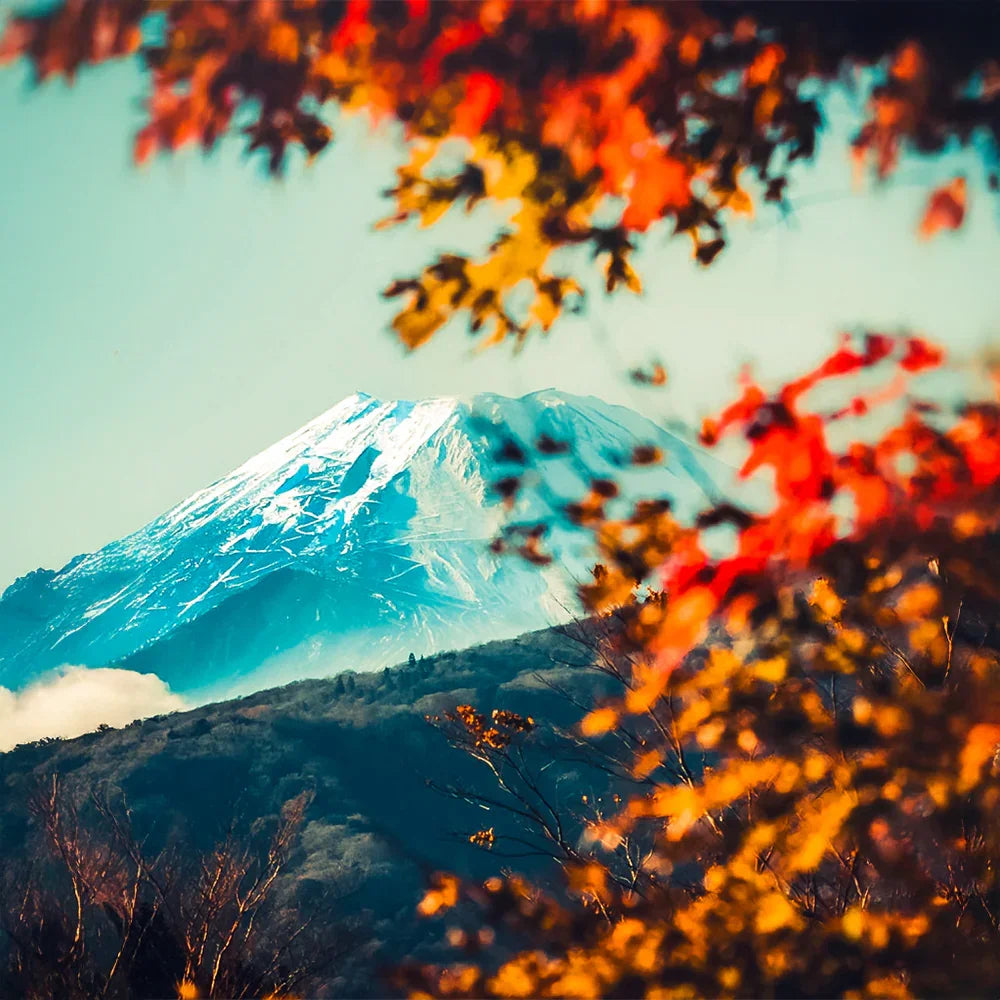
Save Time and Boost Efficiency
Lightroom presets significantly reduce your editing time by providing ready-made adjustments that fit various styles. Whether you’re editing for social media, clients, or personal projects, presets streamline your workflow while maintaining consistency and quality.

Fully Customizable for Your Style
Each preset is fully adjustable, allowing you to tweak settings like exposure, contrast, and saturation to suit your unique style and creative vision. Whether you prefer dramatic tones or subtle enhancements, these presets adapt to your needs.
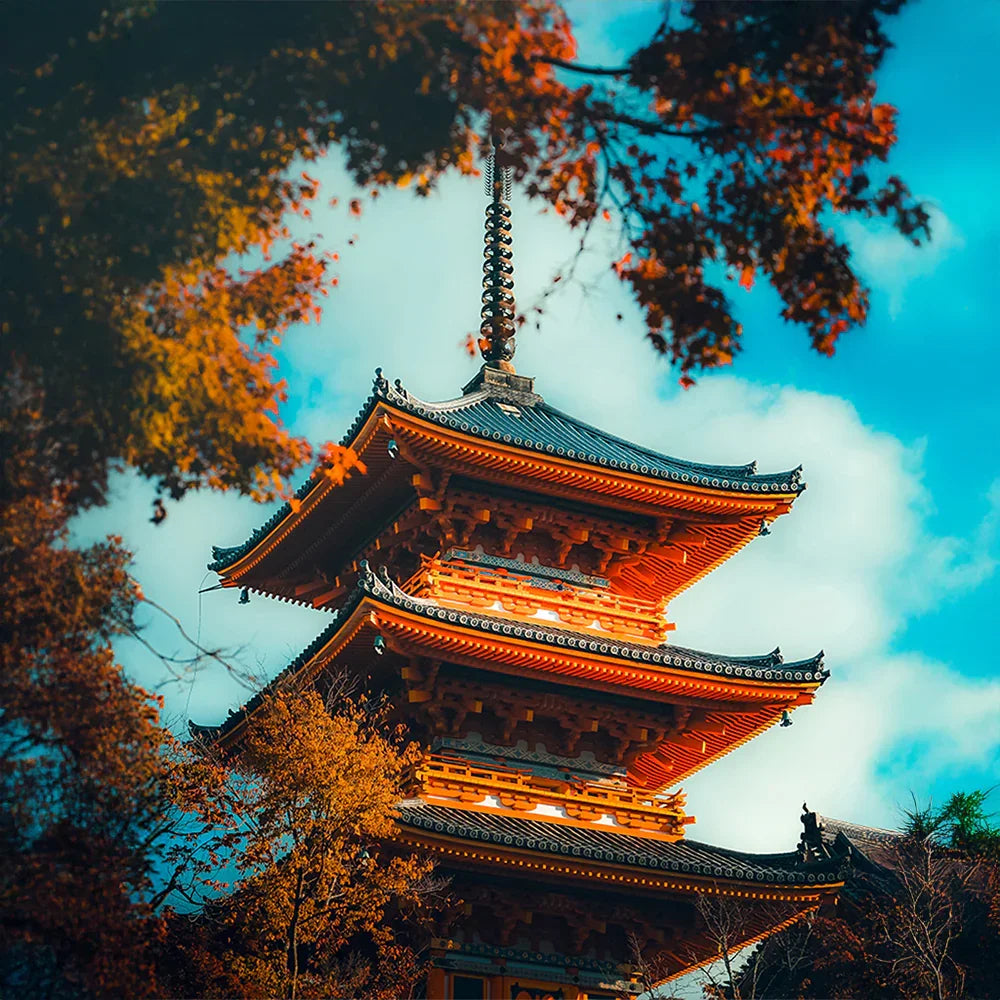
Perfect for Every Type of Photography
Our presets are versatile and crafted for various photography styles, including portraits, landscapes, travel, weddings, and more. No matter the occasion, these presets provide a tailored look that makes your photos stand out.
Before & After Magic
Transform your photos effortlessly with our premium Lightroom presets. See the magic of professional editing in action—enhance colors, tones, and lighting instantly. Take advantage of our exclusive offer: Buy 3 presets and get 9 absolutely free. Elevate your edits today!

Before

After
FAQ
Everything You Need to Know About Our Lightroom Presets
What are Lightroom presets?
Lightroom presets are pre-designed photo editing settings that allow you to apply specific looks, tones, and effects to your photos with one click.
Are these presets compatible with my device?
Yes! Our presets work with:
- Lightroom Mobile (iOS & Android)
- Lightroom Desktop (Windows & macOS)
- Adobe Photoshop (via Camera Raw)
- Other compatible software like Capture One (XMP presets may require manual adjustments).
Do I need an Adobe subscription to use these presets?
- Lightroom Mobile: No subscription is needed; you can use the free version to apply our DNG presets.
- Lightroom Desktop: Requires an active Adobe Creative Cloud subscription.
Can I customize the presets?
Absolutely! You can tweak settings like brightness, contrast, and saturation to suit your unique style and photos.
Are these presets beginner-friendly?
Yes, our presets are designed to be user-friendly and are perfect for both beginners and professionals looking to streamline their editing process.
What if I have issues using the presets?
No worries! Our 24/7 customer support team is here to help. Whether you need assistance with installation or editing, we’ve got you covered.