





Analog Memories 35mm Film Overlays for Adobe After Effects | 9:16 Reel
👇 Scroll down Learn more about License
🔥 Buy 3 Get 9 Free Save $135
🔥 107 items sold in last 14 days
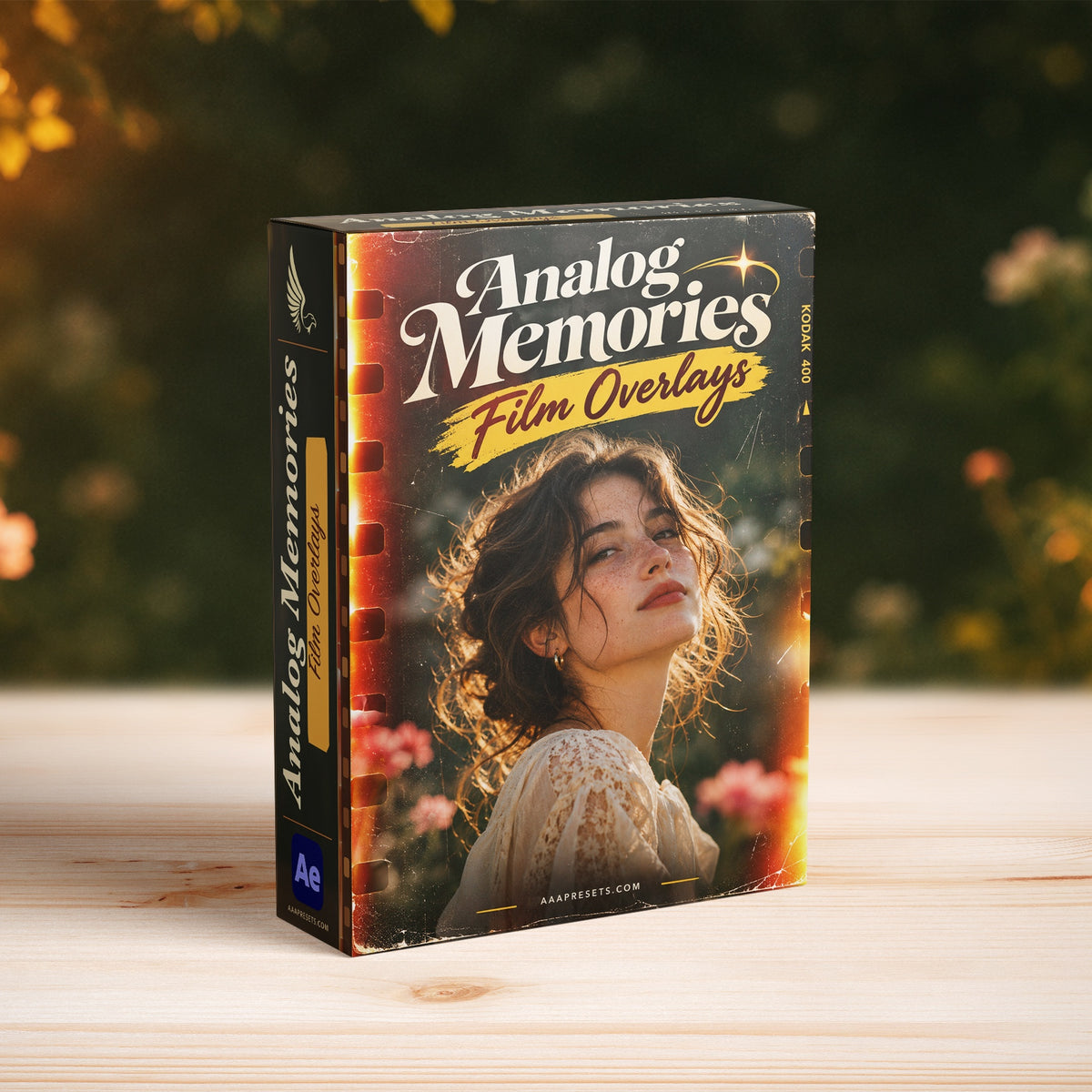
Analog Memories Film Overlays for Reels is a native 9:16 After Effects project that puts a moving 35mm film frame around your portrait footage. Side perforations, grain, scratches, light leaks and softened highlights give vertical clips the texture of a worn film print.
Windows and macOS compatibility
Requires Adobe After Effects 2027 (27.0) on Windows 11 version 24H2 or later, or an Apple silicon Mac running macOS 15 or later.
The 1080 × 1920 layout is made for Instagram Reels, YouTube Shorts, TikTok and other vertical edits. Use it for a travel memory, a close-up in a fashion reel, a quick wedding montage or an analog-style social campaign. Tune the texture to the subject and the pace of the cut.
Video preview
The portrait demo shows the side perforations, film motion and highlight treatment at their native 9:16 framing.
Framing for a vertical screen
The film perforations run down the sides of the frame. Put the important details inside the visible picture area and leave room around a face, hand or product as it moves. When using a wide source clip, check the crop through the full shot and adjust the position before rendering.
The portrait frame makes flashes and edge texture easy to see. For a talking portrait or an intimate detail, start with restrained scratches and grain so the eye stays on the subject. For a dance, travel or music edit, stronger light leaks and a more visible film strip can give a short section a clear visual identity.
What you can adjust
- Film strip, rounded frame and lens curve to shape the edges around your footage.
- Dust, scratches, grain and emboss texture to control how strongly the aging shows.
- Bloom and edge softness to tune bright highlights and the transition between the picture and its border.
- The vintage grade and the 16 creative LUTs to vary color across clips. The supplied LUTs are designed for Rec.709 Gamma 2.4.
What’s included in the Reel ZIP
- One editable .aep with a dedicated 1080 × 1920, 9:16 Reel output and a portrait footage holder.
- 275 frames at 23.976 fps, about 11.47 seconds of finished footage.
- Three 4K QuickTime film overlay clips, a format-specific placeholder and 16 .cube LUT files.
- A 12-page English beginner PDF with screenshots and an offline quick-start page.
How to make a vertical clip
- Extract the whole ZIP and keep Assets beside the .aep. Open the project in After Effects 2027 and save a working copy.
- Open the portrait MEDIA holder. Place your video above the locked placeholder card and reframe it for the visible film area.
- Open the Reel output and adjust FILM CONTROLS. Preview the grade, highlight softness and texture at phone size to see whether the detail reads.
- Render the 1080 × 1920 composition, then place the finished clip in your social edit. Leave space in the framing for any captions you plan to add.
System requirements and license
The project uses native After Effects effects and media formats supported on both platforms. Package opening and rendering were tested on Apple silicon macOS. Extract the full ZIP and keep the Assets folder beside the .aep. This is a one-time purchase of the template under your chosen license. Adobe After Effects is sold separately.
Frequently asked questions
Is the Reel edition already vertical?
Yes. It has a dedicated 1080 × 1920 output with its own portrait layout and side perforations.
Can I reframe footage filmed horizontally?
Yes. Place the clip in the portrait holder and adjust the framing inside the composition. Preview moving subjects to make sure they stay within the visible area.
Does the template include the preview footage or music?
The download contains the overlay media, creative LUTs and a replaceable footage placeholder. The dancer appears in the sales demo. The project uses the audio from your replacement footage.
Which version of After Effects do I need?
Open the editable .aep in Adobe After Effects 2027 (27.0). The effects are native and there are no third-party plug-in or font dependencies.
Introducing Our Licensing Options
Discover the various licensing options available for our products at AAA Presets. We offer three main licenses: Personal, Commercial, and Extended, each tailored to different usage scenarios. To find the perfect fit for your needs, explore the detailed descriptions below.
Personal License
The Personal License is designed for individual users seeking to enhance their personal projects with our digital products and assets from AAAPresets. This license provides:
- An ongoing, non-exclusive, non-transferable, worldwide license for your purchased filter, preset, effect, template, or digital file.
- Installation on one personal computer or device, which can include mobile devices and smartphones.
Commercial License
If you're looking to incorporate our products into both personal and commercial endeavors, the Commercial License is the ideal choice. This license allows:
- Usage in both personal and commercial works.
- Installation on any of your computers or devices.
- Unlimited usage for web and digital advertisements, business social media accounts, and local market physical advertisements. For worldwide usage in physical formats, consider the Extended License.
- Creation of up to 100,000 combined total Physical or Digital End Products (edited photos, designs, graphics, videos, etc.).
- Selling of End Products created using our products to any number of people, provided the original filter, preset, effect, template, or digital file is not included in the sold product.
Extended License
For those with broader commercial needs, the Extended License offers extensive permissions, allowing you to use our digital products in a wide range of applications. This license provides:
- Usage in personal and commercial works, similar to the Commercial License.
- Installation on an unlimited number of your team's computers/devices.
- Unlimited usage for web and digital advertisements, business social media accounts, and worldwide physical advertisements.
- Usage in one browser tool, game, or mobile app with up to 1,000,000 end users.
- Creation of up to 1,000,000 combined total Physical or Digital End Products.
- Selling of End Products created using our products to any number of people, with the same restriction as mentioned in the Commercial License.
Please note that all licenses prohibit redistribution, incorporation, or distribution of the original files in End Products, but you are encouraged to direct users to our AAAPresets page for licensing. Keep in mind that failure to comply with the terms of the license may result in termination. If you have questions about our licensing and terms, don't hesitate to contact us at info@aaapresets.com.
Our Premiere Pro transition packs include .prproj files, which are project files specifically created for Adobe Premiere Pro. These files are preloaded with professional-quality transitions that you can easily integrate into your video projects.
- Import the .prproj File:
Open Adobe Premiere Pro and import the provided .prproj file into your workspace. - Access Pre-Built Transitions:
The .prproj file contains ready-to-use transitions. Drag and drop them directly onto your timeline between two clips. - Customize the Effects:
Adjust duration, intensity, and other settings through the Effect Controls panel to suit your creative needs. - Seamless Integration:
These files are designed to work with most video formats and resolutions, ensuring a smooth workflow.
- Ease of Use: No complicated setup—simply import and use.
- Professional Quality: Designed by experts for seamless and stylish transitions.
- Time-Saving: Skip the manual creation process and focus on editing.
Works with Your Favorite Editing Tool

500K
500K+ Downloads Worldwide
Trusted by creators globally, our Premiere Pro transitions have been downloaded over 500,000 times on our website, Creative Market, Envato and FilterGrade.
50%
Save 50% Editing Time
Streamline your workflow and achieve stunning results in seconds, reducing your editing time by half with our easy-to-use transitions.
10,000+
Trusted by 10,000+ Creators
Our Premiere Pro transitions are the go-to choice for over 10,000 filmmakers and editors, helping them achieve professional-grade videos effortlessly.

Smooth and Professional Transitions
Create seamless and cinematic edits with transitions designed to deliver smooth cuts, dramatic effects, and engaging visuals effortlessly.
Time-Saving Workflow
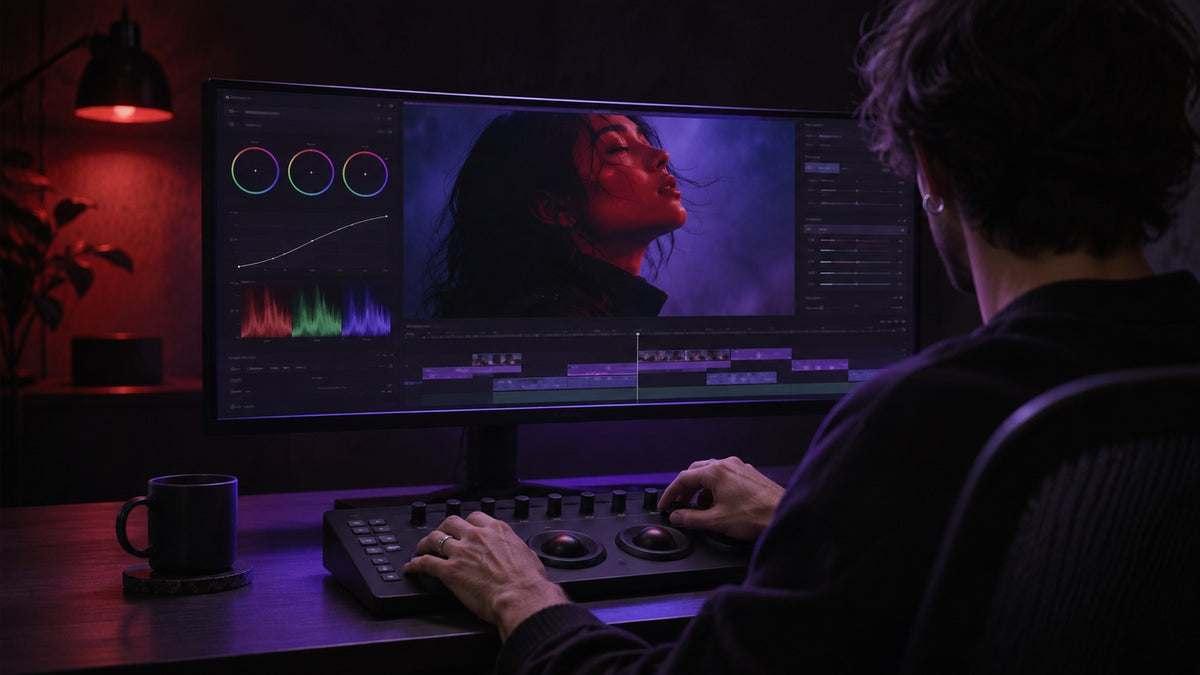
Apply transitions in just a few clicks, significantly reducing editing time and allowing you to focus more on your creative vision.
Optimized for High Resolutions
Perfectly optimized for 4K and above, these transitions maintain stunning quality and sharpness across any video project.

Trusted by Thousands of Creators
With over 500K downloads, our transitions are a favorite among filmmakers and video editors for their ease of use and professional-grade results.
FAQ
Everything You Need to Know About Our Lightroom Presets
What are Premiere Pro transitions?
Premiere Pro transitions are visual effects used to connect two clips seamlessly. They enhance the flow of your video and can include effects like zoom, spin, glitch, and more.
What file format do you provide for the transitions?
We provide transitions in the .prproj file format, which is fully compatible with Adobe Premiere Pro.
How do I install and use the transitions?
Simply import the provided .prproj file into Adobe Premiere Pro, and drag and drop the transitions onto your timeline between clips. A detailed installation guide is included with your purchase.
Are these transitions beginner-friendly?
Yes! Our transitions are easy to use, with no advanced skills required. Just drag, drop, and adjust for professional results.
Are these transitions compatible with other video editing software?
No, our transitions are specifically designed for Adobe Premiere Pro and are not compatible with other software.
Can these transitions be used with 4K or higher resolution footage?
Absolutely! Our transitions are optimized for 4K, 6K, and even 8K resolutions, ensuring high-quality results for any project.