
Cinematic Stop Motion Effect for Reels, Shorts & TikTok – Premiere Pro
👇 Scroll down Learn more about License
🔥 Buy 3 Get 9 Free Save $135
🔥 107 items sold in last 14 days
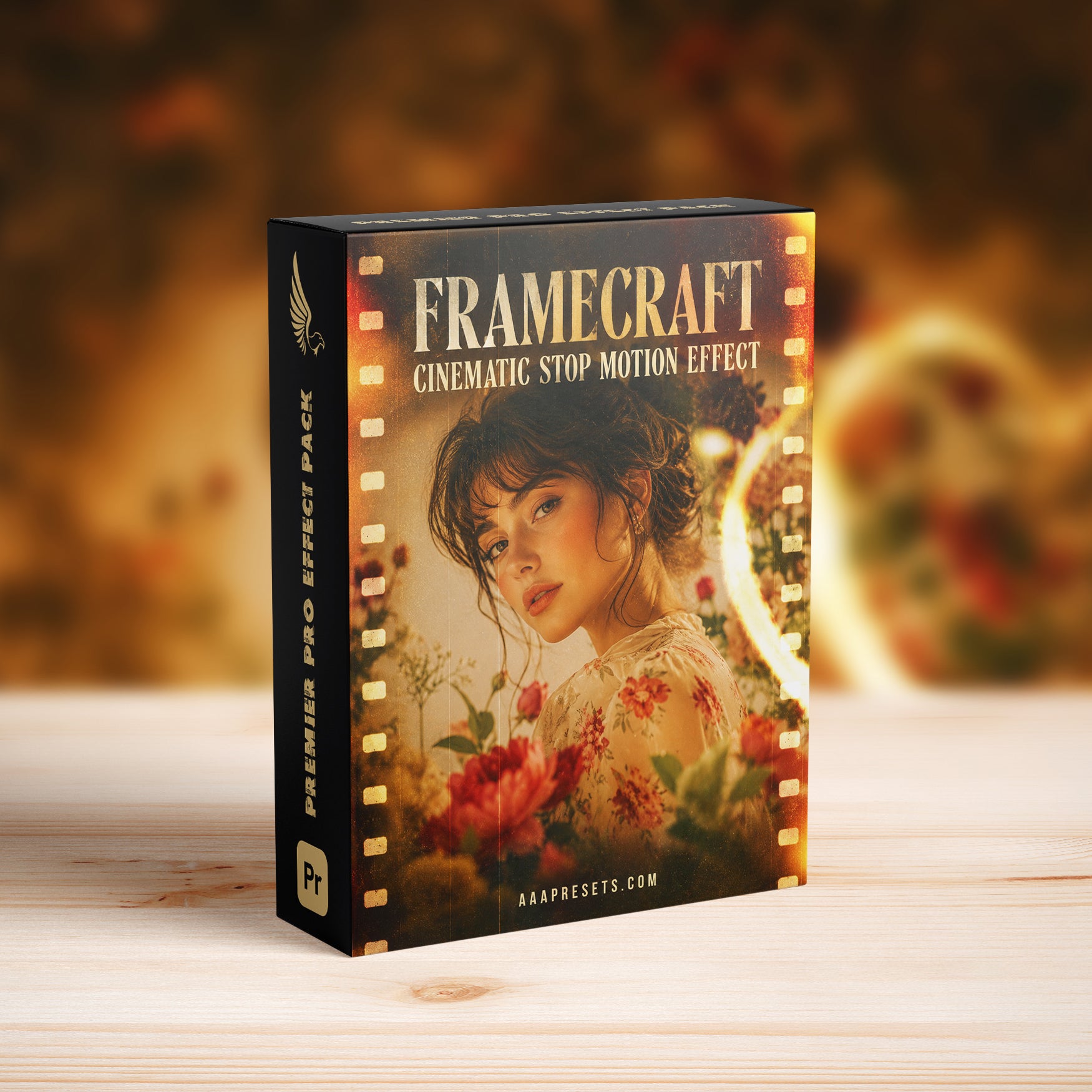
FrameRush Cinematic Stop Motion Effect for Premiere Pro for Reels, Shorts & TikTok (4K & FHD, 20 Photos or Videos + Overlays & LUTs)
Create fast, stylish, and eye-catching short-form videos with the FrameRush Cinematic Stop Motion Effect for Premiere Pro. Designed for Instagram Reels, YouTube Shorts, and TikTok, this effect helps you turn up to 20 photos or video clips into a dynamic stop-motion-inspired sequence with cinematic movement, textured overlays, and creative color grading.
The pack includes both 4K and Full HD versions, along with creative overlays and cinematic LUTs. Use photos, videos, or a combination of both to create engaging social media edits, travel reels, fashion clips, product promos, lifestyle videos, music montages, and modern visual storytelling.
Cinematic Stop Motion Style for Short-Form Video
FrameRush is built for creators who want energetic stop-motion-style editing with a polished cinematic finish. The effect combines rhythmic frame movement, structured media placement, and visual texture to make your content feel more dynamic and handcrafted without building the entire animation manually.
Simply replace the placeholders with your own photos or clips, customize the visuals, and export a professional short-form video directly from Adobe Premiere Pro.
Key Features
- FrameRush Cinematic Stop Motion Effect for Adobe Premiere Pro
- Designed for Reels, Shorts, and TikTok
- Includes both 4K and Full HD versions
- Use with up to 20 photos or video clips
- Supports photos, videos, or a combination of both
- Dynamic stop-motion-inspired frame movement
- Includes creative overlays
- Includes cinematic LUTs
- Overlays and LUTs work with the included 4K and FHD workflows
- Organized placeholder workflow for faster editing
Creative Overlays Included
Add more texture, atmosphere, and visual energy to your short-form videos with the included overlays. These overlays help enhance the stop-motion aesthetic and give your content a more cinematic and creative finish.
The included overlays are designed to complement both the 4K and Full HD versions of the FrameRush project.
Cinematic LUTs Included
The included LUTs give you extra control over the color and mood of your edit. Use them to create warm, moody, vintage, vibrant, or clean cinematic looks, then fine-tune the grade inside Premiere Pro to match your footage.
The LUTs can be used within both 4K and FHD workflows for flexible creative styling.
Perfect For
- Instagram Reels, YouTube Shorts, and TikTok videos
- Travel reels and vacation recaps
- Fashion and lifestyle content
- Music edits and creative montages
- Product promos and advertising videos
- Photography showcases and social slideshows
- Brand content and commercial storytelling
- Fast-paced social media marketing videos
What You Get
- FrameRush Cinematic Stop Motion Effect for Premiere Pro
- Media placeholders for up to 20 photos or videos
- 4K version
- Full HD version
- Creative overlays
- Cinematic LUTs
- Ready-to-customize Premiere Pro project files
- Instant digital download after purchase
- Lifetime access to your downloaded files
Compatibility
- Software: Adobe Premiere Pro
- Resolutions: 4K and Full HD only
- Media Support: Photos and video clips
- Maximum Media Capacity: 20 photos or videos
- Overlays: Designed for the included 4K & FHD workflows
- LUTs: Compatible with the included 4K & FHD workflows
- Optimized for short-form social media editing
How to Use the FrameRush Cinematic Stop Motion Effect
- Open the included project in Adobe Premiere Pro.
- Select either the 4K or Full HD version.
- Locate the media placeholders inside the project.
- Replace them with up to 20 photos or video clips.
- Adjust the position, scale, framing, and timing if needed.
- Add or customize the included overlays for more visual texture.
- Apply one of the included LUTs to create your preferred cinematic color style.
- Preview the full sequence and export your finished short-form video.
Why Choose FrameRush?
- Creates a dynamic cinematic stop-motion look for short-form content
- Supports up to 20 photos or videos in one creative sequence
- Includes both 4K and Full HD versions
- Includes overlays for additional texture and visual impact
- Includes LUTs for flexible cinematic color grading
- Works with both photos and videos for versatile storytelling
- Saves time compared with building a stop-motion sequence manually
FAQ – FrameRush Cinematic Stop Motion Effect for Premiere Pro
How many photos or videos can I use?
You can use up to 20 photos, 20 video clips, or a combination of photos and videos.
What resolutions are included?
The product includes both 4K and Full HD versions.
Is this effect made for Reels, Shorts, and TikTok?
Yes. FrameRush is designed for short-form social media content, including Instagram Reels, YouTube Shorts, and TikTok videos.
Are overlays included?
Yes. The pack includes creative overlays that help add texture, depth, and cinematic character to your edit.
Are LUTs included?
Yes. The pack includes cinematic LUTs that can be used to create different color moods and stylized visual looks.
Can I use both photos and videos in the same project?
Yes. You can combine photos and video clips in the same FrameRush sequence.
Can I customize the media after adding it?
Yes. You can adjust the position, scale, framing, timing, overlays, and color settings directly inside Adobe Premiere Pro.
What projects work best with FrameRush?
FrameRush works especially well for travel reels, fashion clips, music edits, product showcases, lifestyle videos, portfolio content, social media promos, and fast-paced creative storytelling.
Turn up to 20 photos or videos into a bold and modern short-form edit with the FrameRush Cinematic Stop Motion Effect for Premiere Pro, featuring 4K and FHD versions, creative overlays, and cinematic LUTs.
Introducing Our Licensing Options
Discover the various licensing options available for our products at AAA Presets. We offer three main licenses: Personal, Commercial, and Extended, each tailored to different usage scenarios. To find the perfect fit for your needs, explore the detailed descriptions below.
Personal License
The Personal License is designed for individual users seeking to enhance their personal projects with our digital products and assets from AAAPresets. This license provides:
- An ongoing, non-exclusive, non-transferable, worldwide license for your purchased filter, preset, effect, template, or digital file.
- Installation on one personal computer or device, which can include mobile devices and smartphones.
Commercial License
If you're looking to incorporate our products into both personal and commercial endeavors, the Commercial License is the ideal choice. This license allows:
- Usage in both personal and commercial works.
- Installation on any of your computers or devices.
- Unlimited usage for web and digital advertisements, business social media accounts, and local market physical advertisements. For worldwide usage in physical formats, consider the Extended License.
- Creation of up to 100,000 combined total Physical or Digital End Products (edited photos, designs, graphics, videos, etc.).
- Selling of End Products created using our products to any number of people, provided the original filter, preset, effect, template, or digital file is not included in the sold product.
Extended License
For those with broader commercial needs, the Extended License offers extensive permissions, allowing you to use our digital products in a wide range of applications. This license provides:
- Usage in personal and commercial works, similar to the Commercial License.
- Installation on an unlimited number of your team's computers/devices.
- Unlimited usage for web and digital advertisements, business social media accounts, and worldwide physical advertisements.
- Usage in one browser tool, game, or mobile app with up to 1,000,000 end users.
- Creation of up to 1,000,000 combined total Physical or Digital End Products.
- Selling of End Products created using our products to any number of people, with the same restriction as mentioned in the Commercial License.
Please note that all licenses prohibit redistribution, incorporation, or distribution of the original files in End Products, but you are encouraged to direct users to our AAAPresets page for licensing. Keep in mind that failure to comply with the terms of the license may result in termination. If you have questions about our licensing and terms, don't hesitate to contact us at info@aaapresets.com.
Our Premiere Pro transition packs include .prproj files, which are project files specifically created for Adobe Premiere Pro. These files are preloaded with professional-quality transitions that you can easily integrate into your video projects.
- Import the .prproj File:
Open Adobe Premiere Pro and import the provided .prproj file into your workspace. - Access Pre-Built Transitions:
The .prproj file contains ready-to-use transitions. Drag and drop them directly onto your timeline between two clips. - Customize the Effects:
Adjust duration, intensity, and other settings through the Effect Controls panel to suit your creative needs. - Seamless Integration:
These files are designed to work with most video formats and resolutions, ensuring a smooth workflow.
- Ease of Use: No complicated setup—simply import and use.
- Professional Quality: Designed by experts for seamless and stylish transitions.
- Time-Saving: Skip the manual creation process and focus on editing.
Works with Your Favorite Editing Tool

500K
500K+ Downloads Worldwide
Trusted by creators globally, our Premiere Pro transitions have been downloaded over 500,000 times on our website, Creative Market, Envato and FilterGrade.
50%
Save 50% Editing Time
Streamline your workflow and achieve stunning results in seconds, reducing your editing time by half with our easy-to-use transitions.
10,000+
Trusted by 10,000+ Creators
Our Premiere Pro transitions are the go-to choice for over 10,000 filmmakers and editors, helping them achieve professional-grade videos effortlessly.
Smooth and Professional Transitions
Create seamless and cinematic edits with transitions designed to deliver smooth cuts, dramatic effects, and engaging visuals effortlessly.
Time-Saving Workflow
Apply transitions in just a few clicks, significantly reducing editing time and allowing you to focus more on your creative vision.
Optimized for High Resolutions
Perfectly optimized for 4K and above, these transitions maintain stunning quality and sharpness across any video project.
Trusted by Thousands of Creators
With over 500K downloads, our transitions are a favorite among filmmakers and video editors for their ease of use and professional-grade results.
FAQ
Everything You Need to Know About Our Lightroom Presets
What are Premiere Pro transitions?
Premiere Pro transitions are visual effects used to connect two clips seamlessly. They enhance the flow of your video and can include effects like zoom, spin, glitch, and more.
What file format do you provide for the transitions?
We provide transitions in the .prproj file format, which is fully compatible with Adobe Premiere Pro.
How do I install and use the transitions?
Simply import the provided .prproj file into Adobe Premiere Pro, and drag and drop the transitions onto your timeline between clips. A detailed installation guide is included with your purchase.
Are these transitions beginner-friendly?
Yes! Our transitions are easy to use, with no advanced skills required. Just drag, drop, and adjust for professional results.
Are these transitions compatible with other video editing software?
No, our transitions are specifically designed for Adobe Premiere Pro and are not compatible with other software.
Can these transitions be used with 4K or higher resolution footage?
Absolutely! Our transitions are optimized for 4K, 6K, and even 8K resolutions, ensuring high-quality results for any project.