
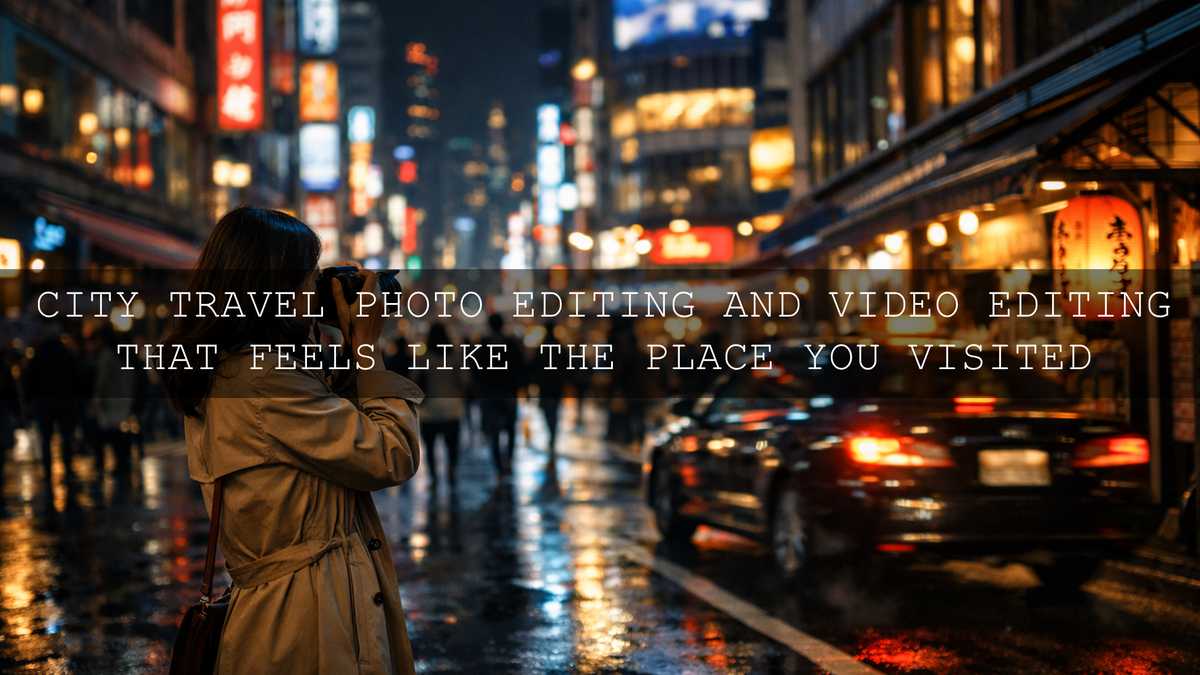
City Travel Photo Editing and Video Editing That Feels Like the Place You Visited
Great city travel photo editing is not about forcing every frame into the same heavy look. The goal is to shape light, color, and contrast so your images and footage still feel like the city you experienced. Good city travel video editing works the same way. Whether you are shooting neon streets, quiet cafés, rainy sidewalks, old architecture, or fast-moving markets, strong urban travel photography editing should protect atmosphere first and style second.
If you want a faster starting point, try the AI-Optimized Cinematic Travel Street Lightroom Presets for photos and browse the AI-Optimized Lightroom Presets collection for more city-ready looks. For video, the Cinematic Travel Street LUTs Pack and the Cinematic LUTs collection make it much easier to build a polished travel style quickly. It also fits naturally with Buy 3, Get 9 FREE.
I have tested city edits on mixed-light streets, overcast travel days, night markets, and café portraits, and the strongest results almost always came from small, intentional corrections before any creative look was added. That is the difference between an edit that feels premium and an edit that feels overdone.
Why City Travel Files Often Look Flat Before Editing
City scenes are visually rich, but they are also difficult for cameras to interpret. You are often balancing bright signs, reflective windows, deep shadows, mixed indoor and outdoor light, skin tones, moving traffic, and complex backgrounds in a single frame. That is why the raw photo or clip can look weaker than the memory.
Usually, city travel files fall apart for four reasons:
- Highlights get too harsh. Bright signs, skies, storefronts, and reflections pull too much attention.
- Shadows lose detail. Alleys, doorways, streets, and clothing become muddy instead of cinematic.
- Color turns chaotic. LEDs, neon, tungsten, and daylight all mix together.
- The subject gets lost. City backgrounds are busy, so the eye does not know where to land.
That is why editing city travel content is really about control. You are not just making the file prettier. You are deciding what matters most in the frame and helping the viewer feel it faster.
Start With Tone Before Color
The biggest mistake in city travel editing is chasing a look before fixing the foundation. If the exposure is off, the white balance is drifting, and the shadows are blocked, no preset or LUT will save the file on its own.
A better workflow looks like this:
- Correct exposure first. Bring back highlight detail and open shadows only as much as the scene needs.
- Set white balance for mood, not for perfection. A city night scene can stay slightly cool. A café scene can stay slightly warm. The goal is believable mood.
- Shape contrast with restraint. Urban frames usually look better with clean midtone structure than with crushed blacks.
- Refine specific areas locally. Brighten a face, control a sky, darken a distracting corner, or guide the eye through the street.
Adobe’s guide to masking in Lightroom is especially useful here because city images often need selective adjustments rather than one global correction. For broader tonal control, Adobe’s Lightroom guide to tone and color is a strong reference for shaping contrast, color balance, and overall image structure.
A Practical Step-by-Step City Travel Editing Workflow
Here is the workflow I use when I want city travel photos to feel polished without losing realism.
1. Choose the real subject
Before you touch the sliders, decide what the image is actually about. Is it the person, the architecture, the street rhythm, the neon glow, the rain reflections, or the mood of the place? Once that is clear, your editing decisions become much easier.
2. Recover the brightest distractions
In cities, bright signs and windows can steal attention fast. Lower highlights and whites just enough to restore detail. Do not flatten the frame. You still want sparkle where it matters.
3. Open shadows with discipline
Lift dark areas only until texture returns. If you push too far, the city loses depth and starts looking washed out. On rainy or night scenes, keeping some darkness is what makes the image feel cinematic.
4. Clean the color temperature
Mixed light is normal in travel images. A frame can contain blue daylight, warm shop light, red brake lights, and green signage at the same time. Rather than neutralizing everything, decide which color family should lead the scene.
5. Use local masks to guide the eye
Mask the subject, the street, the sky, or the foreground separately. This is where edits start feeling professional. A small lift on a face, a controlled sky, or a darker edge can completely change the reading of the image.
6. Add a preset only after the base is clean
This is where a pack like the AI-Optimized Cinematic Travel Street Lightroom Presets becomes useful. Instead of fighting the file, the preset now enhances an already balanced image.
7. Finish with restraint
At the end, pull back and ask a simple question: does this still feel like the city, or does it feel like an effect? The best travel edits still respect the place.
Presets vs Manual Editing for City Travel Photos
Both approaches work. The right choice depends on your time, consistency goals, and how much control you want from the start.
When presets make more sense
- You want a faster workflow across a large travel set.
- You want a more consistent look across reels, posts, thumbnails, and blog images.
- You already know the mood you want and just need a strong base.
When manual editing makes more sense
- The lighting is extremely mixed or technically difficult.
- You want to build a one-off hero image.
- You are chasing a very specific palette that differs from your normal style.
The best approach for most creators
Use both. Start with a good preset, then finish manually. That gives you the speed of a repeatable system and the quality of custom refinement. I usually treat presets as a strong first draft, not the final answer.
For creators who shoot both travel and street scenes regularly, the Dark & Moody Travel Lightroom Presets are a strong fit when the city feels atmospheric, while the French Travel Blogger Lightroom Presets work beautifully when the goal is brighter, softer, and more elegant urban storytelling.
How to Edit City Travel Video for a Cinematic Result
Video needs the same discipline as photo editing, but with one extra rule: consistency matters even more. A beautiful single frame is not enough if the whole sequence shifts in color from shot to shot.
My usual city travel video workflow is simple:
- Normalize exposure first. Make sure your clips are sitting in a similar brightness range before grading.
- Correct white balance clip by clip. Even a strong LUT will look messy if every shot starts with a different color cast.
- Apply one main look. Use a LUT that matches the mood of the city and the story.
- Adjust intensity. Reduce opacity or blend amount when needed. Many LUTs look better at 60 to 85 percent than at 100 percent.
- Refine skin and highlights. Travel footage often includes faces, storefronts, and skies that need separate attention.
Adobe’s Premiere Pro color grading overview is a solid official reference for working inside Lumetri Color when you want more control over contrast, curves, color wheels, and overall scene balance.
If you want an all-rounder for urban travel footage, the Cinematic Travel Street LUTs Pack is a strong place to start. If your footage leans softer, moodier, or more overcast, the Fogbound Cinematic Travel LUTs Pack can create a calmer, more atmospheric finish without making the image feel heavy.
Matching Your Edit to the Mood of the City
Not every city needs the same treatment. This matters more than people think. Strong city travel editing comes from matching the grade to the mood of the place.
Neon, nightlife, and fast energy
Use deeper contrast, cleaner blacks, controlled highlight roll-off, and selective saturation. For this style, the Tokyo City Street LUTs Pack is built for electric city scenes, signage, nightlife, and cyberpunk-inspired travel footage.
Rain, fog, and moody streets
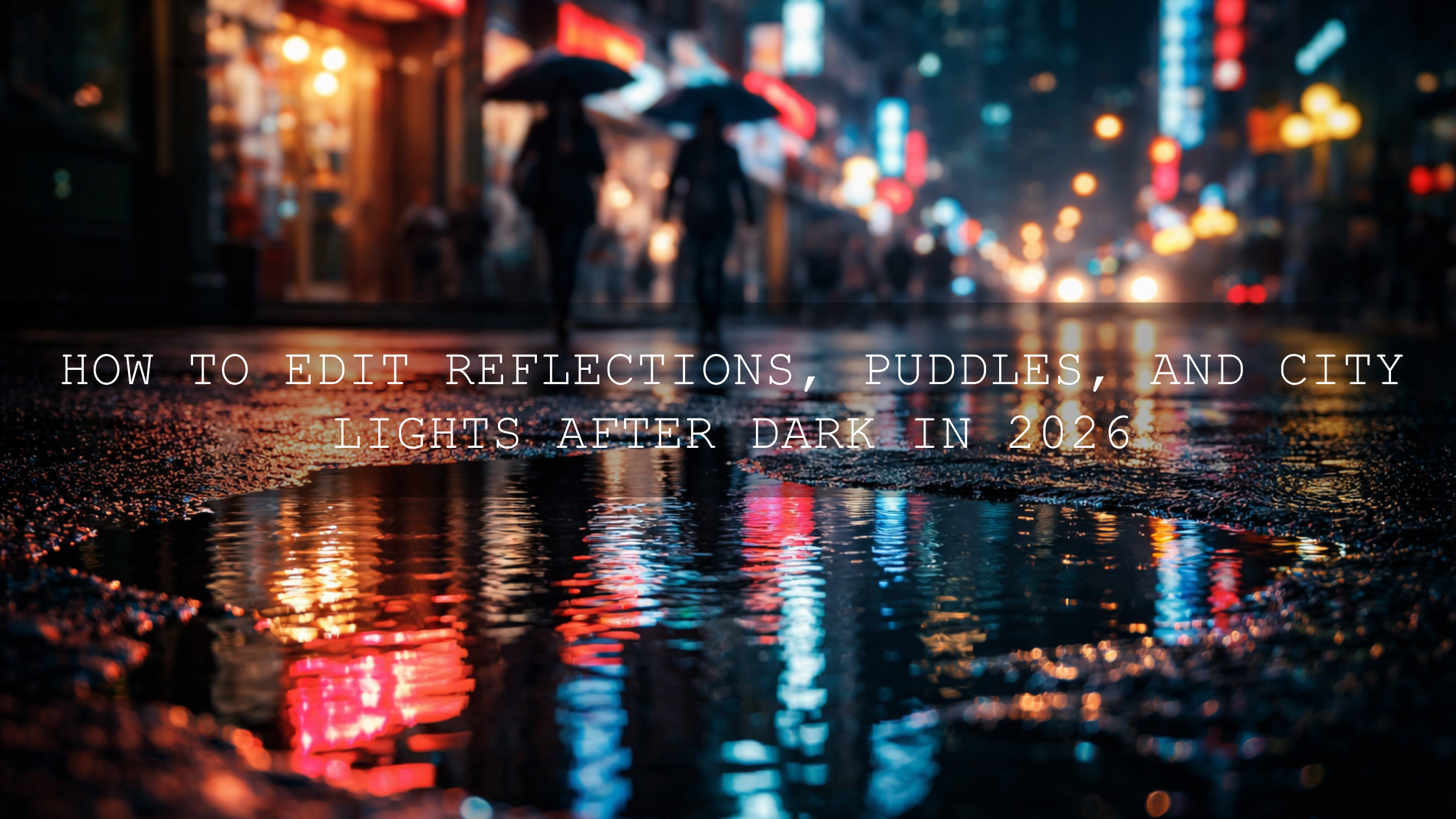
Do not brighten everything. Let the city stay dark enough to feel cinematic. Focus on reflections, separation, and believable skin tones. The Dark & Moody Travel Lightroom Presets and the Fogbound Cinematic Travel LUTs Pack both work well for this direction.
Elegant, bright, and European travel scenes
Keep the palette lighter, cleaner, and more refined. Whites should feel bright but not sterile. Warmth should feel soft, not orange. For that kind of edit, the French Travel Blogger Lightroom Presets are ideal for architecture, cafés, fashion-forward travel portraits, and daylight city walks.
Everyday city storytelling
When you need a versatile all-round look for mixed locations, transport shots, side streets, café moments, and street portraits, the AI-Optimized Cinematic Travel Street Lightroom Presets give you a flexible base that still leaves room for your own style.
Common City Travel Editing Mistakes to Avoid
- Over-saturating everything. Cities already contain a lot of color. Too much saturation makes the frame look cheap fast.
- Crushing the blacks. Deep shadows can look cinematic, but lost detail just looks heavy.
- Ignoring skin tones. Travel content often includes people. Even the best city palette falls apart if skin looks unnatural.
- Using one look for every location. A rainy alley and a bright Paris café should not be graded the same way.
- Forgetting sequence consistency in video. Beautiful individual clips still fail if they do not belong together.
How to Build a Signature Urban Travel Style
If you want your city travel work to feel recognizable, build your look around a few repeatable decisions instead of random effects.
- Choose one contrast style: soft, balanced, or dramatic.
- Choose one color direction: warm film, cool modern, muted moody, or bright editorial.
- Choose one skin-tone rule: natural first, stylized second.
- Choose one finishing habit: grain, cleaner blacks, softer highlights, or subtle vignette feel.
That is what turns travel editing into brand identity. I usually tell creators to aim for a look that people could recognize even without seeing the city name first.
For broader inspiration, you can explore how travel LUTs shape cinematic storytelling, or study stronger urban contrast through this black and white street photography guide.
Related Reading
- Top 10 Lightroom Presets for Travel Photography in 2026
- Night city photo editing tips for neon lights
- How to edit rainy and low-light urban photos
- How to install Lightroom presets quickly and correctly
Bring Your City Travel Edits Together
The best city travel edits do not feel random. They feel intentional. They protect the atmosphere of the place, guide the viewer to the right subject, and keep your photos or footage consistent from one stop to the next. That is true whether you are building a cinematic vlog, a street-heavy Instagram carousel, a YouTube travel film, or a blog post filled with urban detail.
If you want to speed up your workflow without losing control, start with the AI-Optimized Cinematic Travel Street Lightroom Presets for photos or the Cinematic Travel Street LUTs Pack for video, then explore the Street Photography Lightroom Presets collection and the Cinematic LUTs collection for more urban looks. Try the styles that match your city, refine them around your own taste, and make the most of Buy 3, Get 9 FREE. If you need product or workflow help, you can also reach out through the contact page.
FAQ
What is the best way to start city travel photo editing?
Start with exposure, white balance, and highlight control before applying any preset. Once the file is technically balanced, the creative look will feel much cleaner and more believable.
Are presets enough for city travel photography?
They are a great starting point, especially for speed and consistency, but the best results usually come from using a preset first and then refining the image manually with local adjustments.
What makes city travel video editing look cinematic?
Consistent color across clips, controlled highlights, strong but believable contrast, and a clear mood. A good LUT helps, but clip matching and careful exposure control matter just as much.
Which look works best for night city scenes?
For neon-heavy scenes, use a grade that keeps blacks clean, protects bright signs, and separates colors without over-saturating them. Urban night edits usually look best when they stay dark enough to preserve atmosphere.
How do I keep my city edits from looking overprocessed?
Use less saturation, avoid crushing shadows, protect skin tones, and make local corrections instead of pushing the whole frame. The best travel edits still feel connected to the real place.
Written by Asanka — creator of AAAPresets (10,000+ customers).

Leave a comment
This site is protected by hCaptcha and the hCaptcha Privacy Policy and Terms of Service apply.