
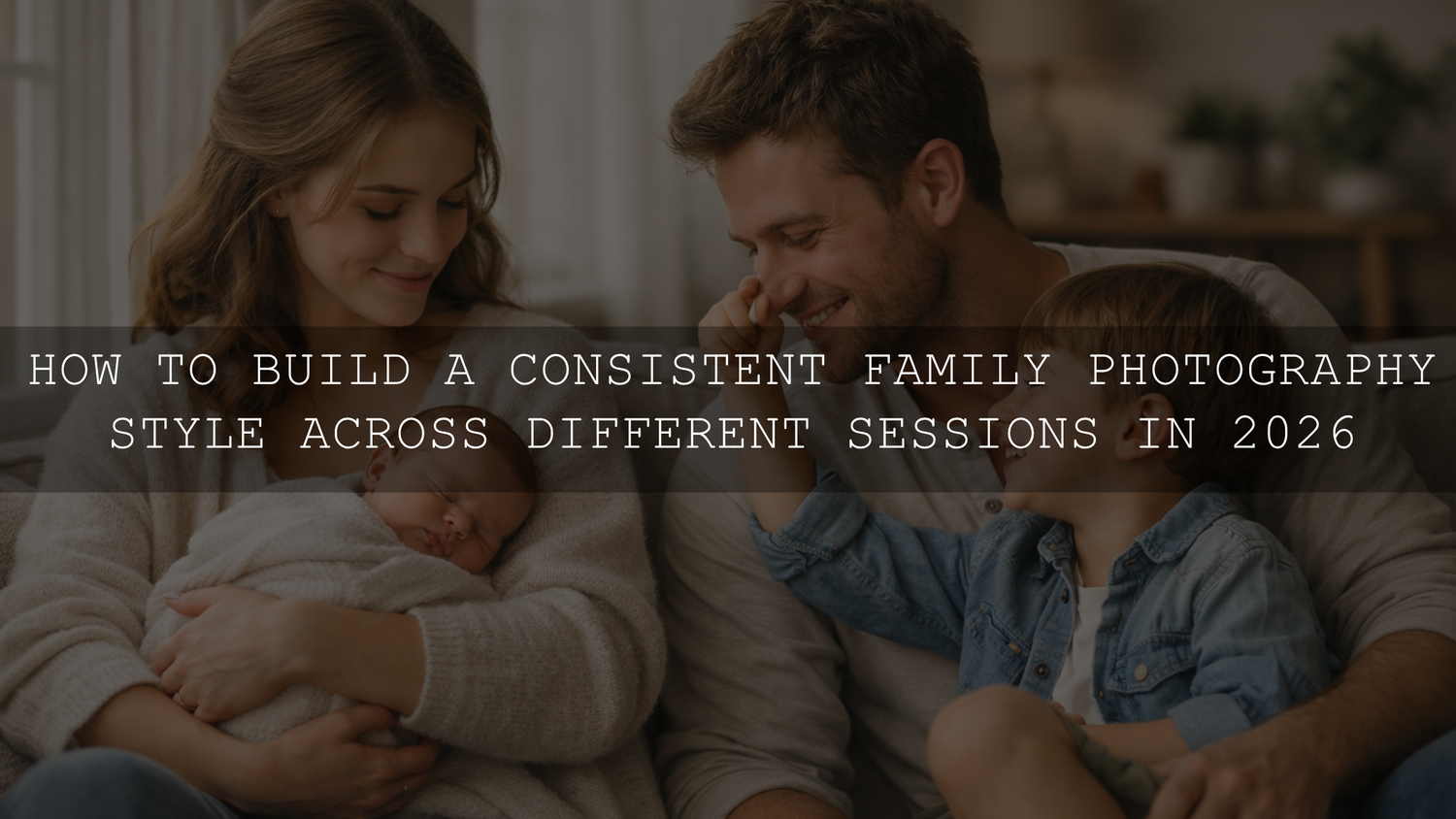
How to Build a Consistent Family Photography Style Across Different Sessions in 2026
A consistent family photography style does more than make your gallery look polished. It helps your family photo editing feel intentional, emotional, and timeless from one season to the next. Whether you shoot at home, in the park, on the beach, or during milestone sessions, the goal is not to make every image look identical. The goal is to create a visual rhythm that keeps your colors, mood, light, and skin tones feeling connected. That is where thoughtful planning, repeatable editing, and the right family photography presets can make a big difference.
If you want a fast starting point for clean, natural family edits, try AI-Optimized Soft Window Light Lightroom Presets and browse the full Lightroom Presets for Lightroom Mobile & Desktop collection. They give you a softer, more cohesive base for indoor family sessions, lifestyle portraits, and everyday home photos. And if you like building your toolkit gradually, you can keep it simple with the brand offer: Buy 3, Get 9 FREE.
Why consistency matters more than perfection
Most families do not want a gallery that feels trendy for a month and dated a year later. They want images that still feel beautiful when they look back five, ten, or twenty years from now. A cohesive style helps with that. It makes albums flow better, wall galleries feel more intentional, and even phone photo collections feel less random.
Here’s why this matters. A strong family style creates continuity even when life changes fast. Babies become toddlers. Toddlers become school kids. Homes change. Clothing changes. Locations change. But when your light, color, and editing philosophy stay steady, the story still feels like one family story instead of disconnected chapters.
I have tested this kind of workflow on indoor window-light sessions, quick backyard family portraits, and fuller lifestyle shoots where the clothes, weather, and skin tones were all slightly different. The galleries always looked strongest when the edit followed a repeatable pattern instead of chasing a new look for every session.
Start with your family’s visual identity
Before you touch Lightroom, define what you actually want your family images to feel like. This is where many people skip ahead too quickly. They download presets or copy a trend without first deciding what fits their family.
1. Choose the mood you want people to feel
Ask a simple question: when someone sees your photos, what should they feel first?
- Warm and cozy: perfect for home sessions, cuddles, reading time, kitchen moments, and slower storytelling.
- Bright and airy: ideal for clean, fresh, gentle family portraits with soft whites and open light.
- Earthy and natural: great for parks, fields, beaches, and outdoor family sessions with grounded tones.
- Soft and romantic: a good fit for newborn, maternity, or quieter emotional moments.
2. Pick a color direction
Your color palette is one of the easiest ways to keep sessions visually connected. Instead of reinventing colors every time, choose a lane and stay close to it. That could mean warm neutrals, soft pastels, muted earth tones, or clean classic whites with gentle skin tone protection.
If you need help building harmonious palettes, Adobe Color’s harmony tools are useful for testing combinations before a shoot. That becomes especially helpful when you are coordinating wardrobe, blankets, home décor, or outdoor locations.
3. Decide what “natural” means to you
Some families love warmth. Others prefer cooler whites and truer greens. Some want a cinematic softness. Others want a clean editorial finish. Consistency starts when you define your version of natural instead of letting every session drift in a different direction.
The best family photography style is usually not the one with the strongest effect. It is the one that still feels believable across many different moments.
A step-by-step workflow for consistent family photo editing
Let’s break it down into a repeatable system you can actually use.
Step 1: Audit your favorite photos first
Pull together 20 to 30 of your favorite family images. Mix professional photos, candid phone photos, outdoor sessions, and indoor frames. Then look for patterns:
- Do you keep choosing warmer images?
- Do you love softer contrast or deeper blacks?
- Do you prefer natural greens or muted greens?
- Do you like home sessions more than dramatic locations?
- Are your favorite images quiet and intimate or playful and energetic?
This simple review often tells you more than mood boards do.
Step 2: Standardize your light before your edit
If you want consistency, light has to lead. Editing can refine a photo, but it cannot fully rescue totally different lighting choices without making the gallery feel uneven.
- Window light: clean, soft, emotional, and timeless for at-home family sessions.
- Open shade: dependable for outdoor portraits when you want smooth skin tones and less contrast.
- Golden hour: warm and flattering, especially for connection-driven family photos.
- Overcast light: often underrated, but excellent for balanced portraits and consistent color.
If your style leans soft and natural, it helps to keep returning to one or two lighting scenarios instead of shooting everything in every kind of light. For indoor sessions, AI-Optimized Soft Window Light Lightroom Presets are a strong match because they support that clean, gentle look without pushing the image too hard.
Step 3: Keep wardrobe coordinated, not identical
Matching outfits exactly can make photos feel stiff. Coordination usually works better. Choose two to four colors plus one neutral, then let each family member wear pieces that fit within that range.
For example:
- Home lifestyle session: cream, beige, faded blue, soft brown
- Park session: olive, oatmeal, rust, denim
- Beach session: white, sand, pale blue, soft sage
Textures matter too. Linen, cotton, knits, denim, and soft layers usually photograph better than shiny fabrics or loud prints. When the wardrobe supports the scene, editing becomes much easier and more consistent.
Step 4: Build one base edit and refine from there
This is where many family galleries either come together or fall apart. Use one repeatable base look for the whole session, then make small individual corrections instead of reinventing every image.
- Correct white balance for skin first.
- Set overall exposure and contrast.
- Adjust highlights and shadows gently.
- Control the most distracting colors.
- Apply your preset or saved base look.
- Refine faces, clothing, and background with local masks only when needed.
Adobe’s own resources on editing with presets in Lightroom and masking in Lightroom are worth reviewing if you want a cleaner repeatable workflow. Presets help you start consistently, while masks help you keep each frame natural instead of over-editing the entire photo.
Step 5: Protect skin tones above everything else
In family photography, skin is usually the first thing people notice when an edit feels off. If the skin tones drift too orange, too magenta, too grey, or too flat, even a beautiful composition can feel wrong.
One of the best habits is to edit skin first and environment second. That might sound obvious, but it changes how you work. Instead of chasing trendy greens, dramatic warmth, or deep moody contrast, you ask: does the family still look believable?
I have seen family galleries improve immediately just by reducing orange saturation slightly, cooling whites a touch, and using masks to brighten faces rather than lifting the whole frame. When you want a safer starting point for portraits, AI-Optimized Skin Tone Safe Pro Portrait Lightroom Presets are a useful option.
Presets vs manual editing for family sessions
Both approaches work. The smart answer is usually both together.
Presets
- Faster starting point across a full gallery
- Better consistency from image to image
- Easier to maintain a signature look
- Helpful when lighting is mostly similar
Manual editing
- Gives you more control over tricky images
- Better for mixed lighting or unusual skin reflections
- Lets you fine-tune backgrounds and color conflicts
- Useful for hero images that need extra attention
The sweet spot is using presets as the base and manual edits as the polish. That is usually how you keep speed without losing quality. If you want more range for different family situations, the 1000+ Master Lightroom Presets Bundle gives you broader options while the main Portrait Photography Lightroom Presets collection stays focused on people and skin tones.
How to stay consistent across different locations
Different locations do not need different identities. They just need smart adaptation.
At home
Home sessions usually look best when you lean into softness. Keep whites clean but not sterile. Let warm wood, fabric texture, and window light do some of the storytelling. Avoid crushing shadows too much because home photos often need air and depth.
At the park
Outdoor greens can quickly become the biggest problem. Too much saturation makes the family look secondary. Try softening greens slightly and keeping skin tones separated from the background. If the park has mixed sun and shade, use local masks instead of aggressive global corrections.
At the beach
Beach photos need balance. Keep skin from turning too red, protect highlights in the sky, and avoid over-whitening sand. A cleaner tonal range usually ages better than a heavily stylized beach edit.
During newborn or milestone sessions
The priority shifts toward gentleness, subtle contrast, and believable skin. If your family story includes newborn sessions, 150+ First Years Baby & Newborn Lightroom Presets are worth exploring, especially when you want to keep the edit soft across blankets, wraps, whites, and window-lit family frames.
Common mistakes that break consistency
- Changing presets too often: one session should not feel like five different photographers edited it.
- Over-correcting every file: small refinements beat heavy-handed fixes.
- Ignoring white balance: inconsistent warmth is one of the fastest ways to make a gallery feel disconnected.
- Over-saturating skin and greens: this often makes family photos look less premium.
- Using trendy edits with no long-term vision: a family gallery should still feel good years later.
Related reading
- Warm and cozy family photo editing for lifestyle sessions
- Natural light family photo editing for parks, beaches, and homes
- How to edit energetic sibling photos without losing the chaos
- How to keep baby skin natural in newborn photos
- How to build soft dreamy portraits with presets
Make your style repeatable, not rigid
A strong family photography style should be recognizable, but it should still breathe. Kids grow. Homes change. Weather shifts. Personal taste matures. Consistency is not about trapping every memory inside one exact formula. It is about protecting the emotional thread that runs through your family story.
If you want to build that thread faster, start with AI-Optimized Skin Tone Safe Pro Portrait Lightroom Presets, test indoor scenes with AI-Optimized Soft Window Light Lightroom Presets, and browse the wider AI-Optimized Lightroom Presets collection or the Portrait Photography Lightroom Presets collection for more direction. If you prefer maximum flexibility, the 1000+ Master Lightroom Presets Bundle is a practical way to test multiple looks while still keeping your workflow organized. And if you want to know more about the brand behind the tools, you can read About AAA Presets.
What is the best editing style for family photography?
The best style is usually the one that keeps skin tones believable, light flattering, and emotion clear. For many families, that means warm natural tones, soft contrast, and a clean edit that does not overpower the moment.
How do I make different family sessions look cohesive?
Use a repeatable process: similar lighting choices, a limited color palette, one base preset direction, and small local refinements instead of starting from scratch for every image.
Should I use presets for family photo editing?
Yes, presets are useful when you want speed and consistency. They work best as a starting point, followed by small manual adjustments for white balance, skin tone, and local problem areas.
How can I keep skin tones natural in family photos?
Correct white balance first, avoid pushing orange saturation too far, and use masks to brighten faces or soften background distractions without affecting the whole image.
Can my family photography style change over time?
Absolutely. A good style evolves with your family. The key is to keep the core feeling consistent even as locations, ages, and session types change.
Written by Asanka — creator of AAAPresets (10,000+ customers).


Leave a comment
This site is protected by hCaptcha and the hCaptcha Privacy Policy and Terms of Service apply.