
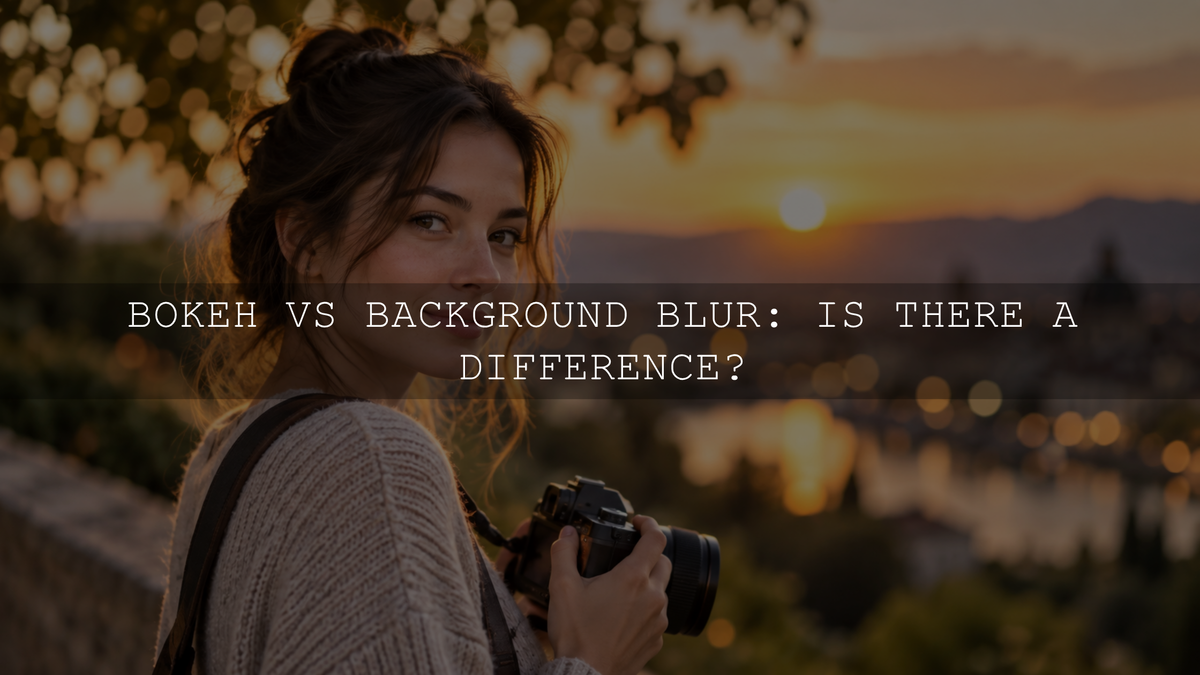
Bokeh and background blur are related, but they are not the same thing. Background blur describes the parts of a scene behind your focused subject that are rendered out of focus. Bokeh describes the visual character of those out-of-focus areas: whether they look smooth, busy, creamy, harsh, circular, polygonal, swirly or otherwise distinctive.
A photograph can therefore have a strongly blurred background without particularly attractive bokeh. It can also have only moderate background blur while the out-of-focus rendering itself looks smooth and visually pleasing.
The distinction becomes especially useful when you are choosing a lens, positioning a portrait subject, selecting an aperture or trying to understand why two photographs with similar depth of field can still have very different-looking backgrounds.
Bokeh vs Background Blur: The Simple Difference
The easiest way to separate the terms is to think about what each one describes.
- Background blur describes the defocused appearance of objects behind the subject.
- Bokeh describes the character or rendering of out-of-focus areas.
- Depth of field describes the range of distances within a photograph that appear acceptably sharp.
These ideas are connected, but they are not interchangeable.
For example, imagine photographing a person in front of distant tree leaves. A wide aperture may make those leaves strongly out of focus. That is background blur. If small patches of sunlight between the leaves become smooth circles with gentle edges, their appearance is part of the lens's bokeh.
What Is Background Blur?
Background blur occurs when objects behind the focused subject fall sufficiently outside the plane of focus that they no longer appear sharp.
A camera lens focuses light from a particular subject distance onto the image sensor. Points located away from that focus distance are reproduced as increasingly large blur spots instead of perfect points. Depth of field describes the range in which those small blur spots are still perceived as acceptably sharp.
The transition is gradual rather than a hard boundary where an image suddenly changes from perfectly sharp to completely blurred.
How blurred your background becomes depends on several variables working together. Sony's depth-of-field guide likewise identifies subject distance, aperture and focal length as important controls.
Aperture
A wider aperture, represented by a lower f-number such as f/1.8 or f/2.8, can create shallower depth of field than a narrower aperture under comparable shooting conditions.
If the numbering feels backwards, the AAAPresets guide to understanding f-stops explains why lower f-numbers represent wider effective apertures.
Camera-to-Subject Distance
Moving closer to your subject generally reduces depth of field and can make the background appear more out of focus.
This is why close-up photographs can have substantial blur even when the lens is not being used at its widest aperture.
Subject-to-Background Distance
This is one of the most useful controls for portraits.
Place a person directly against a wall and the wall may remain fairly recognizable even with a wide aperture. Move that person several metres away from the wall while keeping the camera-to-subject relationship similar and the wall can become much softer.
Focal Length and Framing
Lens choice also changes the appearance of the background, but it is useful to avoid the common statement that telephoto lenses physically change perspective on their own. Perspective is determined by camera position.
In practice, photographers often move farther away when using a longer focal length to maintain similar subject framing. The resulting combination of camera position, magnification and background rendering can make distant background details appear larger and visually softer in the finished frame.
Camera Format
Sensor format can affect practical depth-of-field comparisons when photographers match framing between cameras. Matching the same composition on different formats often requires a different focal length, shooting distance or both, so sensor size should not be treated as an isolated background-blur control.
What Is Bokeh?
Bokeh describes the aesthetic character of out-of-focus rendering.
Photographers commonly use words such as smooth, creamy, nervous, busy, harsh, swirly or soft when describing it. Unlike depth of field, which can be discussed using optical geometry and acceptable sharpness, the attractiveness of bokeh is partly subjective.
One photographer might love the energetic swirls created by a vintage lens while another prefers a modern lens that produces a quieter, smoother background.
Bokeh is also not limited to bright circles of light. Those circles simply make the characteristics of a lens easier to see. Out-of-focus foliage, buildings, hair, branches and other textures all contribute to the appearance of bokeh.
The term can also apply to out-of-focus areas in front of the subject, not only the background.
What Determines How Bokeh Looks?
Two lenses used with similar framing and depth of field can render their out-of-focus regions differently because bokeh depends heavily on optical design.
Aperture Shape
When a lens is stopped down, the physical shape created by its diaphragm blades can become visible in out-of-focus highlights.
A more rounded opening tends to produce rounder highlight discs, while a more angular opening can create polygonal shapes.
However, the number of aperture blades alone does not tell you whether a lens will have attractive bokeh. It is only one part of the design.
Lens Aberrations and Optical Correction
The way a lens corrects spherical aberration and other optical characteristics can influence whether an out-of-focus highlight appears brighter around its edge, brighter toward its centre or relatively even throughout.
Those differences can contribute to backgrounds that photographers describe as smooth or nervous.
Cat-Eye Highlights Near the Edges
Out-of-focus highlights near the corners of a frame sometimes become oval or cat-eye shaped instead of circular.
This can occur because parts of the light cone are increasingly obstructed toward the edges of the image. Some photographers enjoy the resulting character, while others prefer more consistently circular highlights.
The Background Itself
Even a lens known for smooth bokeh can produce a distracting photograph when the background contains high-contrast branches, signs, bright edges or other clutter.
The opposite is also true. A simple distant background with soft tonal transitions can look attractive with many different lenses.
That is why improving the background itself can sometimes make a larger creative difference than buying a faster lens.
Does More Background Blur Mean Better Bokeh?
No. Stronger background blur and more attractive bokeh are separate qualities.
A photograph made at f/1.4 can have extreme subject separation while still showing distracting edges, oddly shaped highlights or busy background textures. Another photograph made at f/2.8 may have less total blur but a calmer, more pleasing background.
There is also no rule saying that every portrait should have the maximum amount of blur possible. Sometimes environmental details are important to the story.
If you are deciding how much of a portrait should remain recognizable, see the AAAPresets guide to choosing an aperture for portrait photography.
Do You Need Bokeh Balls to Have Bokeh?
No.
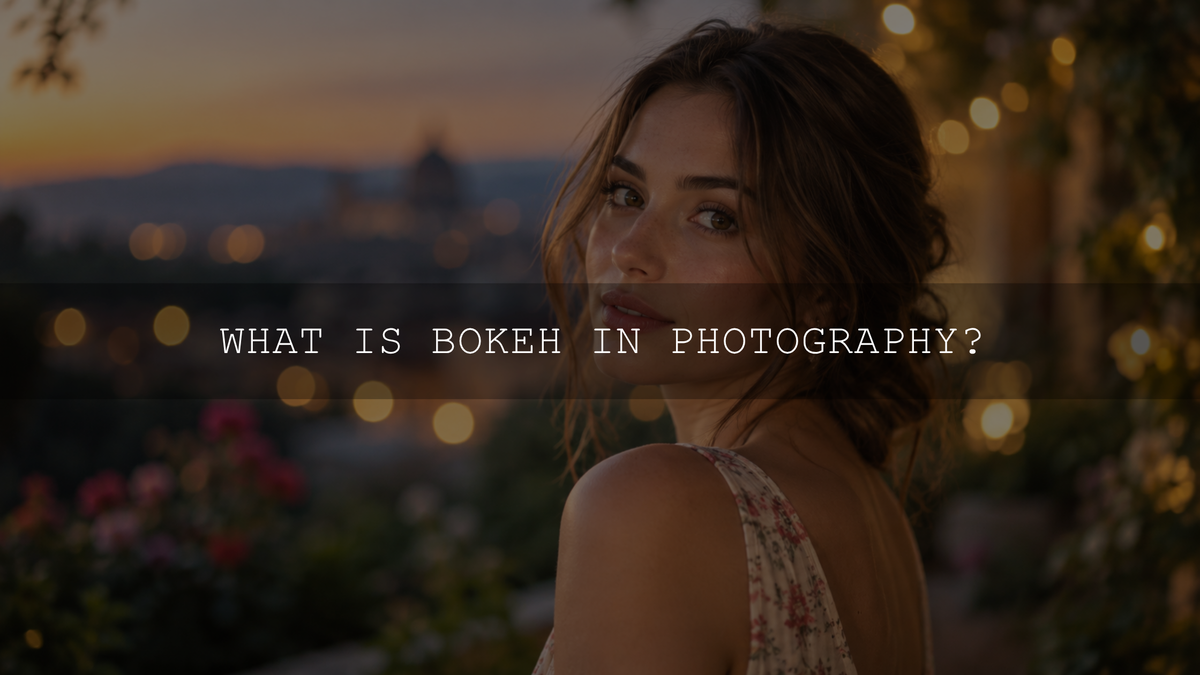
Bright out-of-focus points such as fairy lights, streetlights, reflections on water or sunlight filtering through leaves can turn into obvious discs or other shapes. Photographers often call these bokeh balls.
They are useful because they reveal characteristics of the aperture and lens very clearly, but bokeh also describes how less obvious out-of-focus textures are rendered.
A portrait photographed against distant grass, for example, can have smooth bokeh even when there is not a single circular highlight in the frame.
How to Create Stronger Background Blur
- Use a wider aperture when appropriate. Settings such as f/1.8 or f/2.8 can reduce depth of field, but do not automatically use the widest setting if important parts of your subject become soft.
- Move closer to your subject. A shorter focusing distance can make depth of field shallower.
- Increase the subject-to-background distance. Moving the subject away from the background is often one of the easiest ways to increase visible separation.
- Choose your focal length and camera position deliberately. Longer focal lengths can make out-of-focus background details appear larger within the frame, but remember that perspective itself changes because of camera position.
- Keep the subject accurately focused. Background blur does not help if the eyes or other important details are unintentionally outside the usable focus range.
If you want a deeper explanation of aperture itself, start with what aperture means in photography.
How to Make Bokeh Look More Intentional
- Look for small highlights. Distant lamps, reflections, string lights and sunlight through foliage make the rendering characteristics of a lens more visible.
- Create more background distance. A distant background normally becomes less defined and less distracting.
- Test your lens at several apertures. Compare the widest aperture with settings one or two stops narrower. The best-looking result is not always the maximum aperture.
- Watch the frame edges. Highlight shapes can change toward the corners.
- Simplify the background. Moving a few steps sideways can eliminate branches, signs or bright shapes that would otherwise produce distracting blur.
- Judge the whole image, not only individual bokeh balls. The subject, color, contrast, focus transition and background should work together.
Smartphone Portrait Mode: Optical Blur or Computational Blur?
Modern smartphone portrait modes make the distinction especially interesting.
Some phones combine natural optical defocus with computational depth effects. On supported iPhones, for example, Apple says the camera can capture depth information and apply a depth-of-field effect whose background blur can be adjusted after capture. See Apple's current Portrait mode guide.
This is why it is too simplistic to describe every smartphone portrait as completely artificial. The exact balance between optical defocus and computational blur varies by device, selected lens, focusing distance and scene.
Computational depth effects can also simulate characteristics associated with traditional lenses and allow the apparent blur level to be changed after capture. Difficult boundaries such as loose hair, transparent objects or complicated foreground elements can still reveal depth-selection errors in some images.
Can Lightroom Add Background Blur and Bokeh After Capture?
Yes. Current versions of Adobe Lightroom and Lightroom Classic include Lens Blur tools that can create a depth map, define a focus range and apply additional foreground or background blur. Adobe also provides selectable bokeh-rendering options within the tool. See Adobe's current Lens Blur documentation.
This can be useful when the original background is more distracting than intended or when you want a particular creative effect.
However, software-generated blur should be understood as a post-processing simulation. It does not retroactively change the aperture, focus geometry or physical lens characteristics that existed when the photograph was captured.
For that reason, it is still preferable to create appropriate subject separation in-camera whenever practical and use software blur as a creative editing tool rather than a substitute for accurate focus.
Can Lightroom Presets Create Bokeh?
Normal color presets do not create optical bokeh or change the depth of field recorded by the camera.
They can, however, refine contrast, color relationships, skin tones, highlights and shadows in ways that help an already well-separated portrait feel more cohesive.
If you already have the focus and background separation you want, Lightroom Presets for Cinematic & Portrait Photography includes eight XMP preset looks for Lightroom Desktop, Lightroom Classic and Adobe Camera Raw, plus eight DNG versions for Lightroom Mobile. Treat them as adjustable color-editing starting points rather than replacements for aperture or focusing decisions.
You can also browse the wider portrait Lightroom presets collection for different portrait color styles. AAAPresets currently offers Buy 3, Get 9 FREE when 12 eligible packs are added to the cart and you pay for 3.
Common Bokeh and Background Blur Mistakes
Calling Every Blurry Background Bokeh
A blurry background contains out-of-focus rendering, but when photographers discuss bokeh they are normally evaluating the character of that rendering rather than merely stating that blur exists.
Assuming f/1.4 Always Looks Better Than f/2.8
A wider aperture can create shallower depth of field, but the visual quality of the background depends on lens design, distance, highlight structure and composition. More blur is not automatically better blur.
Assuming More Aperture Blades Automatically Means Better Bokeh
Blade number and blade curvature can influence the shape of stopped-down highlights, but the complete optical design determines how the lens renders out-of-focus areas.
Thinking a Telephoto Lens Changes Perspective by Itself
Perspective depends on where the camera is positioned relative to the scene. Photographers commonly change camera position when changing focal length, which is why focal length and perspective are often mistakenly treated as the same effect.
Trying to Fix Missed Focus With More Blur
Aesthetic background blur cannot restore detail that was never recorded because the subject was out of focus. Capture the important subject details sharply first.
Frequently Asked Questions
Is bokeh just a blurry background?
No. Background blur describes defocused background detail. Bokeh describes how out-of-focus areas are visually rendered.
Is bokeh always circular?
No. Out-of-focus highlights can appear circular, polygonal, oval, cat-eye shaped, ring-shaped or otherwise distinctive depending on the lens, aperture, frame position and optical design.
Does f/1.4 automatically produce better bokeh than f/2.8?
No. f/1.4 can create stronger blur under comparable conditions, but whether the bokeh looks more attractive depends on the particular lens and scene.
Can a smartphone create bokeh?
Yes, although the final effect may come from a combination of natural optical defocus and computational processing. Modern phones can use depth information to apply and adjust portrait-style foreground and background blur.
The Difference to Remember
Background blur tells you that the background is out of focus. Bokeh tells you how those out-of-focus areas are rendered.
If you want stronger subject separation, think about aperture, focusing distance, subject-to-background distance, focal length, framing and camera format together. If you want more attractive bokeh, also pay attention to the lens's rendering characteristics and the shapes, highlights and contrast present in the background.
Once you separate those two ideas, choosing camera settings and evaluating lenses becomes much easier than simply trying to make every background as blurry as possible.
Written by Asanka — creator of AAAPresets, serving more than 10,000 customers.


Leave a comment
This site is protected by hCaptcha and the hCaptcha Privacy Policy and Terms of Service apply.