

DaVinci Resolve vs Premiere Pro: The Ultimate Color Grading Showdown of 2026
The quest for cinematic color is a journey shared by countless video editors and filmmakers. Two titans stand at the forefront of this pursuit: DaVinci Resolve and Adobe Premiere Pro. Both offer powerful color grading tools, but their approaches, strengths, and weaknesses diverge significantly. This in-depth comparison will dissect their capabilities, helping you choose the perfect tool for your creative vision in 2026. We'll explore everything from the user interface to advanced features, ultimately guiding you towards the best fit for your workflow and skill level. Get ready for a detailed look at DaVinci Resolve vs Premiere Pro color grading!

DaVinci Resolve: The Unrivaled Powerhouse of Color
DaVinci Resolve isn't just a color grading application; it's a professional-grade color correction and finishing suite that's become the industry standard for many. Its reputation is built upon its unparalleled color science, precision, and extensive feature set. Let's explore what makes it so compelling for color grading:
Unmatched Color Precision:
At its core, DaVinci Resolve offers a level of color control that is simply unmatched. Its advanced algorithms and color science ensure highly accurate and nuanced adjustments, enabling you to achieve subtle gradations and pinpoint accuracy. This makes it ideal for projects demanding the highest standards of color fidelity. The bit depth and color space support are far superior to Premiere Pro, allowing for greater dynamic range and a wider gamut of colors. This means you can capture and display incredibly rich and detailed images, especially crucial for HDR workflows.

A Deep Dive into Features:
Resolve is brimming with powerful features, catering to both beginners and seasoned colorists. We're talking about:
- Primary and Secondary Color Correction: Masterfully adjust overall color balance and target specific areas for precise adjustments. DaVinci Resolve's secondary tools, like power windows and trackers, give you incredible precision and flexibility in isolating and adjusting specific elements within your footage.
- Node-Based Workflow: A flexible system allowing you to create complex color grading chains with unparalleled control and non-destructive editing. This allows you to experiment freely and easily revert changes without impacting the original footage. The node-based system offers modularity and flexibility beyond what's typically found in other applications.
- Advanced Color Space Support: Work seamlessly with various color spaces, including HDR, ensuring accurate color representation on different displays and platforms. Resolve's support for wide color gamuts and high dynamic range is critical for professionals working with high-end displays and demanding projects.
- Powerful Keyframing: Create smooth and dynamic color transitions over time, bringing a cinematic flair to your projects. Precise keyframing gives you total control over how colors change throughout your video, enabling effects that would be far more difficult to achieve in Premiere Pro.
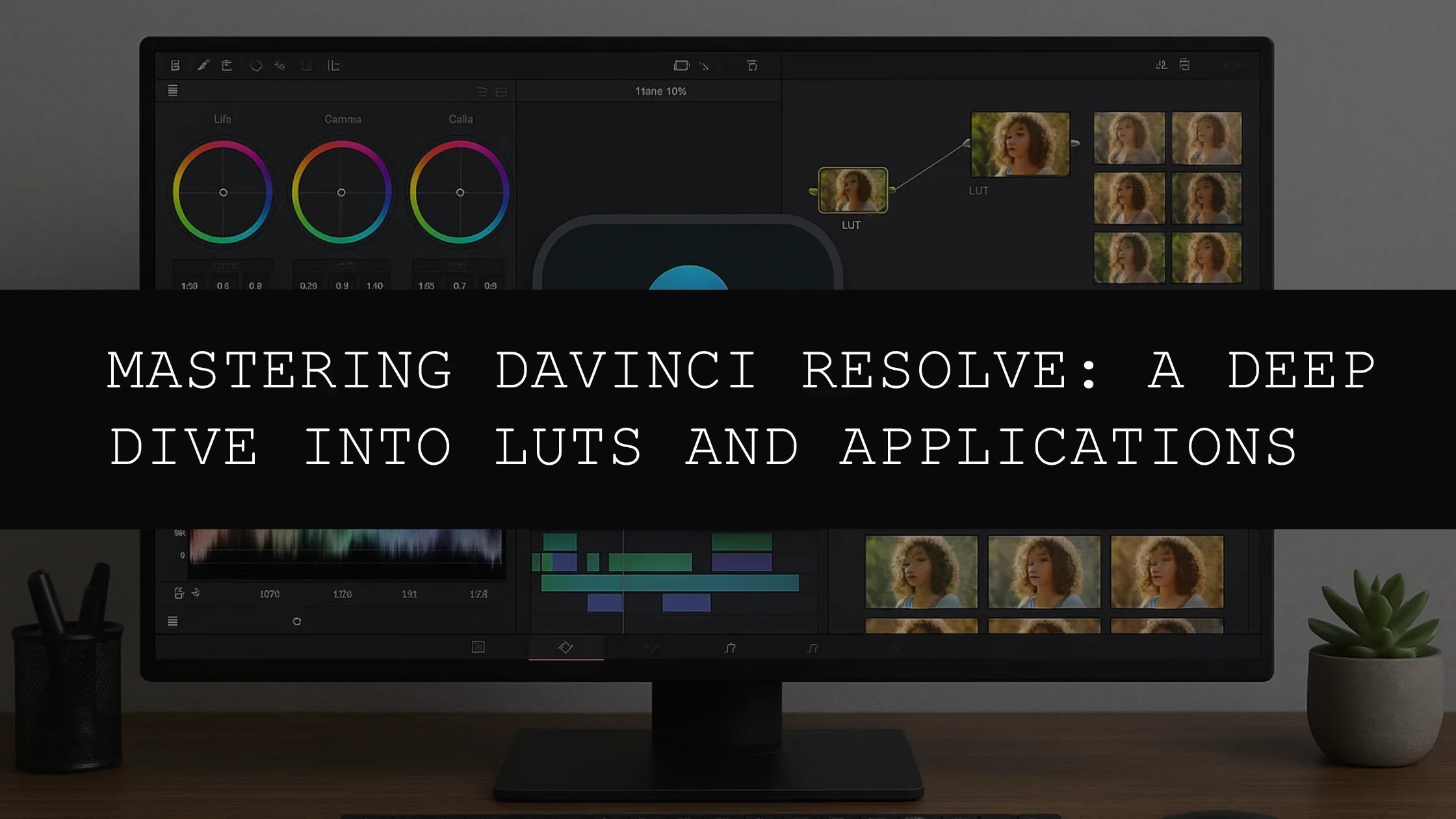
- Extensive LUT Support: Utilize Look-Up Tables (LUTs) to apply pre-defined looks or create your own custom color palettes for consistent grading across multiple projects. This allows for faster workflows and standardized looks, especially useful in collaborative environments.
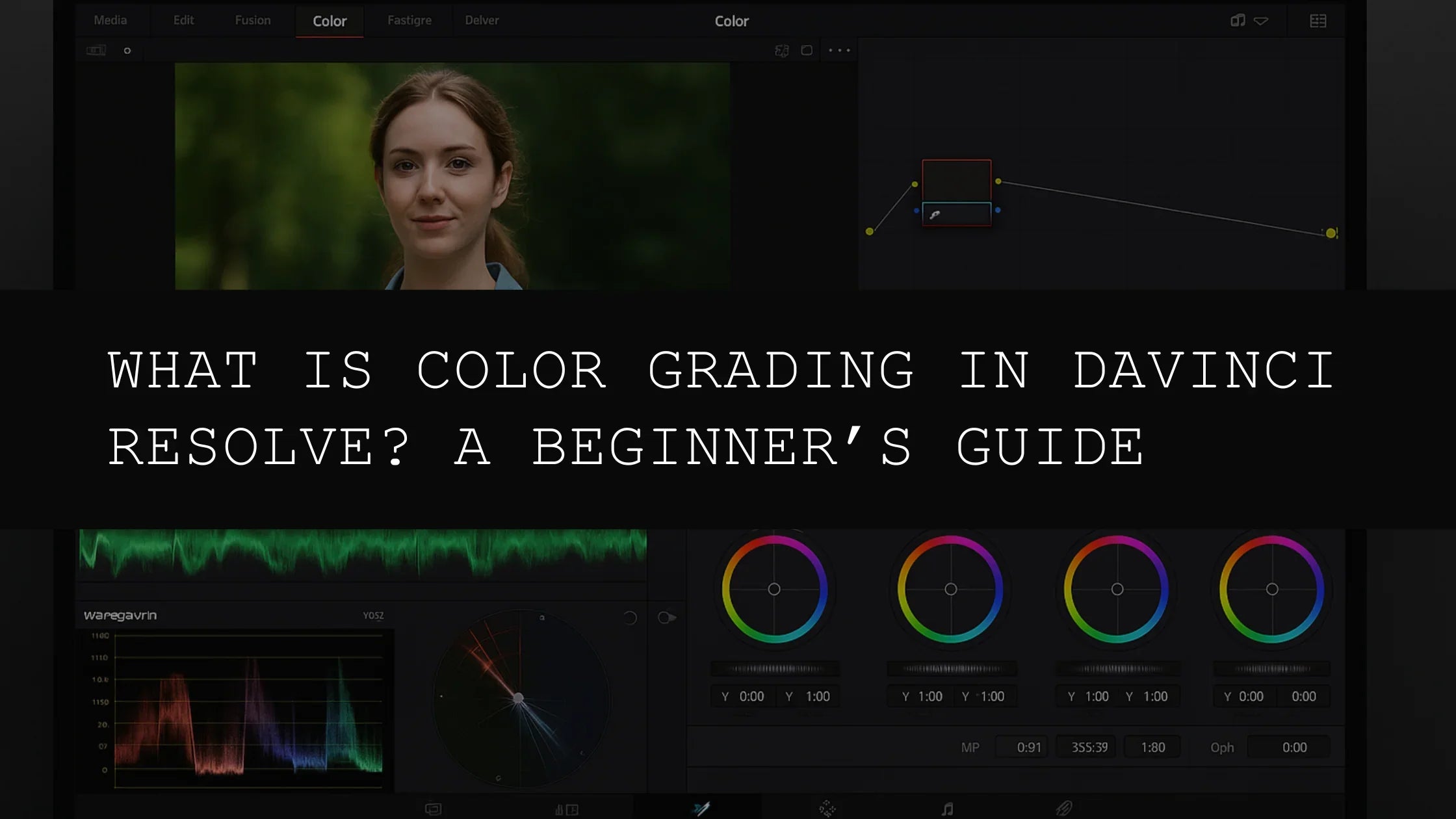
- Advanced Curves and Wheels: Resolve provides both traditional curves and color wheels, providing multiple avenues to manipulate color. These tools allow for extreme flexibility and control, especially useful for advanced color correction and grading techniques.
- Fusion Page (Studio Version): Access powerful compositing and visual effects tools, allowing for seamless integration of VFX and color grading. This makes it a one-stop shop for post-production, streamlining the workflow and reducing the need for other software.
- Fairlight Audio Page: While not directly related to color grading, DaVinci Resolve's integrated audio editing suite, Fairlight, allows for a truly unified post-production workflow. This eliminates the need to switch between applications.
The Price of Power: The Learning Curve
DaVinci Resolve's extensive features come with a steeper learning curve. The interface, while powerful, can initially feel overwhelming for beginners. Investing time in learning its intricacies is essential to harness its full potential. However, the abundance of online tutorials, readily available documentation, and a thriving community ensure plenty of support. The free version offers nearly all of the color grading capabilities of the Studio version, making it possible to learn the software at no cost.
Premiere Pro: The Versatile All-in-One Solution
While not solely dedicated to color grading like DaVinci Resolve, Premiere Pro offers a robust set of color tools integrated seamlessly within its comprehensive video editing environment. This makes it an attractive option for editors who prefer an all-in-one workflow.
Seamless Integration:
Premiere Pro's strength lies in its streamlined workflow. Edit your video, apply effects, and grade your colors all within the same application. This integrated approach saves time and simplifies the post-production process, making it particularly appealing for editors who value efficiency. The close integration with other Adobe Creative Cloud applications further enhances this workflow.
User-Friendly Interface:
Premiere Pro's intuitive interface is significantly easier to navigate than DaVinci Resolve's. This user-friendly design makes it a more accessible option for beginners, allowing them to quickly grasp the fundamentals of color grading. The familiar Adobe interface will be easy to pick up for anyone already using other Adobe products.
Lumetri Color Panel:
Premiere Pro's Lumetri Color panel provides a powerful and user-friendly set of color tools. While not as extensive as DaVinci Resolve's, it includes features like:
- Basic Color Correction: Adjust exposure, contrast, saturation, and white balance with ease. These tools are highly accessible and allow for quick adjustments, crucial for fast turnaround times.
- Creative Color Grading: Explore various color grading styles using curves, HSL adjustments, and other creative tools. While not as sophisticated as Resolve, the tools are more than adequate for many projects.
- Color Wheels: Intuitive color wheels facilitate precise color adjustments, making the process both efficient and enjoyable.
- Effects Panel: Seamless integration with Premiere's overall effects, enabling a streamlined post-production flow. The effects panel allows for quick addition of visual effects, blending seamlessly with the color grading workflow.
- Advanced Curve Adjustments: While not as robust as DaVinci Resolve's, Premiere Pro allows for detailed control with multiple curves and color adjustment options.
- Built-in LUT Support: Easily import and use LUTs to enhance the efficiency and consistency of your color grading workflow.
Limitations in Advanced Features:
Compared to DaVinci Resolve, Premiere Pro's color grading capabilities are somewhat less comprehensive. It may lack the depth and granularity needed for extremely complex projects or those requiring pixel-perfect accuracy. However, for most projects, its capabilities are more than sufficient. Its performance can also lag behind Resolve, especially with high-resolution or complex projects.
DaVinci Resolve vs Premiere Pro: The Verdict (Finally!)
The choice between DaVinci Resolve and Premiere Pro for color grading depends heavily on your individual needs, project scope, and existing skill set. Let's summarize:
Choose DaVinci Resolve If:
- You need the absolute pinnacle of color precision and control.
- Your projects demand the highest levels of color fidelity and dynamic range.
- You're comfortable with a steeper learning curve and are willing to invest time in mastering a powerful tool.
- Advanced features like node-based workflows and HDR support are crucial for your workflow.
- You're working on high-end projects with demanding color requirements, such as feature films or high-budget commercials.
- You want a completely free, yet fully-featured option for high-end color correction.
Choose Premiere Pro If:
- You prioritize a seamless, integrated workflow for editing and color grading within a single application.
- You value user-friendliness and a relatively quick learning curve.
- You need a powerful yet accessible set of color grading tools without excessive complexity.
- Your projects don't require the absolute highest level of color precision, such as social media videos or short promotional content.
- You're working within a fast-paced production environment requiring rapid turnaround times.
- You already have a working knowledge of the Adobe Creative Cloud suite.
Ultimately, the best approach is to try both. Both offer free trials or free versions, allowing you to experience their respective strengths and weaknesses firsthand. Experiment, discover your preferences, and elevate your color grading skills to new heights!

Leave a comment
This site is protected by hCaptcha and the hCaptcha Privacy Policy and Terms of Service apply.