
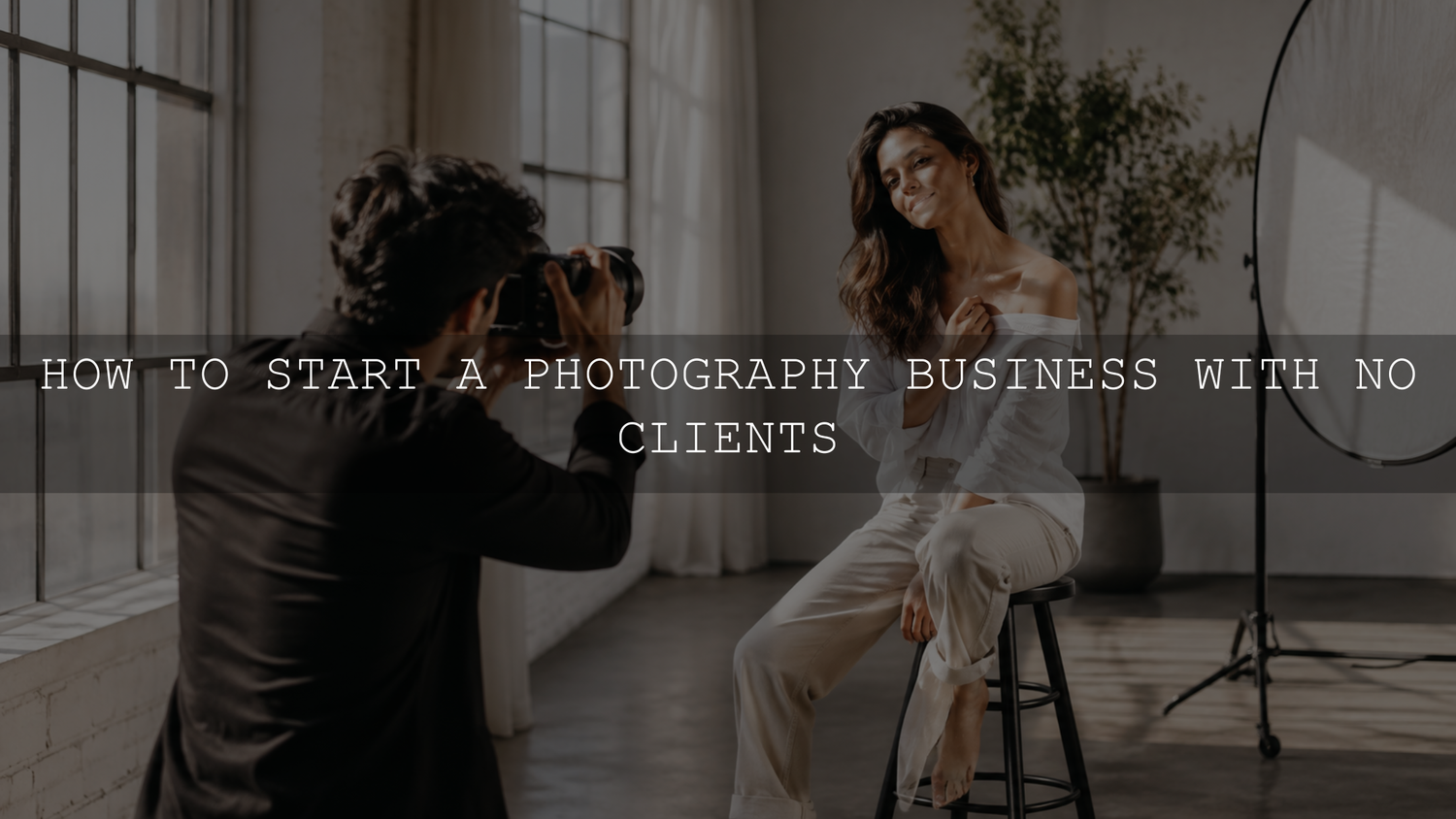
To start a photography business with no clients, choose one starter niche, create three to five planned portfolio shoots, publish a focused gallery, build a simple local presence and turn the first enquiries into a reliable client experience.
You do not need a paid-client history before you begin. You do need proof that you can create the type of images people want, communicate clearly and deliver what you promise.
Start With One Clear Photography Direction
Many new photographers try to offer everything at once: portraits, weddings, products, events, pets, food, real estate and travel. That can make a new portfolio feel unfocused. A clear starter offer helps potential clients understand whether your work fits their needs.
Choose one direction for the next 60 to 90 days. You can expand later, but a focused beginning makes it easier to plan portfolio shoots, marketing and outreach.
- Portrait photography: suitable for personal brands, professionals, couples, seniors and creators.
- Product photography: suitable for small online stores, handmade brands, boutiques and local businesses.
- Event photography: suitable for small business launches, community events, birthdays and local gatherings.
- Family photography: suitable for parents, maternity sessions, newborn lifestyle shoots and seasonal portraits.
- Brand photography: suitable for coaches, consultants, founders, creatives and service businesses.
Pick a direction in which you can create useful sample work and where people in your intended market already pay for photography. Your first offer should reflect both your interests and a real client need.
Build Portfolio Work Before You Wait for Clients
If you have no clients, your first job is to create relevant proof. Trade-for-portfolio collaborations can help when they are planned carefully. The purpose is not to work without payment indefinitely. It is to create examples that show future clients what you can deliver.
Set up three to five intentional shoots. Treat each one like a real booking, even when money is not involved.
- Ask a friend, couple or local creator to model for a portrait or lifestyle session.
- Offer a small product shoot to a boutique, candle brand, bakery, skincare seller or handmade store.
- Photograph a local community event with permission from the organizer.
- Create a personal-branding shoot for someone who needs profile photographs, website images or social content.
- Build a styled mini session around one clear result, such as clean studio portraits, warm outdoor family photographs or modern product flat lays.
Before the shoot, put the agreement in writing. State what each person will receive, how many edited images you will deliver, the delivery date and how the photographs may be used. For recognizable people, private property or client-owned products, use permission or release documents suitable for your location and intended use.
Create a Portfolio That Looks Hireable
Your portfolio should not show every good photograph you have taken. It should show the work you want to be hired to create. A small, focused gallery is usually more useful than a large mixed gallery with no clear direction.
You can begin with approximately 15 to 30 strong images. Remove anything that does not support the service you want to sell. If you want portrait clients, show portraits. If you want product clients, show products. If you want local business clients, show images that would make sense on a website, social profile, menu, store page or advertisement.
Use this portfolio test
- Can a visitor understand what you photograph within a few seconds?
- Do the images feel consistent in light, color and editing style?
- Have you removed the weakest or most repetitive images?
- Is there an easy way to contact you?
- Does the page explain who the service is for?
Do not add unrelated personal favorites only to make the gallery larger. Your portfolio is a client-facing selection, not a complete archive of everything you have photographed.
Make It Easy for Local Clients to Find You
Social media can support discovery, but it should not be your only channel. Create a simple online presence that makes your service searchable and easy to contact.
- Create a basic website or landing page with your portfolio, service area, offer and contact form.
- If you meet customers in person and satisfy Google's eligibility rules, create a no-cost Google Business Profile so you can manage how the business appears on Google Search and Maps.
- Add your city, region or service area naturally to relevant website copy.
- Ask early paying clients or genuine collaborators for honest feedback when appropriate. Do not require a positive review.
- Use location names in captions and platform location features where they are available and relevant.
- Join local groups where your intended clients already ask for recommendations.
A beginner photographer does not need a complicated website. You need a clear page that answers four questions: what do you photograph, where do you work, what does the result look like and how can someone enquire?
Turn Each Portfolio Shoot Into Marketing Content
A portfolio shoot can produce more than final gallery images. Plan for behind-the-scenes photographs, vertical clips, detail shots, genuine before-and-after edits, posing examples and short educational posts. This can extend the useful life of one shoot without repeating the same image and message.
For a deeper content-planning system, use the AAAPresets guide on how to turn one photoshoot into 30 days of content. The same framework can help a new photographer turn each sample shoot into portfolio proof, educational content and social media material.
Network With People Who Already Serve Your Future Clients
Networking does not need to feel formal. It means building useful relationships with people who already meet the clients you want.
- For weddings, connect with makeup artists, florists, planners, venues and bridal boutiques.
- For product photography, connect with small store owners, Shopify sellers, makers and local boutiques.
- For family photography, connect with maternity shops, baby stores, salons and local parent groups.
- For personal branding, connect with coaches, consultants, designers, copywriters and website builders.
Do not begin by asking for referrals. Follow their work, comment thoughtfully, send a brief introduction and suggest a simple collaboration only when it benefits both sides. Referrals are more likely when the relationship is based on trust and a clear understanding of your work.
Set Beginner Pricing Without Staying Cheap Forever
Introductory pricing can help you secure your first paid shoots, but it should have a clear limit. Very low prices can become difficult to sustain once editing time, travel and client communication increase.
Before publishing a price, calculate the work and costs involved:
- Planning and messages before the shoot
- Travel and setup time
- Shooting time
- Culling and editing
- Gallery delivery
- Software, storage, gear and website costs
- Taxes, permits or insurance where relevant
One practical approach is to offer a clearly labeled introductory rate for a limited number of bookings, then review the price after you have stronger portfolio proof, client feedback and a smoother workflow. State the session length, number of delivered images, turnaround time, usage terms and any additional fees.
Set Up the Business Basics Before Paid Shoots
Registration, tax, licensing, insurance and contract requirements differ by country, state and city. Check the official guidance that applies where you operate before accepting paid work.
- Choose an appropriate business structure and register it when required.
- Keep clear records of income, expenses, invoices and payments.
- Use a written booking agreement covering the scope, date, location, payment terms, cancellation terms, delivery timeline and image usage.
- Confirm whether you need liability insurance, equipment cover, permits or venue authorization for the work you offer.
- Use a dependable file-backup process and protect client contact details and private galleries.
- Explain what happens if illness, weather, equipment failure or another disruption affects the booking.
This administrative work is not as visible as a portfolio, but it reduces confusion and helps you deliver a more professional service.
Deliver an Experience People Want to Recommend
Your first paying clients can become an important source of repeat work and referrals when the experience feels organized and thoughtful.
Create a basic client-experience checklist:
- Reply promptly and clearly.
- Send a simple shoot guide or preparation message.
- Explain what to wear, what to bring and what to expect.
- Arrive early and keep the session calm.
- Give practical posing direction instead of leaving clients unsure what to do.
- Send a small preview only when it fits the promised workflow.
- Deliver the final gallery by the agreed date.
- Thank the client and ask for honest feedback.
Strong photographs matter, but reliable communication and delivery also shape whether someone recommends the service.
Create a Consistent Editing Workflow Early
When you edit only one shoot at a time, it is easy to improvise. Once several bookings overlap, an inconsistent process creates delays and uneven galleries. Build a repeatable workflow before you become busy.
A practical editing process can follow this order:
- Back up the original files.
- Cull the gallery before detailed editing.
- Group selected images by lighting condition or setup.
- Create a representative base edit for each group.
- Correct exposure, white balance, crop and lens issues.
- Apply a preset or saved base treatment when it suits the image.
- Refine skin tones, shadows, highlights, color and contrast manually.
- Synchronize only suitable settings across genuinely similar images.
- Review the complete gallery together before export and delivery.
Adobe describes Lightroom presets as predefined settings that can apply adjustments such as exposure, contrast, saturation and color grading. Adobe also allows presets to be batch-applied, while the preset amount and other edit settings remain adjustable. Review Adobe's current guide to presets in Lightroom and the AAAPresets repeatable Lightroom preset workflow for a more detailed editing order.
If your first services include portraits, personal branding or lifestyle sessions, the AI-Optimized Skin Tone Safe Pro Portrait Lightroom Presets can provide an adjustable portrait starting point. The pack includes eight XMP preset items for Lightroom desktop workflows and Adobe Camera Raw, plus eight DNG preset items for Lightroom Mobile. Refine exposure, white balance and skin tone for every image rather than expecting one setting to suit every lighting condition.
Do Not Upgrade Gear Before You Have a Business Reason
Better gear can solve specific limitations, but it will not fix unclear positioning, weak posing, poor lighting or inconsistent communication. Start with the equipment you can use reliably, then upgrade when the current setup prevents you from meeting a real client need.
An upgrade may be justified when:
- You need a backup camera for paid events.
- You need a lens that supports the low-light work you are booking.
- You need lighting equipment for consistent indoor sessions.
- You need faster storage or a more capable editing computer to deliver galleries on time.
If you cannot explain how a purchase will improve booking, capture, editing, safety or delivery, delay it and keep building the business.
A Simple 30-Day Plan to Get Your First Photography Clients
Week 1: Choose and prepare
- Choose one starter niche.
- Write a simple offer in one sentence.
- Create a shot list for three portfolio shoots.
- Prepare a collaboration agreement and basic paid-booking terms.
- Make a list of 20 potential models, businesses or referral partners.
Week 2: Shoot portfolio work
- Complete one or two portfolio shoots.
- Collect the necessary permission for public portfolio use.
- Edit each gallery with a consistent but adjustable style.
- Choose only the strongest and most relevant images.
Week 3: Publish and promote
- Create a simple portfolio page.
- Set up or update an eligible Google Business Profile.
- Post behind-the-scenes content and selected final images.
- Share one clear booking message with your local audience.
Week 4: Create paid opportunities
- Contact five suitable local referral partners.
- Ask collaborators for honest feedback on the experience.
- Offer a limited number of introductory paid sessions.
- Review the questions, objections and services that received the strongest response.
Common Mistakes to Avoid
- Trying to sell every photography service at once.
- Publishing too many average images instead of a smaller, stronger portfolio.
- Doing unpaid work without clear deliverables and usage permission.
- Charging low prices without understanding the complete cost of the job.
- Accepting paid work without written terms or a delivery process.
- Buying gear before improving lighting, posing and client experience.
- Editing every shoot in a different style.
- Making it difficult for interested people to contact you.
Frequently Asked Questions
Can I start a photography business with no paid clients?
Yes. Create planned portfolio shoots that match the work you want to sell. Use them to build a focused gallery, demonstrate your process and show potential clients a clear result. Be transparent when an example came from a collaboration rather than a paid booking.
Should beginner photographers work for free?
Free or trade-for-portfolio work can be useful at the beginning when it is intentional, limited and documented. Set clear deliverables, obtain the necessary usage permission and use each shoot to create evidence for a specific paid service.
How many photographs do I need in my first portfolio?
There is no universal number, but approximately 15 to 30 strong, relevant images can be enough for a focused starter portfolio. A smaller gallery with a clear service and consistent quality is more useful than a large mixed gallery.
Do I need Lightroom presets to start a photography business?
No. Presets are optional editing tools. They can help you create a repeatable starting point, but they do not replace exposure correction, white-balance decisions, skin-tone checks or final quality control. To compare different editing directions, browse the Lightroom presets for mobile and desktop collection. Eligible products can be combined with the Buy 3, Get 9 FREE offer by adding 12 eligible items to the cart and paying for three.
Build Proof and Improve the System
Your first month does not need to produce a full calendar. It should produce a focused offer, a credible portfolio, a clear way to enquire and a service process you can repeat.
After every collaboration or booking, review what attracted interest, what created confusion, how long the work actually took and which images best represent the direction you want to continue. Improve one part of the system before adding more services, more gear or more marketing channels.
Written by Asanka — creator of AAAPresets, serving 10,000+ customers.

Leave a comment
This site is protected by hCaptcha and the hCaptcha Privacy Policy and Terms of Service apply.