
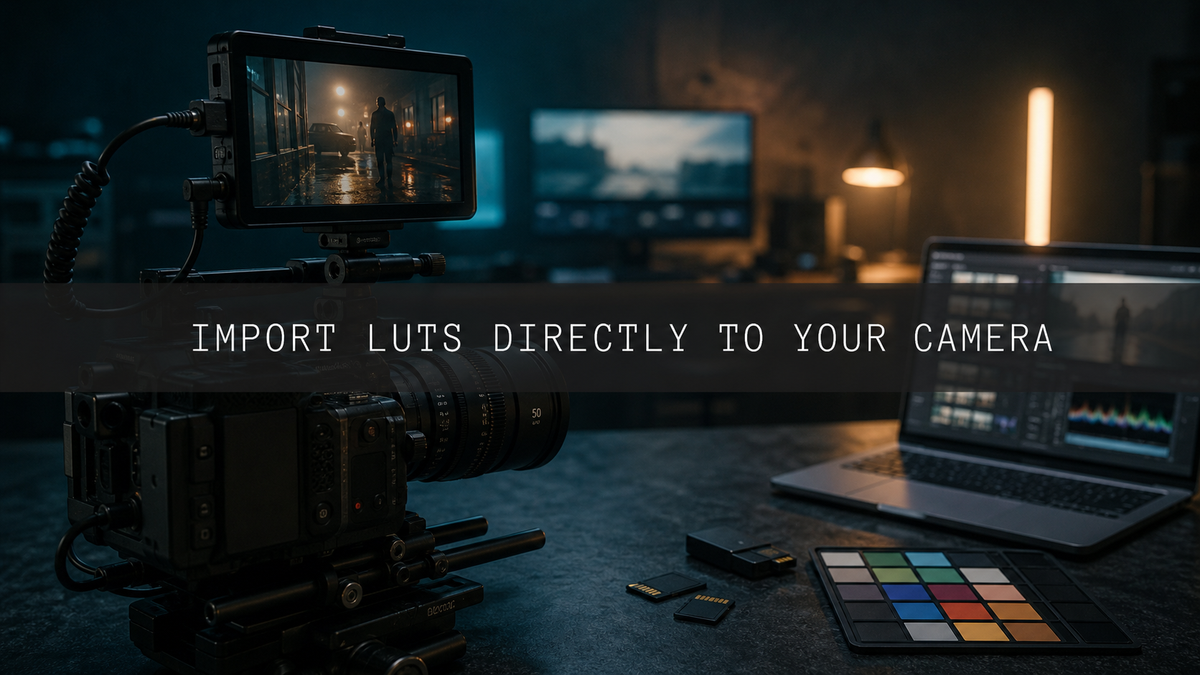
Can You Import LUTs Directly to Your Camera? What Creators Need to Know in 2026
In the ever-evolving landscape of video production, Look-Up Tables (LUTs) have become indispensable tools for color grading, enabling creators to achieve specific stylistic looks with ease and efficiency. However, a common question among video professionals and enthusiasts alike revolves around the direct application of LUTs within a camera, essentially bypassing traditional post-production processes. The answer, as with many aspects of technology, is multifaceted and depends heavily on various factors.
The capability to apply LUTs directly in-camera offers significant advantages. Imagine having the ability to witness your desired color grading in real-time, as you shoot. This real-time visual feedback loop allows for on-the-spot adjustments, ensuring the final product perfectly matches your creative vision. It also streamlines the post-production workflow, resulting in significant time and resource savings. However, this level of integration isn't a universal feature across all cameras. Compatibility varies based on the camera manufacturer, the specific model, and even the firmware version. Some cameras support LUTs seamlessly, while others may require supplementary hardware or software to achieve similar functionality.
Before delving into the intricacies of in-camera LUT implementation, it's worthwhile to explore the diverse range of high-quality LUT packs available to enhance your video projects. These collections provide an extensive library of stylistic options, from subtly cinematic looks to vibrant, eye-catching effects that can greatly enhance your storytelling capabilities.
- 120+ Cinematic Blockbuster Movie Look LUTs Pack: Elevate your video projects to a cinematic level with this extensive collection of 120+ professional-grade .cube LUTs. These LUTs are meticulously designed to give your footage the look and feel of a Hollywood blockbuster. Whether you're editing action sequences, suspenseful thrillers, or breathtaking landscapes, these LUTs provide a wide spectrum of stunning color grades, transforming your visuals into captivating cinematic masterpieces. Compatible with leading video editing software such as Adobe Premiere Pro, Final Cut Pro, DaVinci Resolve, and more, they offer unparalleled versatility for a wide range of workflows.
- 150+ Wedding LUTs for Final Cut, Premiere Pro & Resolve: Capture the romance and beauty of wedding events with this curated collection of 150+ LUTs. Specifically designed for wedding videographers, these LUTs enhance the professionalism and cinematic quality of your work, creating breathtaking visuals that capture the emotion and significance of the special day. They are compatible with popular editing applications like Premiere Pro, DaVinci Resolve, and Final Cut Pro X, making integration into your existing workflow seamless and effortless.
- 300+ Music Video Color Grading LUTs Pack: Transform your music videos with this extensive collection of 300+ LUTs. Designed to add vibrant hues, artistic looks, and cinematic flair to your videos, these LUTs enhance visual storytelling, allowing your music videos to stand out from the crowd. Achieve professional-level color grading with ease, ensuring your music videos are as visually stunning as the music itself. Compatible with Premiere Pro, DaVinci Resolve, Final Cut Pro X, and more.
- 700+ Cinematic Video LUTs For Your Next Project: With an unparalleled selection of 700+ premium LUTs, this collection offers unmatched versatility for all your video projects. Regardless of the genre or style, you're sure to find the perfect look to elevate your videos to a new level of cinematic excellence. These LUTs provide a diverse range of creative possibilities, enabling you to match the specific mood and atmosphere of your projects precisely.
Now, let's delve deeper into the specifics of in-camera LUT implementation. While many contemporary cameras boast this feature, the exact implementation and capabilities can vary significantly. Some cameras offer native LUT support, allowing direct loading of .cube files or other compatible formats. Others may necessitate the use of dedicated software or applications to manage and apply LUTs. It's crucial to consult your camera's user manual to confirm if in-camera LUT application is supported and to understand the specific procedures involved.
Workflow Considerations for In-Camera LUTs
Incorporating in-camera LUTs can significantly transform your workflow. The most immediate benefit is the enhanced visual feedback loop, allowing for real-time on-set adjustments to ensure the final color grading perfectly aligns with your artistic vision. This real-time preview eliminates the need for extensive post-production color correction, resulting in considerable time and effort savings. This accelerated workflow is particularly advantageous for projects with tight deadlines or when immediate visual feedback is crucial for creative decision-making.
However, it's essential to be aware of potential limitations. In-camera LUT application can sometimes impact the camera's processing power, potentially affecting overall performance and responsiveness. It can also introduce subtle changes to the image's dynamic range and detail preservation. Therefore, thorough testing and experimentation are highly recommended before relying heavily on in-camera LUTs for critical projects. A cautious approach ensures you're fully aware of any unintended consequences before integrating this technique into your standard workflow.
Choosing the Right LUTs: A Creative Decision
Selecting the appropriate LUTs is a crucial creative decision that directly impacts the final aesthetic of your video project. Consider the overall mood, style, and intended message of your video content. Are you aiming for a cinematic, moody atmosphere? Or a vibrant, energetic feel? The choice of LUTs should complement the overall style and tone of your project, ensuring a cohesive visual narrative. The versatility offered by different LUT packs enables you to cater to a wide array of creative preferences and project requirements.
The Synergy of In-Camera and Post-Production LUTs
Even if your camera supports in-camera LUT application, integrating LUTs into your post-production workflow can often lead to even better results. This dual approach allows for a streamlined initial process during filming, providing valuable real-time feedback, while maintaining the flexibility to make further adjustments and refinements in post-production. The ability to fine-tune colors and make precise adjustments in post-production software often allows for a level of detail and control that may not be achievable directly on the camera. This combined approach ensures you maximize both efficiency and creative control.
Professional video editing software generally offers robust LUT support, providing seamless integration and precise control over color grading. This allows you to build on the base established during filming, enhancing the final look and feel of your video with additional nuance and finesse. A well-executed hybrid approach marries the advantages of real-time visual feedback during filming with the precision and detail of post-production refinement, optimizing both workflow and creative expression.
Experimentation and Mastering the Art of Color Grading
True mastery in color grading is achieved through exploration and experimentation. Don't hesitate to experiment with different LUTs, combining multiple LUTs, and adjusting settings to discover the unique visual language that truly reflects your artistic vision. The wide selection of LUT packs provides abundant opportunities for creative experimentation and the development of a personal style. Careful experimentation, combined with a good understanding of color theory and your camera's capabilities, allows you to unlock the full creative potential of LUTs.
Through careful planning, strategic implementation, and a dedication to experimentation, you can effectively harness the power of LUTs to significantly enhance the quality and consistency of your video projects. The flexible integration of LUTs—whether in-camera or within your post-production workflow—provides unparalleled creative control, empowering you to craft compelling visuals and narratives that leave a lasting impression on your audience.



Leave a comment
This site is protected by hCaptcha and the hCaptcha Privacy Policy and Terms of Service apply.