
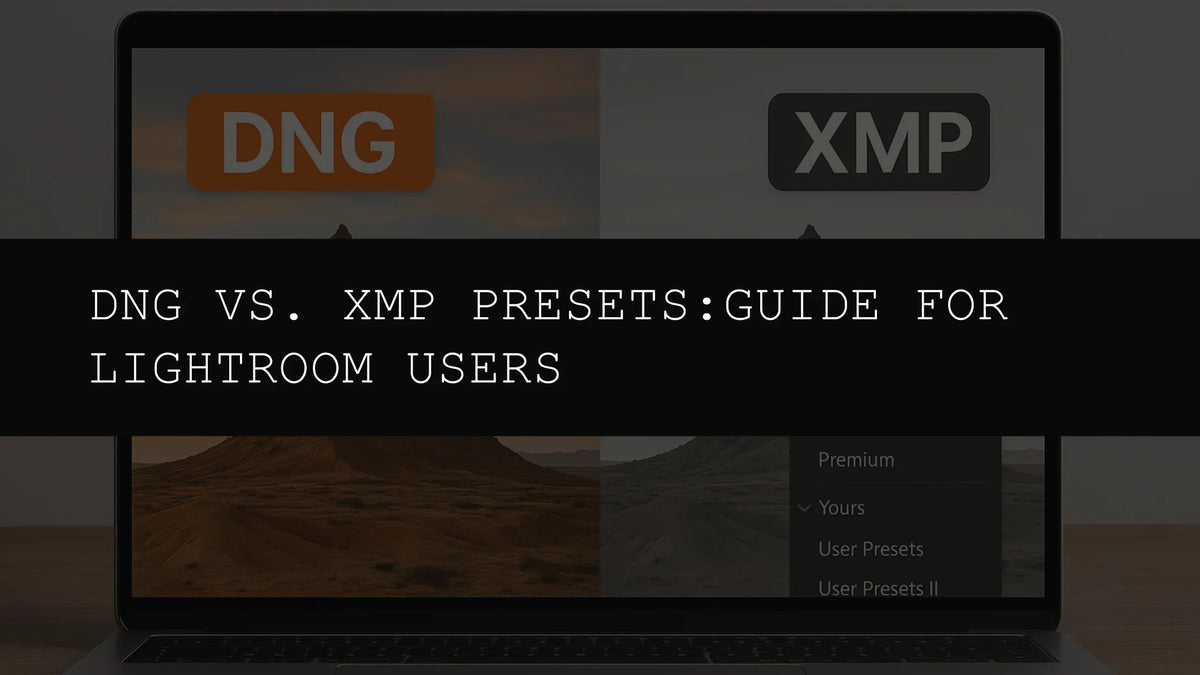
DNG vs. XMP Presets: Navigating the World of Lightroom Preset Formats in 2026
The digital photography landscape is constantly evolving, and with it, the tools and techniques we employ to enhance our images. In 2026, photographers have an abundance of choices at their fingertips, and comprehending the subtleties of different file formats is crucial for optimizing efficiency and maximizing creative control. Today, we will delve into the realm of Lightroom presets, specifically examining the distinctions between DNG and XMP formats, and how to choose the optimal format for your workflow. We will also highlight a powerful tool designed to streamline your editing process: the 1000+ Master Lightroom Presets Bundle.
Understanding the Fundamentals: DNG and XMP Explained
Both DNG (Digital Negative) and XMP (Extensible Metadata Platform) function as containers for preset adjustments within Adobe Lightroom, but their underlying mechanisms and the implications for your workflow differ substantially. Understanding these differences is paramount for making informed decisions about which format best suits your needs.
DNG Presets: Non-Destructive Editing for Mobile and Desktop
DNG presets provide a non-destructive editing approach. When you apply a DNG preset, Lightroom generates a new DNG file that incorporates the adjustments. Your original image remains unaltered, safeguarding its integrity. This method is particularly beneficial for preserving the original image data, which is essential for archival purposes or projects where you might need to revisit and revise edits later. This non-destructive editing approach allows for experimentation without the risk of permanently altering your original files.
A key advantage of DNG presets is their seamless compatibility with Lightroom Mobile. This makes them an excellent option for photographers who frequently edit on the go, offering a quick and efficient way to enhance images directly on tablets or smartphones. The non-destructive nature of DNG presets ensures that you can experiment with different styles without jeopardizing the integrity of your original photos.
Furthermore, DNG presets maintain all image data, which is particularly important for high-resolution images. If you're shooting in RAW format, which is typically recommended for professional quality, preserving the RAW data through non-destructive methods enhances your long-term editing potential.
XMP Presets: Metadata-Based Adjustments for Efficiency
XMP presets employ a different methodology. Instead of creating new files, they embed metadata—instructions on how to adjust the image—directly into the existing file. This metadata is lightweight and doesn't significantly increase the file size, making it a very efficient choice, particularly when handling large numbers of images.
XMP presets boast high compatibility with various Lightroom versions, both desktop and mobile, offering flexibility for users who work across multiple platforms and devices. This cross-platform compatibility is a significant advantage, ensuring a consistent workflow regardless of your editing environment.
The smaller file size of XMP presets can result in faster processing times, especially when dealing with large libraries of images. This speed advantage contributes to a more efficient workflow, allowing for faster turnarounds and increased productivity. This efficiency is critical for busy photographers and professionals who require quick editing turnaround times.
Making the Right Choice: DNG vs. XMP - A Practical Comparison
The decision to utilize DNG or XMP presets often depends on individual preferences, workflow requirements, and project-specific needs. Let's outline scenarios where each format shines:
- Prioritize Non-Destructive Editing and Mobile Accessibility: Choose DNG presets. Their non-destructive nature and seamless integration with Lightroom Mobile make them ideal for on-the-go editing and preserving the integrity of your original image data. This is paramount for high-value images where the preservation of the original file is critical.
- Optimize for Compatibility, Speed, and Efficiency: Select XMP presets. Their broader compatibility across Lightroom versions and smaller file sizes contribute to a streamlined workflow, especially beneficial when working with a large volume of images or when speed is a priority. The efficiency of XMP presets can be critical for busy professionals.
- Desire Both Options for Maximum Flexibility: The best solution is often to have access to both formats, leveraging the strengths of each. This is where the 1000+ Master Lightroom Presets Bundle becomes an invaluable asset. This comprehensive collection provides presets in both DNG and XMP formats, offering unparalleled versatility and eliminating the need to compromise.
Unlock Creative Potential: The 1000+ Master Lightroom Presets Bundle
In 2026, having access to a comprehensive and diverse collection of presets is essential for efficient and creative photo editing. The 1000+ Master Lightroom Presets Bundle stands out as an exceptional resource for photographers of all skill levels. This bundle provides an expansive library of over 1000 presets, covering a vast array of editing styles, ensuring that you have the perfect preset for every photographic need.
Imagine having immediate access to presets that can create:
- Vibrant and dynamic landscapes with saturated colors and enhanced details.
- Soft, dreamy portraits with subtle lighting and delicate skin tones.
- Moody and cinematic scenes characterized by deep shadows, rich contrast, and dramatic lighting.
- Vintage-inspired effects that add a timeless feel and nostalgic charm.
- Classic black and white conversions that emphasize texture, contrast, and tonal range.
- Bold and artistic edits that showcase your individual style and creative vision.
With the 1000+ Master Lightroom Presets Bundle, you can effortlessly transform your photos, saving significant time and streamlining your workflow. The inclusion of both DNG and XMP presets guarantees compatibility across all your devices, ensuring that you always have the perfect tools for the task at hand, regardless of your location or editing preferences. This versatility and breadth of options allow you to express your creativity with ease and efficiency.
Key Advantages of the 1000+ Master Lightroom Presets Bundle: A Detailed Look
- Extensive Collection: Access to over 1000 meticulously crafted presets to suit any photographic style.
- Dual Format Support: Presets are available in both DNG and XMP formats for ultimate compatibility across all Lightroom versions and platforms.
- Unmatched Versatility: A broad range of styles allows you to explore numerous creative possibilities and refine your editing approach.
- Time-Saving Efficiency: Achieve professional-quality edits in significantly less time, improving your overall workflow.
- Non-Destructive Editing (DNG): Preserve the integrity of your original images, ensuring that you can revisit and refine your edits whenever needed.
- Easy and Intuitive Installation: A clear and concise installation guide ensures a straightforward setup process.
- Ongoing Support: Access to updates and support ensures that your presets remain compatible with the latest Lightroom versions.
Conclusion: Informed Decisions, Elevated Photography
In the dynamic world of photo editing, understanding the nuances between DNG and XMP presets is crucial for maximizing workflow efficiency and unleashing your creative potential. The 1000+ Master Lightroom Presets Bundle offers the ultimate solution by providing both formats, empowering you to tackle any editing challenge with precision and confidence. Embrace the power of choice and elevate your photography to new heights in 2026!


Leave a comment
This site is protected by hCaptcha and the hCaptcha Privacy Policy and Terms of Service apply.