
Autumn’s Golden Hues: A Travel Photography Adventure with Lightroom Presets
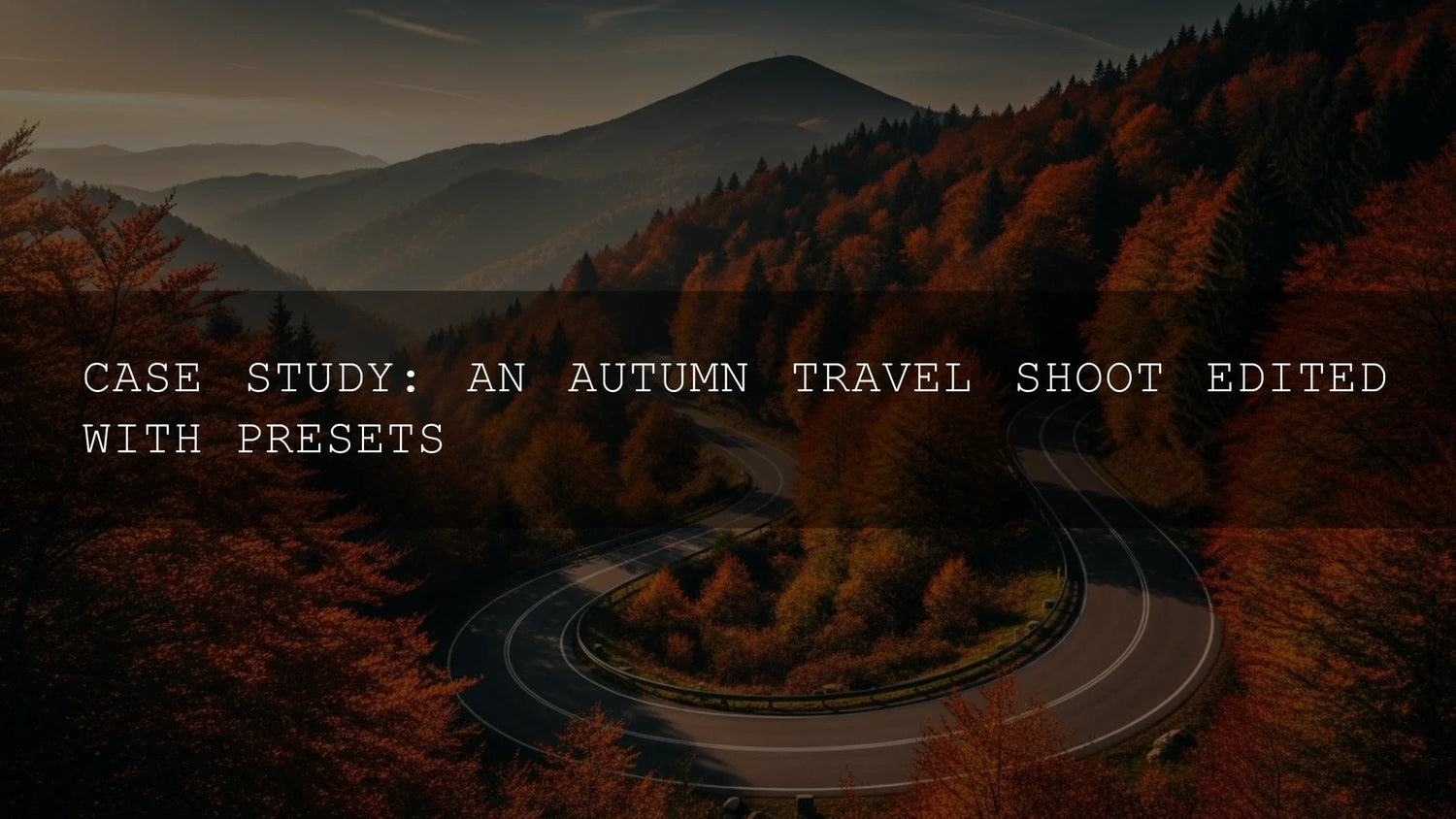
Autumn has always been one of the most inspiring times for photographers. Crisp air, vibrant foliage, and golden light create natural backdrops that feel almost cinematic. On my most recent photography trip, I set out to explore a mountainous region famed for its maple trees and misty valleys. My goal wasn’t just to capture the season—it was to test a curated pack of Lightroom presets designed for travel and landscape photography. Here’s what I discovered: presets can save hours of editing while still giving you complete control over storytelling. Whether you’re a casual traveler or building a professional portfolio, mastering autumn presets can elevate your entire workflow.
If you’re ready to bring your own autumn edits to life, try exploring our Lightroom Presets collection. With bundles like 1000+ Master Lightroom Presets, you’ll find looks for portraits, landscapes, and moody travel shots—Buy 3, Get 9 FREE.
Planning the Expedition: More Than Just Packing Gear
Great travel photography starts long before you press the shutter. I spent weeks preparing—studying maps, noting sunrise times, and researching villages that promised authentic cultural encounters. Just as importantly, I loaded my editing toolkit: a laptop with presets tailored to earthy tones, golden light, and moody forest scenes. Adobe themselves emphasize the importance of preparation; see Adobe’s guide to preparing for landscape shoots in Lightroom. Planning is not just about logistics—it’s about envisioning the story you want your images to tell.
On Location: Chasing Golden Hour
The early mornings were unforgettable—mist lifting over valleys, leaves glowing like stained glass, and trails crunching underfoot. I shot sweeping panoramas, quiet forest paths, and candid portraits of locals. But the true transformation happened later, in editing. Lightroom’s power lies in its ability to bring subtlety into your storytelling. Whether boosting warm tones or adding contrast to misty mornings, presets acted as my creative compass. For advanced control, I recommend studying Adobe’s masking tools in Lightroom Classic, which let you refine skies, foliage, or even facial highlights with precision.
Preset Styles That Made the Difference
- Golden Hour Glow: Perfect for sunrise and sunset. Amplified reds and oranges while guiding the viewer’s eye with subtle vignettes.
- Misty Morning: Highlighted cool blues and fog tones while preserving warmth in surrounding trees.
- Earthy Tones: Enhanced forest textures, bark, and muted greens for grounded, authentic results.
- Vibrant Landscape: Balanced bold autumn colors with clarity in mountain detail—ideal for wide-angle shots.
- Moody Forest: Added contrast and mystery to shaded trails, pulling viewers into introspective scenes.
For anyone exploring creative color palettes, Adobe Color harmony rules are a valuable resource for pairing tones with precision.
From Raw Capture to Visual Story
What surprised me most was the cohesion presets brought across hundreds of varied shots. Even under different lighting, the final gallery looked unified—reds more passionate, golds more luminous, and forests more textured. It also cut editing time in half. Instead of starting from scratch, I fine-tuned white balance and made selective adjustments, ensuring each photo still reflected the scene I experienced. For photographers balancing client work or travel deadlines, this efficiency is priceless.
Actionable Takeaways for Photographers
- Presets save time: They streamline workflow, especially when editing large sets.
- Choose wisely: Match presets to your photography style—test across multiple shots.
- Edit with nuance: Think of presets as a starting point, not an endpoint.
- Stay consistent: For travel storytelling, a cohesive look makes your gallery immersive.
- Know your light: Presets can enhance light, but in-camera capture still matters most.
- Tell a story: Beyond technical edits, use tone and color to build emotion.
Related Reading
- Why Autumn Lightroom Presets Make Fall Photos Pop
- Travel Photography Editing Tips with Lightroom
- Mastering Warm Tones Without Losing Detail
- Street Photography: Editing for Real Life & Raw Moments
As the last leaves fell, I realized my presets weren’t just tools—they became part of my creative identity. If you want to refine your own autumn or travel edits, explore the Lightroom Presets collection. Packs like 1000+ Master Lightroom Presets and seasonal bundles such as Autumn Gold Tones can transform your editing workflow—Buy 3, Get 9 FREE.
What’s the best preset for autumn photography?
Golden Hour and Vibrant Landscape presets work especially well for fall foliage, as they enhance warm tones and maintain natural detail.
Are presets better than manual editing?
Presets save time and provide consistency, but fine-tuning is still required. Think of them as a creative head start rather than a replacement.
Can Lightroom Mobile handle travel editing?
Yes—Lightroom Mobile supports presets and offers powerful tools for editing on the go. It’s ideal for travel shoots when a laptop isn’t accessible.
How do I avoid oversaturation with presets?
Always adjust sliders like Vibrance and Saturation after applying a preset. Subtle edits ensure your images stay realistic.
Where can I find reliable Lightroom resources?
Adobe offers excellent guides, such as Lightroom Mobile editing tutorials, to help you get the most out of your workflow.
Written by Asanka — creator of AAAPresets (10,000+ customers).

Leave a comment
This site is protected by hCaptcha and the hCaptcha Privacy Policy and Terms of Service apply.