
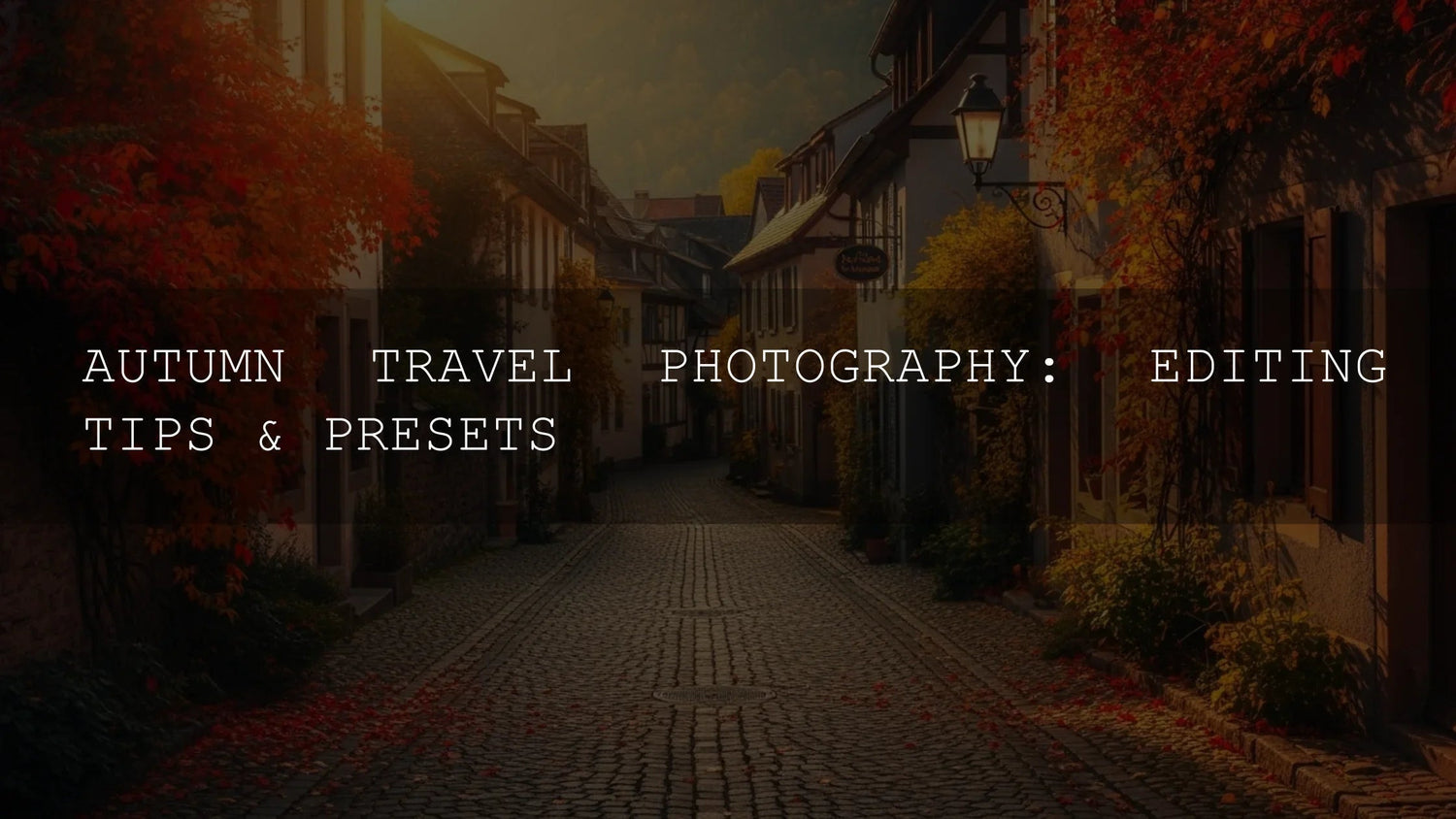
Why Autumn Photography Demands More Than Just a Camera
Autumn is more than a season—it’s a story waiting to be told through your lens. Crisp air, fiery foliage, and the warm glow of golden light create a cinematic palette that photographers dream of. Yet, capturing that beauty as you see it in person is rarely simple. The truth is, even the best raw captures often need thoughtful post-processing to reflect the mood, depth, and vibrancy of fall. That’s where Lightroom presets become your greatest ally, transforming ordinary shots into professional-grade imagery that resonates with viewers.
If you’re ready to elevate your autumn travel and landscape photography, consider starting with curated tools like the AI-Optimized Cinematic Golden Hour Lightroom Presets or browse the full Lightroom Presets collection—and take advantage of the brand offer: Buy 3, Get 9 FREE.
Embracing the Golden Hour Glow
The “golden hour” has an almost mythical status among photographers, and in autumn, its magic only intensifies. This brief window after sunrise or before sunset bathes landscapes and portraits in soft, warm tones. Using presets tailored for this light ensures consistency and depth across your gallery. For example, the AI-Optimized Cinematic Golden Hour Lightroom Presets enhance tonal range and cinematic warmth while preserving natural skin tones.
I’ve tested these presets on mountain hikes and city shoots during dusk—they consistently deliver that radiant autumn glow without over-saturating the scene. They’re particularly useful if you want to keep editing fast but professional, especially when managing large sets of travel or portrait shots.
From Scenic to Sublime: Elevating Landscape Shots
Autumn landscapes can overwhelm the sensor with their dynamic range. The AI-Optimized Cinematic Landscape Lightroom Presets were built for this challenge. These AI-powered tools add richness and dimension, ensuring your landscapes carry the same drama you experienced in person. Compared to manual editing, which can require hours of fine-tuning, these presets deliver vibrant yet natural results in seconds.
Think of it this way: manual edits give you ultimate control, but presets give you speed and consistency. The smartest approach often blends both—use presets as a starting point, then refine exposure or shadow details for your unique vision.
Capturing the Wanderlust Spirit
Autumn often inspires journeys—mountain treks, city breaks, or coastal escapes. The AI-Optimized Cinematic Travel Landscape Wanderlust Lightroom Presets help you bottle that spirit of adventure. Designed for travel photography, they boost skies, deepen tones, and add cinematic depth that works beautifully for blogs, portfolios, or Instagram feeds.
Whether you’re photographing seaside horizons or snowy peaks, these presets streamline editing without sacrificing artistry—letting you spend less time tweaking sliders and more time exploring.
Diving into Nature’s Depths
Forests and jungles require a different treatment than open landscapes. Shadows are deeper, greens are richer, and the mood is more dramatic. The AI-Optimized Deep Jungle Tones Lightroom Presets excel here, immersing your photos in earthy, cinematic tones while preserving texture. They’re particularly effective for wildlife or rainforest trips, where you want atmosphere without losing natural detail.
Timeless Film Aesthetics
For photographers who crave nostalgia, film-inspired looks never go out of style. The AI-Optimized Film Cinematic Landscape Nature Lightroom Presets emulate the grain, contrast, and character of analog film. They’re versatile enough for autumn hikes, portrait sessions, or moody street photography. I’ve used them on foggy mornings in the woods, and the results feel like frames from a classic film reel.
Essential Editing Tips for Autumn Photography
- Shoot in RAW: RAW files hold more data, giving presets greater flexibility without image degradation.
- Light is everything: Prioritize golden hours or overcast skies for soft, balanced light. Adobe’s guide to controlling light and color in Lightroom is an excellent resource.
- Adapt presets: Use them as starting points—tweak exposure, shadows, and white balance to suit your scene.
- Match presets to mood: A jungle tone preset won’t suit a bright cityscape. Align mood with subject matter.
- Build consistency: Use a core set of presets for your travel blog or portfolio to ensure a cohesive style.
- Deepen your skills: Learn advanced tools like masking in Lightroom and experiment with Adobe Color harmony rules to refine your palette.
Related Reading
- Autumn Portraits That Feel Real
- How to Elevate Autumn Wedding Photography
- Autumn LUTs for Cinematic Fall Stories
- Warm & Moody Fall Presets
FAQs
Should I only rely on presets for editing?
No. Presets are powerful starting points, but manual adjustments ensure your final look is tailored to your image and vision.
Which presets are best for beginners?
Begin with versatile packs like the 1000+ Master Lightroom Presets Bundle for a wide variety of styles, then refine your favorites.
Can presets work across mobile and desktop?
Yes. All AI-Optimized packs from AAAPresets include both DNG and XMP formats, ensuring compatibility with Lightroom Mobile, Lightroom Classic & CC, and Adobe Camera RAW.
What if my autumn photos look too orange?
Adjust the orange hue/luminance sliders in Lightroom. Pair this with film-inspired or golden hour presets for natural, balanced skin tones and foliage.
Are film presets suitable for social media?
Absolutely. Their timeless aesthetic stands out in feeds dominated by overly digital looks, giving your posts a unique cinematic edge.
Written by Asanka — creator of AAAPresets (10,000+ customers).

Leave a comment
This site is protected by hCaptcha and the hCaptcha Privacy Policy and Terms of Service apply.