
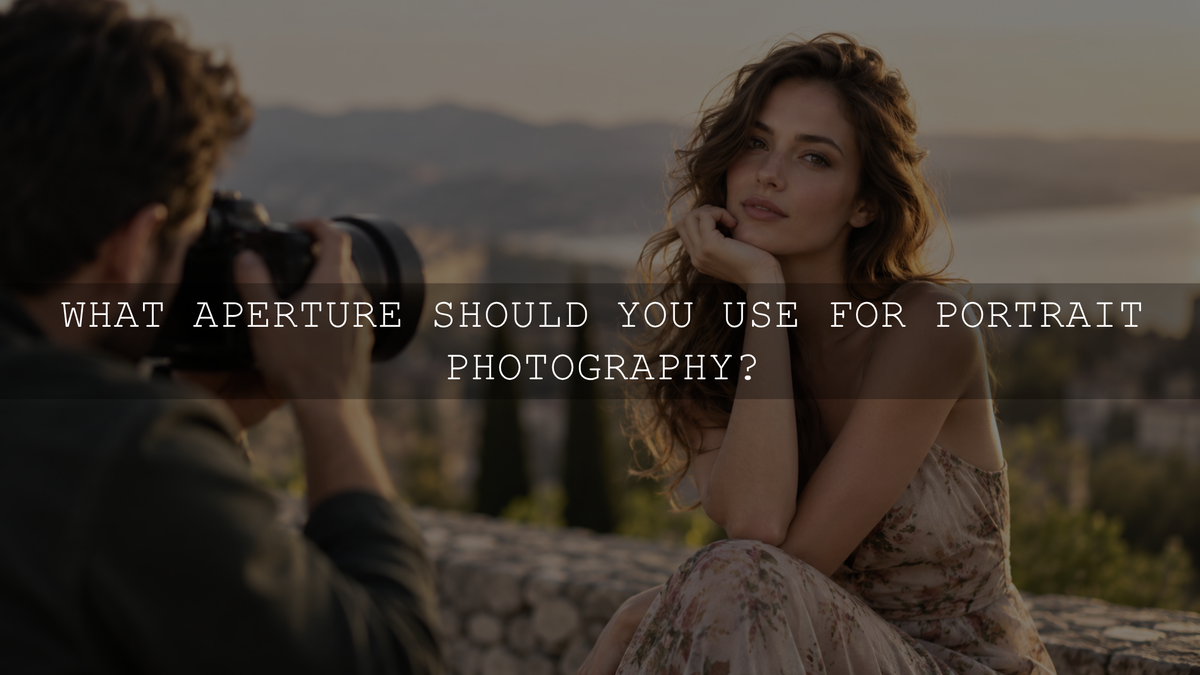
For a single-person portrait, f/1.8 to f/2.8 is a useful starting range when you want noticeable background blur, while f/2.8 to f/4 gives you more depth-of-field margin for close-ups, angled faces or moving subjects. Couples and groups often need a narrower aperture, but there is no universal f-stop that guarantees every face will be sharp.
The best aperture for portraits depends on how much of the subject needs to stay in focus, how close you are, your focal length, camera format, how people are arranged and how far the background sits behind them. Instead of memorizing one number, choose enough depth of field for the portrait you are actually making.
Best Aperture for Portraits: Practical Starting Points
Use these ranges as starting points rather than fixed rules:
- Single-person portrait: Try around f/1.8 to f/2.8 when strong subject separation is important.
- Close-up headshot: Around f/2.8 to f/4 can give you more margin across the eyes, nose and other facial features.
- Couple standing at a similar distance from the camera: Around f/2.8 to f/4 may be enough.
- Couple with one person noticeably behind the other: Consider f/4 to f/5.6 or another aperture that covers the additional front-to-back depth.
- Small family or group: Around f/4 to f/8 is a useful range depending on how many rows you have and how closely the faces share the same focus plane.
- Larger group with several rows: You may need f/8, f/11 or another appropriately narrow aperture, but confirm sharpness with a test frame instead of assuming one number will work.
- Environmental portrait: Around f/4 to f/8 can retain more useful background detail when the location is part of the story.
The important variable for a group is not simply how many people are present. A group of ten people arranged in one relatively flat row can require less depth of field than a smaller group arranged across several deep rows.
Why Aperture Matters in Portrait Photography
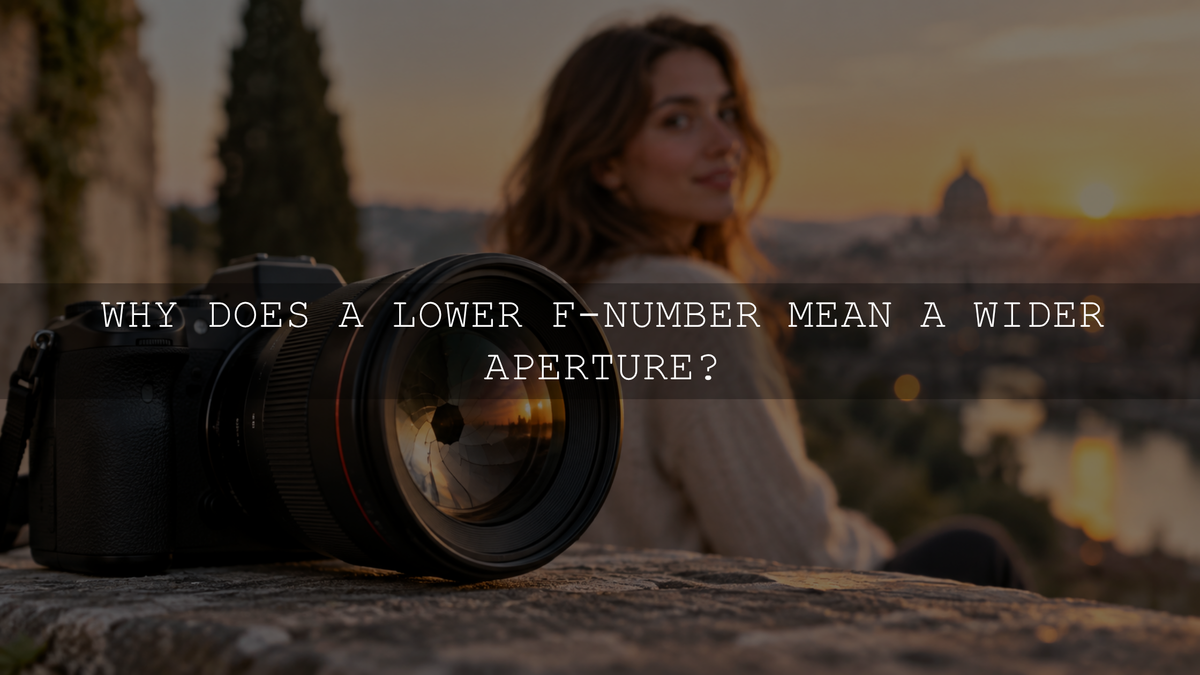
Aperture is the adjustable opening inside the lens. A smaller f-number such as f/1.8 represents a wider opening, while a larger number such as f/8 represents a narrower opening. Wider apertures admit more light and can produce shallower depth of field. Narrower apertures admit less light and generally increase depth of field.
Nikon's guide to aperture and depth of field describes the same relationship: a wide aperture can create shallow depth of field, while stopping down increases the range that appears acceptably sharp.
Aperture also works together with shutter speed and ISO. If you want to understand those exposure trade-offs in more detail, see how aperture, shutter speed and ISO work together.
There Is No Single Best Portrait Aperture
Two portraits photographed at the same f-stop can have very different amounts of background blur and depth of field. Aperture is only one part of the result.
Important variables include:
- Camera-to-subject distance: Moving closer generally makes depth of field shallower.
- Focal length: Lens choice changes framing, working distance and the appearance of out-of-focus areas.
- Subject-to-background distance: Increasing the space behind your subject can make the background appear more blurred.
- Camera format: Sensor format can affect the depth-of-field result when framing and equivalent fields of view are compared.
- Face or group arrangement: People positioned at different distances require more usable depth of field than people whose eyes are close to the same plane.
Sony's depth-of-field guide similarly identifies aperture, camera-to-subject distance, focal length and sensor size as factors affecting how much of a photograph appears in focus.
What Aperture Should You Use for One Person?
A wide aperture can work beautifully for an individual portrait because there is only one primary subject to keep sharp. Settings such as f/1.4, f/1.8 or f/2.8 can separate the person from a distracting background and can also help when the available light is limited.
That does not mean you should automatically use the maximum aperture of your lens.
At close focusing distances, extremely shallow depth of field can leave only a small part of the face acceptably sharp. If the person's face is angled relative to the camera, the two eyes are no longer the same distance from the lens. At a sufficiently shallow depth of field, one eye can look sharp while the other appears softer.
If keeping both eyes and more of the face sharp matters, stop down slightly and make another frame. Moving from f/1.4 or f/1.8 to f/2.8 or f/4 can provide more focusing margin without necessarily eliminating background separation.
When your camera offers dependable face or eye detection, it can help maintain focus on a moving portrait subject. Otherwise, position the active focus point carefully over the eye you want to prioritize. For a conventional portrait looking toward the camera, that is commonly the eye nearest the camera.
What Aperture Should You Use for Couples and Groups?
With multiple people, think about front-to-back depth rather than simply counting heads.
If two people are standing shoulder-to-shoulder and their eyes are approximately the same distance from the camera, you may be able to use a relatively wide aperture. If one person is standing substantially behind the other, the depth of field must cover a larger distance.
The same principle becomes increasingly important with families and larger groups.
- Arrange faces as close to the same camera distance as the pose allows.
- Use a narrower aperture when additional rows create more front-to-back depth.
- Avoid choosing f/1.4 simply because your lens can reach it.
- Make a test frame before an important sequence.
- Magnify the preview and inspect faces near both the front and back of the group.
- If the rear row is soft, stop down and compensate for the reduced light with shutter speed, ISO or additional lighting as appropriate.
This approach is more dependable than assuming that every couple needs f/4 or every large group needs f/11.
How to Get More Background Blur Without Always Shooting Wide Open
Aperture is not your only control over background separation. If your portrait needs more depth of field across the face but you still want a soft background, change the geometry of the scene.
- Increase the distance between your subject and the background.
- Move closer to the subject when the composition and perspective allow it.
- Use a longer focal length when it suits your working distance and desired composition.
- Remove distracting objects or change your camera position so the background is cleaner.
These changes can let you use f/2.8 or f/4 while still producing strong subject separation. This is especially useful when shooting at f/1.4 would make the face or multiple subjects too difficult to keep sharp.
Environmental Portraits Often Need More Depth of Field
A portrait does not always need a completely blurred background. An environmental portrait uses the surroundings to tell part of the person's story.
A baker in a kitchen, musician in a studio, mechanic in a workshop or traveler in a recognizable location may benefit from enough depth of field for the environment to remain understandable.
An aperture around f/4, f/5.6 or f/8 can be a useful starting point depending on the lens, subject distance and amount of context you want to retain. The goal is not necessarily to make every object perfectly sharp. It is to keep enough environmental information visible for the setting to contribute to the photograph.
Do You Need an f/1.4 Lens for Portraits?
No. A lens with a very wide maximum aperture gives you additional low-light and shallow-depth-of-field options, but it is not a requirement for good portrait photography.
Many zoom lenses have maximum apertures such as f/2.8 or f/4, or become narrower at some focal lengths, and can still create substantial background separation when focal length, subject distance and background distance work in your favor.
Variable-aperture kit zooms may become narrower as you zoom toward the telephoto end. That reduces how wide you can open the lens, but you can still improve subject separation by controlling your composition and the distance between the person and the background.
A fast prime lens can be useful when you specifically want a wider maximum aperture, but choose a focal length that fits your camera format, available space and preferred portrait perspective rather than assuming one focal length is automatically the best upgrade.
Portrait Aperture and Low-Light Photography
Opening the aperture lets more light through the lens, which can help you maintain a shutter speed suitable for a person who is moving. That is one reason wide apertures are useful for indoor portraits and available-light photography.
However, do not sacrifice the depth of field the photograph requires simply to keep ISO low.
If a couple or group requires a narrower aperture, choose enough shutter speed to control unwanted subject movement and raise ISO when necessary. A photograph with some additional noise can often be more usable than a photograph where an important face is outside the focus zone or blurred by movement.
Should You Use f/16 or f/22 for Maximum Sharpness?
Not automatically. Stopping down increases depth of field, but very small apertures also increase diffraction, which can reduce fine-detail definition.
Nikon discusses this trade-off in its guide to aperture, diffraction and focus stacking. The practical lesson for portrait photography is simple: use a narrow aperture when you genuinely need additional depth of field, not because the highest f-number automatically makes the photograph sharper.
Lens performance also varies from one design to another, so statements such as “every lens is sharpest at f/5.6” should not be treated as universal rules.
A Simple Workflow for Choosing Your Portrait Aperture
- Decide what needs to be sharp. Is it one eye, the whole face, two people or several rows of faces?
- Choose a starting aperture. Begin wider for a single subject and stop down as the required front-to-back depth increases.
- Set focus carefully. Prioritize the subject's eye for a single portrait and an appropriate face within the required focus zone for groups.
- Protect shutter speed. Make sure the shutter remains fast enough for the subject's movement and your shooting conditions.
- Take a test frame and inspect it. Magnify important faces rather than judging sharpness only from the full-screen preview.
- Adjust one problem at a time. Stop down if depth of field is insufficient, increase subject-to-background distance if you want more blur, or raise ISO if the available light cannot support the aperture and shutter speed you need.
Capture the Focus First, Then Refine the Portrait in Lightroom
Editing can change exposure, contrast, color and many aspects of a portrait's mood, but a preset does not reliably recover true detail from an eye that was recorded outside the depth of field or reproduce the same optical background rendering you would have captured with a different aperture and shooting distance.
Get the focus and depth of field right in camera first. If you then want a portrait-focused color starting point, the AI-Optimized Skin Tone Safe Pro Portrait Lightroom Presets currently include 8 XMP preset looks for Lightroom desktop, Lightroom Classic and Adobe Camera Raw, plus 8 DNG preset looks for Lightroom Mobile. Presets should still be refined for the individual photograph's exposure, white balance, lighting and skin tones.
The Best Portrait Aperture Is the One That Covers What Matters
There is no single aperture that is best for every portrait. A wide aperture such as f/1.8 or f/2.8 can work beautifully for one person and a soft background. Couples may need more depth of field when they are not on the same plane, while families and larger groups often benefit from progressively narrower apertures as their front-to-back depth increases.
Use aperture as a creative control rather than a memorized recipe. Decide what needs to stay sharp, consider your distance and lens, make a test frame and inspect the actual photograph. That process will give you more reliable portraits than choosing an f-stop from headcount alone.
Written by Asanka — creator of AAAPresets, serving more than 10,000 customers.

Leave a comment
This site is protected by hCaptcha and the hCaptcha Privacy Policy and Terms of Service apply.