
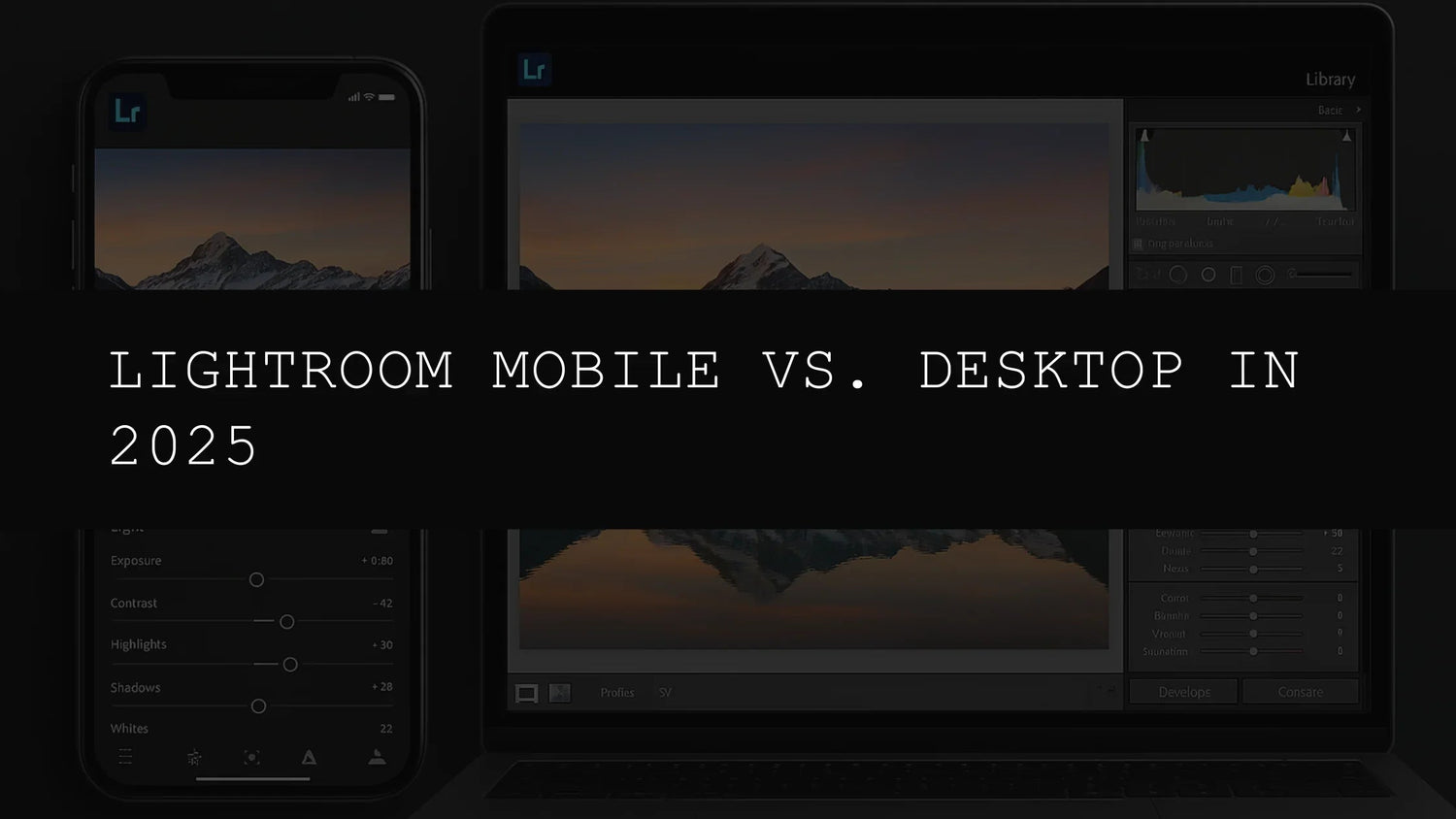
Lightroom Mobile vs. Desktop: Navigating the Editing Landscape in 2026
Adobe Lightroom, a cornerstone of modern photo editing, offers two powerful platforms: Lightroom Mobile and Lightroom Desktop. This comprehensive guide will navigate the complexities of each, helping you determine which best suits your individual needs and workflow in 2026. We'll explore the strengths and weaknesses of each, considering factors like editing complexity, device preference, image resolution, and overall ease of use. The choice, ultimately, depends on your photographic goals and the level of control you require.
A Critical Analysis: Mobile vs. Desktop
Before we delve into the detailed comparison, let's outline several key factors to consider when deciding between Lightroom Mobile and Lightroom Desktop:
- Editing Complexity and Precision: Do you require intricate masking, precise color grading, or detailed local adjustments? Or are simpler edits sufficient? Desktop provides unmatched precision.
- Device and Location: Do you primarily edit on the go using your smartphone or tablet, or prefer a larger screen and greater processing power at your desk? Mobile offers superior on-the-go accessibility.
- Image Resolution and File Size: High-resolution images and RAW files demand significant storage and processing capabilities. Mobile devices might struggle with very large files, while desktops generally excel.
- Subscription and Access: Ensure you have access to both Lightroom Mobile and Desktop if needed. Understanding your Adobe Creative Cloud subscription is critical.
- Software Ecosystem Integration: How does Lightroom integrate with your existing workflow? Does it seamlessly connect with other Adobe applications or preferred file transfer methods?
- Performance and Speed: Consider the processing speed of your device. Mobile devices may experience lag with complex edits and high-resolution images, compared to the superior capabilities of a desktop computer.
- Workflow Preferences: Do you prefer a streamlined, quick editing experience, or a more hands-on, in-depth approach? Mobile shines for quick edits, while Desktop invites detailed adjustments.
Lightroom Mobile: Your On-the-Go Editing Companion
Lightroom Mobile has transformed how we edit and share photos on smartphones and tablets. Its user-friendly interface and intuitive design make it perfect for beginners and those who need efficient, quick edits. While lacking the advanced features of its desktop counterpart, it shines in terms of accessibility and ease of use. Edit and share images anywhere, anytime.
Lightroom Mobile seamlessly integrates with a wide array of presets, drastically simplifying edits and adding stylistic flair. These presets are especially useful for enhancing your photos with minimal effort, streamlining your workflow, and instantly transforming your images. Let’s explore some options to bring your vision to life:
Capture stunning aerial perspectives with the AI Optimized Drone Aerial Lightroom Presets:
Transform your photos into soft, dreamy anime scenes using the AI-Optimized Anime Dreamy Lightroom Presets:
Embrace a dark, moody aesthetic with the AI-Optimized Dark Aesthetic Lightroom Presets:
Lightroom Desktop: The Professional's Choice for Unrivaled Control
Lightroom Desktop is the undisputed champion for professional photographers and those who demand the highest level of precision and control. It's the powerhouse for intricate edits, offering a vast array of advanced features absent in the mobile version. This platform shines when handling high-resolution images and intricate projects.
Lightroom Desktop excels in advanced masking, local adjustments, color grading, and managing large-scale projects. The expansive screen real estate allows for more precise adjustments and a more comfortable workflow, especially for detailed, intensive edits. It's the perfect tool for professionals aiming for maximum control over every aspect of their images.
Consider these presets to enhance your desktop workflow:
Elevate your fitness photography with the AI-Optimized Gym Cinematic Lightroom Presets:
Or achieve a soft, dreamy, film-like quality using the AI-Optimized Soft Bright Film Lightroom Presets:
Feature-by-Feature Comparison: A Detailed Look
Let's examine the specific features of each platform to highlight their differences more clearly.
| Feature | Lightroom Mobile | Lightroom Desktop | Detailed Notes |
|---|---|---|---|
| Basic Adjustments (Brightness, Contrast, Saturation) | Yes, streamlined | Yes, extensive controls | Mobile offers simplified controls; Desktop provides granular adjustments. |
| Advanced Masking | Limited | Extensive, precise masking tools | Mobile supports basic masking; Desktop allows for complex selections and refinements. |
| Local Adjustments | Basic radial and graduated filters | Advanced radial, graduated, and linear filters with fine-tuned control | Desktop excels in pinpoint accuracy and detailed local adjustments. |
| HDR Merging | No | Yes | A key advantage for high-dynamic-range imaging, enhancing detail in highlights and shadows. |
| Panorama Merging | No | Yes | Essential for creating stunning panoramic images. |
| Advanced Color Grading | Basic color mixing | HSL, Split Toning, Color Mixer, advanced curves | Desktop offers sophisticated color grading techniques for professional-level edits. |
| RAW File Editing | Yes, but processing speed can be slower | Full support, optimized for efficient editing | Mobile can handle RAWs, but Desktop offers superior performance and control. |
| Lens Corrections | Basic | Extensive lens profile corrections | Desktop provides thorough lens corrections for optimal image quality. |
| Noise Reduction | Yes, but generally less effective | Advanced noise reduction algorithms | Desktop offers more robust noise reduction for cleaner, higher-quality images. |
| Organization and Catalog Management | Limited | Powerful cataloging and organization tools | Desktop offers robust tools for managing large image libraries. |
Choosing Your Lightroom Path: A Personalized Approach
The optimal choice between Lightroom Mobile and Desktop depends entirely on your individual needs and priorities. If you need quick, efficient editing on the go, Lightroom Mobile is ideal. However, if precision, advanced tools, and extensive control are paramount, Lightroom Desktop is the superior option.
Many photographers benefit from using both, leveraging the strengths of each. Lightroom Mobile serves as a quick editing and sharing tool, while Lightroom Desktop facilitates detailed, professional-level edits. This hybrid approach provides flexibility and efficiency. Experiment with both to discover the best workflow for your creative process.
Conclusion: Mastering Your Lightroom Workflow in 2026
In 2026, both Lightroom Mobile and Desktop are powerful tools, offering distinct advantages. Understanding the nuances of each platform is crucial for optimizing your workflow and achieving your photographic goals. Carefully weigh the features and capabilities to find the perfect fit for your style and needs. Remember, experimentation is key to unlocking the full potential of Lightroom.



Leave a comment
This site is protected by hCaptcha and the hCaptcha Privacy Policy and Terms of Service apply.