
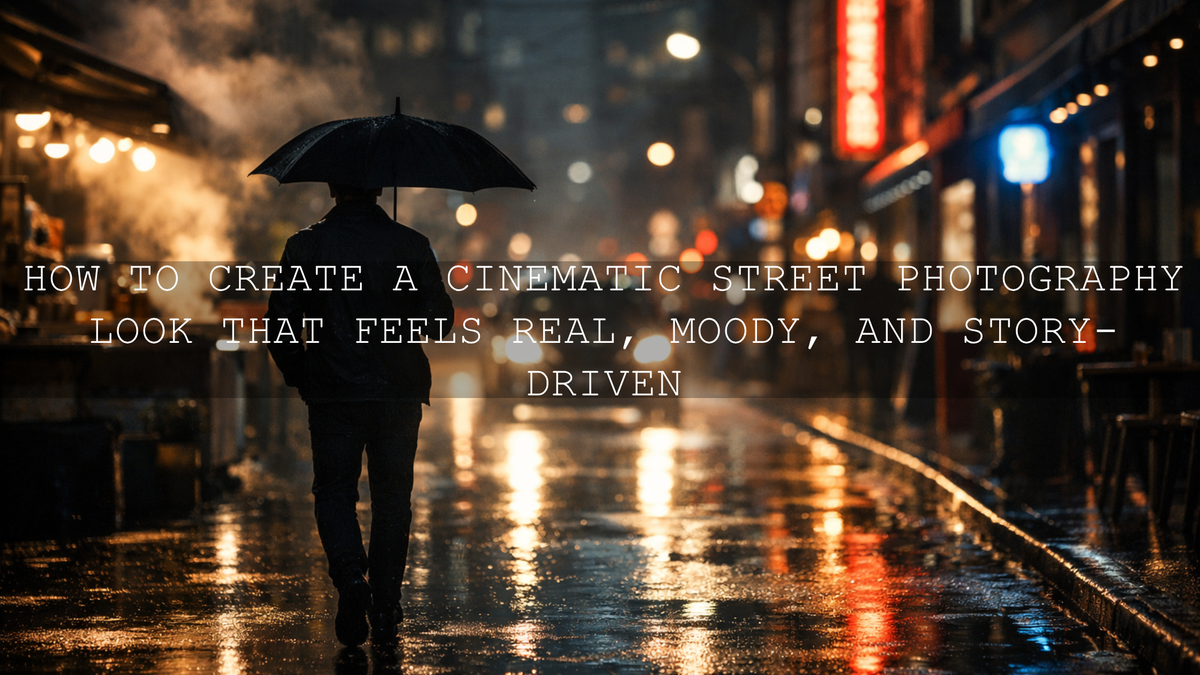
How to Create a Cinematic Street Photography Look That Feels Real, Moody, and Story-Driven
Cinematic street photography is not just about making city photos darker or adding heavy contrast. It is about shaping mood, guiding the eye, and turning everyday urban moments into frames that feel like part of a larger story. Whether you shoot street photography, street videography, rainy alleys, neon intersections, or quiet market scenes, the best cinematic edits come from a balance of light control, color grading, and restraint. A strong workflow with Lightroom presets for street photography and cinematic LUTs can help you move faster, but the final image still needs intention behind it.
If you want a faster starting point, try the AI-Optimized Cinematic Street Movie Lightroom Presets and browse the Street Photography Lightroom Presets collection. They give you a strong base for urban photo editing, late-night color, and contrast-rich street scenes, and you can still fine-tune each frame around your own style with Buy 3, Get 9 FREE.
What makes street work so exciting is that the city is already doing half the storytelling for you. Reflections, headlights, silhouettes, steam, signage, passing strangers, storefront color, and hard architectural lines all add built-in drama. Your job in post is not to erase that energy. It is to organize it.
I have tested cinematic preset workflows on rainy streets, crowded daytime markets, and low-light portrait frames where the raw file looked flat at first glance. In most cases, the biggest improvement did not come from pushing every slider harder. It came from better highlight control, cleaner color separation, and local adjustments that kept the subject clear without killing the atmosphere.
What Makes a Street Image Feel Cinematic?
A cinematic street frame usually has four things working together: light, tone, color, and story. You do not need a huge production or expensive setup. You need a clear visual decision.
- Light: Look for directional light, glow, edge light, window spill, headlights, signs, or one strong source that shapes the subject.
- Tone: Cinematic edits usually have intentional blacks, protected highlights, and enough midtone separation to keep the image readable.
- Color: Good color grading supports mood. Warm highlights and cooler shadows often work well, but not every frame needs teal-and-orange treatment.
- Story: The frame should suggest something beyond the moment itself. A glance, an empty bench, steam from food stalls, or a lone figure crossing a wet road can all carry narrative weight.
Here is why this matters: many street photos already contain emotion, but weak editing can flatten it. When exposure is too lifted, the city loses mystery. When saturation is too aggressive, skin tones break and neon turns fake. When shadows are crushed too hard, detail disappears and the frame stops feeling premium.
Presets vs Manual Editing: Which One Gives Better Results?
The honest answer is that both matter. Presets save time and create consistency. Manual editing adds precision. The best cinematic street photography workflow uses both.
- Use presets when you want speed and cohesion. They are ideal when you need a strong starting point across a full shoot.
- Use manual edits when the light is tricky. Mixed neon, reflective streets, strong backlight, and skin tone issues usually need local corrections.
- Use both when you want professional results fast. Start with a preset, then adjust exposure, white balance, masking, and intensity based on the frame.
For example, the AI-Optimized Cinematic Dark Street Lightroom Presets work well when you want deeper shadows and more dramatic urban mood, while the AI-Optimized Cinematic Travel Street Lightroom Presets are a strong fit for cleaner daytime street scenes, markets, and travel storytelling. If you like a softer, more delicate film feel, the AI-Optimized Warm Pastel Street Film Lightroom Presets can help you create a calmer aesthetic without losing the city atmosphere.
A Simple Lightroom Workflow for Cinematic Street Photography
If your goal is cinematic street photography that still feels believable, this is a practical editing order that works well in Lightroom.
1. Fix exposure before chasing the look
Start with the raw file itself. Adjust exposure, highlights, shadows, whites, and blacks before you judge the preset. Many urban files fail because the base exposure is slightly off, not because the preset is wrong.
- Pull highlights down when signs, windows, or reflective roads are too bright.
- Lift shadows only enough to reveal useful detail.
- Set blacks with purpose so the frame keeps depth.
2. Correct white balance early
Street scenes often mix tungsten, LED, signs, daylight, and reflected color. If white balance is off, every later color decision becomes harder. Even when you want a stylized cinematic grade, it helps to start from a controlled base.
3. Apply your preset as a base, not a final answer
This is where presets save real time. Apply your chosen look, then reduce or strengthen it according to the scene. A good preset should speed up the process, not lock you into one exact outcome.
For photographers who want a movie-like starting point with strong urban atmosphere, the Cinematic Film Street Lightroom Presets and Cinematic Street Photography Lightroom Presets are also worth exploring.
4. Use masking to control attention
This is where many cinematic edits become much stronger. Instead of pushing the whole image equally, guide the viewer toward the subject. Adobe’s guide to masking in Lightroom is especially useful if you want better local control over subjects, backgrounds, and sky areas. You can also review Adobe’s overview of Lightroom presets if you want a clearer picture of how presets fit into your workflow.
- Brighten the face or main subject slightly.
- Darken distracting edges.
- Reduce hotspot glare on signs or pavement.
- Add subtle texture or clarity where you want the eye to stay.
5. Color grade with mood in mind
Cinematic color grading works best when it supports the scene. A quiet alley may need cooler tones and softer contrast. A warm market at sunset may need richer oranges and cleaner skin. Adobe’s Lightroom color grading guide and the Adobe Color wheel are helpful if you want to build more intentional highlight and shadow relationships.
My usual rule is simple: if the city already has strong color, I edit with a lighter hand. If the raw file looks dull, I use color grading more actively to build mood.
6. Finish with detail and cleanup
Once the mood is in place, zoom in. Clean noise if needed, sharpen selectively, check skin tones, and make sure bright colors are not clipping unnaturally. Cinematic does not mean muddy. It should still look polished.
How to Make Street Video Look Cinematic with LUTs
For street videography, the same visual principles apply, but consistency matters even more because viewers experience the sequence over time. LUTs are helpful because they let you establish a base grade across multiple clips quickly.
If you edit city footage in Premiere Pro, DaVinci Resolve, or Final Cut Pro, the Cinematic Travel Street LUTs Pack is a practical option for urban sequences, travel reels, and lifestyle footage. For softer pastel mood, the Warm Pastel Street Film LUTs Pack gives footage a gentler modern film feel. You can also browse the wider Cinematic LUTs collection if you want more grading options for different city lighting styles.
When I grade street video, I usually follow this order:
- Normalize exposure and white balance clip by clip.
- Apply the LUT at a moderate intensity.
- Adjust contrast and saturation so skin and signage still look believable.
- Match clips for continuity across the sequence.
- Add finishing tweaks only after the whole timeline feels cohesive.
A LUT should make the edit faster, but it should never force every clip into the exact same tone when the lighting conditions clearly differ.
Common Mistakes That Stop Street Edits from Looking Cinematic
- Over-brightening the whole frame: this removes tension and atmosphere.
- Too much clarity or texture everywhere: cinematic images need shape, not harshness.
- Over-saturated neon: city colors should feel rich, not radioactive.
- Ignoring skin tones: even in dramatic color grades, people should still look natural.
- Using one preset without adjustment: every scene still needs judgment.
One of the biggest improvements you can make is learning when to stop. A cinematic look often feels more expensive when the edit is controlled rather than obvious.
Real-World Editing Scenarios That Work Well
Here are a few common street scenarios and the kind of treatment that usually works best:
- Rainy streets at night: protect reflections, cool the shadows slightly, and keep highlights soft enough that signs do not overpower the subject.
- Busy daytime markets: reduce color chaos with cleaner contrast and careful white balance so the frame still feels organized.
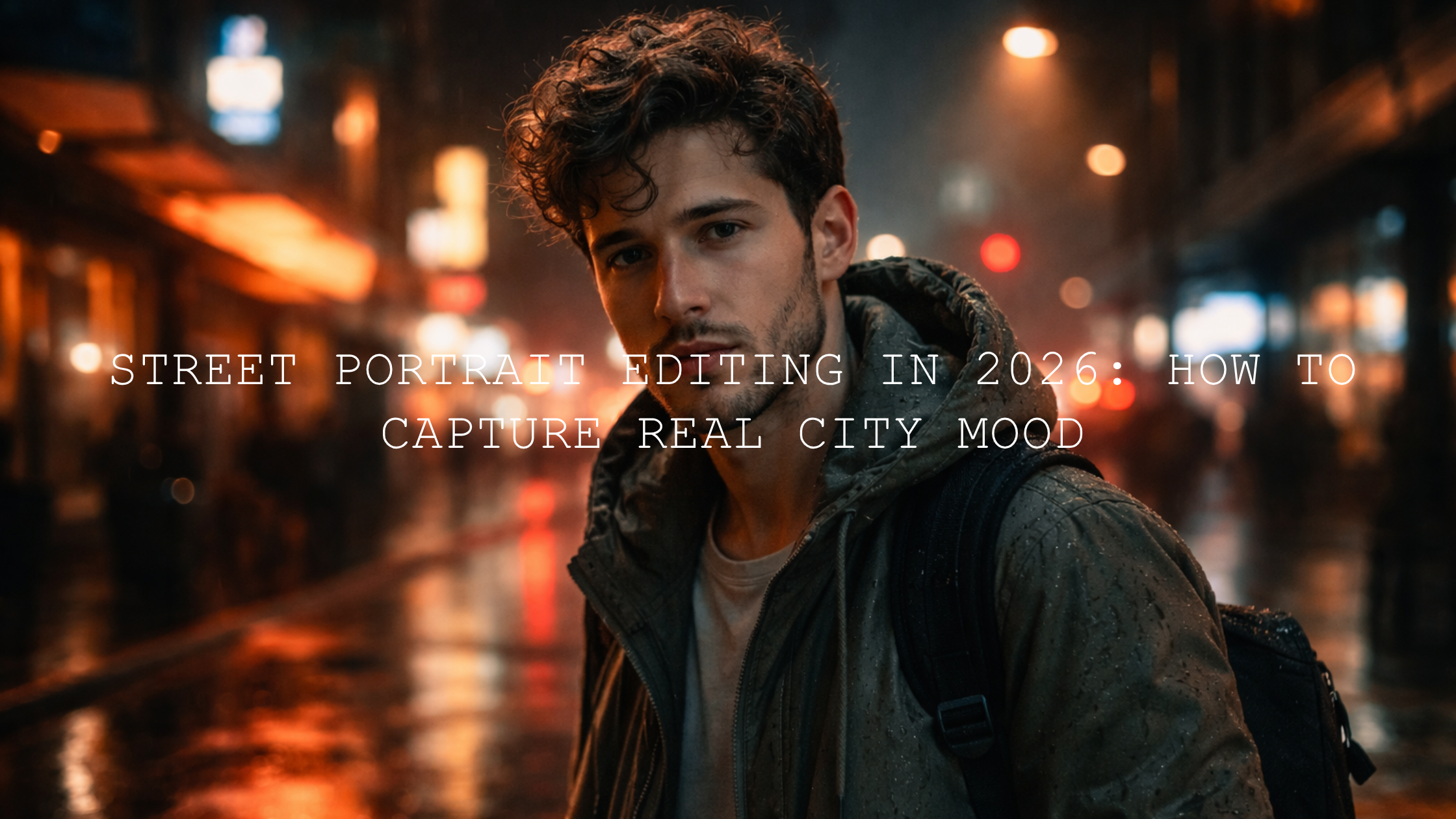
- Neon portraits: use masking to separate the face from the background and keep skin from turning too magenta or green.
- Quiet alleys and backstreets: emphasize depth, shadow transitions, and subtle color separation rather than heavy saturation.
I have also found that before-and-after results look strongest when the final image keeps some imperfection. A little grit, grain, or shadow weight can make the city feel alive.
If you want to build a full street editing workflow instead of testing one product at a time, start with the Street Photography Lightroom Presets collection, then add one focused pack like the AI-Optimized Cinematic Dark Street Lightroom Presets or the AI-Optimized Cinematic Street Movie Lightroom Presets. That combination gives you both range and speed, and it makes it easier to stay visually consistent across full shoots with Buy 3, Get 9 FREE.
Related Reading
- Elevate your street photography with cinematic Lightroom presets
- The best street photography Lightroom presets guide
- Top street Lightroom presets for captivating cityscapes
- How cinematic Lightroom mobile presets shape city photos
- How to install Lightroom presets in a quick and easy way
If you are ready to turn ordinary city frames into stronger visual stories, explore the AI-Optimized Cinematic Travel Street Lightroom Presets for photo work and the Cinematic Travel Street LUTs Pack for video projects. For more about the brand behind these tools, you can also visit the About Us page. The goal is not to fake the city. It is to edit it in a way that makes viewers feel like they were there.
FAQ
What is cinematic street photography?
Cinematic street photography is a style of urban image-making that uses light, color, contrast, and composition to create a frame that feels emotional, immersive, and story-driven rather than purely documentary.
Should I use presets or edit manually for street photography?
The best approach is both. Use presets to create a fast, consistent starting point, then refine exposure, white balance, masking, and color grading manually based on the specific scene.
What is the difference between a Lightroom preset and a LUT?
A Lightroom preset is made for photo editing and changes multiple image settings inside Lightroom. A LUT is mainly used for video color grading and applies a color transformation to footage in editing software such as Premiere Pro or DaVinci Resolve.
How do I keep street photos cinematic without making them too dark?
Protect the highlights, set the black point carefully, and use local adjustments instead of crushing the full image. A cinematic edit should keep depth and mood while still letting the viewer read the scene.
Can cinematic street edits still look natural?
Yes. The strongest edits usually feel believable. The goal is not extreme color for its own sake, but controlled mood, better focus, and a consistent visual language that supports the story in the frame.
Written by Asanka — creator of AAAPresets (10,000+ customers).


Leave a comment
This site is protected by hCaptcha and the hCaptcha Privacy Policy and Terms of Service apply.