
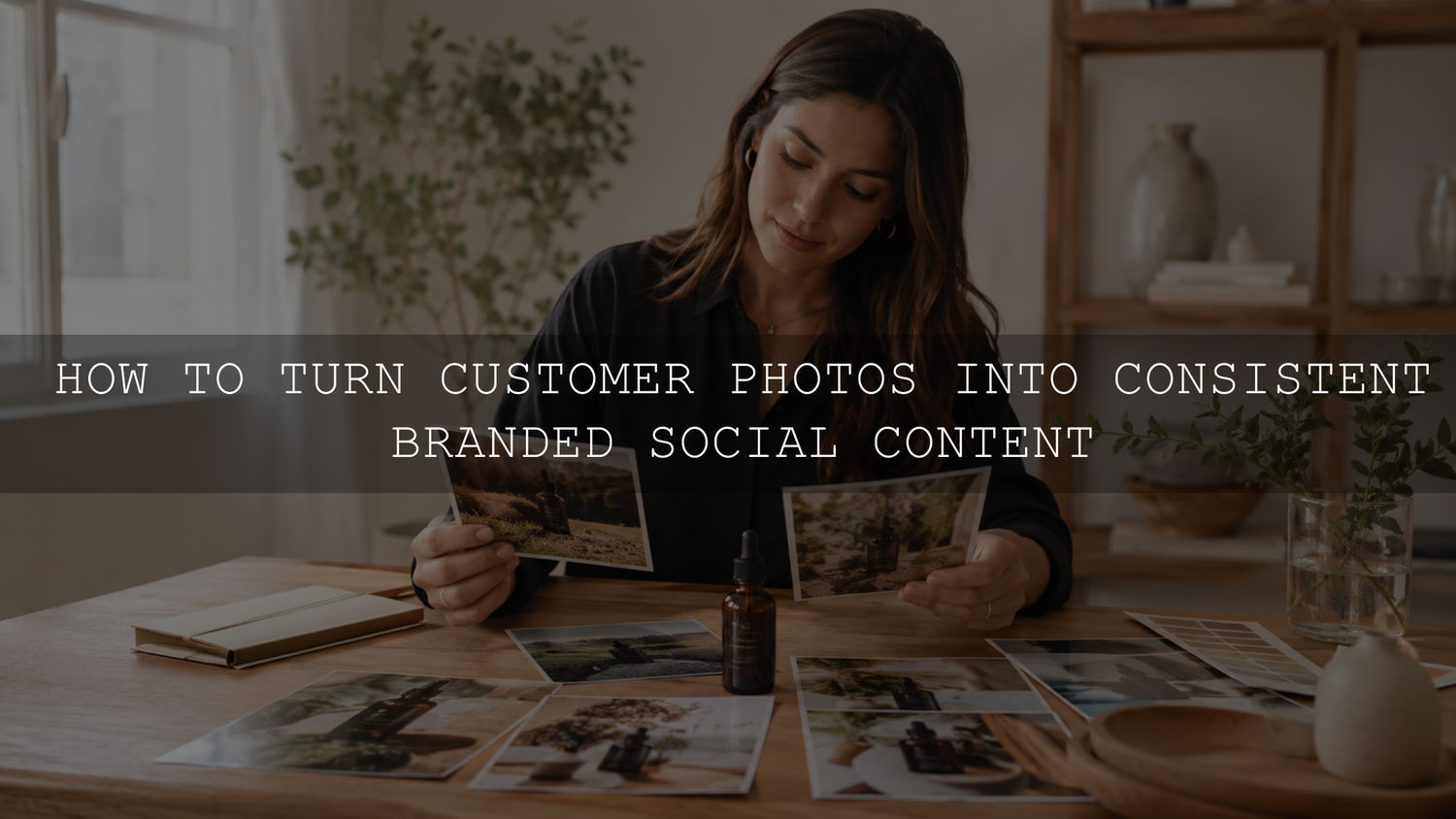
User-generated content can give a social media feed genuine customer stories, real product context, and more visual variety. The challenge is making photographs from different phones, cameras, locations, and lighting conditions feel connected without editing away the qualities that made them worth sharing.
The most reliable solution is not to place one heavy filter over every customer photo. Build a permission-first workflow, select content using clear brand criteria, correct technical differences first, and then apply a restrained creative treatment. This creates consistency while allowing each contributor’s experience to remain recognizable.
Start With Brand Guardrails, Not a Filter
Before collecting customer photos, define what visual consistency means for your brand. A cohesive feed does not require every image to have identical colors or exposure. It needs a small group of recognizable characteristics that can be repeated across different subjects and environments.
Your visual guardrails might define:
- Brightness: Decide whether the brand generally feels bright, balanced, or intentionally dark.
- Color temperature: Choose whether neutral surfaces should appear warm, cool, or natural.
- Contrast: Define how deep the shadows should be and whether highlights should feel soft or crisp.
- Saturation: Establish how vivid or restrained the overall color palette should appear.
- Skin tones: Keep people believable rather than forcing every complexion into one color treatment.
- Product color: Protect important packaging, material, clothing, jewelry, and product colors from inaccurate shifts.
- Content boundaries: Record backgrounds, situations, gestures, competitor products, or visual themes that should not appear.
Create a small reference board containing approved brand photographs, previous customer content that worked well, and a few examples that do not fit. The rejected examples are useful because they help your team understand whether a submission failed because of image quality, brand suitability, usage rights, or inaccurate product representation.
For campaigns that also include brand-created photography, the guide to turning one photoshoot into 30 days of social content can help you plan complementary hero images, product details, educational posts, and behind-the-scenes assets.
Secure Permission Before Treating UGC as a Brand Asset
A public post, branded hashtag, mention, or account tag can help you discover customer content, but it should not automatically be treated as permission to download, edit, repost, or advertise with the image. Visual work may be protected from the moment it is created, and its creator may retain important rights over how it is reproduced or modified.
The U.S. Copyright Office guidance for visual artists explains that original visual work can receive copyright protection from the moment it is fixed and that permission from the owner is generally required to reproduce, adapt, distribute, or publicly display someone else’s work unless a legal exception applies. Rules vary by country, so seek appropriate legal advice for high-value campaigns, paid advertising, minors, sensitive subjects, or international use.
A practical permission request should clarify:
- Which photograph or video you want to use.
- Whether the creator owns the content or is authorized to license it.
- Where the content may appear, such as organic social media, a product page, email, or paid advertising.
- Whether the brand may crop, resize, color-correct, caption, or otherwise edit the content.
- How long the permission lasts.
- Whether the content may be used globally or only in specific markets.
- Whether the creator should be credited and how that credit should appear.
- Whether any required consent or release from recognizable people, a parent, or a guardian has been documented.
Example permission request: “We love this photograph and would like to share it on our organic social media channels. May we crop, resize, and lightly color-correct the image while crediting your account? Please confirm that you created the photograph and have permission from the recognizable people shown.”
That request should be expanded when you want to use the content in advertising, emails, product pages, retailer listings, or long-term campaigns. Permission for one organic Instagram post should not be assumed to cover every future commercial placement.
Save each approval in a rights log containing the creator’s name, account, asset link, approval date, approved channels, editing permission, expiration date, credit preference, and any restrictions. Keep the original message or agreement with the asset rather than relying on a team member’s memory.
When creators receive a gift, discount, contest entry, payment, commission, or another benefit, disclosure requirements may apply. The FTC Endorsement Guides explain that relationships or incentives that could affect how people evaluate an endorsement should be disclosed clearly and conspicuously. Businesses outside the United States should also check the rules governing their target markets.
Create a Simple UGC Curation System
Reviewing every tagged photograph without a standard can make approval slow and inconsistent. A simple three-bucket system helps the team make faster decisions.
1. Ready With Minimal Changes
These images have confirmed permission, clear product visibility, suitable lighting, adequate resolution, and a visual mood that already fits the brand. They may need only cropping, exposure refinement, or a small color adjustment.
2. Usable After Careful Editing
These submissions have a valuable customer story but need technical improvement. Examples include a slight color cast, uneven exposure, distracting crop, moderate noise, or a different contrast level from the rest of the feed.
Move an image into this group only when the required corrections will not misrepresent the product, person, environment, or customer experience.
3. Do Not Use
Reject content when permission is missing, the file is too small, the product is difficult to identify, the image includes inappropriate material, the required edit would be misleading, or the creator cannot confirm that they are authorized to share the content.
Other reasons may include visible private information, unsafe product use, unsupported claims, unlicensed music in a video, prominent third-party branding, or recognizable people who have not agreed to the intended commercial use.
Edit for Cohesion Without Removing Authenticity
Customer-created photographs often arrive as JPEG files, screenshots, compressed downloads, or social-media exports. These files usually provide less editing flexibility than original RAW photographs, so aggressive exposure recovery or color changes can reveal compression artifacts, banding, noise, and damaged skin tones.
Use the following editing order for a more reliable result:
- Crop and straighten: Correct the horizon and remove unnecessary empty areas without cutting important product details.
- Correct white balance: Use skin, packaging, clothing, or neutral surfaces as visual references.
- Adjust exposure: Correct the overall brightness before increasing contrast.
- Recover highlights and shadows: Make restrained changes that do not reveal excessive noise or halos.
- Check important colors: Compare product colors against an approved brand image or product reference.
- Refine contrast and black levels: Bring the file closer to the brand style without crushing meaningful shadow detail.
- Apply noise reduction and sharpening: Judge the image at a useful viewing size and avoid an artificial, over-sharpened appearance.
- Apply the creative look: Use a preset or manual color treatment only after the technical base is balanced.
- Complete an authenticity check: Compare the final version with the original before approving it.
Adobe describes Lightroom presets as predefined settings that can adjust exposure, contrast, saturation, color grading, and other controls. Lightroom also provides an Amount slider for changing preset intensity. Review Adobe’s current guide to editing photographs with Lightroom presets for the latest desktop workflow.
A preset should provide a repeatable direction rather than force every customer image into identical settings. One photograph may need a lower preset amount, a cooler white balance, reduced saturation, or additional highlight recovery. Another may need only the preset’s tone curve and color treatment.
Batch by Lighting, Not by Campaign
Do not synchronize one edit across every photograph simply because the files belong to the same campaign. Separate them into groups such as daylight, warm indoor light, mixed lighting, night photography, screenshots, and professional camera files.
Edit one reference photograph from each group, apply the appropriate shared adjustments, and then inspect every result individually. The AAAPresets guide to synchronizing Lightroom settings across multiple photos explains why exposure, white balance, masking, and other image-specific controls should be reviewed after batch application.
Know Which Edits Go Too Far
An edit becomes risky when it changes the meaning of the customer’s experience rather than improving the presentation of the file.
Avoid changes that:
- Make a product color, finish, size, or material appear different from reality.
- Add accessories, packaging, results, or product features that were not present.
- Remove relevant damage, wear, fit issues, or environmental context.
- Change a person’s body shape or identity without explicit authorization.
- Combine separate customer statements or images in a misleading way.
- Turn a casual customer post into an apparent testimonial for a claim the creator did not make.
- Use generative editing to fabricate details that affect a buying decision.
Removing a temporary sensor spot or correcting a slight color cast is different from reconstructing a product or changing what happened. When an edit could alter how a customer evaluates the product, preserve the original representation.
Prepare Separate Versions for Each Placement
Create a clean master edit before making platform-specific crops. This allows you to return to the approved version when a new placement is required.
Useful working formats include:
- 4:5 portrait: Suitable for many feed placements where vertical screen coverage is helpful.
- 1:1 square: Useful for grids, thumbnails, certain catalogs, and flexible cross-platform publishing.
- 9:16 vertical: Designed for full-screen Stories, Reels, and similar vertical placements.
- Original landscape or portrait master: Preserved for websites, email, future crops, and archiving.
Meta’s current aspect-ratio guidance for advertising placements supports 1:1 and 4:5 for feed images and videos and recommends 9:16 for Stories and Reels placements. Organic publishing options and platform interfaces can change, so confirm the current requirements before exporting a large campaign.
Check each crop manually. Automatic resizing may remove hands, packaging, labels, product edges, or contextual details that made the submission useful. Keep important subjects away from interface areas that may be covered by captions, buttons, account names, or calls to action.
For color-space, sharpening, file-format, and online delivery decisions, use the detailed Lightroom export settings guide.
Build a Repeatable UGC Pipeline
A reliable process should move every asset through the same stages:
- Discover: Find tagged posts, branded hashtags, reviews, direct submissions, and campaign entries.
- Request permission: Explain the intended channels, editing rights, duration, and credit.
- Download the best available file: Request the original photograph or video instead of relying on a screenshot whenever possible.
- Record the rights: Add the asset and approval details to the rights log.
- Curate: Evaluate image quality, brand suitability, product clarity, authenticity, and legal risk.
- Edit: Complete technical corrections before applying a creative brand treatment.
- Review: Compare the finished version with the original and confirm that the approved usage has not changed.
- Prepare placements: Export the necessary feed, Story, website, advertising, or email versions.
- Publish and credit: Follow the creator’s approved credit format and include required disclosures.
- Archive and measure: Store the master, exported versions, permission record, publication links, and results together.
A broader camera-to-Instagram content workflow can help connect this UGC process with your brand-created photography, captions, approvals, exports, and publishing calendar.
Measure More Than Likes
Do not assume that every customer photograph will outperform brand-created content. Test different UGC formats and evaluate them against the purpose of the post.
Depending on the campaign, useful signals may include:
- Saves and shares.
- Relevant comments and product questions.
- Profile visits.
- Product-page visits.
- Email sign-ups.
- Add-to-cart activity.
- Conversions attributed or assisted by the post, where reliable measurement is available.
- The number of new, permission-ready submissions generated.
Record the creator type, content style, product, placement, crop, caption angle, and editing treatment. Over time, this can show which customer stories support discovery, education, trust, product understanding, or sales.
Common UGC Workflow Mistakes
- Downloading and reposting a tagged photograph before receiving permission.
- Using vague permission language that does not distinguish organic publishing from paid advertising.
- Saving the image without saving the approval record.
- Applying the same preset strength to every camera and lighting condition.
- Editing a compressed screenshot instead of requesting the original file.
- Changing product colors to fit the feed.
- Failing to inspect skin tones after adjusting warmth, saturation, or orange hues.
- Using automatic crops without checking labels, faces, or product edges.
- Publishing incentivized content without the required disclosure.
- Featuring only highly polished submissions and removing all visual evidence that the content came from real customers.
Use Presets as Flexible Brand Foundations
A small group of carefully selected presets can help different customer photographs share a recognizable contrast level, color direction, and mood. The preset should be followed by manual exposure, white-balance, skin-tone, and product-color checks rather than treated as a finished edit.
Browse the Instagram Lightroom presets for content creators to compare visual directions for social content. AAAPresets also offers Buy 3, Get 9 FREE when 12 eligible items are added to the cart and only three are paid for.
Frequently Asked Questions
Can I repost a customer photo when they tag my brand?
A tag can help you discover the post, but it should not automatically be treated as permission to download, edit, or reuse it. Ask the creator for clear approval and state where and how you intend to use the content.
Should every UGC photograph use the same preset?
No. Different cameras, JPEG processing, lighting conditions, white-balance settings, and skin tones can respond differently to the same preset. Use a small family of compatible looks, group images by lighting, and refine each result manually.
Does organic repost permission include paid advertising?
Not necessarily. Advertising, websites, email campaigns, retailer listings, and long-term commercial use may require broader permission than one organic social post. Include each intended placement in the request or agreement.
How much editing is acceptable?
Technical corrections such as careful cropping, white-balance refinement, moderate exposure adjustment, and restrained color grading can preserve the original meaning when they are applied carefully. Avoid edits that misrepresent the product, person, result, environment, or customer statement.
Build Consistency Around the Customer Story
A strong UGC system protects two things at the same time: the customer’s original contribution and the brand’s visual standards. Begin with clear guardrails, obtain appropriate permission, request the best available file, correct technical differences, and apply creative styling with restraint.
The result does not need to look like a studio campaign. It should feel organized, recognizable, accurate, and genuinely connected to the people who created the content.
Written by Asanka — creator of AAAPresets, serving more than 10,000 customers.


Leave a comment
This site is protected by hCaptcha and the hCaptcha Privacy Policy and Terms of Service apply.