
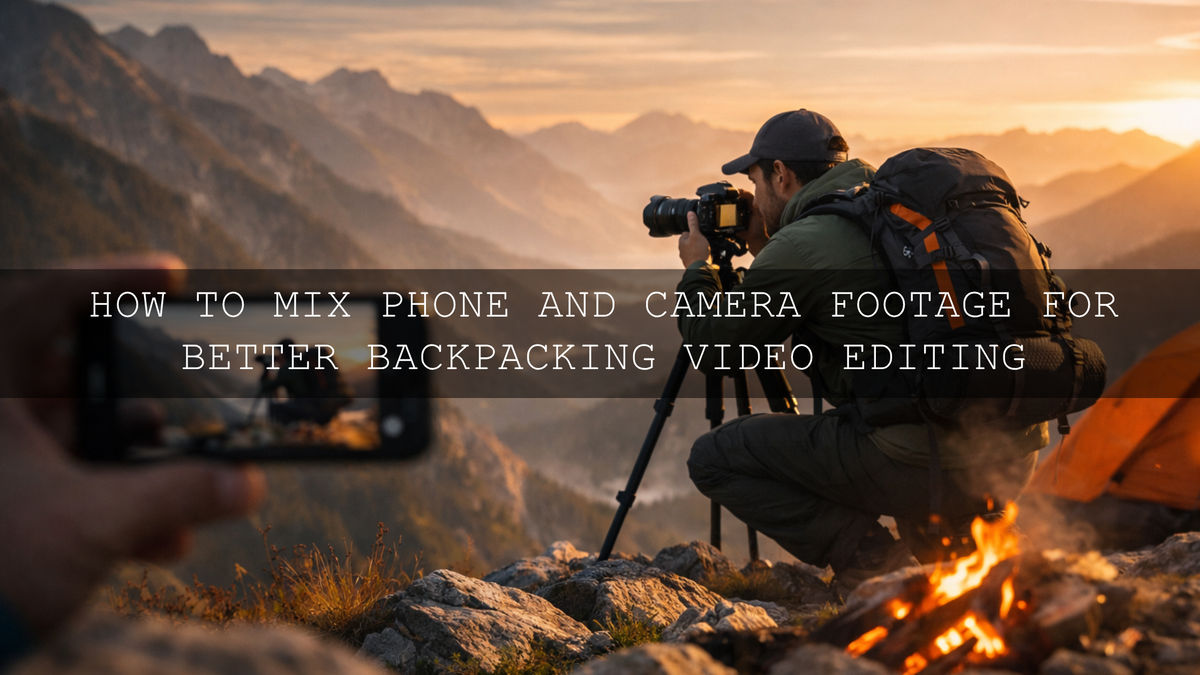
How to Mix Phone and Camera Footage for Better Backpacking Video Editing
Backpacking video editing works best when your story feels bigger than the gear you used to capture it. That is why mixing phone and camera footage can be so powerful. Your phone catches the fast, unplanned moments. Your camera gives you cleaner files, stronger depth, and more cinematic detail. When you combine them well, your travel video editing feels more honest, more dynamic, and much more watchable. The real challenge is making that phone and camera footage editing feel seamless instead of messy.
I have tested mixed backpacking edits where sunrise clips came from a phone, trail details came from a mirrorless camera, and the final result still felt cohesive because the pacing, color, and transitions were handled with intention. If you want a faster starting point, try the Camera Effect Transitions for Reels, Shorts & TikTok in Premiere Pro and browse the Premiere Pro Transitions for Reels, Shorts & TikToks collection. That combination makes it much easier to turn mixed-source hiking footage into a clean, cinematic story, and it fits naturally with Buy 3, Get 9 FREE.
Why Mixing Phone and Camera Clips Works So Well for Backpacking Stories
Backpacking trips are rarely polished in real time. One moment you are filming a wide mountain view with your camera. The next moment you are grabbing a quick phone clip while crossing a bridge, setting up camp, or reacting to weather changes. That variety is not a weakness. It is part of what makes the story feel real.
- Phone footage is perfect for quick reactions, vertical content, casual vlogs, campsite moments, and behind-the-scenes clips.
- Camera footage is stronger for hero shots, low-light scenes, landscapes, close-ups with depth, and cinematic motion.
- The combination gives you scale, personality, and pace in the same edit.
Here is why this matters: viewers do not stay engaged because every clip comes from the same device. They stay engaged because the story moves well, the visuals feel connected, and the transitions help them flow from one moment to the next.
First, Fix the Difference Between Your Devices
Before you start adding flashy effects, match the basics. Phone footage and camera footage usually differ in white balance, contrast, sharpness, frame rate, and overall color response. If you skip that step, even the best Premiere Pro transitions will only hide the mismatch for a second.
Start with a simple cleanup pass in Premiere Pro:
- Normalize exposure. Bring overly bright sky shots and overly dark campfire clips closer together.
- Match white balance. Phone clips often lean cooler or more saturated than camera clips.
- Control contrast. Do not let one source look harsh while the other looks flat.
- Check skin and neutral tones. Faces, rocks, clouds, and tents reveal color mismatch quickly.
- Use scopes, not only your eyes. Adobe’s Lumetri Scopes overview is useful for balancing brightness and tone, and Adobe’s color correction and Lumetri presets guide is a strong reference when your clips do not naturally match.
I usually do this before adding any transition pack, because a smooth motion transition looks far more professional when the two clips already feel related in exposure and color.
Best Premiere Pro Transitions for Backpacking Video Editing
Not every transition belongs in a backpacking edit. Some should push energy. Some should create flow. Some should highlight a reveal. The trick is choosing transitions that support the moment instead of distracting from it.
Use Camera Click Transitions for Punchy Story Beats
When you want to cut between a candid phone clip and a stronger scenic shot, a click-style transition adds impact without forcing an overly complex effect. The Camera Click Effect Transition for Reels, Shorts, and TikTok is especially useful for vertical travel videos, quick hikes, day recaps, summit reveals, and social-first storytelling. It works well when the edit needs a visual snap between moments.
This style is great for:
- Switching from selfie clips to landscape shots
- Fast trail montages
- Highlighting viewpoint arrivals
- Turning still moments into sharper sequence changes
Add More Drama with Flash-Based Click Transitions
If the moment deserves more emphasis, the Camera Click Flash Transition for Adobe Premiere Pro gives you a more dramatic shift. This works especially well when you want to move from a difficult uphill sequence into a rewarding wide reveal, or from a quiet night scene into a bright sunrise montage.
I like using flash-based transitions sparingly. One or two strong moments in a backpacking video often feel better than adding them everywhere. Used that way, they can make the story feel intentional and cinematic instead of over-edited.
Use Shake Variations When the Sequence Needs Energy
The Camera Click Shakes transition premier pro for Reels, Shorts, and TikTok adds movement on top of the click effect, which can help action-heavy clips feel more alive. Think river crossings, quick camp setup, boots on rocks, or fast beat-synced hiking recaps.
The mistake is using motion-heavy transitions on calm scenic sections. Save them for effort, momentum, and rhythm. That contrast makes your quiet moments feel more peaceful and your fast moments feel more exciting.
Choose Camera Movement Transitions for a More Cinematic Flow
If your goal is a smoother, more immersive backpacking video editing style, motion-based transitions usually work better than sharp flash effects. The Camera Effect Transitions for Reels, Shorts & TikTok in Premiere Pro are excellent for vertical edits because they simulate pans, pushes, pulls, swipes, and zooms that make separate clips feel like part of the same visual movement.
For broader editing flexibility, the Camera Move Effect Transitions for Premiere Pro are a strong choice for more cinematic storytelling. These transitions help bridge wide trail shots, campsite details, drone-style movement, and close-up gear clips without making the edit feel stiff.
A Step-by-Step Workflow for Mixing Phone and Camera Footage
Let’s break it down into a process you can actually repeat on every trip.
1. Organize Before You Edit
Create bins for phone clips, camera clips, audio, and selects. Label clips by scene, not just by device. For example: “Trail Start,” “Campfire,” “Summit View,” “Rain Sequence.” This makes it easier to build story flow instead of thinking only in technical categories.
2. Build the Story Before the Style
Do a rough cut first. Focus on sequence and emotion. Which clip opens the journey? Where does the tension rise? Which moment feels like the payoff? If the structure is weak, no transition pack will save the edit.
3. Match Color and Contrast Early
Once the rough cut works, begin your color correction pass. Adobe’s guide to video transitions in Premiere is useful for understanding how transitions behave, but your clips still need color consistency underneath them. I usually correct exposure first, then white balance, then contrast, then saturation.
4. Add Transitions Based on Story Purpose
- Use click effects when the scene change should feel sharp or playful.
- Use shake effects when the sequence needs momentum or impact.
- Use camera move transitions when you want the whole edit to feel smoother and more cinematic.
- Use flash transitions when a key reveal or emotional shift needs extra lift.
5. Shape Pacing With Audio
Backpacking video editing gets much better when the sound supports the cut. Layer footsteps, zippers, wind, birds, campfire crackle, and trail ambience under the music. A transition feels more natural when the sound carries the viewer forward, not just the visual effect.
6. Keep the Palette Consistent
If your mountain section is cool and moody, but your camp sequence turns overly warm and saturated for no reason, the edit feels disconnected. Adobe’s Color Wheel can help you think through a simple palette direction before you over-grade your footage.
Presets vs Manual Editing for Backpacking Content
This comparison matters because many creators either over-trust one-click tools or avoid them completely.
- Manual editing gives you precision. It is best for fixing mismatched exposure, white balance, and source differences between phone and camera clips.
- Presets and LUT-based starting points give you speed and consistency. They are useful after your footage is normalized.
- Transition packs save time when you want polished motion without building every move from scratch.
The smartest workflow is not choosing one side. It is combining them. Use manual correction to make the footage technically cohesive. Then use creative tools to make the final piece feel memorable. If you want to build that kind of workflow, read this guide on combining presets, LUTs, and transitions and explore the Adobe Premiere Pro Transition Effects collection for more options.
Common Mistakes That Make Mixed-Footage Travel Videos Feel Cheap
- Adding transitions before color matching so every cut still feels disconnected
- Using the same loud transition on every beat until the effect loses impact
- Ignoring frame rate differences which can make motion feel inconsistent
- Over-sharpening phone clips to imitate camera detail
- Pushing saturation too hard until skies, trees, and skin stop feeling believable
- Choosing speed over storytelling and turning the trip into a random montage
I have seen creators improve quickly just by fixing those six issues. In many cases, the edit did not need more effects. It needed better decisions.
Related Reading
- Mastering drag-and-drop transitions in Premiere Pro
- Top video transitions to boost engagement in Reels and TikToks
- Premiere Pro editing trends to watch in 2026
- Top Lightroom presets for amazing travel photos
Bring the Whole Trip Together, Not Just the Best Clips
The best backpacking edits do not rely on one perfect shot. They build emotion from many different kinds of moments: rough phone clips, polished camera footage, quiet details, and big scenic payoffs. If you want a cleaner workflow right now, start with the Camera Effect Transitions for Reels, Shorts & TikTok in Premiere Pro, add punch where needed with the Camera Click Flash Transition for Adobe Premiere Pro, and keep browsing the Premiere Pro Transitions for Reels, Shorts & TikToks collection for more travel-ready options. If you need help choosing the right pack for your edit style, the contact page is there for support.
Can I really mix phone and camera footage in the same backpacking video?
Yes. In fact, it often makes the story stronger. The key is matching exposure, white balance, contrast, and pacing before adding transitions.
Which transition style is best for hiking and travel montages?
Smooth camera-move transitions are usually the safest base for cinematic travel edits, while click and shake transitions work best for fast, high-energy moments.
Should I color grade before or after adding transitions?
Do your base correction first. When clips already feel matched, your transitions look cleaner and far more professional.
Are vertical transition packs useful for backpacking content?
Yes. They are especially useful if your main output is Instagram Reels, YouTube Shorts, or TikTok and you want motion designed for 9:16 delivery.
Do transition packs replace good editing?
No. They speed up your workflow and improve polish, but story order, timing, sound, and color consistency still matter most.
Written by Asanka — creator of AAAPresets (10,000+ customers).

Leave a comment
This site is protected by hCaptcha and the hCaptcha Privacy Policy and Terms of Service apply.