
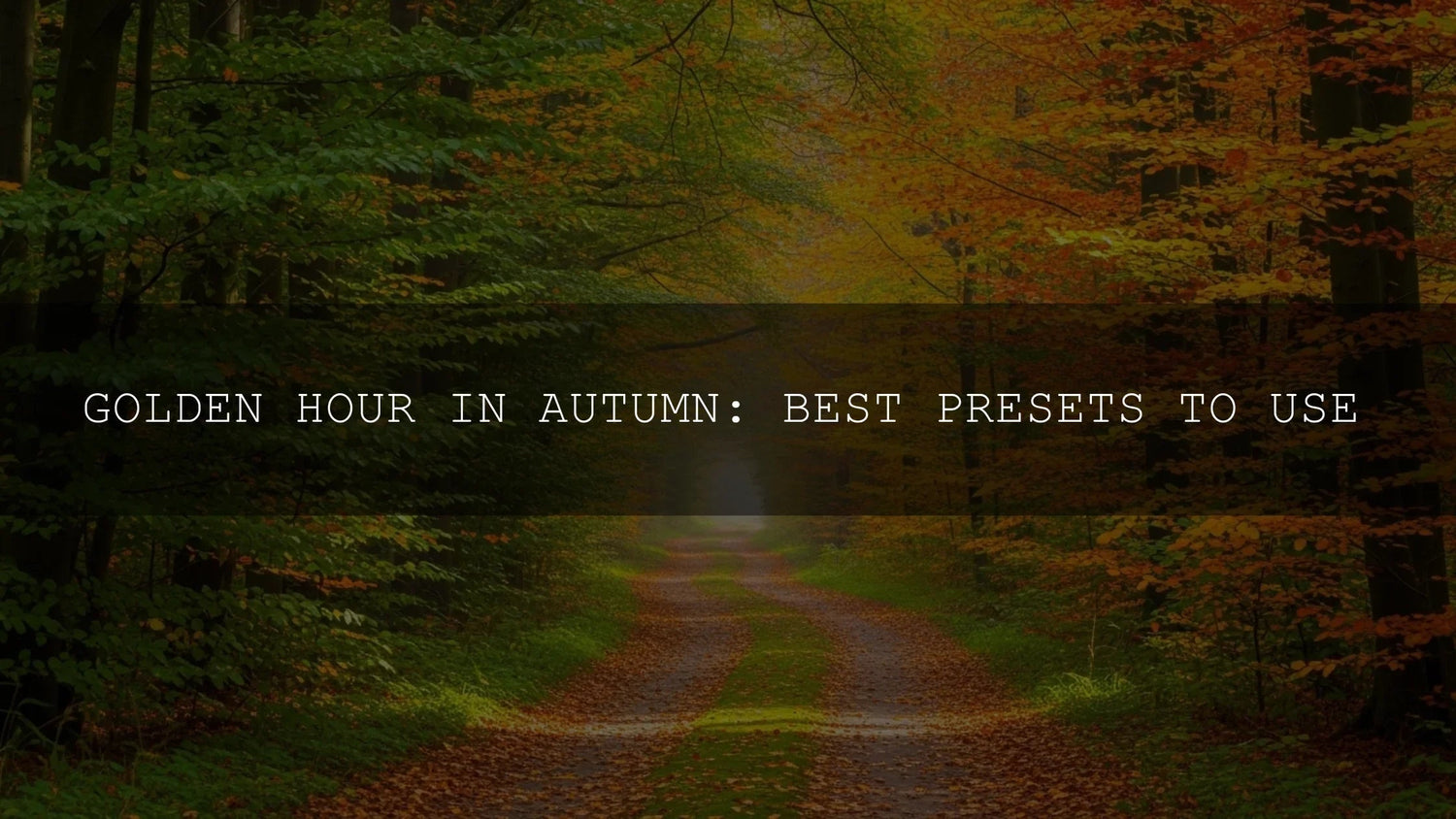
Embracing the Golden Hour: Why Autumn Photography Deserves Special Editing
The crisp air, fiery leaves, and honeyed glow of autumn’s golden hour create one of the most captivating atmospheres in photography. That magical light, appearing just after sunrise and before sunset, softens every detail and amplifies warm tones—making each frame feel cinematic. Yet, replicating that atmosphere in post-production can be a challenge. This is where autumn Lightroom presets come in, helping photographers amplify the golden hour’s natural magic with precision and ease.
If you want a ready-made toolkit to elevate your fall captures, explore packs like 1000+ Master Lightroom Presets. They’re designed to bring warmth, depth, and consistency across your edits—perfect for this season. You can also browse our Lightroom Presets collection to find a style that matches your creative vision. Try them today—Buy 3, Get 9 FREE.
Why Autumn Golden Hour Is a Game-Changer
Unlike any other season, autumn’s golden hour benefits from the low angle of the sun scattering light through more atmosphere. This diffuses harsh rays into flattering warmth, enhancing reds, oranges, and yellows in the foliage. Shadows stretch longer and softer, adding depth that feels dramatic yet natural. Whether you’re shooting sweeping landscapes, moody portraits, or cozy lifestyle scenes, autumn’s golden hour is a canvas that practically edits itself—if you know how to enhance it properly.
Adobe explains this light scattering effect and how to adjust for it using Lightroom’s Light panel tools, which can fine-tune highlights, shadows, and warmth to mimic what your eyes experienced on location.
Presets: Your Shortcut to Consistency and Impact
Presets are essentially pre-made editing recipes. With one click in Adobe Lightroom, you can adjust exposure, white balance, contrast, saturation, and more. For autumn golden hour shots, presets are designed to:
- Amplify the natural warmth of the light.
- Deepen and enrich red, orange, and yellow tones.
- Create a cinematic mood—cozy, dramatic, or nostalgic.
- Maintain a consistent aesthetic across multiple photos.
When I tested autumn presets on a wedding shoot, they saved hours of manual tweaking and gave the gallery a unified, golden look. That consistency matters not only for professional portfolios but also for social feeds where cohesive aesthetics stand out.
Autumn Golden Hour Preset Styles Worth Exploring
Warm Embrace: Cozy & Inviting
Think of this as the photographic equivalent of a blanket and hot cocoa. These presets enhance skin tones, warm up highlights, and emphasize fall colors with subtle softness.
- Features: Warm undertones, enhanced reds/oranges/yellows, soft contrast, subtle vignette.
- Best For: Lifestyle portraits, family sessions, cozy indoor or outdoor scenes.
Dramatic Hues: Moody & Cinematic
If you love atmosphere and intensity, this style boosts contrast, darkens shadows, and desaturates cooler tones—letting fiery leaves pop against misty or moody backdrops.
- Features: High contrast, deep shadows, cinematic textures, desaturated blues/greens.
- Best For: Misty forests, epic landscapes, stormy skies, moody street photography.
Natural Radiance: True-to-Life Enhancement
For photographers who want authenticity, these presets refine colors and clarity without overprocessing. They deliver a clean, balanced, timeless look.
- Features: Balanced contrast, enhanced detail, true-to-life colors, polished finish.
- Best For: Versatile—works for landscapes, portraits, architecture, and food photography.
Timeless Charm: Vintage & Nostalgic
Inspired by film, these presets add grain, muted tones, and warm sepia-like tints for an heirloom aesthetic that feels artistic and emotional.
- Features: Film grain, muted palettes, sepia warmth, soft highlights.
- Best For: Lifestyle shots, candid portraits, nostalgic autumn storytelling.
Presets vs Manual Editing
Manual editing gives you full control, but it’s time-consuming—adjusting every slider for every photo. Presets, on the other hand, are like expert recommendations in one click. The trick is using them as a starting point and personalizing afterward. Adobe suggests refining with tools like Lightroom’s Color Mixer to balance hues precisely. The best workflow combines presets for efficiency with manual tweaks for individuality.
Pro Tips for Perfect Autumn Preset Results
- Shoot in RAW: RAW files capture more data, giving presets more flexibility to work with than JPEGs.
- Adjust White Balance: After applying a preset, fine-tune warmth and tint for natural skin tones.
- Stay Subtle: If an edit feels overdone, dial back intensity. Subtle adjustments keep images believable.
- Save Custom Variations: Once you tweak a preset to perfection, save your version for future shoots.
For in-depth guidance on color balance, explore Adobe Color’s harmony rules, which help photographers balance warmth and contrast effectively.
Related Reading
- Guide to Autumn Lightroom Presets
- Street Photography Editing Tips
- How Shadows Add Depth in Editing
- Using LUTs for Cinematic Drone Shots
Ready to Elevate Your Autumn Photos?
Golden hour doesn’t last long—but with the right presets, its magic can last forever in your edits. Explore Autumn Fall Vibrant Lightroom Presets or AI-Optimized Autumn Gold Tones to instantly enhance your seasonal captures. For a wider library, continue your journey with our Lightroom Presets collection. Build your creative toolkit today—Buy 3, Get 9 FREE.
What makes autumn golden hour unique for photography?
The low sun angle scatters blue light and enhances warm wavelengths, making reds, oranges, and yellows glow more vividly while softening shadows for a flattering, cinematic look.
Should I rely only on presets for editing?
No. Presets are a strong starting point, but the best results come when you tweak exposure, white balance, and tone for your specific photo.
What camera settings work best for autumn golden hour?
Shoot in RAW, keep ISO low to avoid noise, and experiment with slightly underexposed shots to preserve highlight details in warm skies.
How do I keep my edits consistent across a series?
Apply one preset across the set, then sync adjustments in Lightroom. This keeps colors and tones unified, creating a professional, polished series.
Are presets worth it for beginners?
Yes. They cut learning curves by showing how pros adjust sliders, and beginners can learn editing fundamentals by studying those changes.
Written by Asanka — creator of AAAPresets (10,000+ customers).

Leave a comment
This site is protected by hCaptcha and the hCaptcha Privacy Policy and Terms of Service apply.