
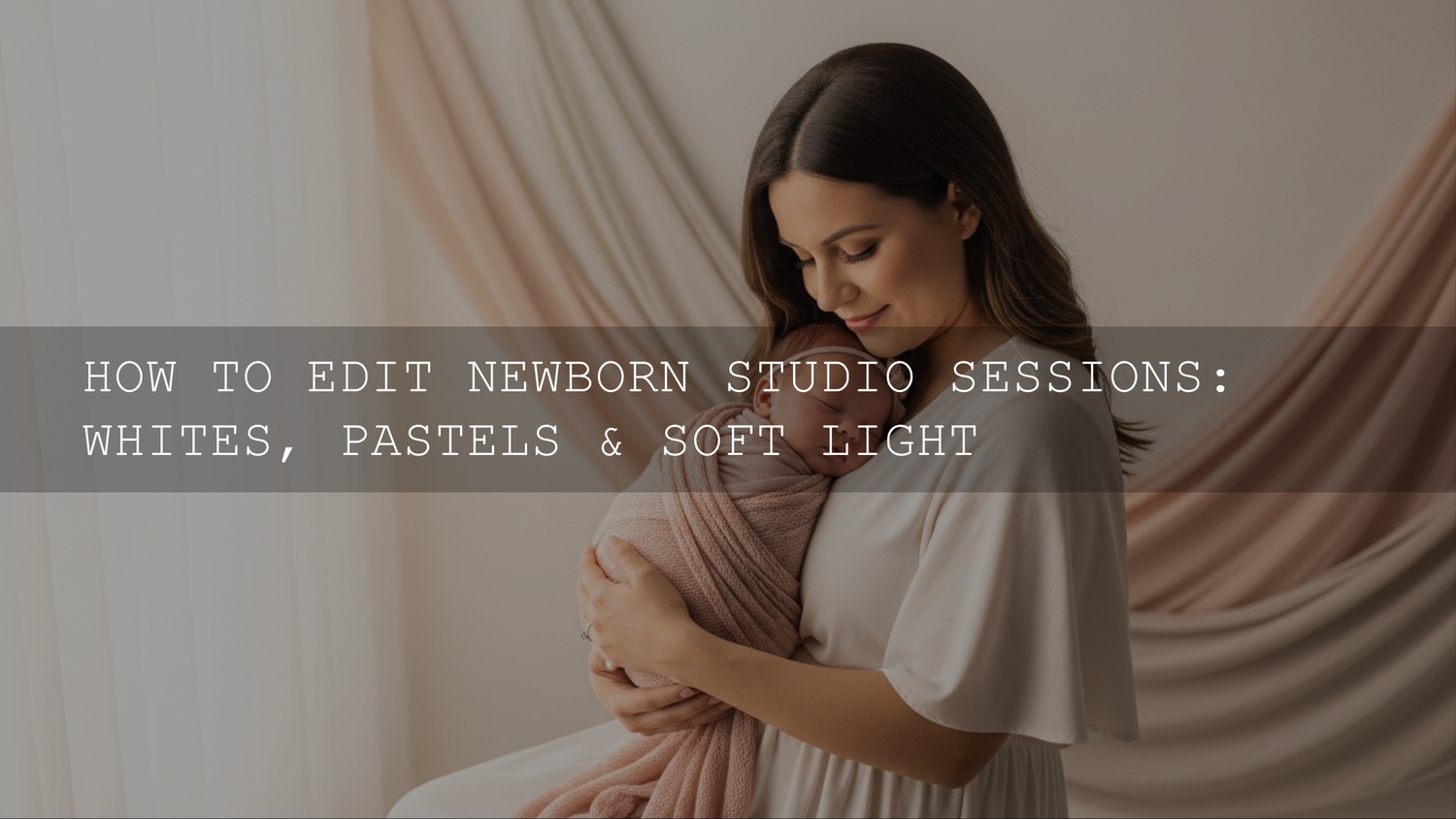
Editing Newborn Studio Photos for Whites, Pastels, and Soft Light (A Timeless Workflow)
Editing newborn studio photos for whites, pastels, and soft light is one of the most rewarding styles in portrait photography. In 2026, parents still love that dreamy, airy aesthetic—clean whites, delicate pastel colors, and gentle lighting that makes every image feel calm and timeless. When done correctly, this style highlights what matters most: the tiny expressions, soft skin tones, and peaceful atmosphere of a newborn session.
If you want a fast starting point for this editing style, explore the 1000+ Master Lightroom Presets Bundle. Many photographers also browse the Lightroom Presets collection for portrait-ready looks designed specifically for soft skin tones and bright studio lighting. If you're building a preset toolkit, remember you can Buy 3, Get 9 FREE when you add 12 to your cart.
This guide walks through a practical Lightroom-to-Photoshop workflow used by many newborn photographers today. We'll cover how to capture clean whites in camera, create luminous pastel tones in Lightroom, and finish the image with gentle retouching in Photoshop—without turning the baby’s skin into plastic.
Why Whites, Pastels, and Soft Light Work So Well for Newborn Photography
There’s a reason this editing style has remained popular for years. It mirrors the emotional tone of newborn photography itself: calm, pure, and delicate.
1. Soft Colors Keep the Focus on the Baby
Pastel colors like cream, blush pink, baby blue, lavender, and mint green create a calm environment. These tones avoid visual distractions and allow the newborn’s expressions and features to remain the focal point.
2. The Style Is Timeless
Highly stylized edits come and go. But bright, airy newborn images age beautifully. When parents print these images for albums or wall art, they still look elegant years later.
3. Soft Lighting Flatters Newborn Skin
Gentle lighting reduces harsh shadows and highlights the soft contours of a newborn’s face. Instead of dramatic contrast, the goal is smooth transitions between highlights and shadows.
If you're new to Lightroom adjustments, Adobe’s official guide to masking tools in Lightroom explains how modern subject and background masks help control exposure and color in specific areas.
Start With Clean Images: In-Camera Techniques
The easiest edits start with well-exposed images. If the lighting or white balance is wrong in camera, post-processing becomes much harder.
Use Soft Window Light
A large window with diffused light is often perfect for newborn sessions.
- Position the baby at a 45-degree angle to the window
- Use sheer curtains or diffusers to soften sunlight
- Add a reflector opposite the window to fill shadows
This setup creates gentle wrap-around light that produces the dreamy look photographers want.
Choose a Pastel Color Palette
Select props and blankets that complement the editing style.
- Cream and ivory wraps
- Soft blush pink blankets
- Baby blue or mint accents
- Light wood props
Bright or saturated colors often make editing harder because they dominate the image.
Shoot RAW and Monitor Exposure
RAW files preserve more highlight and shadow information. That flexibility is essential when brightening whites and softening tones later in Lightroom.
If you're unsure about exposure settings, camera manufacturers like Canon provide helpful documentation such as Canon’s official camera exposure and picture style guides, which explain how profiles influence color and contrast in portraits.
Lightroom Workflow for Soft, Airy Newborn Edits
Lightroom is where most of the visual look is created. Think of it as building the base color and brightness before doing detailed retouching.
Step 1: Adjust White Balance First
Clean whites are essential in newborn editing.
- Use the eyedropper tool on a neutral blanket or background
- Fine-tune temperature slightly warmer for natural skin tones
- Adjust tint to remove green or magenta color casts
If whites look slightly yellow or gray, the image loses its airy feel.
Step 2: Brighten Exposure Without Blowing Highlights
For a bright pastel style:
- Increase Exposure slightly
- Lower Highlights to recover detail
- Raise Shadows gently
- Increase Whites for brightness
- Lower Blacks slightly to maintain depth
The goal is brightness without losing detail in blankets or skin.
Step 3: Reduce Contrast for a Dreamy Look
Newborn images should feel soft and gentle.
- Lower Contrast slightly
- Reduce Clarity (-5 to -15)
- Keep Texture low
This prevents harsh detail on delicate newborn skin.
Photographers who want a faster workflow often start with presets designed for this lighting style. For example, many portrait photographers use bundles like the First Years Baby & Newborn Lightroom Presets, which are tuned for soft skin tones and bright studio lighting.
Using HSL to Create Soft Pastel Colors
The HSL panel is where pastel color grading happens.
Reduce Strong Colors
- Lower saturation for greens and yellows
- Reduce overly bright pink blankets
- Keep colors subtle and balanced
Brighten Pastel Tones With Luminance
This step is crucial.
- Increase luminance in pinks, blues, and yellows
- Pastels appear brighter and softer
- The image becomes more airy
I tested this technique during a newborn session where a pale pink wrap looked dull in the RAW file. Increasing pink luminance transformed it into a soft pastel tone without increasing saturation.
Presets vs Manual Editing for Newborn Photos
Manual Editing
Pros:
- Full control over every adjustment
- Flexible for unusual lighting
Cons:
- Time consuming
- Harder to maintain consistent style
Using Presets
Pros:
- Fast workflow
- Consistent editing style
- Great starting point for batches
Cons:
- Still requires minor adjustments
Many photographers combine both approaches: apply a preset, then fine-tune exposure and white balance.
If you're building a newborn editing workflow, you can also explore related tutorials like how to keep baby skin looking natural or editing family photos in natural light to keep colors consistent across lifestyle sessions.
Photoshop Retouching for Natural Baby Skin
After global edits in Lightroom, Photoshop helps refine details.
Remove Temporary Skin Imperfections
- Use the Healing Brush for flakes or scratches
- Clone Stamp for small distractions
- Keep edits minimal
Newborn skin should still look real.
Frequency Separation for Professional Retouching
This technique separates texture from color so you can smooth redness without destroying skin detail.
If you're learning advanced retouching, Adobe also explains skin editing and retouching techniques in their official Photoshop documentation at Adobe’s Photoshop retouching guide.
Subtle Dodge and Burn
Use low-opacity brush strokes to:
- Brighten cheeks and forehead
- Enhance soft shadows under arms or blankets
- Add gentle dimension
This technique keeps the image natural while improving depth.
Common Editing Mistakes in Newborn Photography
Over-Smoothing Skin
Excessive noise reduction or blur makes babies look plastic.
Yellow or Gray Whites
Poor white balance often turns blankets muddy.
Too Much Contrast
High contrast destroys the soft aesthetic.
Crushed Shadows
Dark shadows make the image feel heavy instead of airy.
Many photographers also refine their editing consistency by studying other portrait workflows, like editing lifestyle family sessions for warm tones or editing sibling photos with movement.
Maintaining Consistency Across a Newborn Gallery
Consistency is what makes a professional newborn gallery feel polished.
After editing your first image:
- Sync Lightroom settings across similar photos
- Adjust exposure slightly per image
- Keep color palette consistent
- Match skin tones across the session
When clients receive a gallery where every image feels cohesive, the session looks far more professional.
If you want a consistent editing style across newborn, portrait, and family photography, many photographers build their workflow around larger preset libraries like the 1000+ Master Lightroom Presets Bundle and browse additional looks inside the Lightroom Presets collection.
These preset packs help create consistent edits quickly—especially if you're editing multiple sessions every week.
Frequently Asked Questions
How do you keep newborn skin looking natural in Lightroom?
Lower clarity and texture slightly, keep contrast soft, and avoid heavy noise reduction. Gentle exposure and white balance adjustments usually produce the most natural results.
What colors work best for newborn photography backgrounds?
Cream, soft pink, baby blue, mint, and light lavender work well because they reflect light softly and maintain a calm, timeless look.
Should newborn photos be high contrast?
No. Newborn photography typically uses low contrast to keep the image soft, airy, and gentle.
Is Lightroom enough for newborn editing?
Lightroom handles most color grading and exposure adjustments, but Photoshop is often used for detailed skin retouching and removing small distractions.
Why shoot newborn sessions in RAW?
RAW files preserve highlight and shadow information, making it easier to recover bright whites and maintain soft pastel tones during editing.
Written by Asanka — creator of AAAPresets (10,000+ customers).


Leave a comment
This site is protected by hCaptcha and the hCaptcha Privacy Policy and Terms of Service apply.