
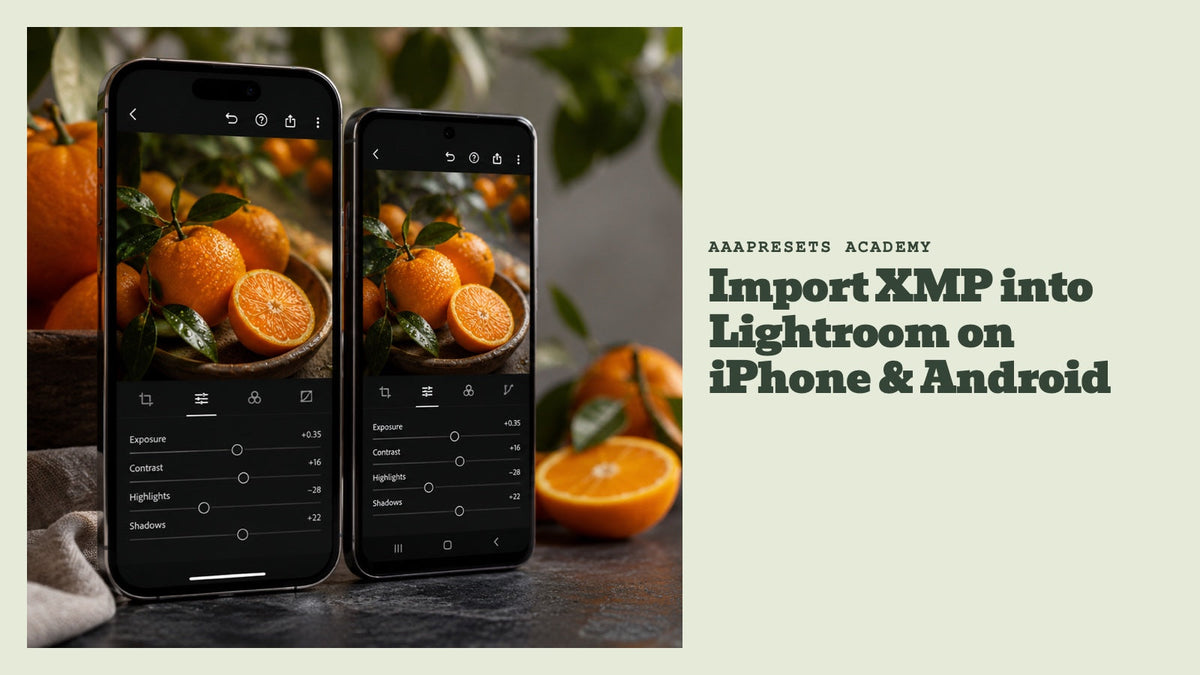
How to Import XMP Files into Lightroom on iPhone and Android
In our recent blog post, we explored the process of importing XMP (Extensible Metadata Platform) files into Adobe Lightroom on both iPhone and Android devices. Lightroom, a popular tool for photogr...
How To Install Dng Preset Files In The Lightroom Mobile App
1. Get DNG Files on Your Phone 2. Import DNG files Into Lightroom Mobile 3. Save Presets 4. Use Lightroom Mobile Presets
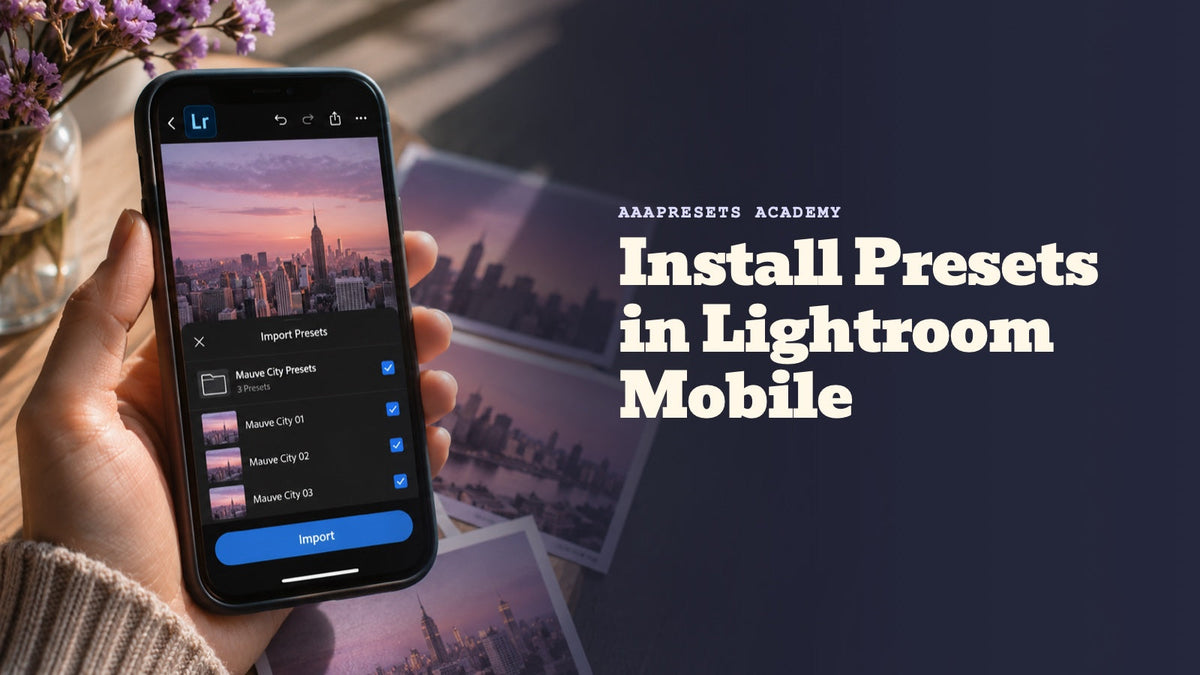
How to Install Presets in Lightroom Mobile
Method 1: via Lightroom on desktop (using XMP presets) Method 2: via Lightroom Mobile app Installation Guide for Lightroom Mobile app (Android) Installation Guide for Lightroom Mobile app (iPhone)
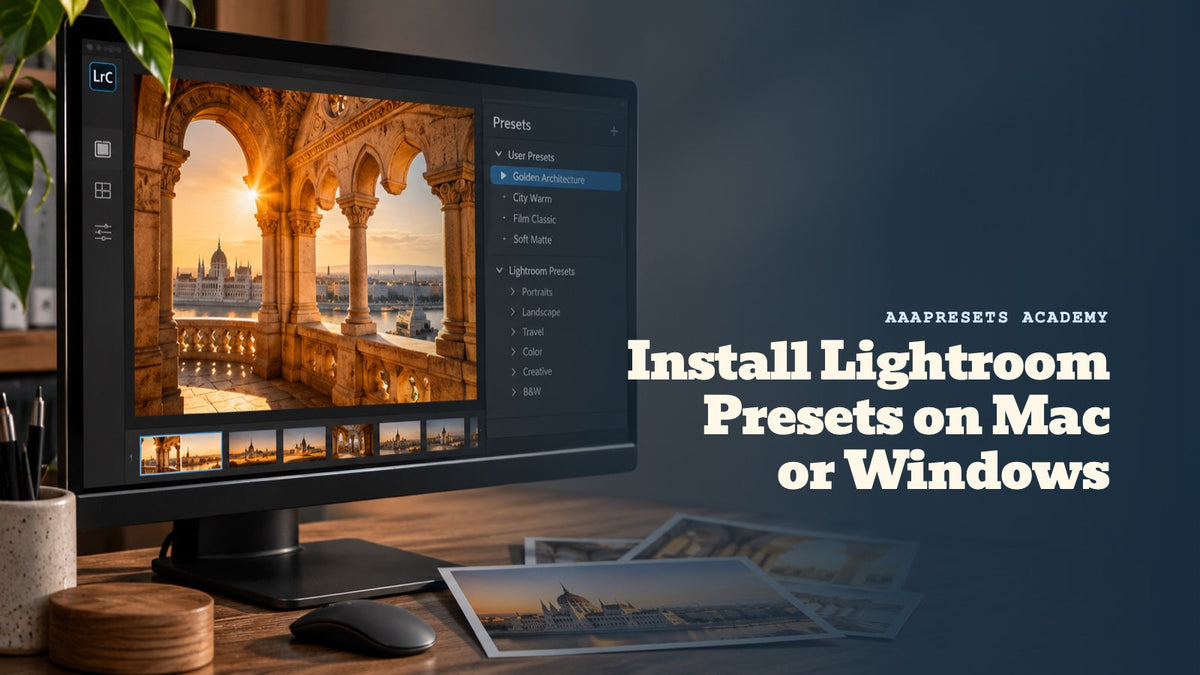
Installing Presets in Lightroom CC on Mac or Windows
Download your purchased Lightroom Presets which will come in a .zip file “(for current and all Lightroom versions since April 2018)” Start Lightroom CC and select an image. Click on File ->...
How to Install Presets in Adobe Photoshop (Camera Raw)
Click Filter > Camera Raw Filter. Select Presets. Click > Import Profiles & Presets. Select the ZIP file > Import. Apply > Repeat the process for more presets.