
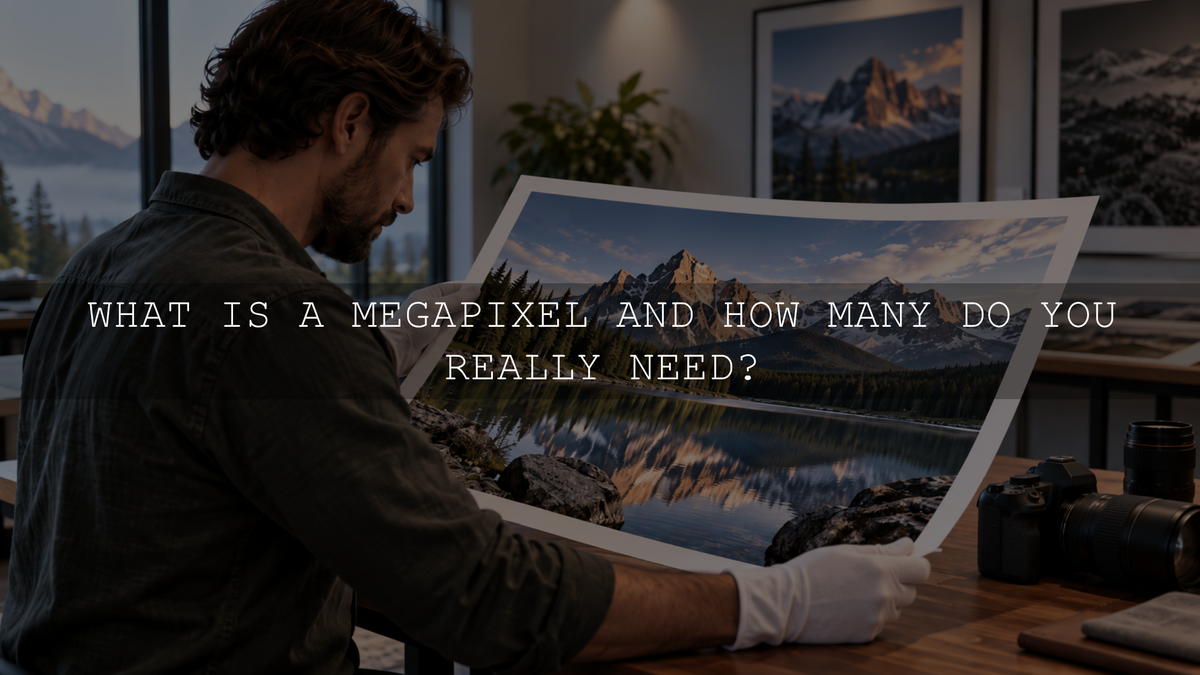
A megapixel, usually abbreviated as MP, equals one million pixels. Megapixel count tells you how much pixel resolution a digital image contains, but it does not tell you everything about the quality of the photograph. More megapixels can be useful for cropping and large, detailed prints, while lens performance, sensor design, focus, exposure, camera movement and image processing also affect the final result.
There is no single megapixel number that every photographer needs. The useful amount depends mainly on how you plan to use, crop, display and print your photographs.
What Is a Megapixel?
A pixel is one of the individual picture elements used to build a digital image. One megapixel represents one million pixels.
You can estimate an image's megapixel count by multiplying its width and height in pixels and dividing by one million. For example:
6,000 × 4,000 = 24,000,000 pixels, or approximately 24 megapixels.
Doubling the megapixel count does not double an image's width and height. At the same aspect ratio, a 48 MP image has about 1.41 times as many pixels along each dimension as a 24 MP image. That is why large jumps in megapixel count can produce a smaller change in linear image dimensions than the headline number suggests.
Camera specifications often describe a sensor using its effective megapixel count. Technically, an image sensor contains light-sensitive photosites rather than finished image pixels. The sensor's measurements are processed to create the pixels in the final image, so megapixel count is best understood as a practical resolution specification rather than a complete description of how a sensor works.
Do More Megapixels Mean Better Photos?
Not automatically. More megapixels primarily increase the amount of spatial information a camera can record. That can provide additional fine detail when the lens, focus, exposure and shooting technique are capable of preserving it, but resolution is only one part of photographic quality.
A higher-resolution sensor cannot rescue a photograph that is out of focus, blurred by subject movement or camera shake, badly clipped by exposure, or limited by poor optical performance. Cameras with similar megapixel counts can also produce different results because their sensor technologies, physical sensor sizes, lenses and image-processing systems differ.
This is why megapixels are better treated as a resolution specification than as a universal image-quality score.
When Do More Megapixels Help?
Higher resolution becomes most useful when you need to retain many pixels after cropping or when the final photograph will be reproduced at a large size with substantial fine detail.
- Cropping: More source pixels give you greater freedom to reframe a photograph while retaining useful output resolution.
- Large prints: Bigger prints viewed closely require more pixels if you want to maintain a high pixel density.
- Wildlife and sports: Extra resolution can help when the subject occupies only part of the frame and cropping is unavoidable.
- Commercial and detail-heavy work: Product, landscape, architecture and other detail-focused photography may benefit when clients or output requirements demand large files.
More resolution is less important when photographs will mainly be viewed at modest sizes or when you rarely crop heavily.
How Many Megapixels Do You Need?
There is no universal minimum. The following ranges are practical starting points rather than strict rules.
| Typical use | Practical resolution range | Why |
|---|---|---|
| Online sharing and everyday viewing | About 12 MP is already ample for many uses | Most screen-based uses require far less resolution than modern cameras provide, while extra pixels still leave room for moderate cropping. |
| Family, travel and general photography | About 20–30 MP | Offers a flexible balance of detail, cropping headroom and manageable file sizes for a wide range of photography. |
| Frequent heavy cropping or large detailed prints | 40 MP or more may be useful | Provides additional source pixels when substantial cropping or high-resolution output is genuinely required. |
| Professional or commercial delivery | Depends on output requirements | Client specifications, print dimensions, crop requirements and reproduction methods should determine the resolution target. |
These ranges are not guarantees of image quality. A well-focused, well-exposed lower-resolution photograph can be more useful than a higher-resolution file affected by blur, weak optics, excessive noise or poor processing.
How Megapixels Affect Print Size
Print requirements provide a more objective way to think about resolution. Around 300 pixels per inch is commonly used as a high-quality target for photographs intended to be viewed fairly closely. Lower pixel densities can still work well for larger prints that are normally viewed from farther away.
At 300 PPI, approximate source-pixel requirements are:
| Print size | Pixel dimensions at 300 PPI | Approximate megapixels |
|---|---|---|
| 5 × 7 inches | 1,500 × 2,100 | 3.2 MP |
| 8 × 10 inches | 2,400 × 3,000 | 7.2 MP |
| 12 × 18 inches | 3,600 × 5,400 | 19.4 MP |
| 16 × 24 inches | 4,800 × 7,200 | 34.6 MP |
| 20 × 30 inches | 6,000 × 9,000 | 54 MP |
These numbers assume that the final image uses those pixel dimensions. Cropping reduces the pixels available for the print, and changing aspect ratio can require additional cropping from the original photograph.
Why Cropping Changes the Megapixel Requirement
Cropping is one of the strongest practical reasons to choose a higher-resolution camera.
Imagine that you photograph a bird but later crop the image to half its original width and half its original height. You have kept only one quarter of the original image area. A 24 MP photograph cropped that heavily would contain roughly 6 MP of the original pixels.
A higher-resolution camera gives you more remaining pixels after the same proportional crop. This can be valuable for wildlife, sports, events and situations where you cannot always frame the subject tightly while shooting.
That advantage only matters when the original image contains real usable detail. Accurate focus, appropriate shutter speed, stable shooting technique and capable optics still matter.
What About Sensor Size and Pixel Size?
Megapixel count should not be considered separately from the physical sensor and its technology.
If two sensors have the same resolution and similar design but one has a substantially larger surface area, the larger sensor will generally have larger photosites. At the same exposure, larger photosites can receive more photons individually, which can improve the signal available at the pixel level.
That does not mean a higher-megapixel camera will automatically perform poorly in low light, or that pixel size alone predicts final image quality. Back-illuminated sensor structures, quantum efficiency, read noise, electronics, processing and the way the final image is resized or viewed all affect the result. Comparing current cameras therefore requires more than dividing sensor size by megapixel count.
Why Do Some Smartphones Have 100 MP or 200 MP Cameras?
High-resolution smartphone sensors do not necessarily create maximum-resolution photographs for every shot.
Some sensors use pixel binning, in which information from neighboring sensor sites is combined to produce a lower-resolution output. Samsung, for example, documents 200 MP sensor designs that can combine groups of 16 neighboring pixels to produce approximately 12.5 MP output in certain modes.
This lets a phone use the sensor differently depending on shooting conditions. High-resolution modes can prioritize fine detail when appropriate, while binned modes can prioritize other imaging goals such as light sensitivity and processing efficiency.
Pixel binning is another reason not to judge a smartphone camera only by the largest megapixel number printed in its specifications.
Do Higher-Megapixel Files Take More Storage?
Higher-resolution photographs contain more pixel data. When file format, bit depth, compression and other factors are similar, higher-resolution images generally require more storage and processing.
The exact file size cannot be predicted from megapixels alone. JPEG or HEIF compression, RAW compression, image complexity, bit depth and the camera's file format all affect how much storage an individual photograph requires.
If you regularly shoot hundreds or thousands of high-resolution RAW photographs, consider memory-card capacity, backup storage, transfer speed and editing performance as part of the camera decision rather than looking only at resolution.
What Matters Besides Megapixels?
When comparing cameras, evaluate megapixels alongside the rest of the imaging system.
- Lens performance: Lens quality and aperture influence how much fine detail reaches the sensor and how much of the extra resolution becomes useful in practice.
- Sensor size and design: Physical dimensions, pixel architecture and sensor technology influence light collection, noise and dynamic range.
- Autofocus: Additional resolution is not very useful when important details are consistently out of focus.
- Shutter speed and stabilization: Camera or subject movement can reduce fine detail regardless of sensor resolution.
- Dynamic range and noise performance: These characteristics affect how much useful tonal information is captured across shadows and highlights.
- Image processing: Cameras and smartphones process sensor data differently, particularly when creating JPEG and HEIF files.
- Workflow: Storage capacity, computer performance and editing requirements become more important as image data increases.
How to Decide How Many Megapixels You Need
- Identify your largest realistic output. Decide whether most photographs will stay online, become normal prints or regularly become large wall prints.
- Estimate how heavily you crop. Wildlife and sports photographers often benefit from more cropping headroom than photographers who can carefully compose each frame.
- Consider your lenses and technique. Extra sensor resolution is most useful when your optics, focus accuracy and shutter speed preserve enough detail to take advantage of it.
- Think about your workflow. Higher-resolution files can increase storage, transfer and processing requirements.
- Compare complete cameras, not one specification. Autofocus, sensor performance, lenses, stabilization, handling and processing may matter more to your photography than a small difference in megapixels.
So, Are More Megapixels Better?
More megapixels provide more potential image resolution, but they do not automatically produce a better photograph. Their main practical advantages are greater cropping flexibility and more pixels for large, detailed output.
For broad everyday photography, cameras in roughly the 20–30 MP range provide substantial resolution for many users. Higher-resolution cameras can be worthwhile when aggressive cropping, large prints or specialized commercial work are regular requirements. Lower-resolution cameras can still produce excellent results when their resolution comfortably meets the intended output.
Instead of asking which camera has the largest megapixel number, ask how many pixels your actual photographs need. That makes megapixels a useful specification rather than a marketing shortcut.

Leave a comment
This site is protected by hCaptcha and the hCaptcha Privacy Policy and Terms of Service apply.