

Center-weighted metering is a camera exposure-metering mode that evaluates brightness across the frame while giving greater importance to the middle. It is useful when the subject you want to expose is near the center and the edges contain distracting bright or dark areas. It does not guarantee a correct exposure, but its consistent center emphasis can make the camera's behavior easier to anticipate.
This guide explains when center-weighted metering helps, when another metering mode is better, and how to combine it with exposure compensation and auto-exposure lock. If you are new to shutter speed, aperture, ISO, and light meters, start with this guide to exposure in photography.
How Does Center-Weighted Metering Work?
Your camera measures light reflected from the scene and uses that information to recommend or select an exposure. Center-weighted metering considers the entire frame but allows the central region to influence the calculation more strongly than the edges. The meter does not know which object is important to you; it simply gives extra attention to where that object is likely to be.
That distinction matters. If a person's face occupies much of the central area, the face can have more influence than a bright window near the frame's edge. If the center contains a bright lamp, however, the same mode may produce a darker image than you intended. The camera is measuring reflected brightness, not interpreting your artistic goal.
There is no universal percentage of center weighting. The weighting pattern and adjustable area vary by camera. Sony describes its Center mode as averaging the whole screen with emphasis on the middle, while some Nikon models let photographers change the size of the strongly weighted area. Consult the Nikon Z9 metering reference for an example of an adjustable center-weighted area.
Center-Weighted vs. Matrix, Evaluative, and Spot Metering
- Evaluative, Matrix, or Multi metering: Examines multiple areas of the frame, often considering scene patterns and other camera-dependent information. It is a sensible starting point for most everyday photographs, especially when the subject moves around the frame.
- Center-weighted metering: Measures the wider scene but emphasizes its middle. It suits compositions with a prominent central subject and photographers who want a relatively predictable center bias.
- Spot metering: Uses a small metering area to evaluate a selected part of the scene. It can be useful for a face against a bright background, but a small change in the metered area can produce a large change in the recommendation. Some cameras link the spot to an autofocus point; others use different rules.
- Highlight-weighted metering: Available on certain cameras, this favors protecting bright regions. It may be more suitable than center-weighted metering when a small, intensely lit performer stands against a very dark stage.
Which one should you choose? Start with Multi or Matrix for changing scenes. Try center-weighted when the important subject stays near the middle. Switch to spot or another specialized option when a particular small area or the brightest detail must drive the exposure.
When to Use Center-Weighted Metering
Centered Portraits
Consider a head-and-shoulders portrait with a face in the middle and a bright sky near the edges. Center-weighted metering can reduce the influence of that surrounding brightness because the central face receives more emphasis. It is especially worth trying when an automatic multi-zone reading makes the subject consistently darker than intended.
It will not always expose the skin correctly. A small face surrounded by strong backlight may still need positive exposure compensation, face-aware Multi metering, or a carefully placed spot reading. Review the actual face and the highlight detail rather than assuming that the metering-mode change solved everything.
Street Photography and Repeated Central Compositions
When you photograph people, storefronts, or architectural details that frequently occupy the middle of your composition, center-weighted metering offers a straightforward rule: the brightness near the center matters most. It can be helpful as light and background tones vary, although you should reassess the setting whenever your framing changes substantially.
Backlit Subjects Near Windows or at Sunset
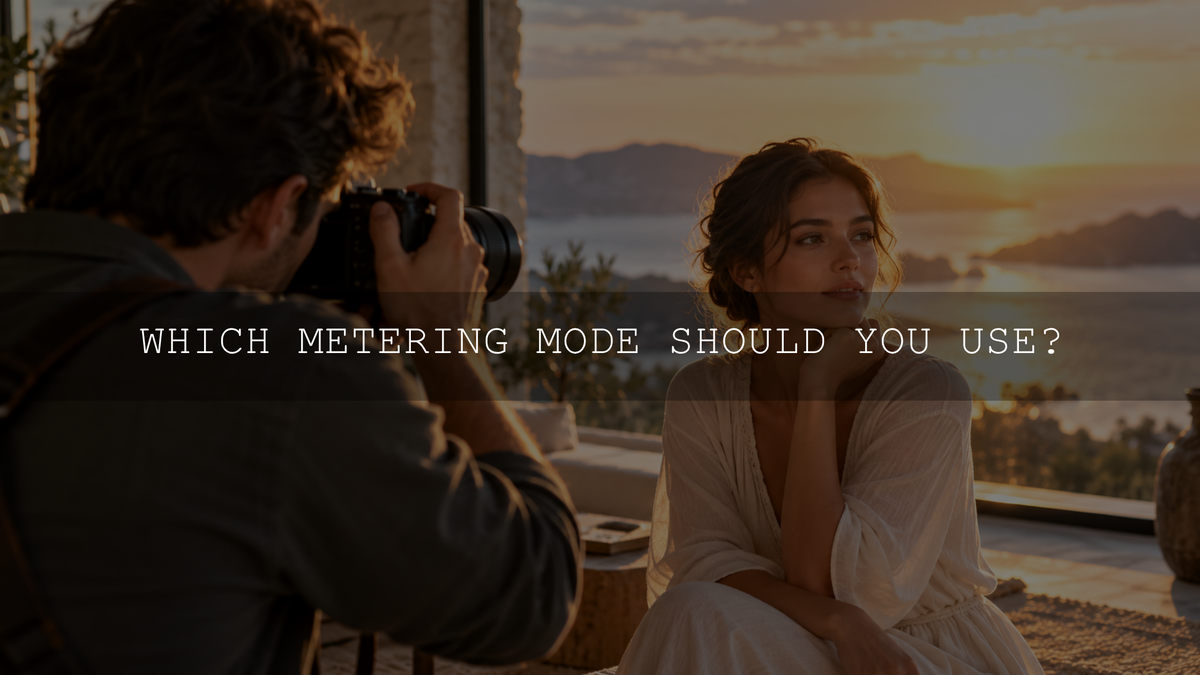
With a person standing against a bright window, center-weighted metering can give their face greater influence if it fills a substantial part of the central area. For a very small or strongly silhouetted subject, spot metering or exposure compensation may work better. Decide whether the face, the view outside, or a deliberate silhouette is your priority; you may not be able to preserve full detail in both extremes in a single exposure.
If you plan to edit the photograph afterward, the AAAPresets guide to preparing backlit photos for editing explains why choosing the exposure priority during capture matters.
Stages and Other High-Contrast Scenes
A performer occupying much of the middle of the frame can benefit from center-weighted metering. But if the performer is a small, brilliant patch inside a mostly dark center area, this mode may still overexpose the spotlighted face or costume. Try spot or highlight-weighted metering, where available, and check for clipping in the highlights that matter.
How to Use Center-Weighted Metering: Step by Step
- Select the metering mode. Find the metering setting in your camera menu and choose Center, Center-weighted, or Center-weighted average, depending on your camera. On the Sony α7 V, the route is MENU > Exposure/Color > Metering > Metering Mode > Center. Sony documents it in the α7 V metering-mode guide. On this camera, Intelligent Auto and non-optical zoom functions lock metering to Multi, so Center may not be available in those situations.
- Choose your exposure mode. Aperture Priority is a convenient way to practice because you choose the aperture while the camera normally adjusts shutter speed. Keep an eye on shutter speed and ISO so your subject does not become unintentionally blurred.
- Place the important subject near the middle. The central area should contain the brightness you want the meter to prioritize. Make sure the subject occupies enough of that area to influence the reading.
- Take a test shot and inspect it. Review the subject's brightness, important highlights, and histogram or highlight warnings when available. A histogram does not need to be centered; a dark concert scene and a bright snowy scene should not look identical.
- Correct the exposure if needed. In a camera mode that supports it, try positive exposure compensation when the subject is too dark or negative compensation when important highlights are too bright. Start with a small adjustment such as one-third of a stop, then judge the result.
- Lock exposure before recomposing when necessary. Aim the center at your intended metering area, use your camera's AE lock or AEL function, then move the subject off-center and take the photograph while the lock remains active. Focusing and recomposing alone does not necessarily lock exposure. On the α7 V, shutter-button half-press behavior depends on the AEL w/ Shutter setting.
Exposure compensation changes the camera's automatic exposure target, not the metering pattern. In fully Manual exposure with a fixed ISO, changing the metering mode normally changes the meter's indication rather than your chosen shutter speed, aperture, or ISO. Manual mode with Auto ISO can behave differently according to camera settings. For a clearer explanation of stops and compensation, see how to read exposure value in photography.
Two Practical Shooting Examples
Example 1: A Portrait in Front of a Bright Window
Imagine you are photographing a friend indoors, with their face in the center and daylight visible through a window behind them. Set Aperture Priority, select center-weighted metering, and make a test image. If the face is still too dark, increase exposure compensation carefully. Watch the window highlights: bright outdoor details may become unrecoverable if you brighten the entire exposure too far.
Now move your friend to one side of the frame. Unless you lock exposure first, the meter may give extra emphasis to whatever occupies the center after you recompose. Use AE lock, choose a more suitable metering method, or adjust manually if the brightness becomes inconsistent.
Example 2: A Singer Under a Spotlight
Imagine a singer standing centrally under a narrow spotlight while the stage behind is nearly black. Center-weighted metering may still count enough dark surroundings to recommend too much exposure. Look at the illuminated face or white clothing. If those details are clipping, lower exposure compensation or use an available highlight-weighted or spot mode. The dark background does not have to be brightened simply because it occupies a large part of the frame.
Common Center-Weighted Metering Mistakes
- Assuming the center autofocus point controls the meter: Metering area and autofocus area are separate settings. Check your camera's behavior instead of assuming they move together.
- Metering the face, then recomposing without AE lock: The camera may recalculate exposure after the center points toward the background.
- Expecting a fixed center percentage: Camera models do not all use the same weighting area or calculation.
- Using it for every composition: An off-center subject may be better served by Multi, a carefully chosen spot, or explicit exposure lock.
- Trying to make every scene look middle gray: Snow, dark clothing, spotlights, and silhouettes have their own intended brightness. The meter is a guide, not a creative rule.
- Assuming RAW editing can fix everything: RAW files often give more latitude for tonal adjustments than JPEGs, but severely clipped highlights and lost shadow detail may remain unusable.
A Five-Minute Test to Learn Your Camera's Meter
- Choose a stationary subject with a moderately bright face or object and a background that is noticeably brighter or darker.
- Use Aperture Priority and keep your chosen aperture and ISO settings consistent. Take one photograph using Multi or Matrix metering.
- Without changing your framing, photograph the same scene using center-weighted metering.
- Try spot metering on the important subject, making sure you know where your camera places the spot.
- Repeat with the subject off-center. Compare the automatic shutter-speed choices, the subject's brightness, and highlight detail, rather than deciding solely by which preview looks brighter.
This is a controlled comparison, not a rule that one mode must always win. The size, brightness, and placement of your subject determine how strongly the different readings diverge.
Where Photo Editing Fits In
Metering and editing solve different problems. Metering helps you record the scene with a useful exposure; editing refines the resulting tones and colors. For a backlit portrait, establish a workable exposure first, then adjust white balance, highlights, shadows, and skin tones as needed. When applying a preset, check the subject's exposure again because a creative tone curve can make skin or highlights appear brighter or darker.
If you want a film-inspired starting point for portraits, explore the Portrait Film Look Lightroom Presets, which include eight preset looks supplied in DNG and XMP formats, or browse the portrait Lightroom presets collection. Presets provide a color and tone starting point; they do not replace a well-exposed original photograph.
The Bottom Line
Use center-weighted metering when the middle of the frame contains the subject whose brightness should have the greatest influence on exposure. Use Multi or Matrix for flexible general shooting, spot when a specific small area matters, and highlight-weighted metering when protecting intense highlights is the priority and your camera offers it. Whichever mode you choose, verify the image, adjust deliberately, and use AE lock when you need to recompose.
Written by Asanka — creator of AAAPresets, serving more than 10,000 customers.


Leave a comment
This site is protected by hCaptcha and the hCaptcha Privacy Policy and Terms of Service apply.