
Why Do My Photos Look Different After Applying Presets?
So, you've splashed out on a killer preset pack – maybe even the legendary 1000+ Master Lightroom Presets Bundle – and you're ready to supercharge your photo editing. You slap on your carefully chosen preset, and... wait, what? It's not quite the magic transformation you were hoping for. Your photos look different, maybe even drastically different, from those gorgeous before-and-afters. What gives?
This is a super common question, and there's a whole bunch of reasons why your results might not perfectly mirror the examples. Let's unpack the most common culprits and find some practical fixes to get you from 'huh?' to 'holy moly!'
Understanding Presets: Expectations vs. Reality
It's crucial to remember presets are powerful starting points, not magical one-size-fits-all solutions. Those stunning before-and-afters showcasing presets? They're usually cherry-picked images, often professionally shot with impeccable lighting, composition, and perfect exposure. Your photos, especially if they're a bit underexposed, overexposed, or compositionally challenged, will naturally look different when the same preset is applied. Think of presets as a foundation upon which you build; they give you a great head start, but the final masterpiece is still up to you. And with the incredible variety within the 1000+ Master Lightroom Presets Bundle, you have a mountain of options to experiment with until you find the perfect match for your individual style and image.
Factors Affecting Your Preset Results: A Deeper Dive
-
The Original Image: Your Foundation
The quality of your original image is paramount. A poorly exposed, blurry, or poorly composed image will struggle to reach its full potential, no matter how amazing the preset. Even the best 1000+ Master Lightroom Presets Bundle can't work miracles. Start with a strong foundation, and your final edits will soar.
-
Software and Version Discrepancies: Keeping it Current
Slight differences can crop up depending on the precise version of Lightroom (or other software) you're using. While presets are designed for wide compatibility, minor inconsistencies can still emerge, especially with older software. To avoid any surprises, make sure your Lightroom is up-to-date and that the 1000+ Master Lightroom Presets Bundle is explicitly compatible with your version.
-
Monitor Calibration: Seeing is Believing (Accurately)
Your monitor's calibration massively impacts how edited images appear on your screen. An uncalibrated monitor can lead to wildly inaccurate color representation, making your edits look totally different than expected. Before diving into the 1000+ Master Lightroom Presets Bundle, calibrate your monitor using a colorimeter or a reliable software calibration tool. This ensures accurate color perception, preventing frustration and maximizing your editing experience.
-
The Art of Adjustment: Fine-Tuning for Perfection
Think of presets as springboards, not finished products. After applying a preset, use Lightroom's powerful adjustment tools – exposure, contrast, saturation, clarity, vibrance, and countless others – to refine the look to perfectly complement your image. The vast array of presets in the 1000+ Master Lightroom Presets Bundle gives you incredible flexibility to customize each preset and achieve extraordinary results. Don't be afraid to tweak and experiment!
-
Camera Settings: Capturing the Best Starting Point
Your camera's settings – ISO, aperture, shutter speed – heavily influence the final outcome. Shooting in RAW format is highly recommended, as it provides the maximum flexibility during post-processing. Applying presets to JPEGs (which have already undergone in-camera processing) will almost always produce different results. Always shoot in RAW whenever possible for the greatest control.
-
White Balance: A Crucial Often-Overlooked Detail
Your camera's white balance setting affects how colors are interpreted. An inaccurate white balance in the original image will often lead to a final image that doesn't align with the preset's demonstration. Adjusting the white balance in post-processing before applying presets from the 1000+ Master Lightroom Presets Bundle can dramatically improve your results. Don't underestimate the importance of this often overlooked step.
-
Advanced Techniques: Layering for Unique Looks
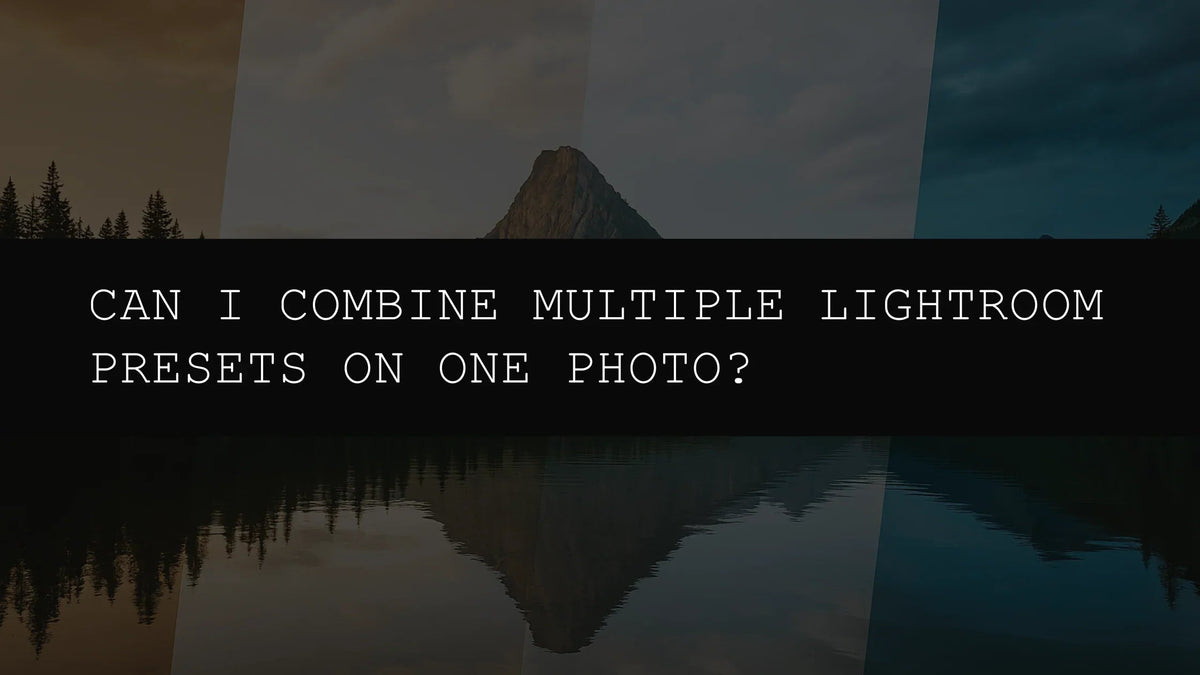
Don't be afraid to combine multiple presets to create truly unique styles. The 1000+ Master Lightroom Presets Bundle's huge collection allows for layered, complex edits. Blend different stylistic elements, and discover unexpected combinations that will take your photos to the next level.
Troubleshooting Tips: Mastering Your Preset Workflow
- Explore Extensively: With the massive selection in the 1000+ Master Lightroom Presets Bundle, experiment freely to find the perfect match for each photo.
- Adjust Precisely: Don't be shy about fine-tuning exposure, contrast, shadows, highlights, and other settings for perfection.
- Professional Calibration: A colorimeter or professional monitor calibration can make a huge difference.
- Software Updates: Keep Lightroom updated for optimal compatibility and performance.
- Understand the Presets: Take the time to learn the nuances of each preset, understanding its components will improve your ability to adjust and refine your edits.
- Experiment with Blending: Try combining different presets to discover unexpectedly beautiful combinations that are uniquely yours.
By understanding these key elements, you'll dramatically enhance your ability to get consistent, stunning results with presets. Remember, presets are tools—powerful tools—but mastering them requires experimentation, understanding, and a dash of photographic intuition. The 1000+ Master Lightroom Presets Bundle is your key to unlocking endless possibilities. Embrace the journey, experiment fearlessly, and get ready to elevate your photography!

Leave a comment
This site is protected by hCaptcha and the hCaptcha Privacy Policy and Terms of Service apply.