
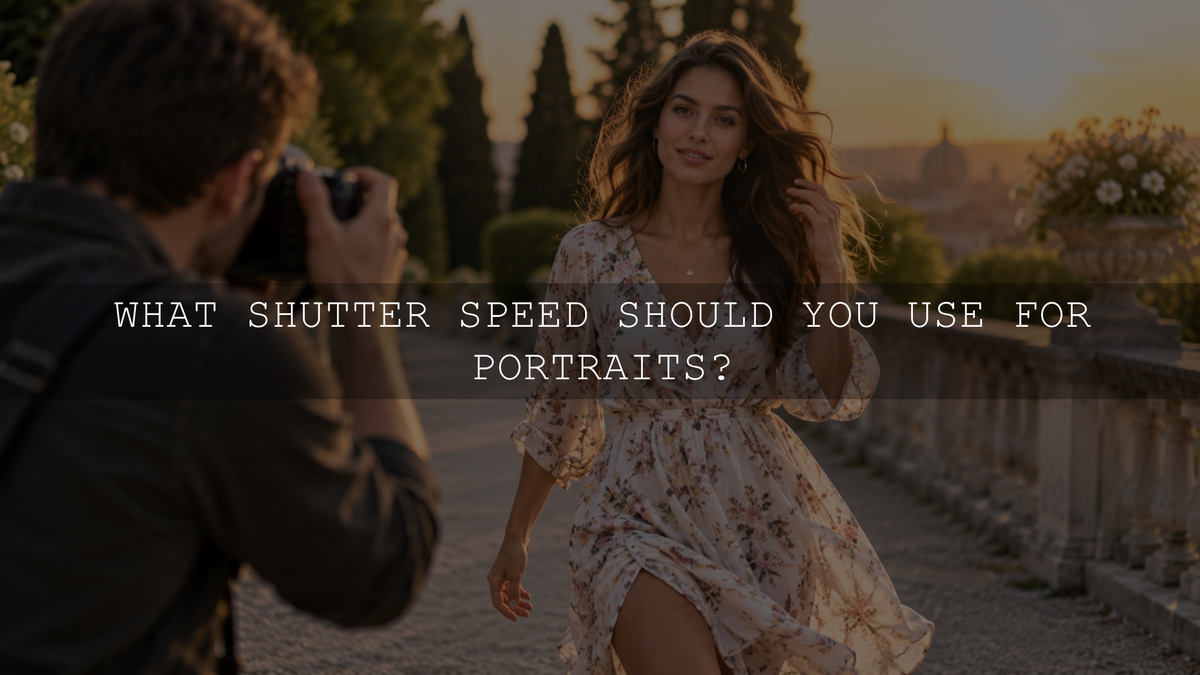
For many posed handheld portraits, around 1/160s to 1/250s is a practical starting range. If your subject is walking, changing poses quickly, laughing, dancing, or playing, you will usually need a faster shutter speed such as 1/320s, 1/500s, or faster.
There is no single best shutter speed for every portrait. The right setting depends on how much your subject is moving, your focal length, whether the camera is handheld or supported, available light, stabilization, and whether you are using flash.
The most reliable approach is to choose enough shutter speed to control the movement you actually have, then balance aperture and ISO around that decision.
Portrait Shutter Speed: Useful Starting Points
Use these numbers as starting points rather than fixed rules:
- Posed or relatively still portrait: approximately 1/160s to 1/250s.
- Natural pose changes or animated expressions: approximately 1/250s to 1/500s.
- Walking portrait: approximately 1/500s is a useful starting point, with faster speeds when necessary.
- Active children, playful couples, or pets: approximately 1/500s to 1/1000s or faster depending on the movement.
- Very fast portrait action: 1/1000s, 1/2000s, or faster may be useful when you need to freeze rapid movement.
- Intentional portrait motion blur: experiment around 1/15s to 1/60s depending on the subject and effect.
These values are deliberately ranges rather than guarantees. A person slowly turning their head requires less shutter speed than a child running across the frame, and the same movement can look different depending on your focal length, distance, framing, and final image size.
Why There Is No Single Best Shutter Speed for Portraits
A portrait may look static when you view the final photograph, but people rarely remain completely motionless. Breathing, blinking, changing expressions, moving hands, swaying, turning the head, or shifting weight can all create visible softness when the exposure lasts long enough.
There are also two different types of movement to consider:
- Camera shake: the camera moves while the photograph is being recorded.
- Subject motion: the person moves during the exposure.
This distinction matters because the solutions are different. Stabilization, a tripod, or better handholding technique can reduce camera movement. None of them can stop your subject from moving during a long exposure.
For a broader explanation of how exposure time affects movement, see how shutter speed affects a photo.
Shutter Speed for Posed Portraits
If your subject is sitting or standing relatively still, you normally do not need an extremely fast shutter speed.
For many handheld portraits with common portrait focal lengths, around 1/160s to 1/250s gives you useful protection against both small subject movements and camera shake while still allowing a reasonable amount of light into the exposure.
Some photographers can successfully work slower. Others may need 1/320s or faster, especially with a longer lens, close framing, frequent subject movement, or when inspecting high-resolution files at large magnification.
Canon's guidance for portrait photography similarly recommends considering both focal length and subject movement, noting that moving portrait subjects may benefit from shutter speeds around 1/500s or faster in daylight.
Use Focal Length as a Handheld Safety Check
The traditional reciprocal rule provides a useful starting point for controlling camera shake. It suggests using a shutter speed at least approximately equal to the reciprocal of your focal length when handholding a stationary subject.
- 50mm lens: roughly 1/50s or faster.
- 85mm lens: roughly 1/85s or faster.
- 200mm lens: roughly 1/200s or faster.
Nikon's reciprocal-rule guidance uses the same principle and emphasizes that it is a minimum starting point rather than a guarantee.
For portrait photography, you will often choose a faster shutter than the reciprocal rule suggests because the rule mainly addresses camera movement. It does not account for your model blinking, laughing, walking, or changing position.
On a crop-sensor camera, remember that crop factor changes the angle of view rather than physically changing the lens's focal length. When using the reciprocal rule as a conservative handheld guide, you may choose a faster minimum shutter speed based on the equivalent field of view, while still accounting for your technique, stabilization, and subject movement.
Shutter Speed for Walking and Candid Portraits
Once your subject begins moving, subject motion usually becomes more important than the traditional handheld rule.
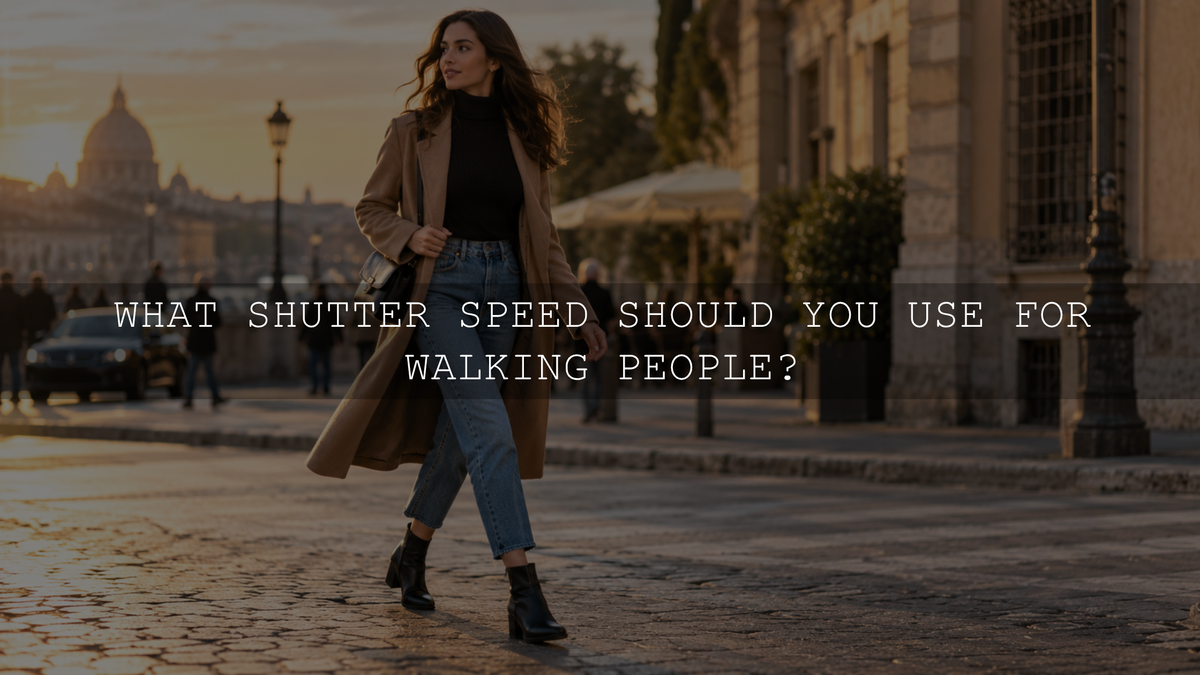
For a relaxed walking portrait, around 1/500s is a strong starting point. Slower movement may work around 1/250s or 1/320s, while brisk walking, spinning, hair movement, or quick gestures may require 1/640s, 1/800s, or faster.
Movement toward or away from the camera also places additional demands on autofocus. If your camera supports reliable continuous autofocus and face or eye detection, use an appropriate tracking mode for a moving portrait subject.
Do not assume every slightly soft walking photograph needs a faster shutter. Check whether the camera actually focused on the eye before diagnosing the problem as motion blur.
Shutter Speed for Children, Couples, and Active Portraits
Children, pets, dancing couples, jumping portraits, and playful lifestyle sessions can move much faster than a traditionally posed subject.
Start around 1/500s to 1/1000s when the movement is energetic. Increase the shutter speed further when hands, feet, hair, clothing, or facial details still show unwanted movement.
A very fast shutter does reduce the amount of light recorded, so you may need to open the aperture, increase ISO, add light, or adjust your shooting position.
Do not automatically use 1/2000s for every active portrait. Use only as much shutter speed as the movement requires so you are not unnecessarily forcing ISO higher or sacrificing the aperture you want.
What Shutter Speed Should You Use With an 85mm Portrait Lens?
An 85mm lens is a common portrait choice, but there is still no single required shutter speed.
For a posed handheld portrait, something around 1/160s to 1/250s is a practical starting range for many photographers. This is comfortably faster than the basic reciprocal guideline and gives additional protection against small movements from both photographer and subject.
For a person walking or moving naturally, move toward 1/320s, 1/500s, or faster depending on the motion.
If you want to understand how lens choice interacts with portrait depth of field and framing, see the AAAPresets guide to choosing an aperture for portrait photography.
Longer Portrait Lenses Usually Need More Handheld Care
A longer focal length makes small camera movements more noticeable in the final photograph. This is why a photographer using a 135mm or 200mm lens will often choose a faster shutter speed than someone using a 35mm or 50mm lens under otherwise similar conditions.
For example, a stationary portrait at 200mm may justify something around 1/250s or faster even before subject movement becomes a concern. If the person is also moving, the required shutter can increase considerably.
Review important facial detail at high magnification after a test frame rather than assuming one number will always work.
Image Stabilization Helps With Camera Shake, Not Subject Motion
Modern cameras and lenses may include in-body image stabilization, optical stabilization, or both. These systems can make slower handheld exposures more practical by reducing certain types of camera movement.
That does not mean a stabilized camera can freeze a moving portrait subject at 1/15s.
If your subject is completely still, stabilization may allow you to experiment below the traditional reciprocal guideline. If the person is walking, laughing, gesturing, or moving their head, you still need enough shutter speed for that movement.
This is one of the most important distinctions to remember when photographing people in low light.
Does a Tripod Let You Use Any Shutter Speed for Portraits?
No. A tripod stabilizes the camera, but it does not stabilize the person.
You may be able to photograph a stationary object at a very slow shutter speed on a tripod, but a person can still become blurred from breathing, changing expression, swaying, or moving their eyes and head.
For a deliberately still studio portrait, a tripod can remove camera shake from the equation. You still need to choose a shutter speed appropriate for the model's movement and your lighting setup.
Portrait Shutter Speed in Low Light
Low light creates one of the most common portrait compromises. You need enough shutter speed to keep the person sharp, but a faster exposure records less light.
If the shutter speed starts becoming too slow for the subject, consider:
- Opening the aperture when the required depth of field allows it.
- Increasing ISO.
- Adding suitable continuous light or flash.
- Moving the subject into stronger available light.
- Reducing movement when the type of portrait allows it.
Do not automatically protect ISO 100 at the expense of subject sharpness. Raising ISO can increase visible noise, but severe subject-motion blur is often far harder to correct later.
For a complete explanation of these trade-offs, see how aperture, shutter speed, and ISO work together.
Shutter Speed for Portraits With Flash
Flash photography introduces another consideration: flash synchronization.
With conventional flash operation, many cameras have a maximum normal flash-sync speed somewhere around 1/125s to 1/250s, although the exact limit depends on the camera and flash system. Check the specifications for your equipment rather than assuming one universal value.
Canon's portrait-settings guide explains that standard synchronization is commonly within this range and that compatible High-Speed Sync can make faster shutter speeds possible.
High-Speed Sync is particularly useful when you want a wide portrait aperture in bright daylight or need a faster shutter while using flash. However, available flash output generally decreases as High-Speed Sync works at progressively faster shutter speeds.
For a controlled studio portrait, if flash is the dominant illumination, the flash duration can help freeze movement. Ambient light recorded during the exposure can still contribute motion blur, so the result depends on the balance between flash and ambient light.
Creative Portraits With Intentional Motion Blur
Sharpness does not have to be the goal of every portrait.
Slow shutter speeds can create atmospheric fashion, editorial, street, or cinematic portraits where movement becomes part of the composition.
Try experimenting around 1/15s to 1/60s. You could:
- Ask the subject to walk through the frame.
- Let hair or clothing move naturally.
- Pan the camera with the subject.
- Keep part of the subject relatively still while another part moves.
- Combine flash with ambient movement when your equipment and technique allow it.
The ideal speed depends heavily on how fast the subject moves and how much blur you want. Take several frames because small timing differences can create dramatically different results.
Why Is My Portrait Still Blurry at a Fast Shutter Speed?
If a portrait remains soft at 1/500s or 1/1000s, shutter speed may not be the real problem.
Check these possibilities:
- Missed focus: the autofocus system focused on the background, hair, clothing, or another face instead of the intended eye.
- Shallow depth of field: the camera focused accurately, but parts of the face fell outside the acceptably sharp zone.
- Subject moved outside the focus plane: common when photographing someone walking toward the camera.
- Lens or camera movement: more noticeable with long focal lengths and tight crops.
- Motion blur: identifiable when details appear smeared in the direction of movement rather than simply out of focus.
Diagnosing the type of softness before changing settings prevents you from solving the wrong problem.
A Simple Portrait Shutter Speed Workflow
- Look at the subject first. Decide whether they are still, casually moving, walking, or moving quickly.
- Choose a starting shutter speed. Try roughly 1/160s to 1/250s for a posed portrait, moving toward 1/500s or faster as subject movement increases.
- Check your focal length. Longer lenses may require more shutter speed for reliable handheld results.
- Choose the aperture for your depth of field. Do not sacrifice important facial sharpness purely to gain more light.
- Adjust ISO or lighting. Use them to support the shutter speed and aperture the portrait actually needs.
- Take a test frame. Magnify the eye and other important details.
- Identify the reason for any softness. Determine whether it came from camera shake, subject movement, missed focus, or insufficient depth of field.
- Adjust only what needs fixing. Increase shutter speed when movement is the problem rather than automatically changing every exposure setting.
Capture the Sharpness First, Then Refine the Portrait
Editing can refine exposure, white balance, contrast, color, skin tones, and overall mood, but it cannot reliably recreate facial detail that was never recorded sharply because of severe motion blur.
Get the shutter speed and focus right during capture first. Afterward, if you want a portrait-focused color starting point, the AI-Optimized Skin Tone Safe Pro Portrait Lightroom Presets currently include 8 XMP preset looks and 8 DNG preset looks. They support Lightroom Desktop and Mobile, Lightroom Classic, and Adobe Camera Raw, with adjustments still available for exposure, white balance, contrast, and the individual lighting of each photograph.
You can also browse the wider portrait Lightroom presets collection when you want a different color or tonal style.
The Best Shutter Speed Is the One That Matches the Portrait
For a posed handheld portrait, start around 1/160s to 1/250s. Move toward 1/320s or 1/500s as natural movement increases, and consider 1/500s to 1/1000s or faster for energetic subjects.
Then look beyond the number. Consider focal length, stabilization, available light, flash, autofocus, depth of field, and how the person is actually moving.
Instead of memorizing one supposedly perfect portrait shutter speed, learn to identify the source of movement and choose enough exposure speed to control it. That approach produces more reliable results across headshots, families, couples, lifestyle sessions, street portraits, and creative work.
Written by Asanka — creator of AAAPresets, serving more than 10,000 customers.

Leave a comment
This site is protected by hCaptcha and the hCaptcha Privacy Policy and Terms of Service apply.