
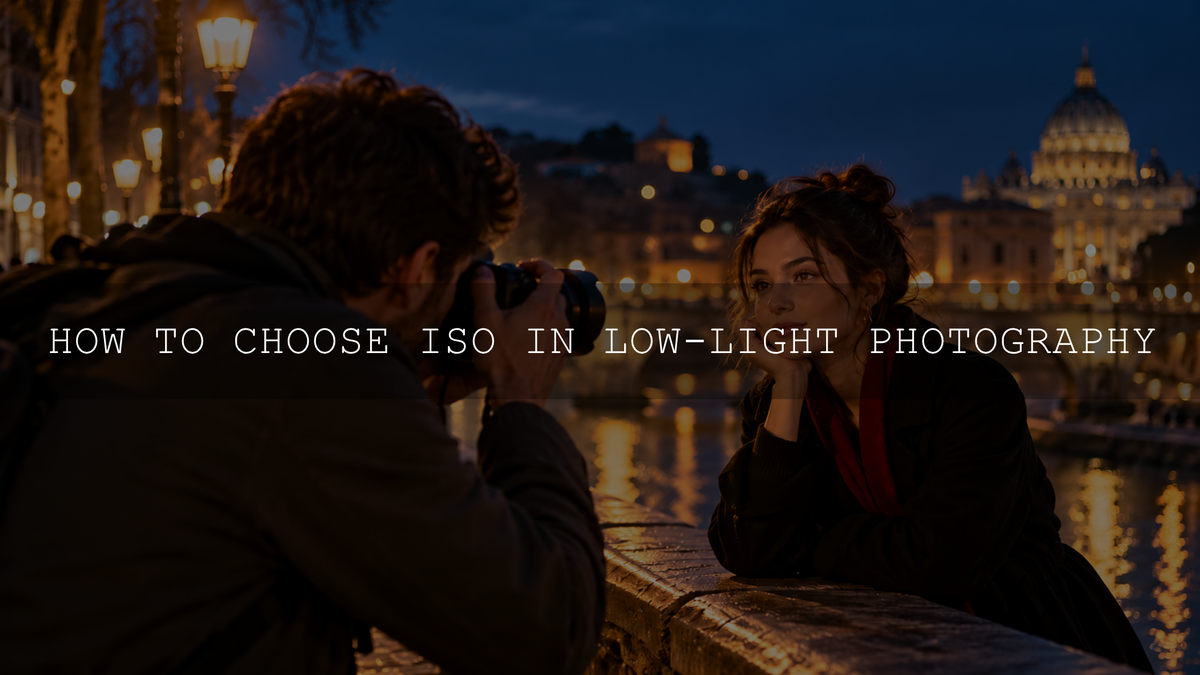
For low-light photography, use the lowest ISO that still lets you capture the shutter speed and depth of field your subject needs. A stationary night cityscape on a tripod may work at ISO 100 or 200. A handheld indoor portrait might need ISO 800–3200, while fast action in a dark venue could require ISO 3200–12800 or more. These are starting points, not guaranteed exposure settings.
The right ISO depends on how much light is available, whether your subject moves, your lens aperture and how your camera handles noise. This guide explains how to make that decision for sunsets, night streets, indoor portraits and action without sacrificing sharpness simply to keep the ISO number low.
What Does ISO Do in a Digital Camera?
ISO controls how your camera amplifies, processes or represents the light-derived signal to produce image brightness. Increasing ISO can make an image brighter without changing the selected aperture or shutter speed. It does not make more light reach the sensor. Aperture determines how much light passes through the lens, and shutter speed determines how long that light is recorded.
This distinction matters in dark conditions. A scene photographed with too little light contains a weak signal, so noise may be conspicuous when the image is brightened, either by raising ISO in-camera or by lifting exposure later. Increasing ISO can also reduce highlight headroom on some cameras. The exact trade-offs depend on the sensor and its processing, so the idea that every increase in ISO automatically creates the same amount of extra noise is too simplistic.
ISO works alongside the other two camera controls. If you need a refresher, see how aperture, shutter speed and ISO work together. The practical rule is to protect the setting that determines how your subject looks, then choose ISO to support it.
Best ISO Settings for Low-Light Photography by Situation
Use the following examples as starting ranges. Real light levels vary substantially even between two locations that look equally dark. Take a test image and check subject sharpness, important highlights and noise before settling on your settings.
- Sunset or blue hour, handheld: Begin around ISO 100–800, with an aperture suited to the scene and a shutter speed that avoids camera shake or unwanted subject movement. As daylight fades, ISO 800–1600 or higher may become necessary.
- Indoor portraits and family moments: Try ISO 800–3200 with a lens around f/1.8–f/2.8, if that depth of field suits the subject. A shutter speed around 1/125–1/250 second can be a useful starting point for people, but lively children may need faster speeds.
- Night street photography, handheld: ISO 1600–6400 may help maintain around 1/125–1/250 second with a fast lens. Moving pedestrians, the focal length and street lighting will determine the final values.
- Indoor sports, concerts or fast action: ISO 3200–12800 may be justified when the scene requires roughly 1/500–1/1000 second or faster. Choose sufficient depth of field, and expect some venues to demand higher settings or additional light.
- Night cityscape on a tripod: Begin near your camera's base ISO, often 100 or 200. Try around f/5.6–f/11 when depth of field matters and allow the shutter to remain open for one or several seconds if the stationary scene permits it.
- Stars and night sky: Unlike a stationary building, stars appear to move during long exposures. Photographers often need a wide aperture and ISO 1600–6400, but the useful exposure time depends on focal length, tracking equipment and whether star trails are acceptable.
These example ranges assume a camera with adjustable exposure controls; they are not promises that a particular ISO will give the correct brightness. A slower kit zoom, for example, may require a higher ISO than a fast prime lens in the same room. For help balancing aperture with sharpness, see what aperture to use in low light.
How to Choose the Right ISO: A Step-by-Step Method
- Identify what must stay sharp. Is the camera pointed at a stationary skyline, a person talking, a walking subject or an athlete? Decide whether camera movement, subject movement or both are a concern.
- Select your shutter speed. You can often use a slower shutter for a still subject than for a moving person. If the result needs to freeze motion, do not slow the shutter simply to keep ISO 100. Image stabilization helps with camera shake but does not stop subject movement.
- Choose an aperture that gives enough depth of field. A wide aperture such as f/1.8 or f/2.8 gathers more light, but it also narrows the area of acceptable focus. A group portrait may need f/4 or smaller even in a dim room.
- Set ISO for usable brightness. Begin low when the light allows it. If your chosen aperture and shutter speed make the frame too dark, raise ISO in controlled steps, such as 400, 800, 1600 and 3200. Stop when the photograph reaches the exposure you need without unnecessarily losing important highlight detail.
- Check the image, not just the number. Magnify the playback image to look at eyes, fine textures and motion blur. Review the histogram or highlight warning when available, particularly around lamps, neon signs, reflective surfaces and sunset skies. A naturally dark nighttime scene does not need to look like daylight.
- Make one deliberate correction. If the subject is blurry, increase shutter speed and compensate with aperture, ISO or added light. If the image is sharp but too dark with shutter speed and aperture fixed in Manual mode, consider raising ISO. In an automatic-exposure mode, exposure compensation may be the more appropriate way to change the camera's target brightness. If important highlights are clipped, reconsider your exposure before lifting shadows in editing.
Example: Imagine a child moving around a dim living room. At f/2.8, ISO 800 and 1/30 second, the image may be bright enough but blurred. Changing to approximately 1/125 second and ISO 3200 preserves similar resulting brightness while shortening the time movement is recorded. It may still take a faster shutter for energetic motion, but accepting some noise is often better than missing the moment.
If you are uncertain which shutter speed is appropriate, start with this guide to shutter speed and movement.
When Auto ISO Is Better Than Manual ISO
Auto ISO is particularly helpful when you move between bright windows, shaded streets, indoor rooms and illuminated signs. You can concentrate on composition while the camera adjusts ISO as the light changes.
- Aperture Priority with Auto ISO: Choose the aperture and, if your camera offers the option, set a minimum shutter speed suitable for your subject. The camera can raise ISO when the light falls.
- Manual exposure with Auto ISO: On supported cameras, choose the exact shutter speed and aperture, then allow ISO to change automatically. This is useful for concerts and other action under variable lighting.
- Maximum Auto ISO limit: Set a ceiling based on actual tests of your camera. Remember that a low limit can leave a photograph underexposed or force other settings to change, depending on the shooting mode.
Check your camera's manual because Auto ISO controls and behavior vary by model. Nikon's official Auto ISO explanation provides a useful illustration of ISO limits and minimum shutter-speed controls.
Why Do High-ISO Photos Look Grainy?
Dark scenes deliver fewer photons to the camera sensor. With less light-derived information, random variations become more noticeable relative to the subject detail. The image may show luminance noise, which resembles rough brightness grain, and color noise, which appears as unwanted colored speckles.
High ISO is often associated with those artifacts because photographers raise it precisely when little light is available. Yet the amount of captured light, camera design and later adjustments also matter. Deliberately underexposing at ISO 100 and brightening the RAW file heavily afterward is not automatically cleaner than using a higher ISO during capture. Some cameras are more tolerant of that approach than others.
Similarly, a full-frame camera may have a low-light advantage over a smaller sensor in comparable conditions, but sensor size alone cannot tell you how clean a particular ISO will look. Camera generation, lens aperture, exposure and the intended output size all affect the result.
Common Low-Light ISO Mistakes to Avoid
- Keeping ISO 100 at all costs: The number is of little value if your shutter speed allows important subjects to blur. A sharp ISO 3200 frame may be the better photograph.
- Assuming higher ISO collects more light: To capture more light, use a wider suitable aperture, a longer exposure when movement permits, or additional illumination.
- Automatically using the widest aperture: An f/1.4 setting can leave parts of a face or people in different rows out of focus. Depth of field still matters.
- Trusting image stabilization to freeze action: It can reduce blur from your hands, not motion from a dancing guest or running pet.
- Brightening every shadow: A night photograph can retain rich, dark areas. Excessive shadow lifting often makes noise and odd color casts more conspicuous.
- Setting an ISO ceiling without testing: ISO 6400 may be acceptable for a small online photo on one camera yet unsuitable for a heavily cropped print on another.
How to Reduce High-ISO Noise in Lightroom
Good capture technique is the first step, but thoughtful editing can make a noisy night photograph more usable. It cannot fully restore detail that was never captured or reliably repair severe motion blur.
- Start with the best exposed RAW file available. Keep important lamp and sign highlights from clipping beyond recovery, but avoid unnecessarily deep underexposure. RAW normally offers more adjustment flexibility than an already processed JPEG.
- Consider AI Denoise early for supported files. In Lightroom Classic's Detail panel, select Denoise and adjust its intensity if the photo needs substantial noise reduction. Adobe lists supported RAW and DNG formats; ordinary JPEGs are not on its supported Denoise list. Adobe also recommends using Denoise before AI masks or Remove. See Adobe's current Denoise instructions, and inspect hair, fabric, stars and other fine detail after processing.
- Correct white balance and overall brightness. Streetlights, LEDs and indoor bulbs can create mixed color casts. Set a believable white balance and avoid lifting dark areas further than the photograph needs.
- Refine any remaining color and luminance noise. In the Develop module, open the Detail panel and inspect the image at 100% zoom. Use Color noise reduction for colored flecks, then adjust Luminance conservatively if brightness grain remains. If you used AI Denoise, assess the result before adding further reduction. See Adobe's sharpening and noise-reduction instructions.
- Apply creative color gently. Strong contrast, sharpening, clarity or shadow brightening can draw attention to remaining noise. After correcting the technical problems, refine your look and compare the result at normal viewing size as well as at 100% zoom.
If you want a repeatable night-editing starting point, Lightroom Presets for Night Photos from AAAPresets includes eight night-oriented looks supplied in XMP and DNG formats for the listed Lightroom desktop, mobile and Camera Raw workflows. The presets are intended for city lights, night portraits and mixed-light scenes, but exposure, white balance and noise reduction still require photo-specific adjustments. A preset cannot correct a blurred capture.
How to Find Your Camera's Usable ISO Range
Rather than following someone else's absolute ISO limit, build a reference from your own camera and lens. Choose a dim room with a stationary object and some fine textures, such as fabric or a bookshelf.
- Place the camera on stable support and shoot RAW if available. Keep lighting and framing constant.
- Choose an aperture such as f/2.8 or f/4. Make photographs at ISO 400, 800, 1600, 3200 and 6400, adjusting shutter speed between shots to maintain roughly similar image brightness.
- Compare detail, noise and highlight retention at 100% zoom, then compare again at the size you usually share or print.
- Repeat a few frames with a moving person or another moving subject. Notice when a faster shutter outweighs the cost of raising ISO.
- Decide what looks acceptable to you and use that experience to choose a sensible Auto ISO ceiling, remembering that you can exceed it when the photograph demands it.
This exercise demonstrates a real shooting trade-off: when you raise ISO and shorten the exposure time to keep similar brightness, you collect less light and may see more noise, but you also gain the ability to freeze movement. It does not imply that simply turning the ISO dial physically changes how many photons enter the sensor during an otherwise unchanged exposure.
The Bottom Line: Sharpness First, ISO Second
There is no single best ISO for every low-light photograph. Start near base ISO when a tripod and stationary subject give you freedom to use a longer exposure. For people, street photography and action, protect the shutter speed and depth of field you need, then raise ISO as far as your camera and final use reasonably allow.
Accept manageable grain when it helps preserve a meaningful moment. Use good light, thoughtful exposure and restrained noise reduction to make the most of the file afterward.
Written by Asanka, founder of AAAPresets.

Leave a comment
This site is protected by hCaptcha and the hCaptcha Privacy Policy and Terms of Service apply.