
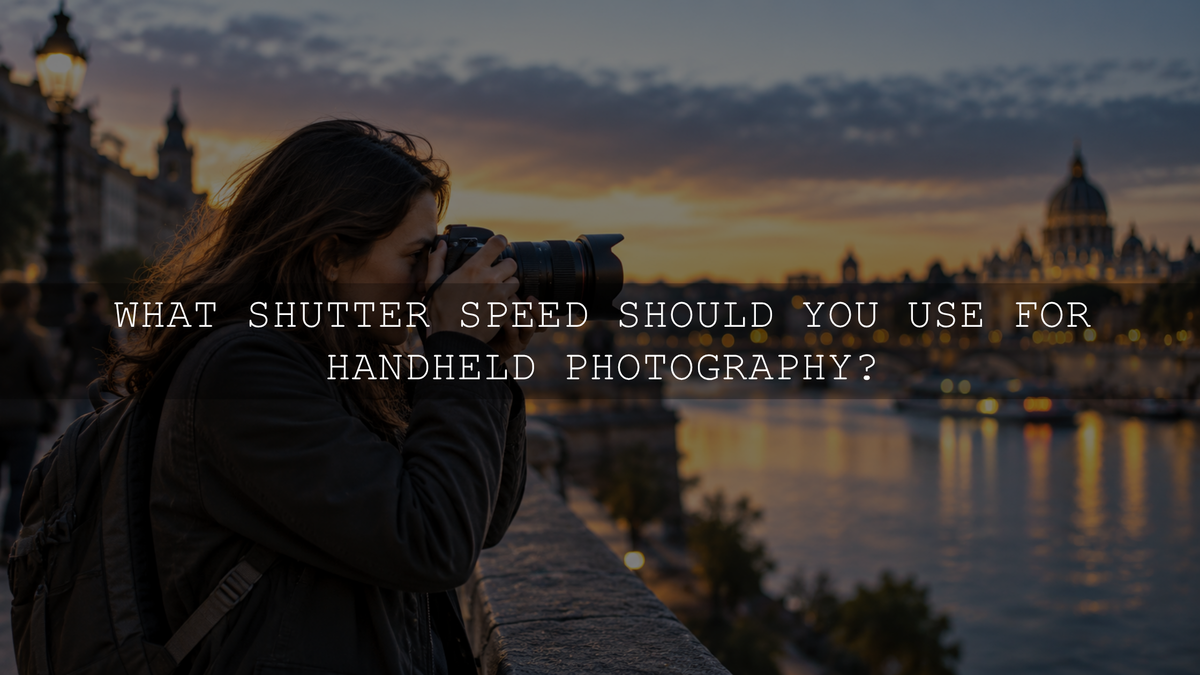
For a stationary subject, a useful starting point for handheld photography is to keep your shutter speed around the reciprocal of your focal length or faster. On a full-frame camera, a 50mm lens suggests roughly 1/50 second or faster, while a 200mm lens suggests roughly 1/200 second or faster. But this is only a starting point. Subject movement, sensor format, image stabilization, camera resolution, lens weight, shooting conditions and your own steadiness can all affect the shutter speed you actually need.
The most important distinction is this: the shutter speed required to reduce camera shake is not necessarily fast enough to freeze a moving subject. Image stabilization can help with camera movement, but it cannot stop the subject from moving during the exposure.
If you are still learning the relationship between exposure time and motion, start with our guide to what shutter speed means in photography.
Start With the Reciprocal Rule
The reciprocal rule is a traditional guideline for estimating the slowest practical handheld shutter speed for a stationary subject. On a full-frame or 35mm-format reference, start with one divided by the focal length of the lens and use that shutter speed or something faster.
- 24mm: approximately 1/25 second or faster
- 35mm: approximately 1/40 second or faster
- 50mm: approximately 1/50 or 1/60 second or faster
- 85mm: approximately 1/100 second or faster when using common shutter-speed steps
- 200mm: approximately 1/200 or 1/250 second or faster
- 400mm: approximately 1/400 or 1/500 second or faster
Longer focal lengths make small changes in camera angle more visible in the finished photograph, which is why telephoto lenses generally require faster handheld shutter speeds.
Do not treat the reciprocal rule as a guarantee. If you repeatedly see camera shake at the suggested speed, build in a safety margin. For example, instead of using 1/200 second with a 200mm lens, try 1/400 second. Review the actual photograph and adjust according to the result.
Adjust Your Starting Point for a Crop-Sensor Camera
The traditional reciprocal guideline uses the 35mm or full-frame format as its reference. With an APS-C or another crop-sensor camera, using the 35mm-equivalent focal length can provide a more conservative starting point when you want to reduce visible camera shake.
For example, a 50mm lens on a camera with a 1.5× crop factor gives a field of view comparable to approximately 75mm on full frame. Using 75mm as the reference suggests roughly 1/75 second, so selecting a nearby faster setting such as 1/80 or 1/100 second is a sensible place to begin.
This remains a guideline rather than a requirement. Your technique, stabilization, final viewing size, camera resolution, wind, shooting position and lens weight can all affect how much movement becomes visible.
Image Stabilization Can Help, but It Has Limits
In-body image stabilization and optical lens stabilization can reduce blur caused by movement of the camera. With a stationary subject, that may let you use a slower shutter speed than you could comfortably use without stabilization.
Do not assume that stabilization gives every photographer the same improvement. Its effectiveness depends on the specific camera and lens, focal length, technique, shooting position and conditions.
More importantly, stabilization does not stop the subject from moving. A stabilized camera may keep a building sharp at a relatively slow shutter speed while a person walking through the same frame becomes blurred.
When photographing people, animals, vehicles or sport, choose the shutter speed according to subject motion first. Treat stabilization as additional protection against camera movement rather than a substitute for a suitable shutter speed.
Subject Movement Can Override the Reciprocal Rule
Imagine using a 50mm lens. The reciprocal guideline may suggest approximately 1/50 second for controlling camera shake, but 1/50 second can still be too slow if the person in front of you is walking, turning quickly or moving their hands.
These values are useful starting points rather than guaranteed settings:
- Relatively still subjects: around 1/125 second can be a comfortable general starting point when light allows.
- Posed portraits: approximately 1/160 to 1/250 second can help control small body, face and hand movements.
- Walking people and street photography: approximately 1/250 to 1/500 second.
- Running children and active pets: approximately 1/500 to 1/1000 second.
- Fast sports and wildlife: approximately 1/1000 to 1/2000 second or faster when the movement requires it.
Subject speed, direction of movement, distance from the camera, focal length and the amount of blur you consider acceptable can all change these values. For a broader explanation, see how shutter speed affects a photo.
What to Do When the Light Is Too Low
Handheld photography becomes more difficult when there is not enough light to support the shutter speed you need. The solution is not automatically to make the shutter slower.
If sharpness matters, work through these options:
- Choose the shutter speed required to control camera shake and subject movement.
- Open the aperture if the lens and required depth of field allow it.
- Raise ISO when necessary to maintain the shutter speed.
- Add light when practical.
- If the subject is stationary, use stabilization, brace yourself against a solid object, or support the camera so a slower exposure becomes practical.
A photograph with some visible high-ISO noise can often be more useful than a cleaner photograph affected by unwanted motion blur. If you are unsure which exposure control to change, review how aperture, shutter speed and ISO work together.
Make Sure Shutter Speed Is Actually the Problem
Not every soft photograph was caused by a shutter speed that was too slow. Before automatically increasing it, inspect the pattern of softness and identify what actually went wrong.
Camera Shake
If stationary details across much of the frame show similar directional softness or slight smearing, camera movement during the exposure may be responsible. A faster shutter speed, better handholding technique, stabilization or physical support may help.
Subject Motion
If the environment is sharp but a walking person, animal, hand, face or another moving part is blurred, the subject probably moved during the exposure. A faster shutter speed is normally the direct solution when you want that movement frozen.
Missed Focus
If another object in front of or behind the intended subject is sharp, the problem may be focus placement rather than shutter speed. Increasing shutter speed will not correct focus that landed at the wrong distance.
Insufficient Depth of Field
If one narrow area is sharp while objects slightly closer or farther away are naturally soft, the aperture, focal length and focusing distance may have created shallow depth of field. Shutter speed alone will not solve that problem.
Use Better Handholding Technique
Your physical technique can make a noticeable difference when you are working close to your minimum handheld shutter speed.
- Keep your elbows close to your body. This creates a more stable shooting position than holding your arms away from your torso.
- Support the lens from underneath. Use your supporting hand to carry the weight of the camera and lens.
- Use the viewfinder when practical. Contact between the camera and your face can provide another point of support compared with holding the camera away from your body.
- Brace against something solid. A wall, railing, post or tree can improve stability in low light.
- Press the shutter smoothly. Avoid stabbing or jerking the shutter button while taking the photograph.
- Take a short burst near your limit. When the subject allows it, several frames can increase the chance that one was captured during a steadier moment, although burst shooting does not guarantee sharpness.
Find Your Personal Minimum Handheld Shutter Speed
The most useful handheld shutter-speed reference is eventually the one you build for your own camera, lenses, output requirements and technique.
- Choose a stationary subject containing plenty of fine detail.
- Use one focal length, such as 50mm.
- Stand normally and photograph the subject at the reciprocal-rule starting point.
- Take several frames rather than judging your technique from one photograph.
- Repeat at one shutter-speed step faster.
- Then repeat progressively slower until your percentage of sharp photographs clearly falls.
- Inspect the files at the size you actually care about, not only at extreme magnification.
- Repeat the test with important focal lengths you regularly use.
- If your equipment has stabilization, compare results with the system configured according to your camera and lens instructions.
You may discover that you can comfortably use slower speeds with a lightweight wide-angle lens but need a larger safety margin with a heavy telephoto setup. That information is more useful in the field than assuming one formula works perfectly for every photographer.
The Best Handheld Shutter Speed Depends on What Is Moving
For stationary subjects, begin with the reciprocal of the focal length and adjust your starting point for sensor format, stabilization, equipment and your own technique. If sharpness is critical, use a faster safety margin and inspect the result.
When the subject itself is moving, do not treat the reciprocal value as your final answer. Choose a shutter speed fast enough for the subject first, then balance aperture, ISO and available light around that decision.
The goal is not to find one magic handheld shutter speed. It is to understand whether camera movement, subject movement, focus or depth of field is limiting sharpness, then change the setting that actually solves the problem.
Written by Asanka — creator of AAAPresets, serving more than 10,000 customers.


Leave a comment
This site is protected by hCaptcha and the hCaptcha Privacy Policy and Terms of Service apply.