

Editing Lifestyle Family Sessions for Warm, Cozy Photos in 2026
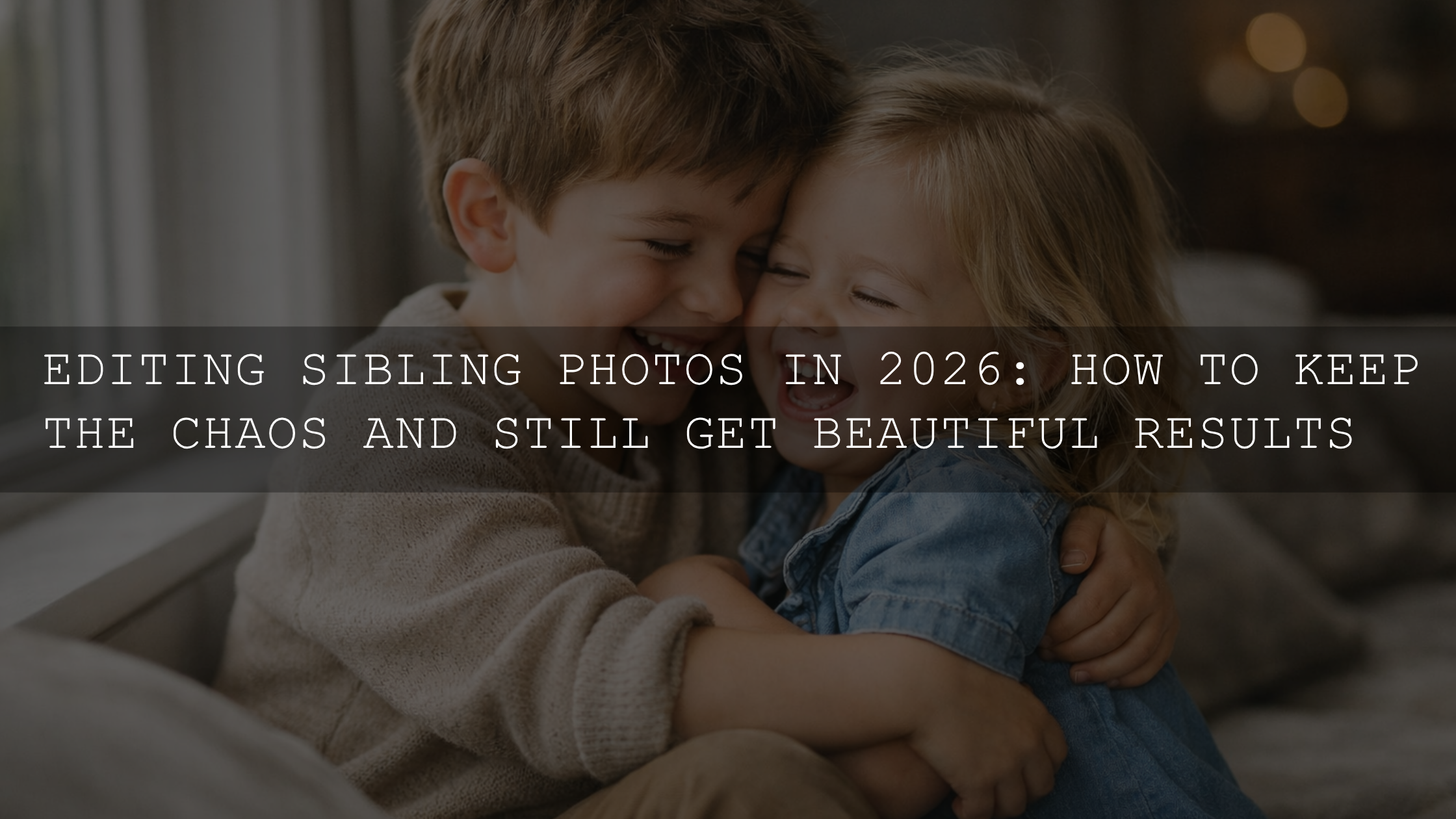
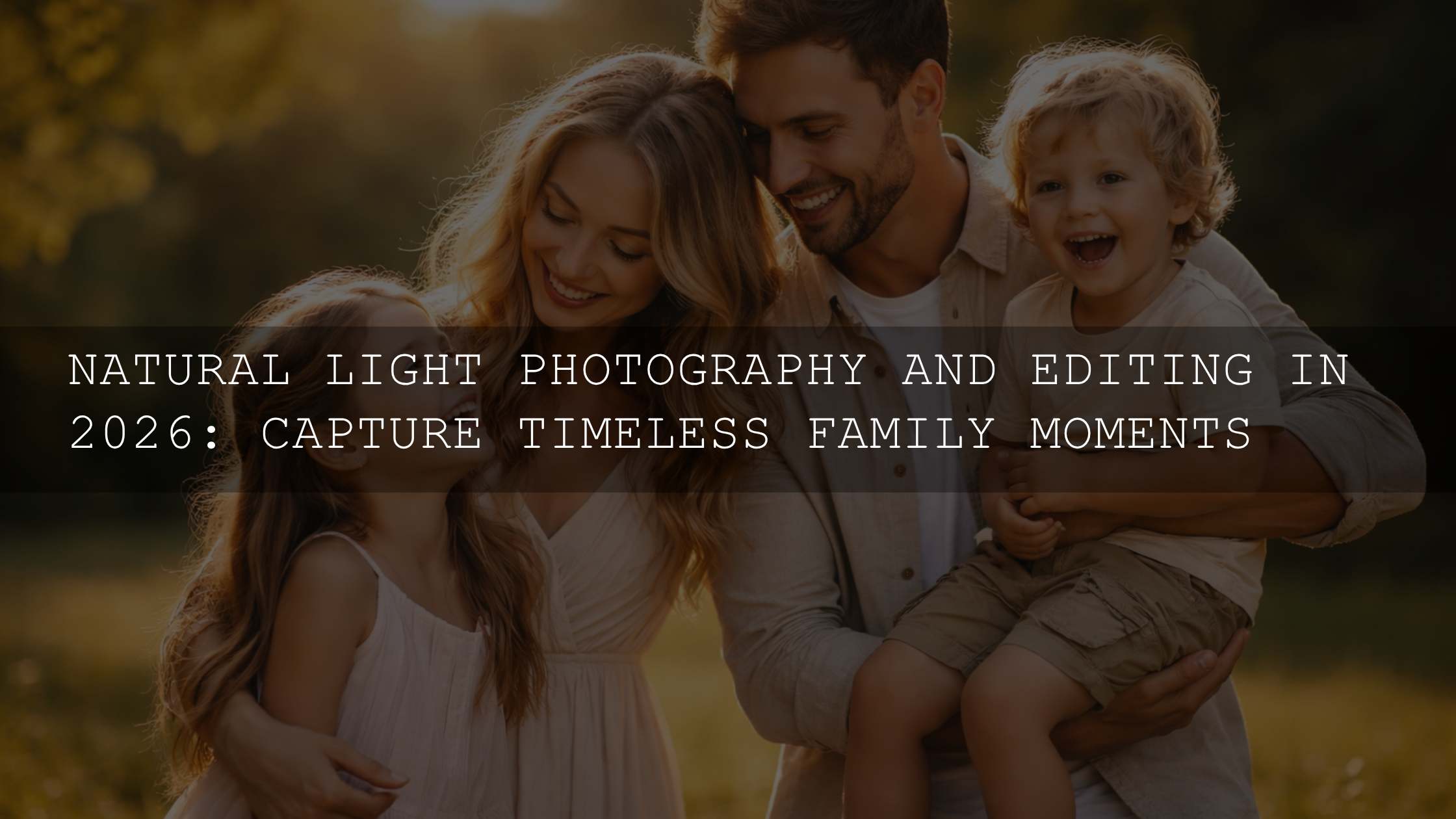
Editing lifestyle family sessions is where storytelling truly comes alive. If your goal is warm, cozy family photo editing, the magic happens after the shoot—when you shape light, color, and emotion into something unforgettable. In 2026, tools inside Adobe Lightroom and Camera Raw make it easier than ever to create images that feel like a warm hug while keeping skin tones natural and moments authentic.
I’ve personally tested these techniques on real family sessions—especially indoor window light shoots—and even small adjustments in warmth and contrast completely transformed the emotional impact of the final images. Let’s break it down step by step so you can consistently achieve that soft, inviting look.
If you want a fast starting point, explore 1000+ Master Lightroom Presets Bundle or browse the Lightroom Presets collection. These are built for real lighting situations—window light, golden hour, and mixed indoor scenes—and can help you get a polished look instantly. You can try them today with the offer Buy 3, Get 9 FREE.
Natural Light Editing Basics for Warm Family Photos
Before diving into advanced edits, everything starts with understanding how to shape natural light in post-processing.
White Balance for Warmth
Your white balance sets the entire mood. Cameras often neutralize warmth, so you’ll need to bring it back manually. Increasing the temperature slightly—usually between 6000K and 6500K—creates that soft golden tone associated with cozy family sessions.
For deeper control, check Adobe’s official explanation of white balance adjustments in Lightroom. It helps you understand how temperature and tint affect skin tones.
Tint Adjustments for Skin Tone Balance
Adding a subtle magenta tint can enhance warmth in skin tones, especially for children and indoor portraits. If skin looks too pink, balance it with a slight green shift. This fine-tuning step is small—but it makes a huge difference.
Simulating Golden Hour
Didn’t shoot at sunset? No problem. Use radial filters or gradients to add a soft warm glow. Apply a gentle orange tone from one side of the frame to mimic directional sunlight.
Building a Cozy Color Palette with HSL
Color is where your images truly start to feel warm and emotional.
Enhancing Warm Colors
- Increase saturation slightly in oranges and yellows
- Lift luminance for a soft glowing effect
- Keep adjustments subtle to avoid artificial tones
Controlling Cool Tones
Blues and cyans can make images feel cold. Reduce their saturation slightly or shift hues toward green to soften the look. This keeps attention on your subjects and maintains warmth.
Using Color Harmony
For consistent results, study Adobe Color harmony rules. Warm palettes like analogous (yellow-orange-red) work beautifully for family photography.
Presets vs Manual Editing for Family Photography
Let’s break this down honestly:
- Presets: Fast, consistent, perfect for high-volume editing
- Manual Editing: More control, ideal for tricky lighting
In my workflow, I combine both. I start with a preset and then fine-tune exposure, skin tones, and contrast. This saves time while keeping results professional.
For example, I tested a preset on a family indoor shoot with mixed lighting. It instantly corrected color balance, and with a few manual tweaks, the final image looked natural and cinematic.
Adding Depth with Contrast and Exposure
Cozy images aren’t flat—they have depth.
- Use a gentle S-curve for soft contrast
- Lift shadows slightly to reveal detail
- Reduce highlights to preserve soft light
For advanced tone adjustments, Adobe explains this well in Lightroom tone curve controls.
Texture and Detail for a Real Feel
Cozy photos should feel tangible—like you can touch the scene.
- Increase texture slightly for fabrics and hair
- Use clarity sparingly to avoid harshness
- Apply sharpening only on key areas like eyes
Adding a subtle grain can also enhance the emotional feel, especially for storytelling-style sessions.
Atmosphere with Vignettes and Gradients
Soft Vignette
A gentle vignette helps focus attention on the family. Keep it subtle—just enough to guide the viewer’s eye.
Warm Gradients
Add a soft warm gradient from one side to simulate sunlight or window light. This works especially well for indoor sessions.
Perfecting Skin Tones
This is the most important step. No matter how warm your image is, skin must look natural.
- Avoid overly orange tones
- Use selective adjustments for skin areas
- Keep tones soft and slightly peachy
For deeper control, Adobe’s guide to masking in Lightroom is extremely helpful when editing specific areas like skin.
Creative Color Grading for a Cozy Look
Color grading ties everything together.
- Add warm highlights (gold/orange)
- Keep shadows slightly warm or neutral
- Maintain consistency across your gallery
If you want inspiration, you can also explore related techniques in editing mixed lighting indoor photos or learn how to handle different lighting scenarios in sun vs cloudy preset adjustments.
Step-by-Step Cozy Editing Workflow
- Adjust white balance and tint
- Fix exposure and contrast
- Enhance warm colors in HSL
- Control cool tones
- Add texture and subtle clarity
- Apply vignette and gradients
- Fine-tune skin tones
- Finish with color grading
You can also explore deeper troubleshooting tips in low-light preset editing guide and fix common color issues like in removing blue tones from presets.
Final Thoughts on Creating Warm Family Photos
Warm, cozy family photo editing is about emotion, not just technique. Every adjustment—color, light, texture—should support the feeling of connection.
When I edit lifestyle sessions, I always ask one question: does this image feel like a memory? If the answer is yes, the edit is done.
To speed up your workflow while maintaining quality, try the 1000+ Master Lightroom Presets Bundle and explore the full Lightroom Presets collection. These are designed for real-world lighting and help you achieve consistent results faster—Buy 3, Get 9 FREE.
Frequently Asked Questions
What is the best white balance for warm family photos?
A temperature between 6000K and 6500K is a great starting point, but always adjust based on the scene and skin tones.
Can I achieve cozy edits without presets?
Yes, but presets speed up the process and provide a consistent base for editing.
How do I keep skin tones natural while warming images?
Use selective adjustments or masking to control warmth only in non-skin areas if needed.
Why do my photos look too orange?
This usually happens from excessive temperature or saturation. Reduce orange saturation and adjust tint for balance.
What tools are best for family photo editing?
Adobe Lightroom and Photoshop (Camera Raw) are the most widely used tools for professional editing.
Written by Asanka — creator of AAAPresets (10,000+ customers).

Leave a comment
This site is protected by hCaptcha and the hCaptcha Privacy Policy and Terms of Service apply.