
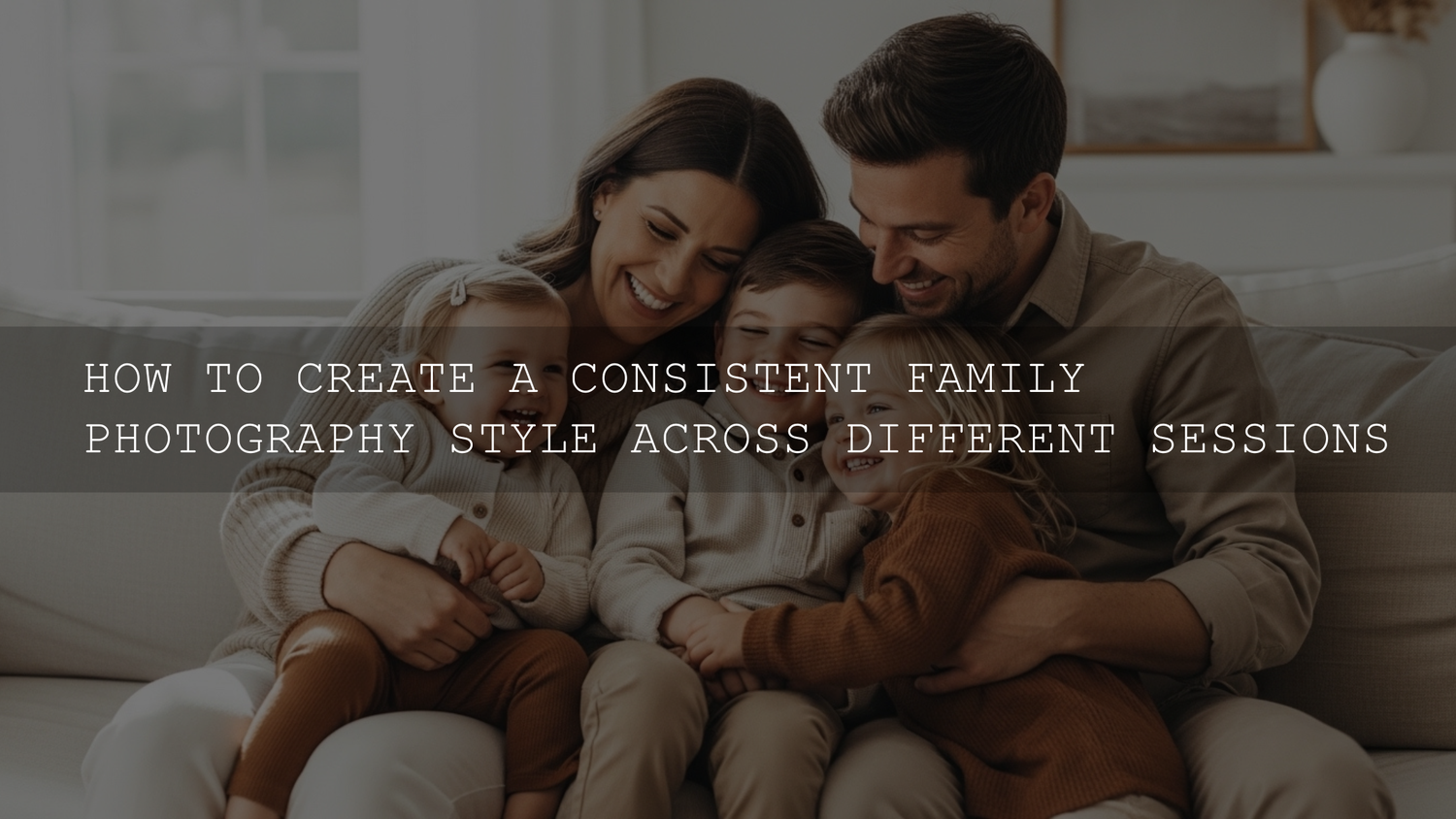
How to Create a Consistent Family Photography Style That Looks Timeless
Creating a consistent family photography style is one of the simplest ways to make your photo albums feel polished, emotional, and timeless. When your images share a similar mood, color palette, and editing approach, every photo session feels like part of a larger visual story instead of random snapshots from different years.
In my experience editing thousands of family sessions and testing Lightroom presets on lifestyle portraits, the biggest difference between “good photos” and a cohesive photo collection is consistency. The same lighting approach, editing style, and color palette can transform scattered images into a beautiful visual timeline.
If you're editing your own images or working with photographers, the easiest way to start is by building a consistent editing foundation. Many photographers begin with preset systems to keep their style unified across sessions. If you want a quick starting point, you can explore the 1000+ Master Lightroom Presets Bundle or browse the full Lightroom Presets collection to maintain a consistent color grade across your family albums. When you add multiple presets to your library, you can also Buy 3, Get 9 FREE, which many photographers use to build a complete editing workflow.
Why a Consistent Family Photography Style Matters
A consistent visual style makes your photos feel intentional and emotionally connected. Instead of a mix of random edits and lighting styles, your images flow together naturally.
- Cohesive photo albums: Every page feels like part of the same story.
- Better wall galleries: Photos displayed together look balanced and professional.
- A recognizable family aesthetic: Over time, your photos develop a unique visual identity.
- Easier planning for future shoots: You already know what works.
- Timeless memories: Consistent color and lighting prevent photos from feeling trendy or outdated.
If you edit photos regularly, Adobe also provides helpful resources explaining professional workflows like masking and tone adjustments. Their Adobe guide to masking in Lightroom explains how photographers refine exposure and color while keeping edits natural.
Define Your Family Photography Vibe
The first step toward consistent photos is defining your family’s visual identity.
Before the next photo session, ask yourself a few questions:
- What emotions should your photos capture? (cozy, joyful, adventurous)
- Do you prefer bright and airy images or moody cinematic tones?
- Are your favorite photos candid moments or classic portraits?
- Do you prefer natural environments like parks and beaches or indoor lifestyle photos?
Creating a simple inspiration board can help clarify your direction. Platforms like Pinterest work well, but even saving a folder of photos you love can reveal patterns in lighting, color grading, and composition.
Key Elements That Create a Consistent Photography Style
1. Lighting Style
Lighting has the biggest impact on the mood of a photo.
For family photography, the most consistent lighting styles usually fall into two categories:
- Soft natural light – bright, airy, and clean
- Golden hour light – warm, cinematic, and emotional
I tested this approach during a lifestyle family shoot in soft evening light, and the results were noticeably more consistent across every image. Even before editing, the color and mood matched naturally.
Midday sun tends to produce harsh shadows, which can make editing harder and less consistent. Scheduling sessions around sunrise or sunset usually produces the most flattering light.
2. Consistent Color Palette
Wardrobe choices affect the entire look of a family session.
Instead of matching outfits exactly, aim for coordinated colors that complement each other.
- Earth tones (beige, olive, rust)
- Soft neutrals (cream, gray, white)
- Muted blues and greens
- Pastel tones for spring sessions
Avoid overly busy patterns or neon colors. Timeless color combinations tend to age better in photo albums.
If you want a simple editing workflow that keeps skin tones natural across different lighting environments, many photographers use preset systems like the AI-Optimized Portrait Lightroom Presets, which are designed specifically for portrait and family photography.
3. Consistent Locations
You don’t need to photograph your family in the same place every year, but choosing locations with a similar aesthetic helps maintain visual consistency.
- Nature parks and forests
- Beach sessions
- Urban city locations
- Indoor lifestyle home sessions
For example, families who prefer natural earthy environments often rotate between forests, fields, and lakesides while maintaining the same color palette and lighting style.
If you enjoy editing outdoor sessions like these, you might also find inspiration in guides like editing family photos in natural light and editing lifestyle family sessions for warm tones.
4. Posing and Emotion
Posing style determines how natural or structured your photos look.
Most family photography styles fall into three categories:
- Candid storytelling – real moments, laughter, movement
- Guided lifestyle posing – gentle direction with natural interaction
- Classic portraits – more structured and formal
Many photographers prefer guided lifestyle posing because it balances authenticity with flattering composition.
For example, simple prompts like:
- Walk together holding hands
- Whisper something funny
- Lift a child into the air
create natural interactions while still producing visually balanced photos.
5. Editing Style (The Final Consistency Layer)
Editing is where consistency truly comes together.
The most common family photography editing styles include:
- Bright and airy
- Warm cinematic
- Film-inspired tones
- Soft pastel lifestyle edits
Many photographers rely on preset systems to ensure their entire portfolio maintains the same look. Adobe’s official Lightroom editing overview explains how photographers build consistent workflows using color grading, tone curves, and presets.
If you're editing large photo collections, having a preset library can speed up your workflow significantly. The 1000+ Master Lightroom Presets Bundle is commonly used by photographers who need consistent color grading across weddings, portraits, and family sessions.
Presets vs Manual Editing for Family Photography
Preset Workflow
- Fast editing for large photo sets
- Consistent color grading
- Great starting point for beginners
- Easy batch editing
Manual Editing
- Full control over every adjustment
- More time-consuming
- Requires deeper Lightroom knowledge
- Better for advanced retouching
Most professional photographers actually combine both approaches. A preset establishes the base look, then small manual tweaks adjust exposure, skin tones, and contrast.
Practical Tips for Keeping Your Style Consistent
- Create a visual style guide: Write down your preferred lighting, color palette, and editing approach.
- Use similar editing presets each session: This keeps color grading consistent.
- Work with the same photographer when possible.
- Plan outfits carefully before each session.
- Review past photos before scheduling new shoots.
I’ve noticed that families who follow these simple steps end up with albums that feel almost cinematic when viewed together.
If you want to build a consistent editing system quickly, many photographers start by browsing the full Lightroom Presets collection and testing styles that match their aesthetic. Once you find your look, you can apply it across all your sessions.
Building a Family Photo Legacy
At its core, creating a consistent family photography style isn’t about perfection — it’s about storytelling.
When lighting, colors, locations, and editing styles work together, your photos begin to feel like chapters of the same story. Years later, those albums become more than pictures. They become a visual timeline of your family’s growth.
If you're building your editing workflow now, consider starting with a reliable preset system like the 1000+ Master Lightroom Presets Bundle or explore different styles in the Lightroom Presets collection. Many photographers use them to maintain consistent color across family sessions, weddings, and portrait photography — and remember, you can Buy 3, Get 9 FREE when building your preset library.
Frequently Asked Questions
How do photographers keep colors consistent across multiple family sessions?
Most photographers rely on preset systems or saved editing settings in Lightroom. These create a base color grade that can be applied to every image before making small adjustments.
What lighting works best for consistent family photos?
Soft natural light during golden hour usually produces the most consistent and flattering results because shadows are softer and colors appear warmer.
Should family members wear matching outfits?
Matching outfits can look unnatural. Coordinated colors within the same palette usually produce more visually balanced photos.
Can Lightroom presets work for different lighting conditions?
Yes. Most presets act as a starting point, and photographers adjust exposure, white balance, and skin tones to match each photo.
Do professional photographers always use presets?
Many professionals use presets as a foundation for consistency and speed, then refine the image manually using Lightroom tools.
Written by Asanka — creator of AAAPresets (10,000+ customers).


Leave a comment
This site is protected by hCaptcha and the hCaptcha Privacy Policy and Terms of Service apply.