
Lightroom Workflow Academy for Photo Editors | AAAPresets
Get access to our latest news by signing up for our newsletter.
- All posts
- .CUBE LUTs
- 100+ Photos
- 2026
- Adjustments
- AI-Assisted
- AI-Assisted Culling
- Backgrounds
- Backlit Photography
- Balance Warm
- Basic Color Correction
- Batch Edit Photos
- Beauty Product
- Before Editing
- Beginner Lightroom Editing
- Best Photos
- Best Photos Before Editing
- Blown Highlights
- Bold Edits
- Bold Fitness & Sports
- Bold Fitness & Sports Photo Editing
- Brand Identity
- Bright Real Estate
- Bright Real Estate Photo Editing
- Brighten Faces
- Cinematic Color
- Cinematic Editing
- Cinematic LUTs
- Clarity
- Clarity Photography
- Clean Lightroom
- Clean Professional Images
- Color Grading
- Color-Accurate
- Comparing Presets
- Complete Lightroom Mobile Editing
- Comprehensive
- Contrast
- Control
- Control Light
- Cool Colors
- Creative
- Creative Control
- Creative Launchpad
- Creative Vision
- Crucial Ste
- Crushing Shadows
- Culling
- Culling Workflow
- Daily Content Creation
- DaVinci Resolve LUT
- Different Lighting
- Distracting
- Distracting Backgrounds
- Drone Photo Editing
- E-Commerce
- E-commerce Image
- Edit Flat Photos
- Editing Checklist
- Editing Style
- Editing Workflow
- Engagement Photos
- Export Settings
- Exposure
- Fashion Editing
- Faster Batch Editing
- Faster Creator Workflow
- Faster Editing
- Faster Lightroom Workflow
- Faster Photo Editing
- Fitness & Sports Photo Editing
- Fix
- Fix Exposure
- Fix Flat Photos
- Fix Skin Tones
- Flat Footage
- Folder System
- Food Photography
- Harsh
- HSL
- Image Export Settings
- Import LUTs
- In-Depth
- In-Depth Food Photography
- Indoor Photography
- Indoor Photos
- Influencer Editing
- Instagram and Pinterest
- Instagram Editing
- Instagram Photo
- JPEG
- JPEG Editing Workflow
- Landscape Editing
- Light Photos
- Lightroom
- Lightroom Culling Workflow
- Lightroom Editing
- Lightroom Editing Workflow
- Lightroom Export
- Lightroom Magic
- Lightroom Mobile
- Lightroom Mobile Editing
- Lightroom Presets
- Lightroom Tips
- Lightroom Workflow
- Linear Gradient
- Local
- Local Adjustments
- LUT
- LUT Trap
- LUTs
- LUTs Guide
- Luxury Fashion
- Match Lightroom
- Mirror Selfie
- Mobile
- Mobile and Desktop
- Mobile and Desktop Editing
- Mobile and Desktop Editing Workflow
- Mobile Editing
- Mobile Photo Editing
- Mobile Presets
- Mobile-Only Editing
- Movie
- Multiple Photos
- Natural
- Natural Editing
- Natural Edits
- Natural Image
- Natural Image Sharpness
- Natural Skin
- Nature Photos
- Neon Greens
- Newborn & Family Photo Editing
- Orange Skin Tones
- Over-Sharpening
- Overexposing
- Oversaturation
- Personal Brand
- Phone
- Photo Analysis
- Photo Editing
- Photo Editing Style
- Photo Selection Workflow
- Photo Workflow
- Photographic
- Photography Style
- Pop
- Portrait Glow
- Portraits
- Pre-Editing
- Pre-Preset Editing
- Precision
- Premiere
- Premiere Pro LUTs
- Preset Comparison
- Preset Editing
- Preset Pack
- Preset Workflow
- Presets
- Pro LUT
- Product Editing
- Product Photography
- Quality Drops
- RAW Photo
- RAW Photo Organization
- Real Estate
- Real Estate Photo Editing
- Realistic
- Realistic Portraits
- Recover Shadow Detail
- Reduce Noise
- Reels Cover Photos
- Reference Images
- Reference Images Guide
- Rich Blacks
- Separate Sky Adjustments
- Sharp
- Sharp Detail
- Sharpness
- Shopify
- Short-Form Content
- Signature Editing Style
- Signature Look
- Skin Tones
- Skincare Photos
- Sky Adjustments
- Soft Edits
- Street
- Street Fashion
- Street Photography
- Stunning
- Stunning Photo Edits
- Sunlight Photos
- Superpowers
- Texture Photography
- Time Editing
- Tone Curve
- Transforming Flat Photos
- Travel Photo Editing
- Travel Photos
- Ultimate Photo Selection Workflow
- Uneven
- Uneven Lighting
- Unique Photographic Voice
- Urban
- Urban Photography
- Urban Street Photography
- Use LUTs
- Use Presets
- Visual Consistency
- Wasting
- Wasting Time Editing
- Weak Photos
- Wedding
- Wedding Editing
- Wedding Photographers
- Wedding Photography
- Wedding Photos
- Wedding Presets
- Workflow
- Yellow Light
- Yellow Light Indoor Photography
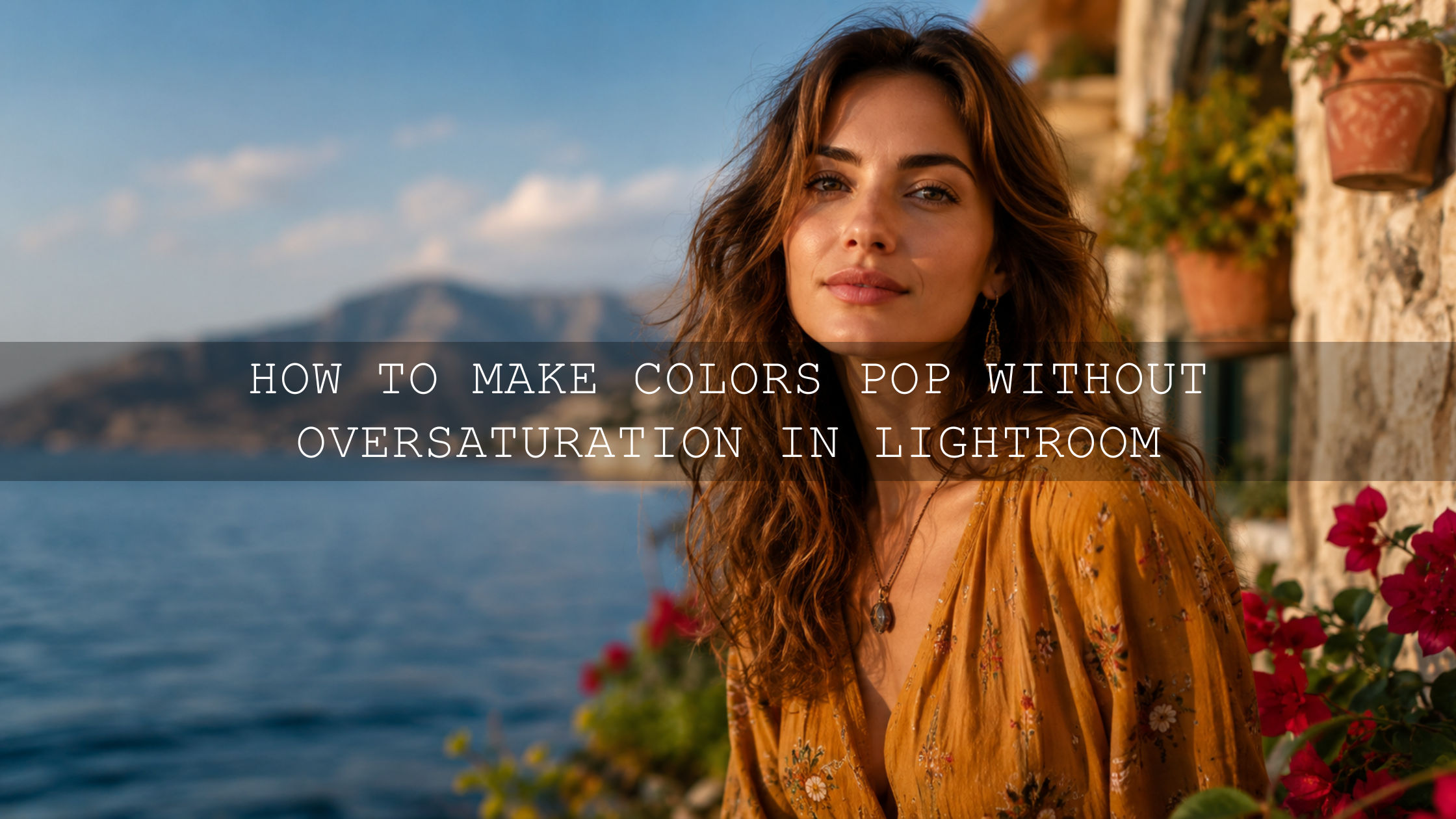
Oversaturation
Unlock the Magic: How to Make Colors Pop Without Oversaturation in 2026
Learn how to make colors pop in Lightroom without oversaturation. This guide shows how to use contrast, vibrance, HSL, luminance, and masking to create vibrant, natural, professional-looki...
10,000+ Happy Customers
Join a growing community of over 10,000 satisfied creators who trust our products to elevate their edits.
500,000+ Downloads
Our products have been downloaded over 500,000 times on Envato Elements, FilterGrade, Creative Market, and our website.
24/7 Customer Support
We’re here whenever you need us! Our support team is available around the clock to assist you.